
Fullsee: Web Demo Debugger
Full-screen & offline previews
Designed for iPhone, iPod touch
Free
- Age rating17+
- CategoryDeveloper Tools
- DeveloperYang Zhang
- LanguagesEnglish+ 2 more
- Size30.4 MB
Links to the official App Store page
Download.org hosts no file of Fullsee: Web Demo Debugger. The button opens its official App Store page, published by Yang Zhang. Listing last checked on Nov 12, 2026.
Screenshots
About
How does your Web Demo feel on a real phone?
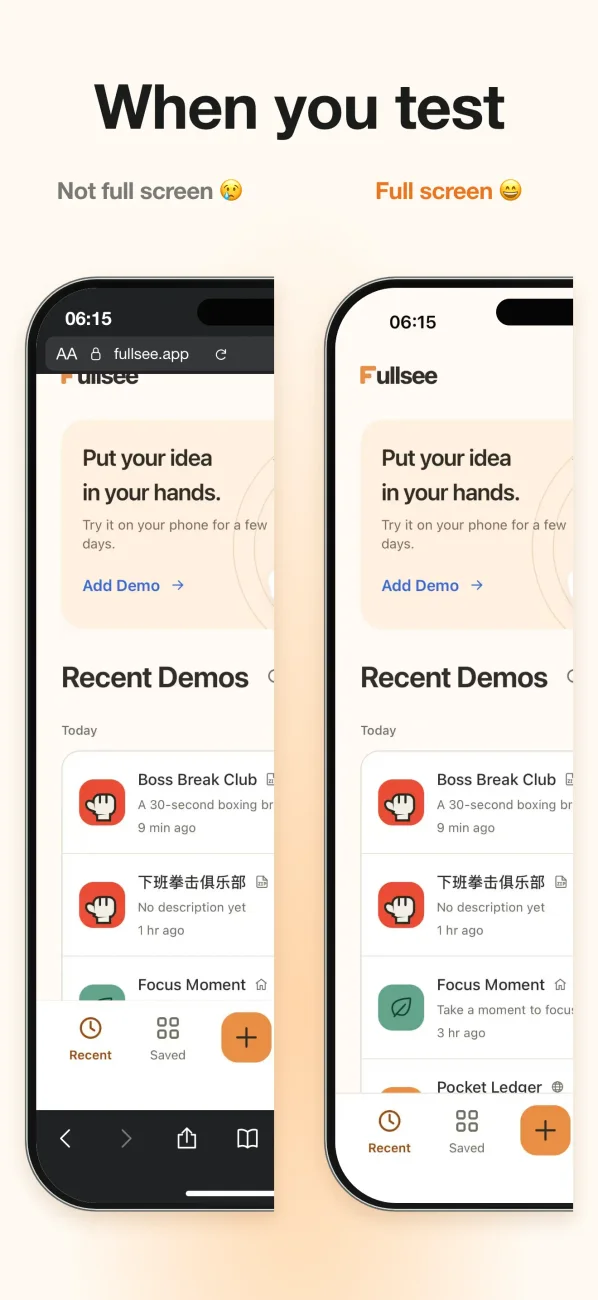
Fullsee brings your frontend projects to your phone for full-screen testing and debugging. Build with AI or write the code yourself, then check layouts, touch interactions, and portrait and landscape views. Free to use. No Fullsee account required.
Open a link. Start testing.
Scan a QR code or paste a public URL or a development link on the same local network. Get a full-screen preview without repeatedly adding websites to your Home Screen.
Save a frontend zip. Take it with you.
Import a zip from Files, another App, or a download link. Single HTML files work too. Import ready-to-run static pages and their assets to demo your work without leaving your computer running.
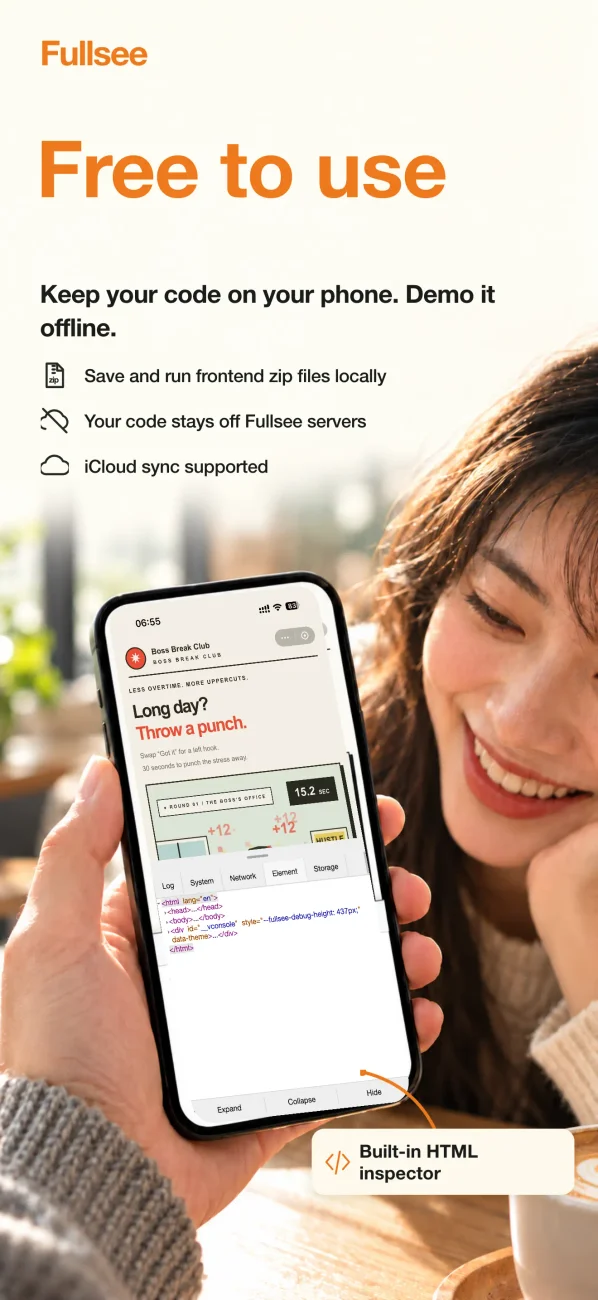
Debug while you use it.
Check Console logs, network requests, and HTML elements in the built-in inspector. Inspect your Demo as you use it to help track down problems.
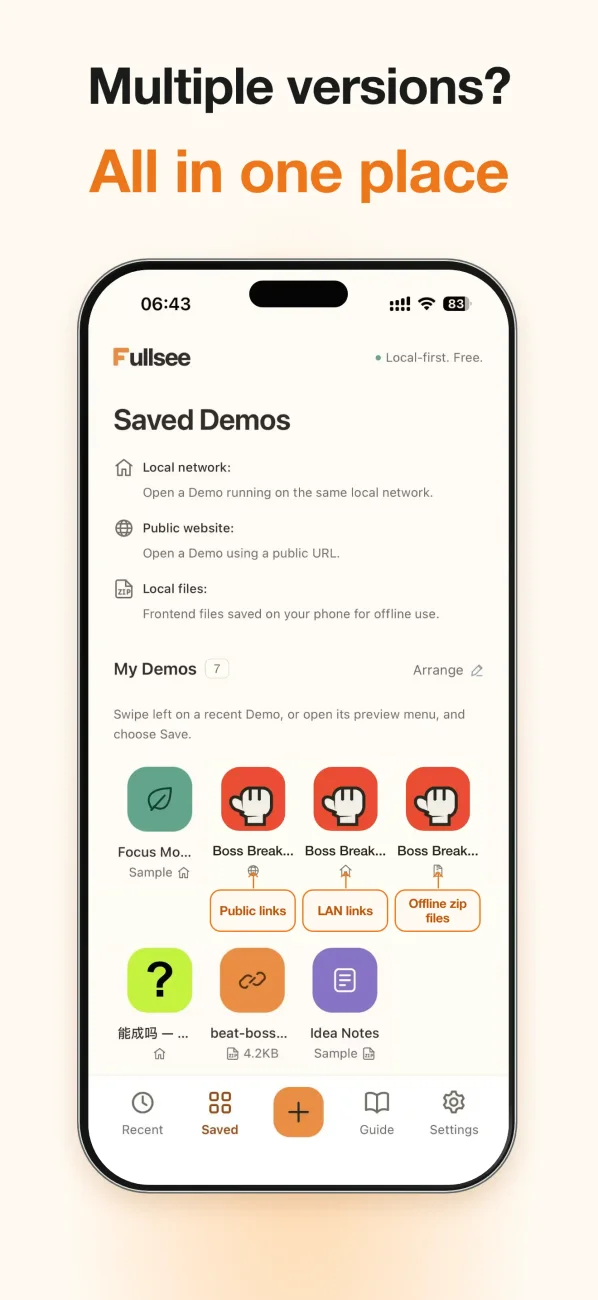
Keep links and local projects together.
Manage public links, local network links, and saved files in one place. Pick up a recent preview or save a Demo for quick access.
Local first, with optional iCloud sync.
Imported Demos stay on your phone. Fullsee does not upload your code to its servers. Turn on iCloud to sync recent previews, saved Demos, and local projects across devices using the same Apple Account.
iCloud requires a connection and available storage. Offline use requires a self-contained static frontend. Build or export source projects to static files before importing. External resources and online APIs still need a connection; Fullsee does not run backend services.
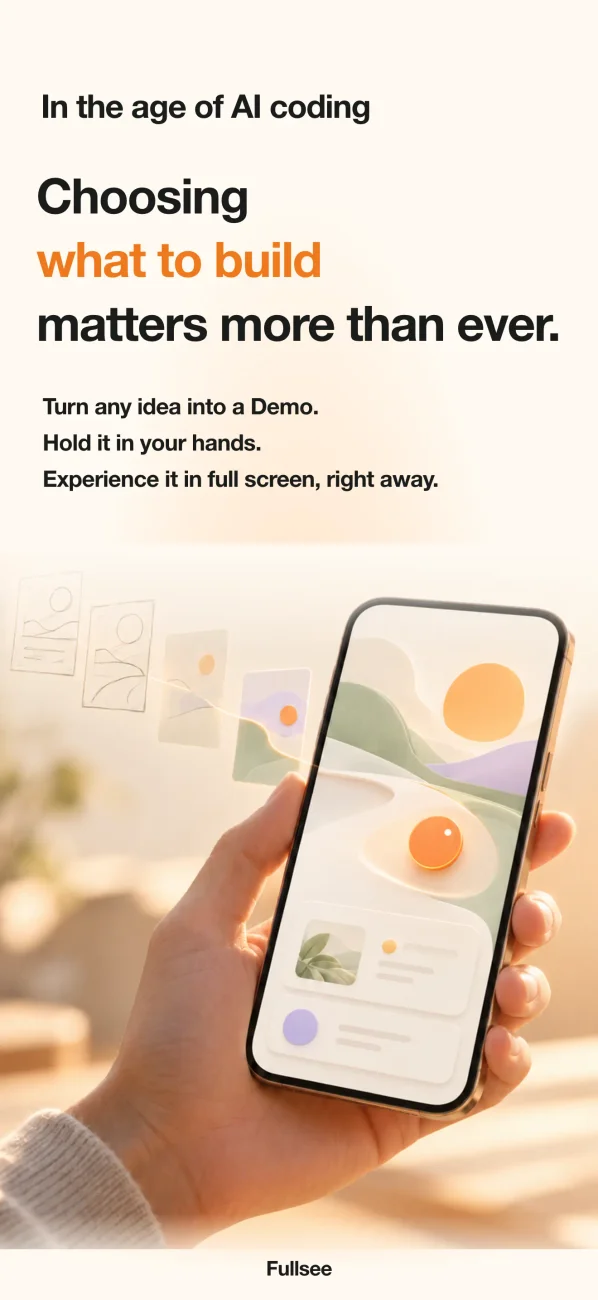
In the age of AI coding, choosing what to build matters more than ever. Put an idea in your hands. Use it for a few days. Decide what is worth building next.
What’s new
Version 0.2.27 · Nov 2, 2026
Import zip files from the clipboard, including files copied on a compatible Apple device.
Fixed an issue where the debug console could open at the wrong height.
Demos without a site icon now get a name-based icon label that you can customize.
App privacy
What Yang Zhang declares on the App Store about how this app handles data.
-
Data not linked to you
May be collected but is not linked to your identity.
- Location
- Usage data
Privacy practices may vary, for example with the features you use or your age.
Information
- Seller
- Yang Zhang
- Category
- Developer Tools
- Version
- 0.2.27
- Updated
- Nov 2, 2026
- Released
- Nov 2, 2026
- Size
- 30.4 MB
- Requires
- iOS 15.0 or later
- Age rating
- 17+
- Price
- Free
- Languages
- English, Japanese, Simplified Chinese
- Copyright
- © 2026 Yang Zhang
You might also like
-
 CSV GuruMobile CSV File Management
-
 口袋工坊-让创意实现更简单-todo-记账-日记Developer Tools
-
 Simple JavaScriptJavaScript Editor / Runtime
-
 HTML & Markdown ViewerOpen AI-generated HTML files
-
 Code IDE: Python Java C++ HtmlAI Code Editor & Compiler
-
 Pythona - Python 3 IDEPython Code Editor & AI Agent
-
 Python Code Editor & IDEPython 3 Compiler: Run & Learn
-
 HTML Editor®Code & live preview web pages
-
 HTML Runner: Live PreviewRun HTML,CSS,JS Projects
-
 Easy CSV Editor MobileElegant & powerful CSV editor