Simple Preset Keyboard
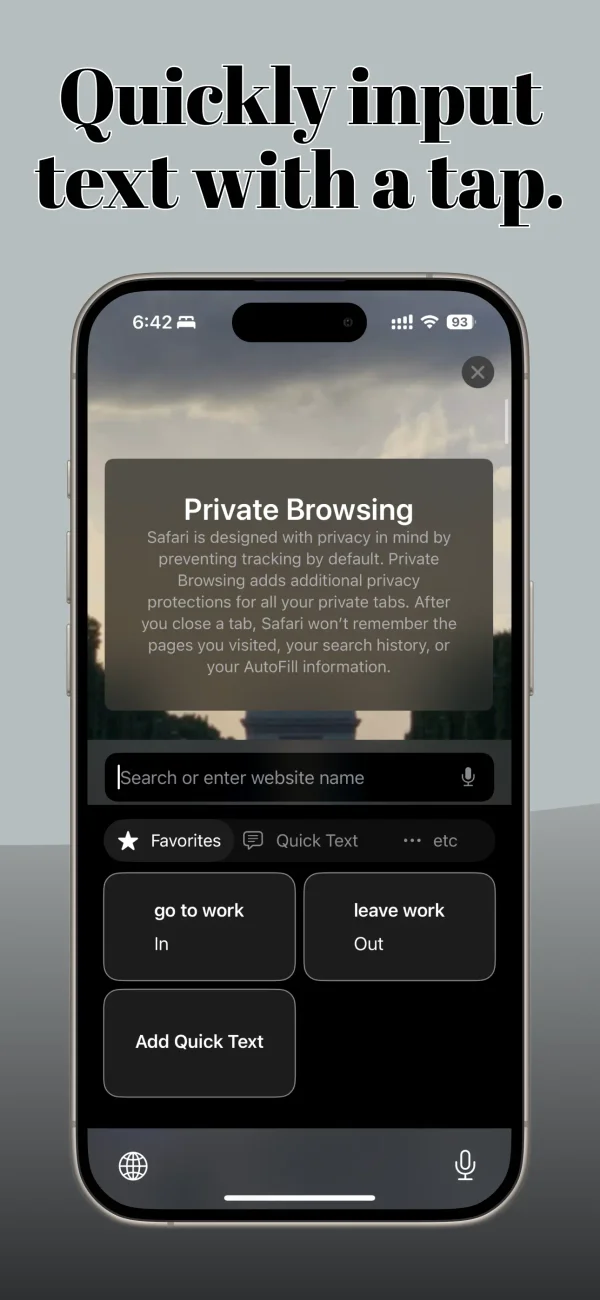
Quickly input text with a tap
Designed for iPhone, iPad
Free · In-app purchases
- Age rating4+
- CategoryUtilities
- DeveloperDuyo Son
- LanguagesEnglish+ 2 more
- Size71.9 MB
Links to the official App Store page
Download.org hosts no file of Simple Preset Keyboard. The button opens its official App Store page, published by Duyo Son. Listing last checked on Nov 25, 2026.
Screenshots

About
Save once. Fill in the details. Insert your reply.
From customer messages to appointment confirmations, Simple Preset Keyboard keeps your frequently used phrases ready on your iPhone keyboard.
Tap to insert a saved phrase, or create a smart preset for messages where names, dates and other details change.
KEY FEATURES
Smart Preset Builder
Write your message and add fields wherever you need them. Tap to add a field or drag it into position. Move, duplicate or delete fields, with undo and redo support.
Fill In and Insert
Choose a smart preset to fill in its fields inside the keyboard. See your message update in the preview, then insert the completed text in one action. Field values are not saved back to the preset.
One-Tap Replies
Presets without fields still insert immediately with a tap.
In-App Search & Favorites
Search your saved phrases in the app and mark frequently used messages as favorites.
Clipboard History
Reuse recently copied text from your keyboard. Clipboard saving is optional and can be turned off in settings.
English, Korean & Japanese
Use the app’s existing keyboards while filling in smart presets. For Japanese, choose QWERTY romaji or 12-key flick input in settings. Offline kanji conversion uses an on-device dictionary.
Make the Keyboard Yours
Adjust keyboard height and turn typing sounds and haptics on or off. Enjoy light and dark appearances, character previews, optional Japanese and emoji keyboards, and a customizable keyboard order.
iCloud Sync
Synchronize saved presets through iCloud when available.
PERFECT FOR
• Customer service and business replies
• Messages with changing names or appointment dates
• Order and shipping updates
• Email greetings and signatures
• Addresses and frequently used information
• Everyday conversations and quick responses
FREE & PRO
Start free with up to 5 saved presets and 3 visible clipboard history items.
The yearly Pro subscription unlocks:
• Up to 250 saved presets
• Up to 100 visible clipboard history items
• Additional preset tabs
Storage and display limits apply within the available storage capacity.
Pro is an auto-renewing annual subscription. The applicable price is displayed before purchase. Manage or cancel your subscription through your Apple Account settings.
GET STARTED
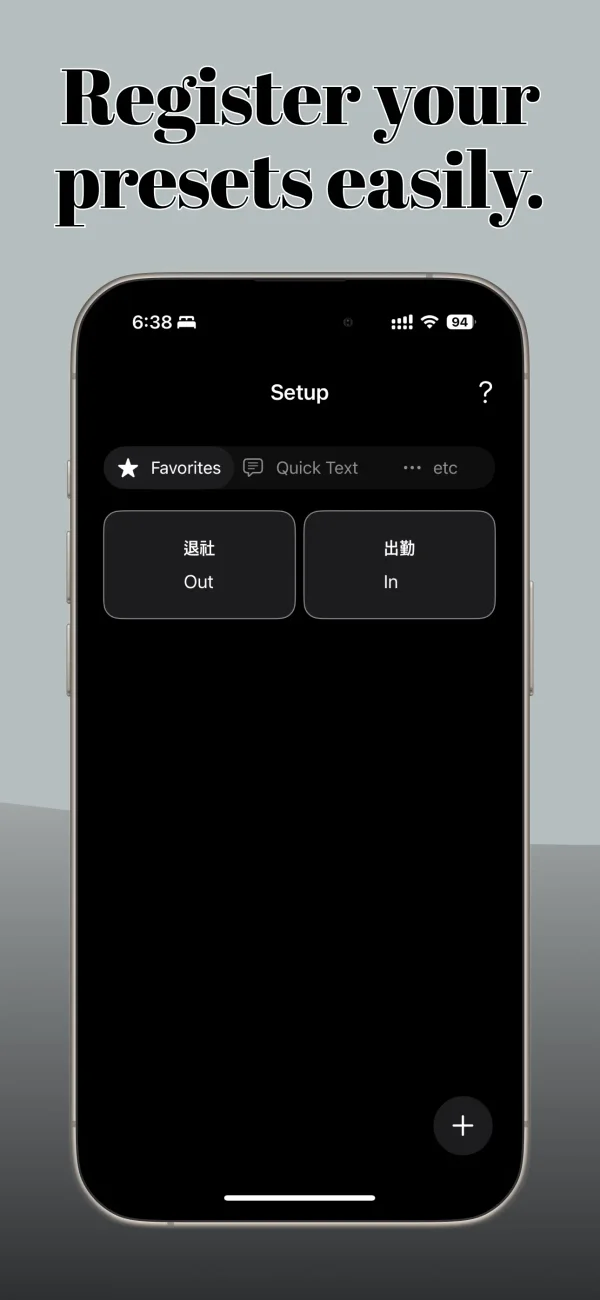
1. Save a frequently used phrase in the app.
2. Add fields wherever details need to change.
3. Add Simple Preset Keyboard in iPhone Settings.
4. Switch to the keyboard in a supported app and choose a preset.
5. For a smart preset, fill in the fields and insert your completed message.
Some clipboard features require Full Access permission. The app does not automatically capture everything copied across iOS while running in the background.
Less repetition. Easier replies.
What’s new
Version 1.8 · Nov 25, 2026
On iPad, tap the new Hide Keyboard button at the right end of the tab bar to dismiss the keyboard.
App privacy
What Duyo Son declares on the App Store about how this app handles data.
-
Data not collected
The developer does not collect any data from this app.
Privacy practices may vary, for example with the features you use or your age.
Information
- Seller
- Duyo Son
- Category
- Utilities
- Version
- 1.8
- Updated
- Nov 25, 2026
- Released
- Sep 10, 2024
- Size
- 71.9 MB
- Requires
- iOS 17.0 or later
- Age rating
- 4+
- Price
- Free
- In-app purchases
- Yes
- Languages
- English, Japanese, Korean
- Copyright
- © 2026 AEOGAE
You might also like
-
 KeyboardNoteCustom keyboard build tracker
-
 Copy Paste ClipBoard ManagerHistory, Keyboard & Snippets
-
 AEI Keyboard Note SpanishOriginal Keyboard
-
 AI Keyboard Assistant RoSmart AI Text Enhancer
-
 MeowMemo - Cat Food & JournalLitter, Vet, Vaccines & Weight
-
 MeBoard: Glide & HapticsThe most configurable keyboard
-
 TypeMoji: Kaomoji KeyboardCute ASCII Art & Emoticons
-
 Romanized Sindhi KeyboardUtilities
-
 Mobile TouchpadTurn your phone into a mouse
-
 ARC Type KeyboardUltimate Productivity Tool