
Simple Server: HTTP Server
Share Files over Web Server
Designed for iPhone, iPad, iPod touch
$3.99
- Age rating4+
- CategoryDeveloper Tools
- DeveloperBitsbaker LLC.
- LanguagesEnglish
- Size14.8 MB
Links to the official App Store page
Download.org hosts no file of Simple Server: HTTP Server. The button opens its official App Store page, published by Bitsbaker LLC. Listing last checked on Nov 7, 2026.
Screenshots
About
Simple Server is a small web server in your pocket.
- Share your folders/files from your iPhone/iPad to other devices in the same local network.
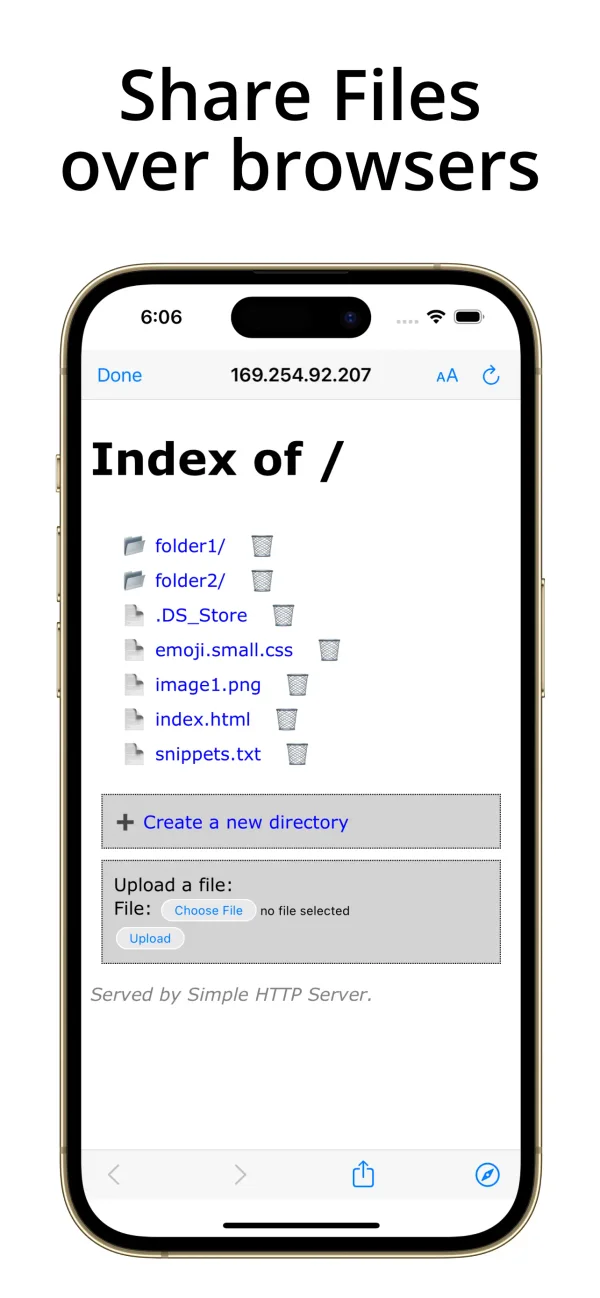
- Browse your shared folders and files via browsers easily.
- Manage your folders/files on your iPhone/iPad via browsers.
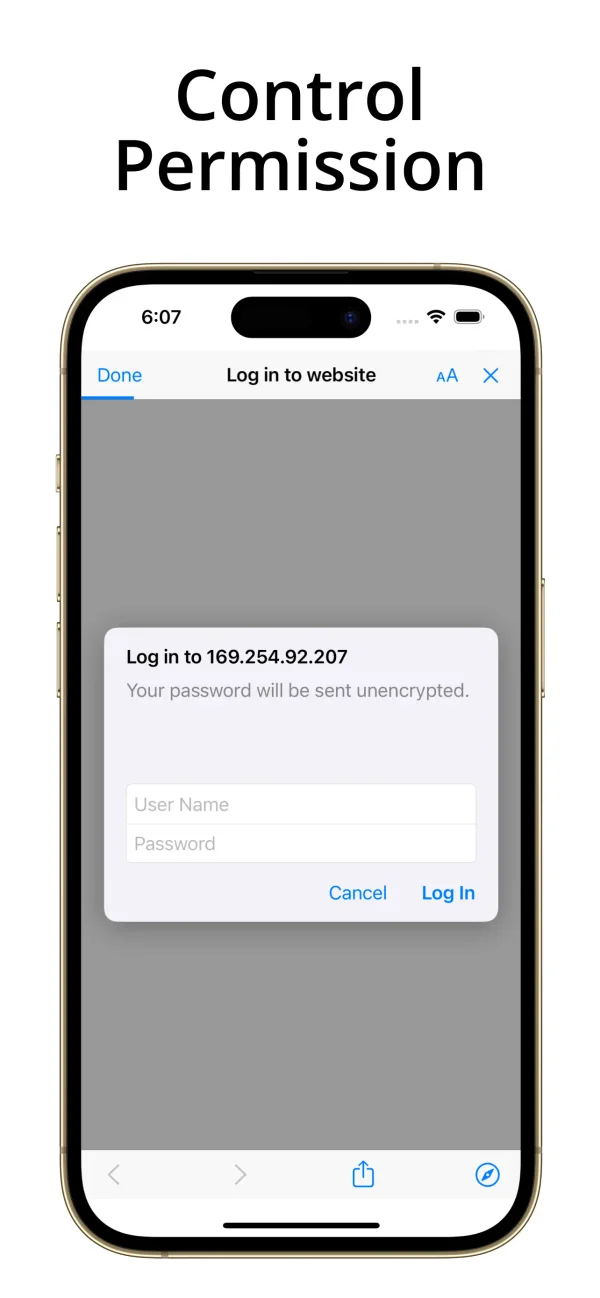
- Set a username/password for sharing/managing files.
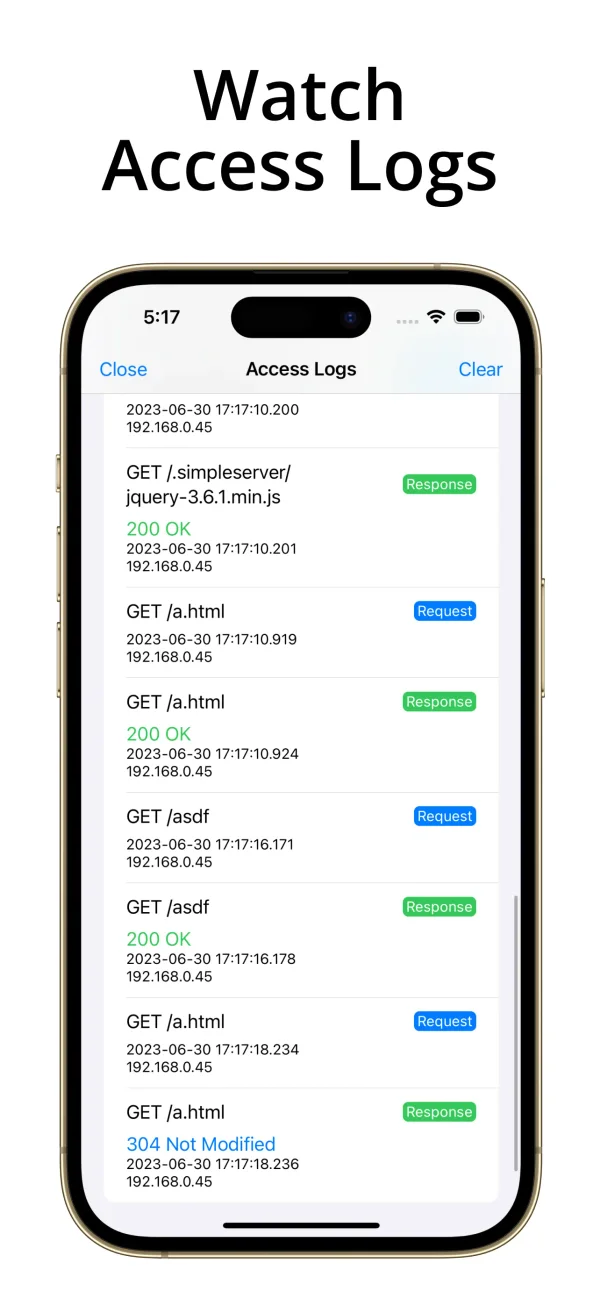
- Support Access Logs displaying HTTP method, URL, remote IP address, and access time of requests and responses.
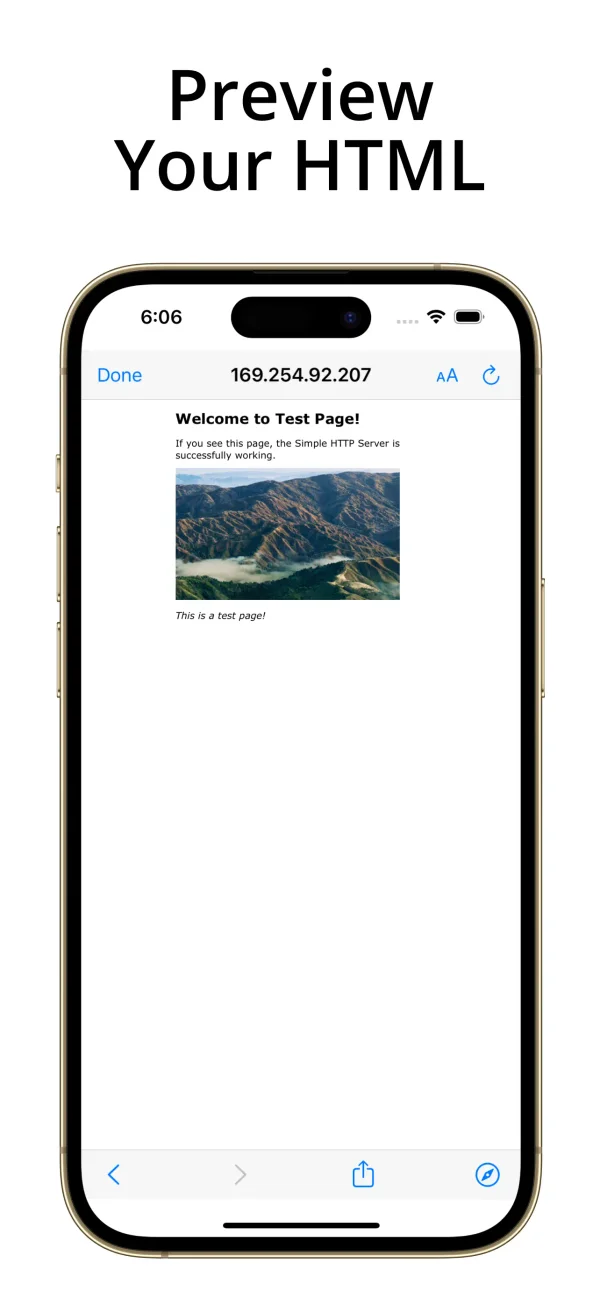
- On iPad, you can preview your static HTML files in Safari with Split View while the web server runs on the same iPad.
Two steps to share your folder:
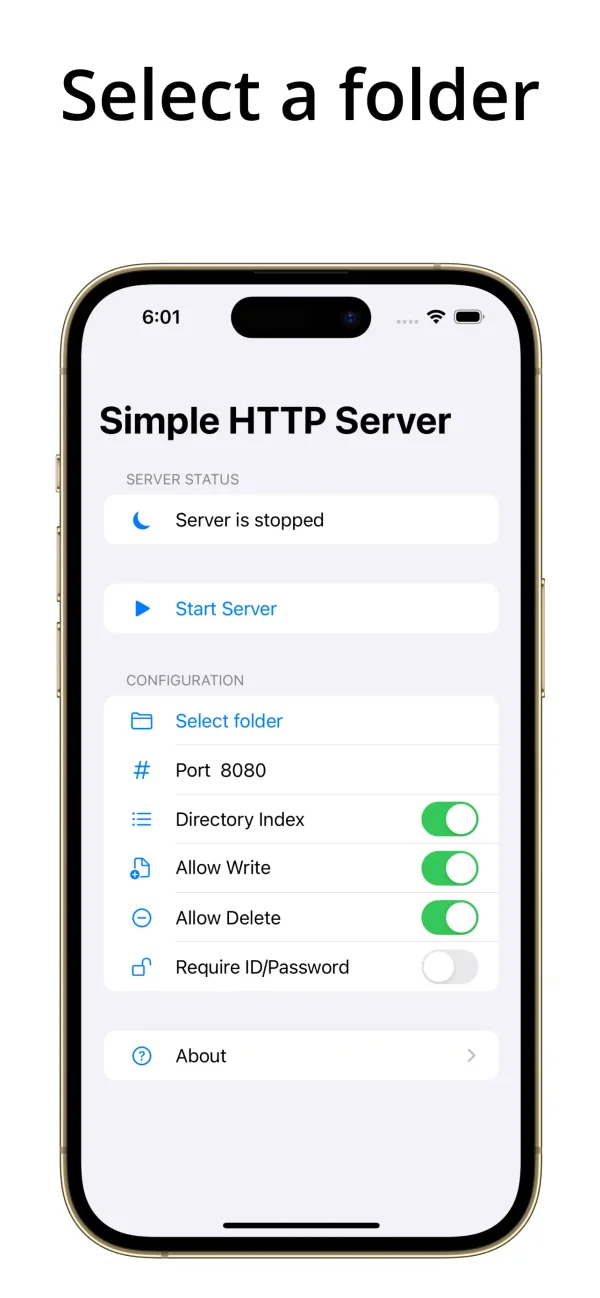
1. In the app, tap "Select folder" and select a folder to be shared. You can choose a folder on your device or iCloud.
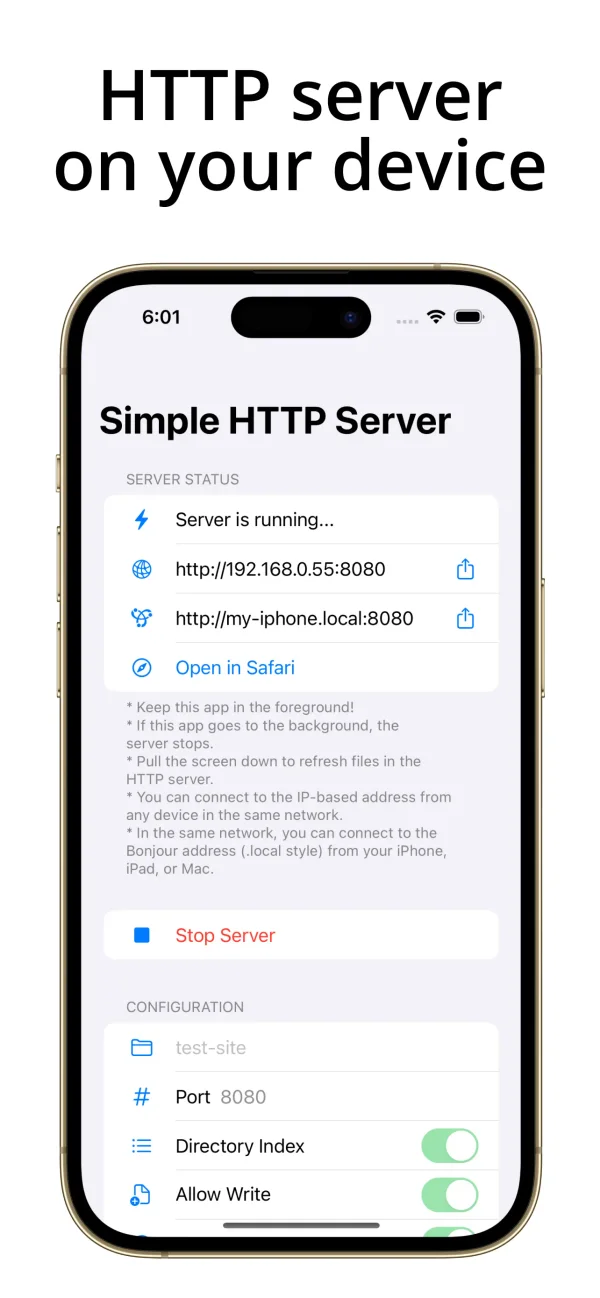
2. Tap the "Start Server" button. It's done!
Then, connect to the address in a browser on any device in the same network. (e.g., A device that uses the same WiFi router.)
Also, you can allow remote users can manage folders and files if you want.
Caution:
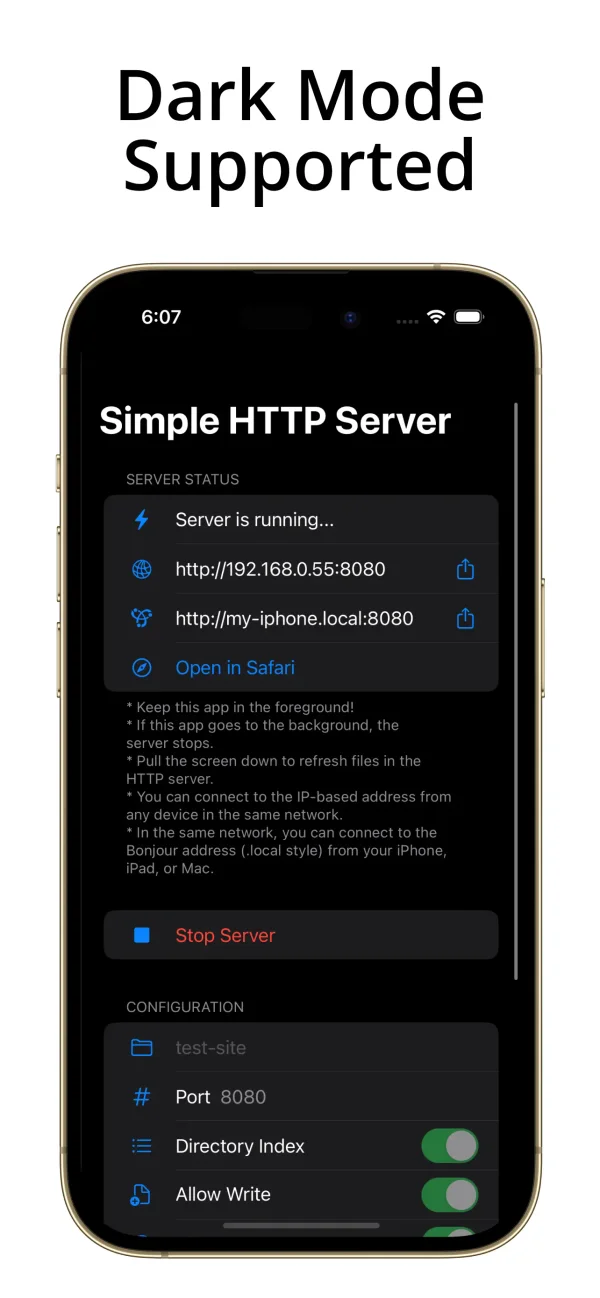
- Simple HTTP Server should be running in the foreground. It cannot be run in the background. If you change to another app or turn off the screen, the web server will stop.
- On iPad, you can browse files/folders via Safari with running the web server on the same device, thanks to multitasking.
- However, if you switch to another app on your iPhone, the web server will stop. The server status will be automatically recovered when you return to the app. On iPhone, browsing files from other devices is only meaningful.
- It works only in a local WiFi network or local wired network. You cannot connect to the web server via a cellular network.
What’s new
Version 1.14 · Oct 12, 2026
- New "Open in Safari on Launch" option opens your page automatically when the app starts.
- The server now recovers automatically when you return to the app, and your Safari address choice is remembered.
App privacy
What Bitsbaker LLC. declares on the App Store about how this app handles data.
-
Data not collected
The developer does not collect any data from this app.
Privacy practices may vary, for example with the features you use or your age.
Information
- Seller
- Bitsbaker LLC.
- Category
- Developer Tools
- Version
- 1.14
- Updated
- Oct 12, 2026
- Released
- Oct 18, 2022
- Size
- 14.8 MB
- Requires
- iOS 15.0 or later
- Age rating
- 4+
- Price
- $3.99
- Languages
- English
- Copyright
- © 2026 Bitsbaker LLC.
You might also like
-
 TinyServerWeb Server
-
 UDevice - Dev AssistantGeek/Developer Kit
-
 WorldWideWeb – MobileA web server for developers
-
 Harbour - Docker ManagerManage containers with ease
-
 WebServerMonitorWatch Your Web Servers
-
 DraftCode for PHP IDEWordPress Dev, Offline Coding
-
 Cookie Editor For SafariEdit Cookies Browser Extension
-
 Python ManualOffline tutorial & reference
-
 Code AppDesktop-class code editing
-
 Termix Pro: SSH & SFTP ClientA powerful terminal emulator