Simple Timer & Alarm ListTimer
to Focus,Workout,Study,Fitness
Designed for iPhone, iPad, iPod touch
Free · In-app purchases
- Age rating4+
- CategoryUtilities
- DeveloperLemon LLC
- LanguagesEnglish+ 11 more
- Size36.4 MB
Links to the official App Store page
Download.org hosts no file of Simple Timer & Alarm ListTimer. The button opens its official App Store page, published by Lemon LLC. Listing last checked on Nov 20, 2026.
Screenshots


About
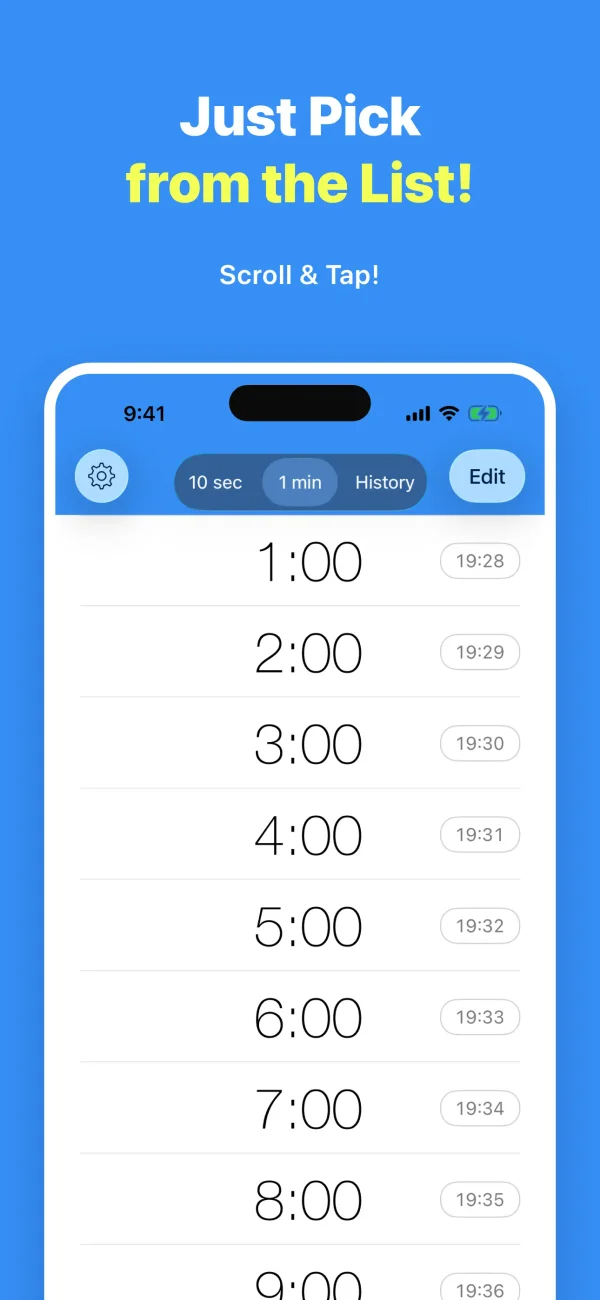
ListTimer is a free timer app that can be started with just one tap. It displays end times and works in the background.
●One Tap to Start
All you have to do is tap it once.
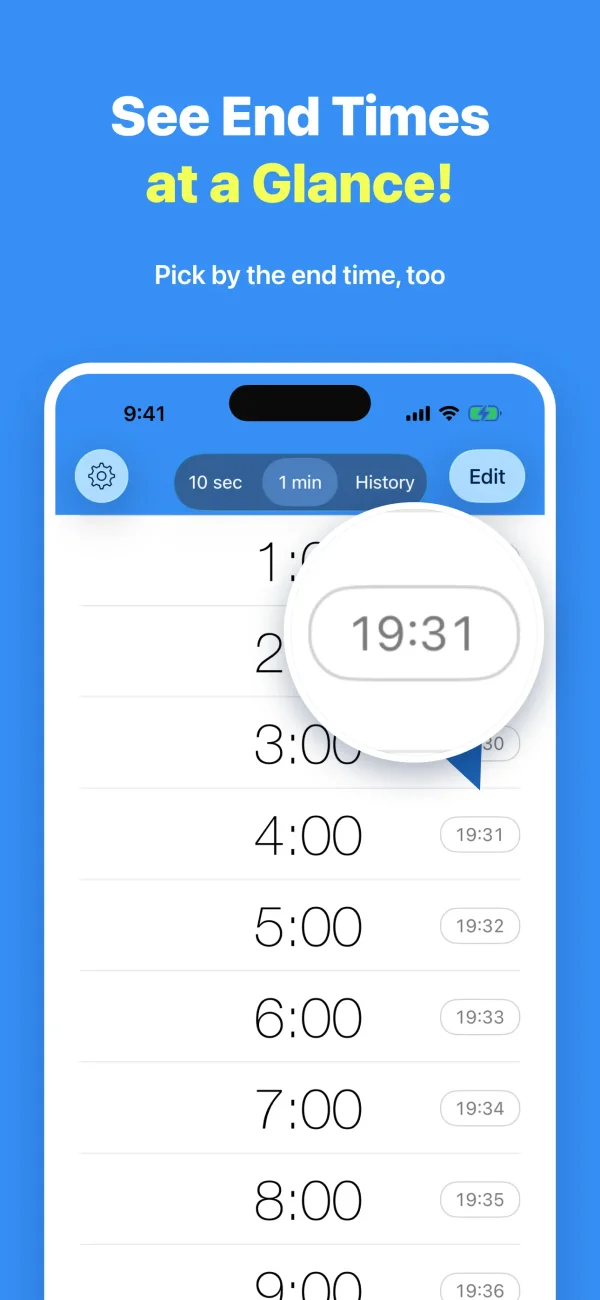
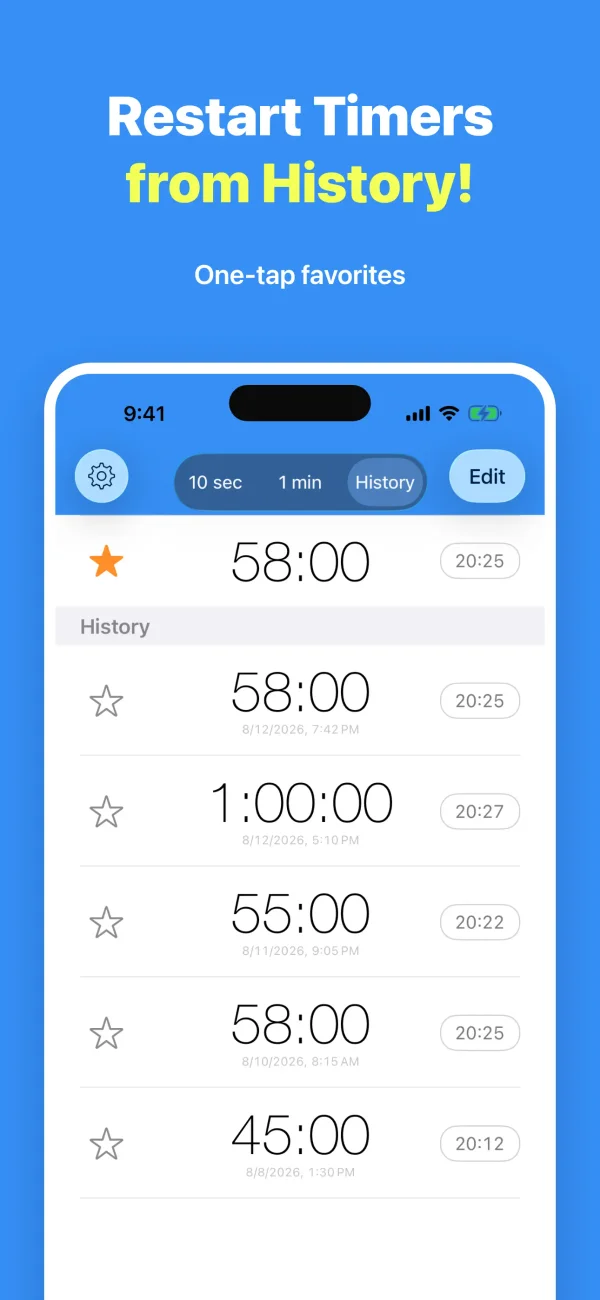
●Finish Times Displayed on Screen
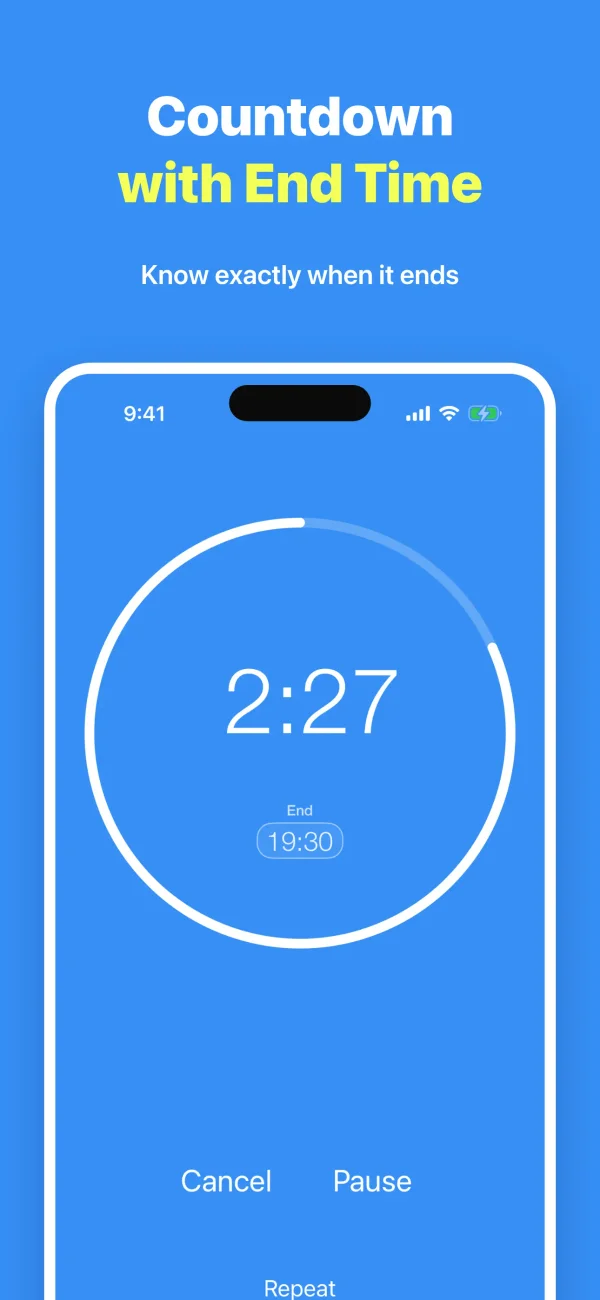
It shows the time your alarm will finish.
●Notifies You in Background
When the timer ends, ListTimer also notifies you in the background.
●Vibration
ListTimer vibrates your device so you can also use it in silent mode.
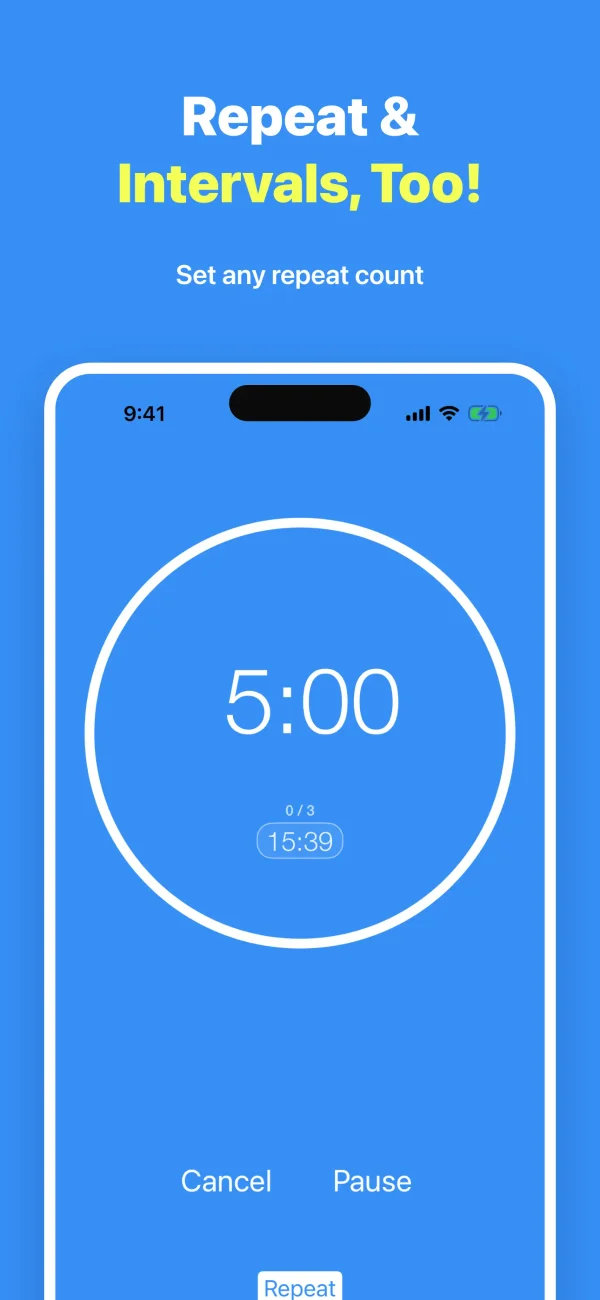
●Repeat Easily
Tap the repeat button to repeat the timer at intervals.
●Battery Friendly
ListTimer doesn't consume your battery power in the background because it notifies you after you close the app.
URL Scheme = "listtimer:"
@http://icons8.com/
■■ Upgrade ■■
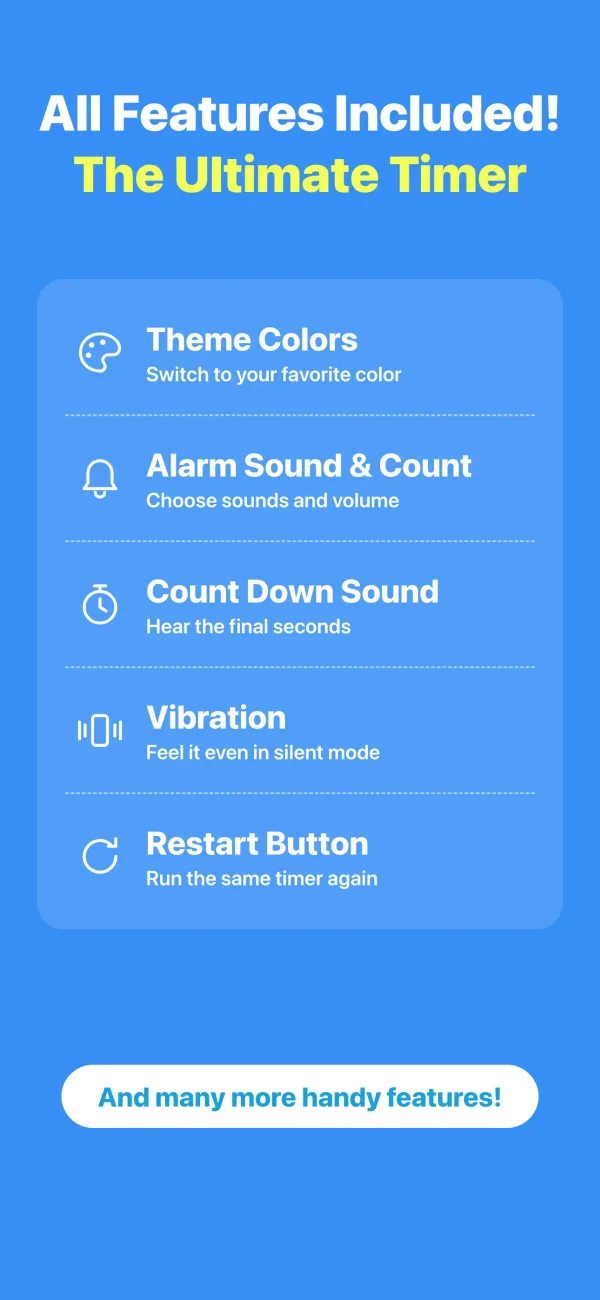
- No Ads
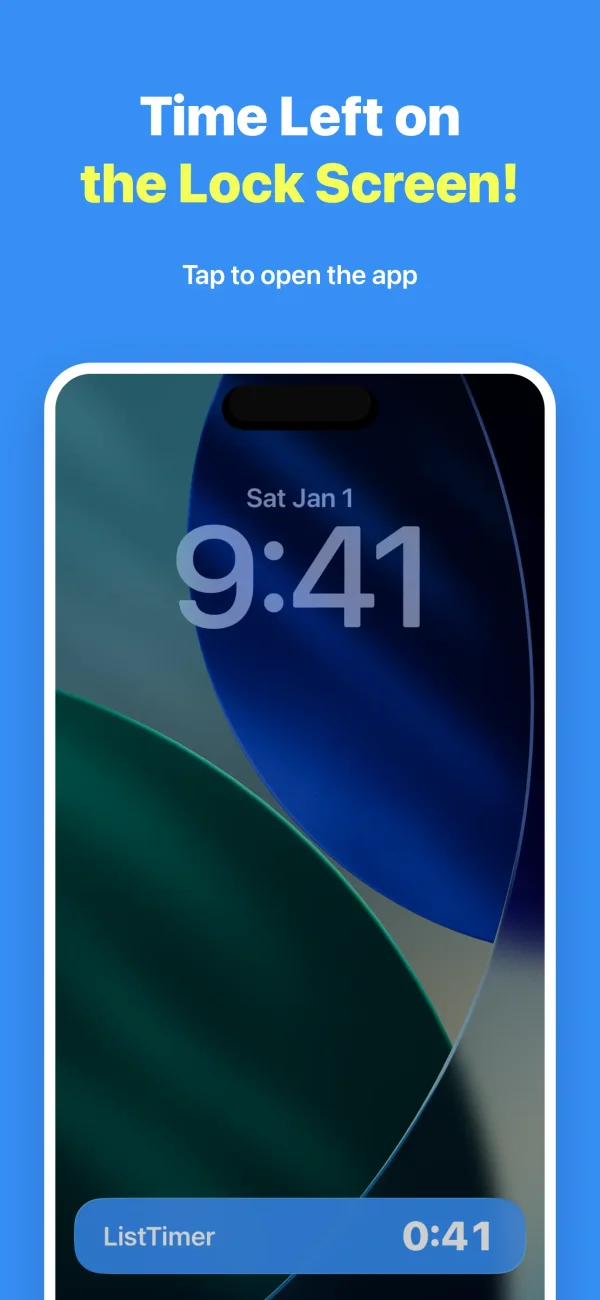
- Countdown on Lock Screen
- Change Alarm Sound
- Customize Theme Color
- Longer Interval Settings
- Save 2 or More Favorites
【Privacy Policy and Term of Use】
https://texttospeech.helpshift.com/a/timerapp/?l=en&s=help&f=privacy-policy
What’s new
Version 2.7.33 · Nov 11, 2026
Hi, it's gotten really cold.
In this update, I've made it possible to clear what stays on the Lock Screen after a timer ends, and fixed issues such as the app sometimes freezing.
New
- After a timer ends, you can now clear the display left at 0:00 on the Lock Screen or in the Dynamic Island with the “Done” button (iOS 17.2 or later)
Fix
- Fixed an issue where the app could freeze for a while waiting for notifications to be processed
- Fixed an issue where the app could freeze and close on the video screen of the first-time guide
- Fixed an issue where the Lock Screen countdown started with the free trial stayed visible after reopening the app
- Made the end times in the list and history bolder and darker for easier reading
If anything concerns you, please feel free to contact me through “Settings=>Send Feedback”. Your bug reports and feature requests are always a big help.
If you enjoy the app, I'd be happy if you could leave a review.
App privacy
What Lemon LLC declares on the App Store about how this app handles data.
-
Data used to track you
May be used to track you across apps and websites owned by other companies.
- Usage data
-
Data not linked to you
May be collected but is not linked to your identity.
- Usage data
- Diagnostics
Privacy practices may vary, for example with the features you use or your age.
Information
- Seller
- Lemon LLC
- Category
- Utilities
- Version
- 2.7.33
- Updated
- Nov 11, 2026
- Released
- Jun 27, 2014
- Size
- 36.4 MB
- Requires
- iOS 15.6 or later
- Age rating
- 4+
- Price
- Free
- In-app purchases
- Yes
- Languages
- English, French, German, Indonesian, Italian, Japanese, Korean, Portuguese, Russian, Simplified Chinese, Spanish, Traditional Chinese
- Copyright
- © Lemon LLC
You might also like
-
 Weekly Alarm ClockWeekly schedule support
-
 Repeat TimerMultitimer, Interval, Pomodoro
-
 Timer-Kitchen timer&StopwatchKitchen timer & Stopwatch
-
 Timer ٞKitchen cooking alarm
-
 MultiTimer: Stopwatch + TimerMultiple timers & countdown
-
 timer. - Multi Countdown TimerLive Activities / Widget Timer
-
 Big Timer - SimpleLarge and easy to see
-
 Periodic Timer - Simple RepeatRepeating Interval Reminder
-
 1Timer - Voice TimerCountdown, workout, trading …
-
 Kitchen Timer - Simple CookingBaking, boiling & meal prep