- Age rating4+
- CategorySports
- DeveloperMichal Zbrozek
- Size5.0 MB
Links to the official App Store page
Download.org hosts no file of Simple WODTimer. The button opens its official App Store page, published by Michal Zbrozek. Listing last checked on Nov 14, 2026.
Screenshots
About
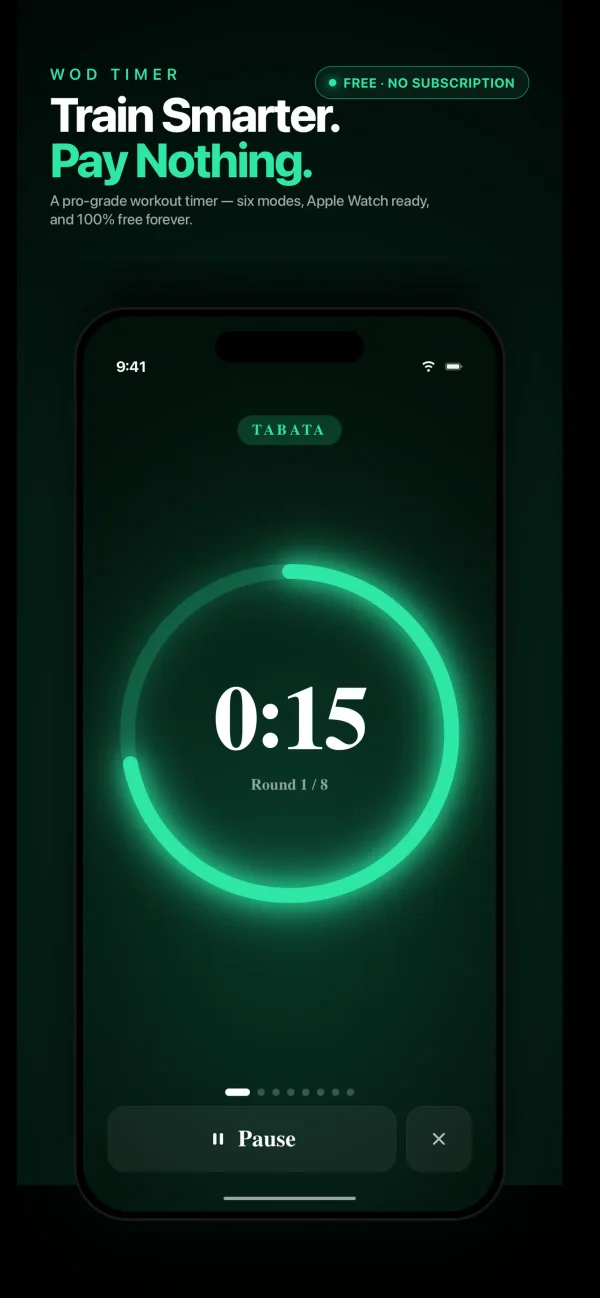
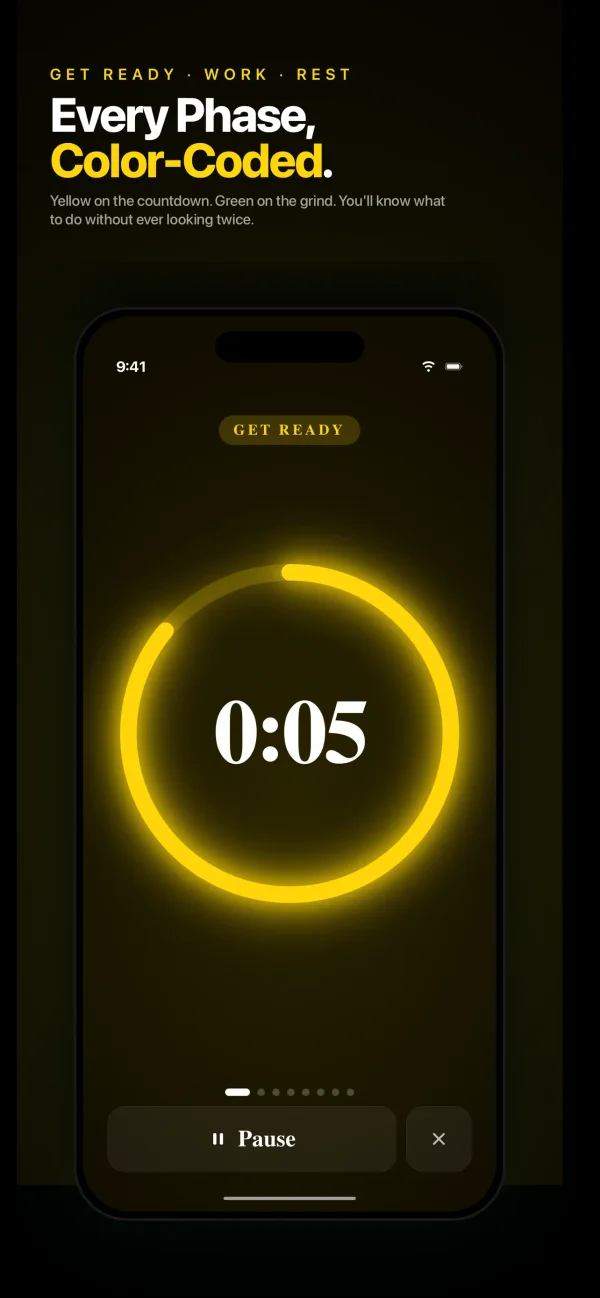
WOD Timer is a focused, no-nonsense interval timer built for CrossFit, HIIT, and functional fitness athletes. Completely free — no subscriptions, no ads, forever.
Apple Watch App
A fully-featured companion app on your wrist. Run the Watch timer independently, or use it as a remote to control your iPhone timer mid-workout — no hands required.
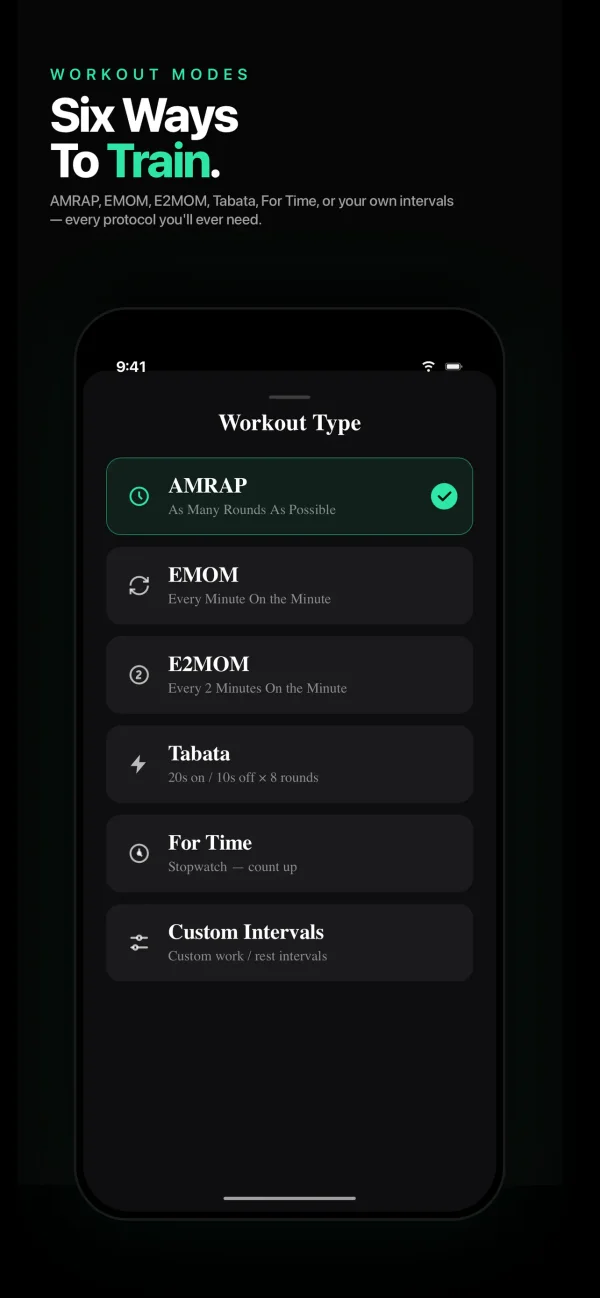
Workout Types
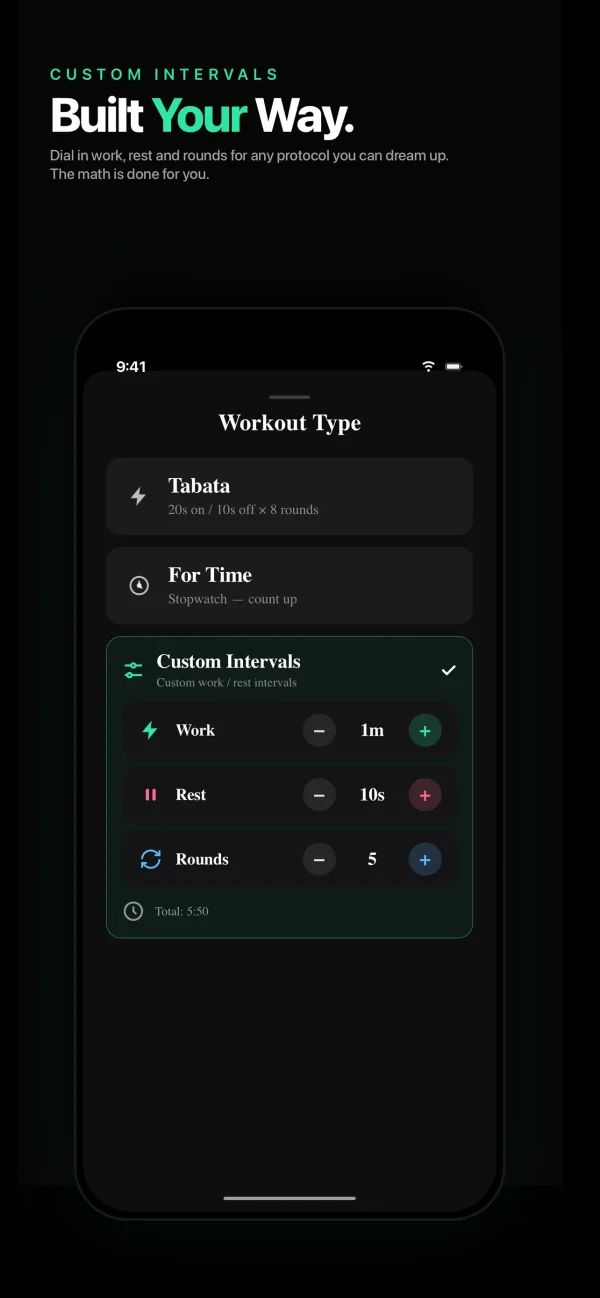
AMRAP · EMOM · E2MOM · Tabata · For Time · Custom Intervals
Apple Health
Every workout is recorded as Interval Training in Apple Health, contributing to your activity rings and fitness history. Toggle off anytime in Watch settings.
Landscape Mode
Prop your phone on a box and train. A giant countdown display and depleting progress bar, readable from across the gym.
Haptic Countdown
Configurable haptic patterns on Apple Watch count you down into every work phase so you never lose track of the clock.
What’s new
Version 1.6 · Sep 10, 2026
Background alerts on iPhone (new, off by default)
Turn on Background Alerts in Settings and WOD Timer schedules a notification for each upcoming phase change, so you still get told when a round ends after you lock the phone or switch apps. It tells you honestly how many are covered — long workouts hit an iOS limit of 32 pending alerts, and the app says so rather than going quiet.
Mute now means mute
If the app's sound is off, background alerts arrive silently too. Previously they could make a sound you never asked for.
Apple Watch alerts go further
The Watch now schedules an alert for every remaining phase change instead of only the next one, so a workout keeps alerting you for longer if the app stops running.
A calmer timer screen
Settings is hidden while a workout is running — you change the workout when the timer isn't going. The alert details moved to the Info screen, and the timer screen only speaks up when something genuinely needs your attention.
Clearer about what the app can promise
Wording throughout now says what actually happens instead of over-promising: the Watch attempts to keep running with the screen off and watchOS decides; a scheduled alert isn't a guarantee one arrives; and your result is shown when the workout ends rather than implying it's saved somewhere.
App privacy
What Michal Zbrozek declares on the App Store about how this app handles data.
-
Data not collected
The developer does not collect any data from this app.
Privacy practices may vary, for example with the features you use or your age.
Information
- Seller
- Michal Zbrozek
- Category
- Sports
- Version
- 1.6
- Updated
- Sep 10, 2026
- Released
- Apr 10, 2026
- Size
- 5.0 MB
- Requires
- iOS 16.0 or later
- Age rating
- 4+
- Price
- Free
- In-app purchases
- Yes
- Copyright
- © Michal Zbrozek
You might also like
-
 WODMEYOUR ULTIMATE WOD COMPANION
-
 GAA ReportTrack your Gaelic Games
-
 SportifiqAll-in-one sports booking app
-
 Team TallyGAA Stats and Score Sharing
-
 Metric Sprint - Speed TestingNo gate Sprint & agility times
-
 Metric Jump - Vertical TestJump height, no equipment
-
 ElitechipCronometratge Esportiu
-
 KiteRadarTudo sobre Kite Surf.
-
 Flobi - Tennis & PadelMatches, players, community
-
 Pose & Trackingvisualize posture & trajectory