- Độ tuổi4+
- Danh mụcThể Thao
- Nhà phát triểnMichal Zbrozek
- Kích thước5,0 MB
Liên kết đến trang App Store chính thức
Download.org không lưu trữ tệp nào của Simple WODTimer. Nút này mở trang ứng dụng trên App Store, nơi Michal Zbrozek phát hành ứng dụng. Trang được kiểm tra lần cuối: 14/11/2026.
Ảnh chụp màn hình
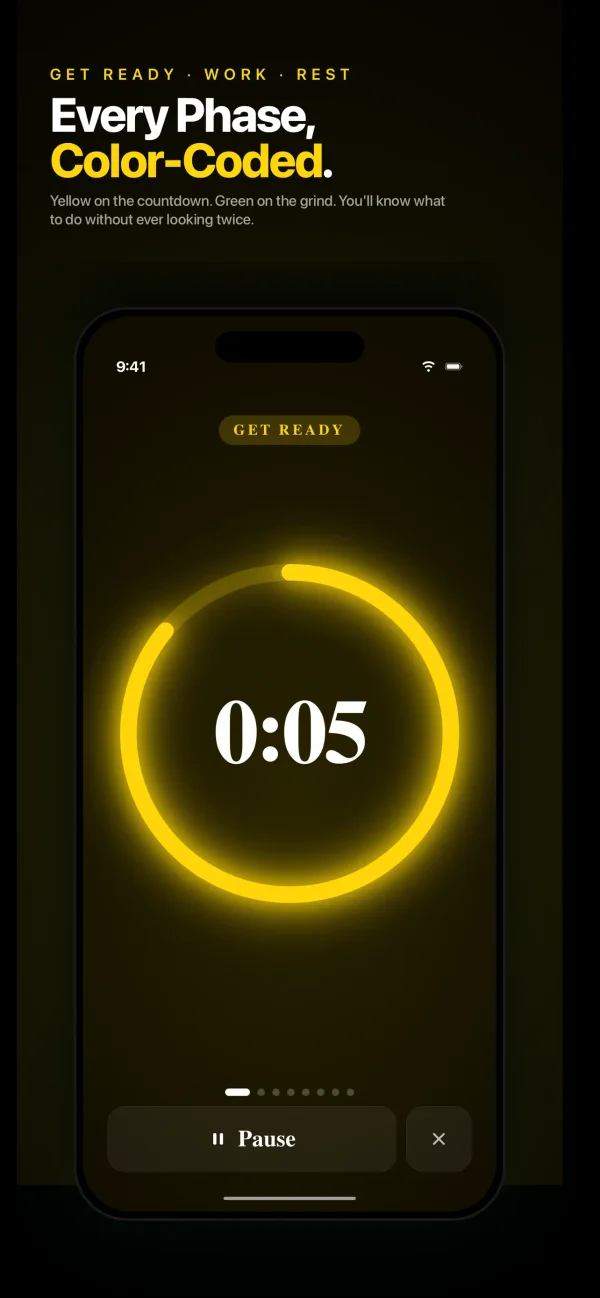
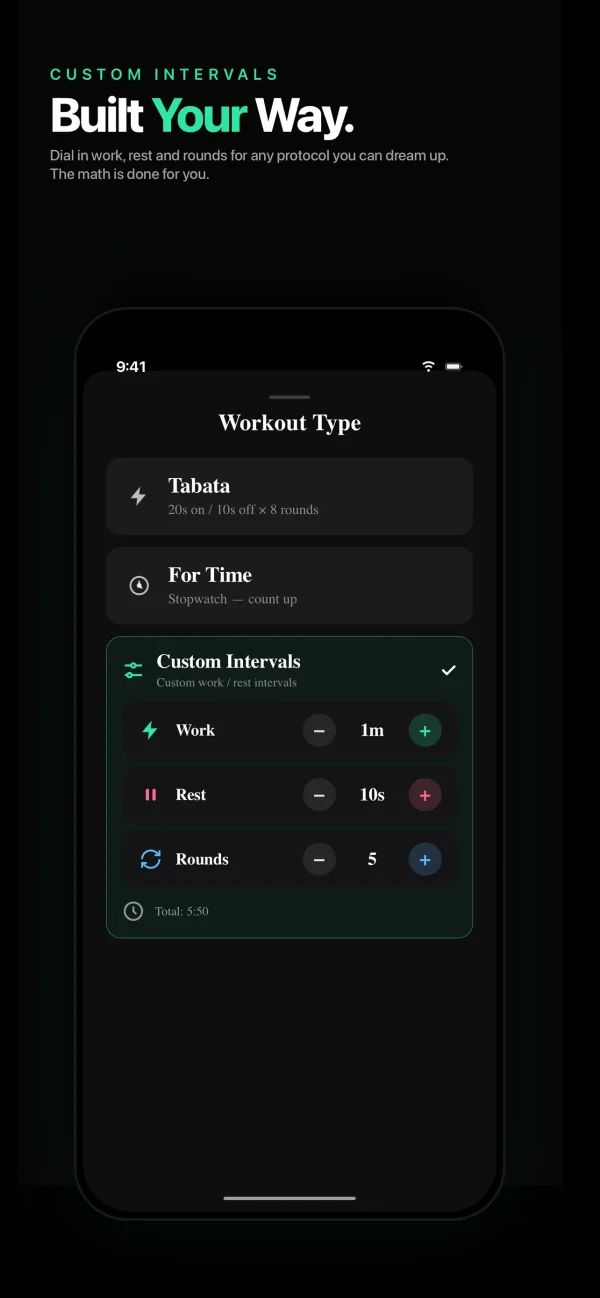
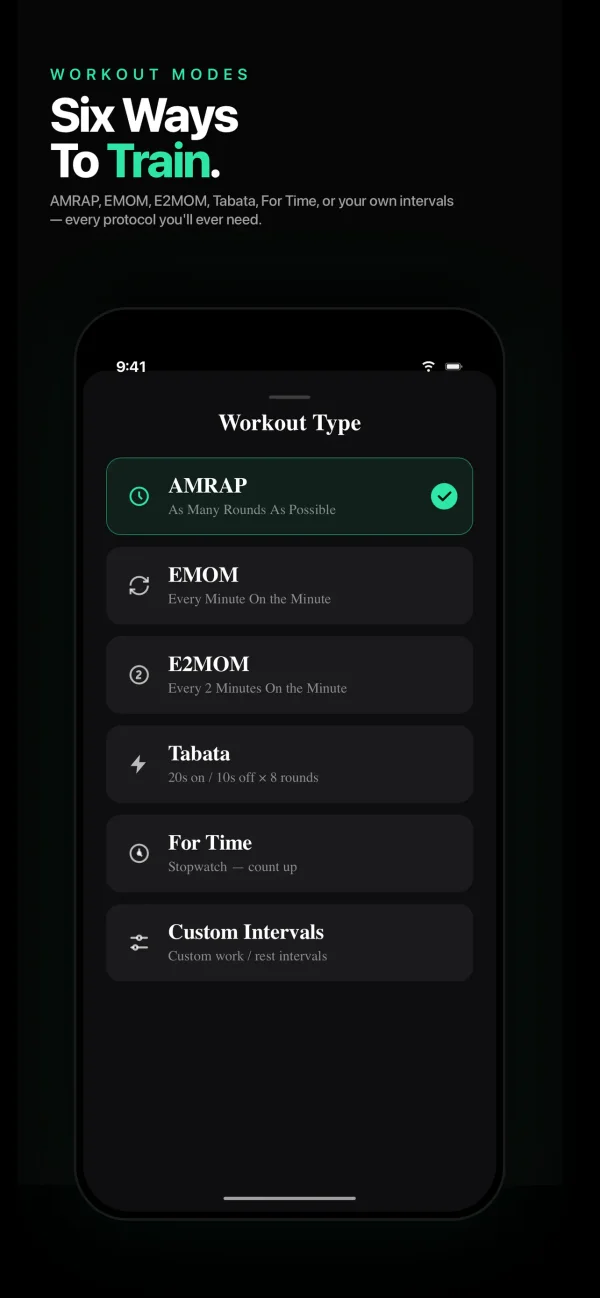
Giới thiệu
Nhà phát triển chưa cung cấp nội dung này bằng ngôn ngữ của bạn.
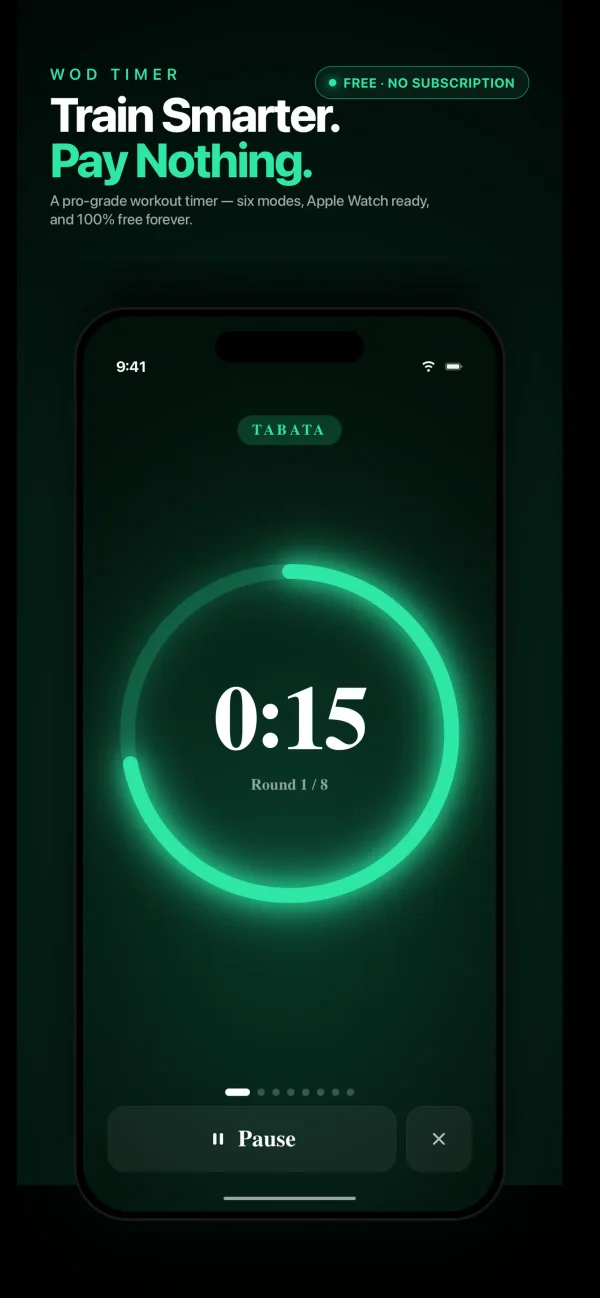
WOD Timer is a focused, no-nonsense interval timer built for CrossFit, HIIT, and functional fitness athletes. Completely free — no subscriptions, no ads, forever.
Apple Watch App
A fully-featured companion app on your wrist. Run the Watch timer independently, or use it as a remote to control your iPhone timer mid-workout — no hands required.
Workout Types
AMRAP · EMOM · E2MOM · Tabata · For Time · Custom Intervals
Apple Health
Every workout is recorded as Interval Training in Apple Health, contributing to your activity rings and fitness history. Toggle off anytime in Watch settings.
Landscape Mode
Prop your phone on a box and train. A giant countdown display and depleting progress bar, readable from across the gym.
Haptic Countdown
Configurable haptic patterns on Apple Watch count you down into every work phase so you never lose track of the clock.
Có gì mới
Phiên bản 1.6 · 10/09/2026
Background alerts on iPhone (new, off by default)
Turn on Background Alerts in Settings and WOD Timer schedules a notification for each upcoming phase change, so you still get told when a round ends after you lock the phone or switch apps. It tells you honestly how many are covered — long workouts hit an iOS limit of 32 pending alerts, and the app says so rather than going quiet.
Mute now means mute
If the app's sound is off, background alerts arrive silently too. Previously they could make a sound you never asked for.
Apple Watch alerts go further
The Watch now schedules an alert for every remaining phase change instead of only the next one, so a workout keeps alerting you for longer if the app stops running.
A calmer timer screen
Settings is hidden while a workout is running — you change the workout when the timer isn't going. The alert details moved to the Info screen, and the timer screen only speaks up when something genuinely needs your attention.
Clearer about what the app can promise
Wording throughout now says what actually happens instead of over-promising: the Watch attempts to keep running with the screen off and watchOS decides; a scheduled alert isn't a guarantee one arrives; and your result is shown when the workout ends rather than implying it's saved somewhere.
Quyền riêng tư của ứng dụng
Những gì Michal Zbrozek khai báo trên App Store về cách ứng dụng này xử lý dữ liệu.
-
Dữ liệu không được thu thập
Nhà phát triển không thu thập bất kỳ dữ liệu nào từ ứng dụng này.
Phương thức đảm bảo quyền riêng tư có thể khác nhau, chẳng hạn như tuỳ theo các tính năng bạn sử dụng hoặc độ tuổi của bạn.
Thông tin
- Người bán
- Michal Zbrozek
- Danh mục
- Thể Thao
- Phiên bản
- 1.6
- Cập nhật
- 10/09/2026
- Phát hành
- 10/04/2026
- Kích thước
- 5,0 MB
- Yêu cầu
- iOS 16.0 trở lên
- Độ tuổi
- 4+
- Giá
- Miễn phí
- Mua hàng trong ứng dụng
- Có
- Bản quyền
- © Michal Zbrozek