
Simpleum Safe Encryption
hide folder and pictures
Designed for iPhone, iPad
Free · In-app purchases
- Age rating4+
- CategoryProductivity
- DeveloperSimpleum Media GmbH
- LanguagesEnglish+ 4 more
- Size181.3 MB
Links to the official App Store page
Download.org hosts no file of Simpleum Safe Encryption. The button opens its official App Store page, published by Simpleum Media GmbH. Listing last checked on Nov 23, 2026.
Screenshots


About
SimpleumSafe – Simple. Secure. Encrypted.
Your data is valuable. With SimpleumSafe, it stays protected like a digital safe – and neatly archived.
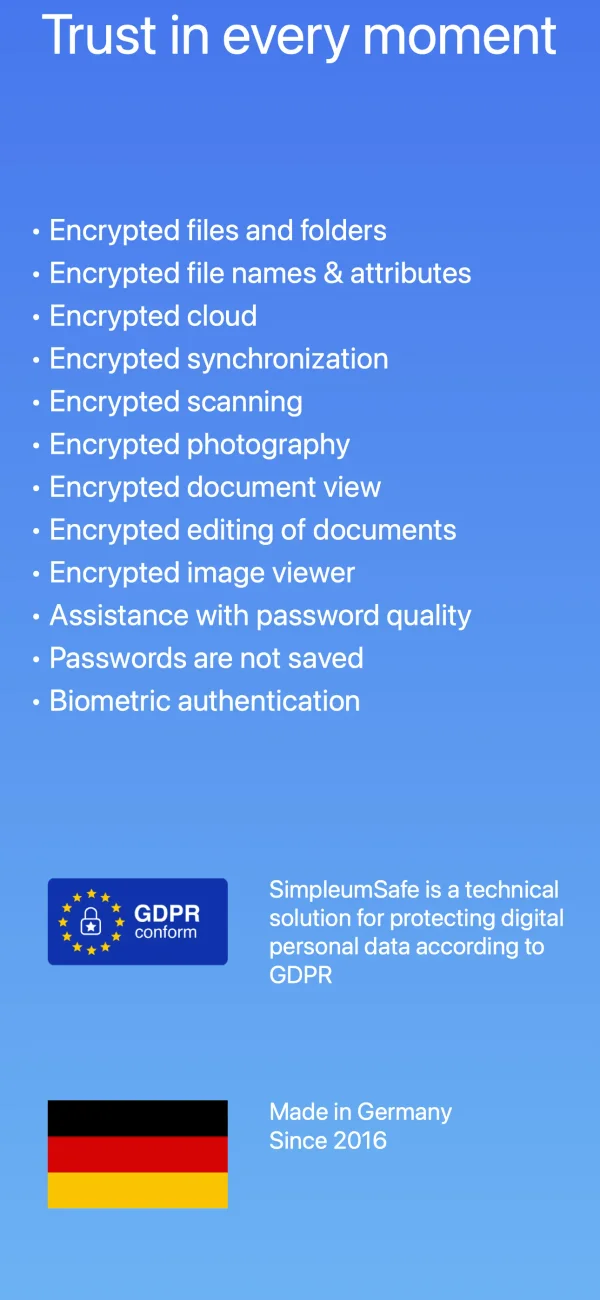
Protected by AES-256 encryption and developed in Germany.
Important documents like taxes, insurance, and contracts are secure and quick to find.
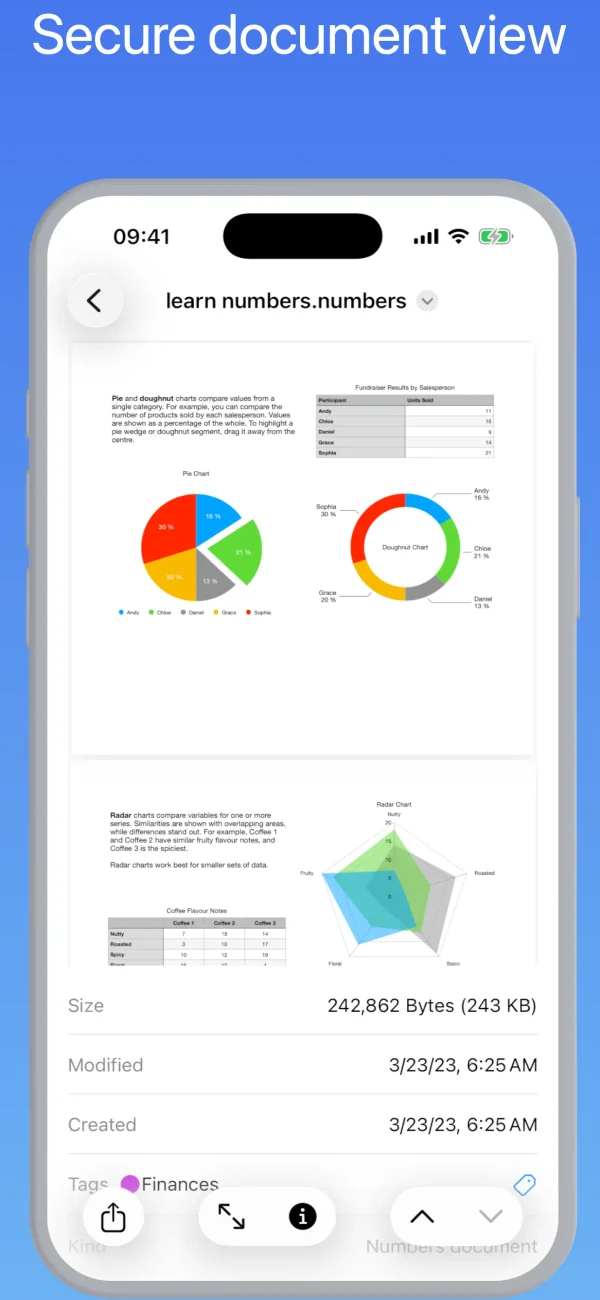
Protection does not stop at storage: content stays encrypted even when viewing or editing.
You stay in control: no separate registration, no server login. Data is stored locally on your device and access remains possible even without internet.
Your Benefits on iPhone and iPad
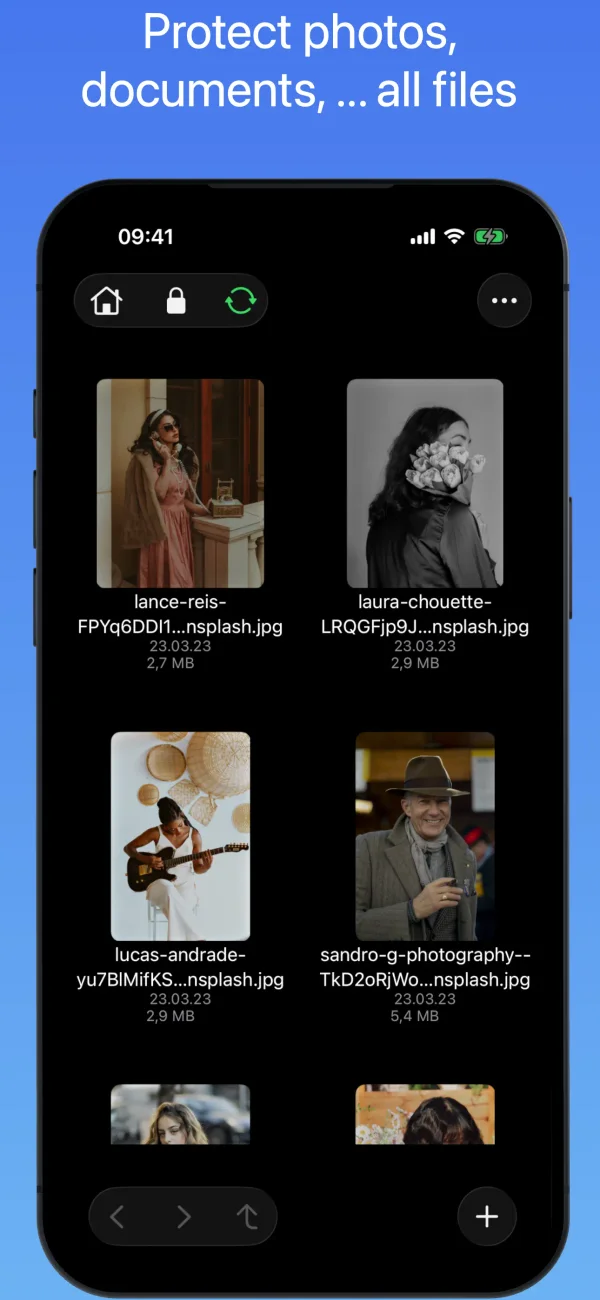
• Capture encrypted photos and videos directly
• Import files from your photo library, camera, or other apps
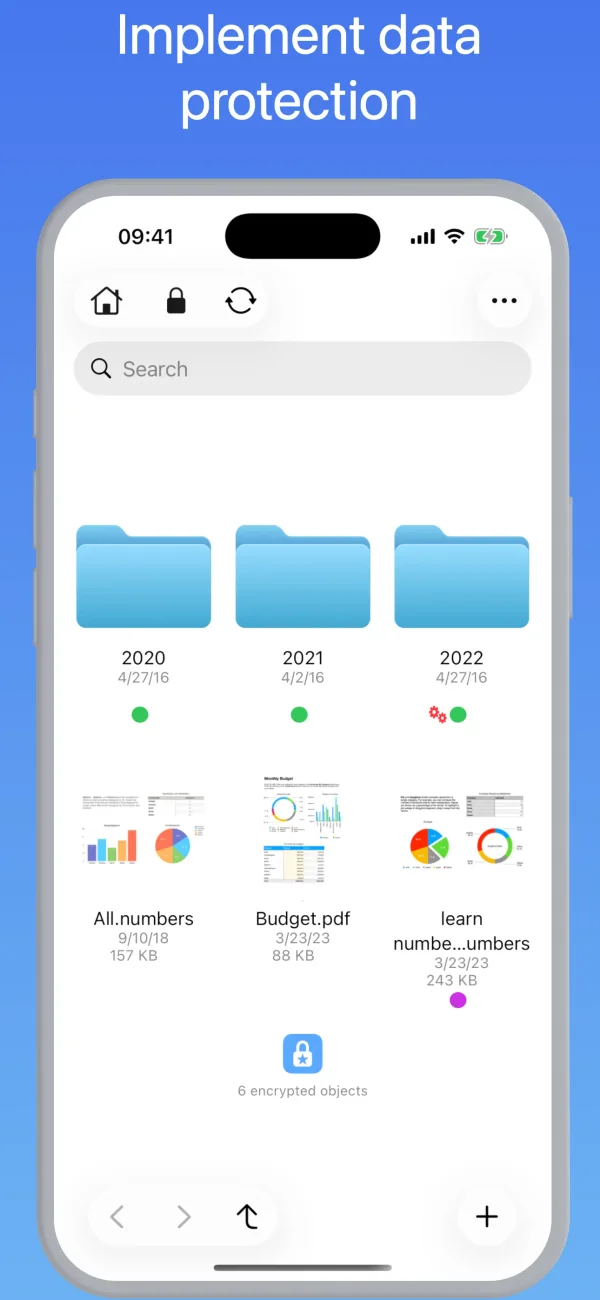
• Document archive – store important documents neatly and find them quickly
• Securely organize with tags, favorites, and a search function
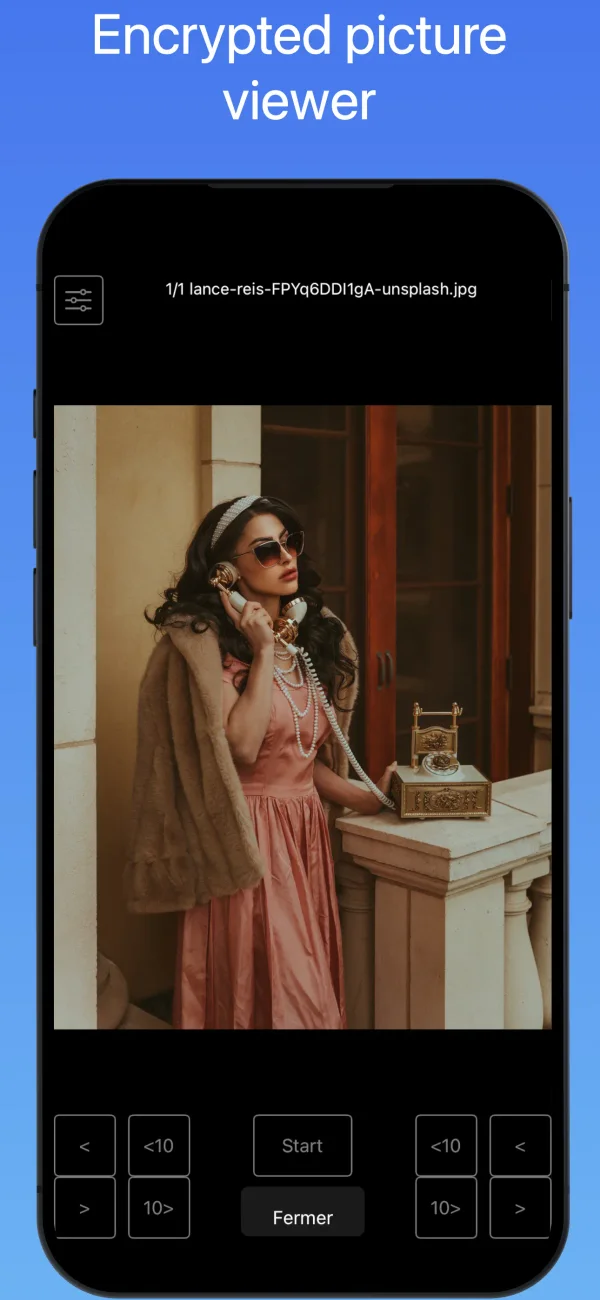
• Full-screen image viewer and slideshows
• Create, edit, and comment on text files
• Scan documents with your camera – instantly saved encrypted
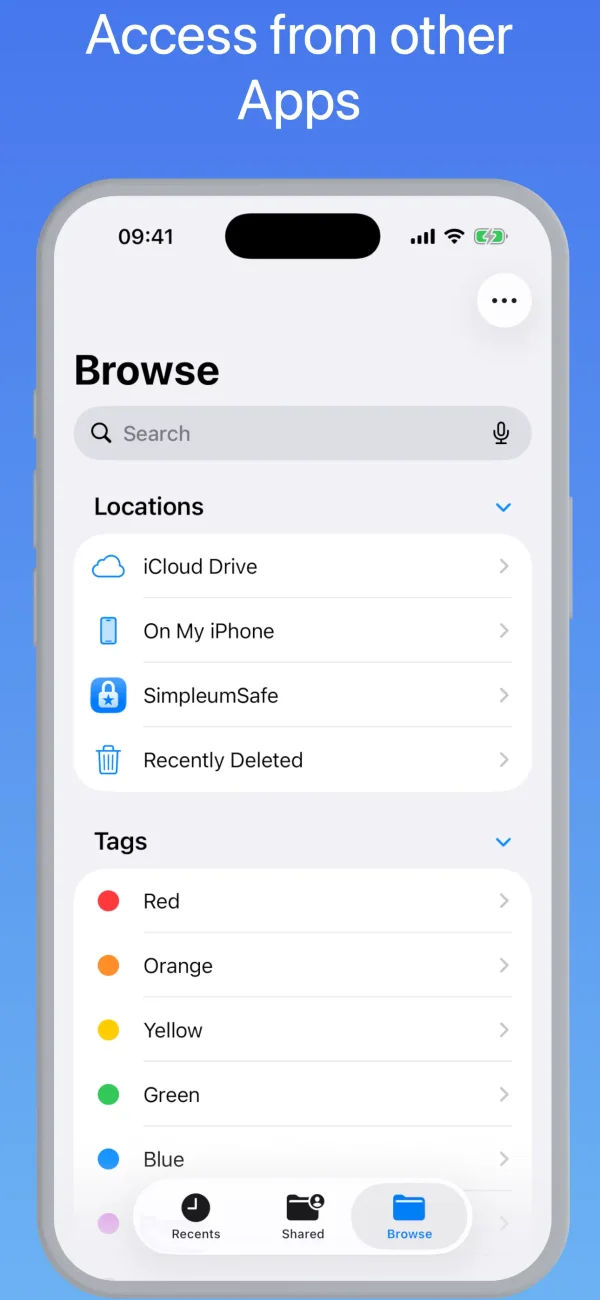
• Accessible via the Files app
• Encrypted full-text search
Security without compromise
• AES-256 encryption – bank-grade protection
• Continuous protection – content stays encrypted even when viewing or editing
• Files remain encrypted even in iCloud backups
• Face ID and Touch ID for quick access
• Background protection and recovery password
Synchronized and available anywhere
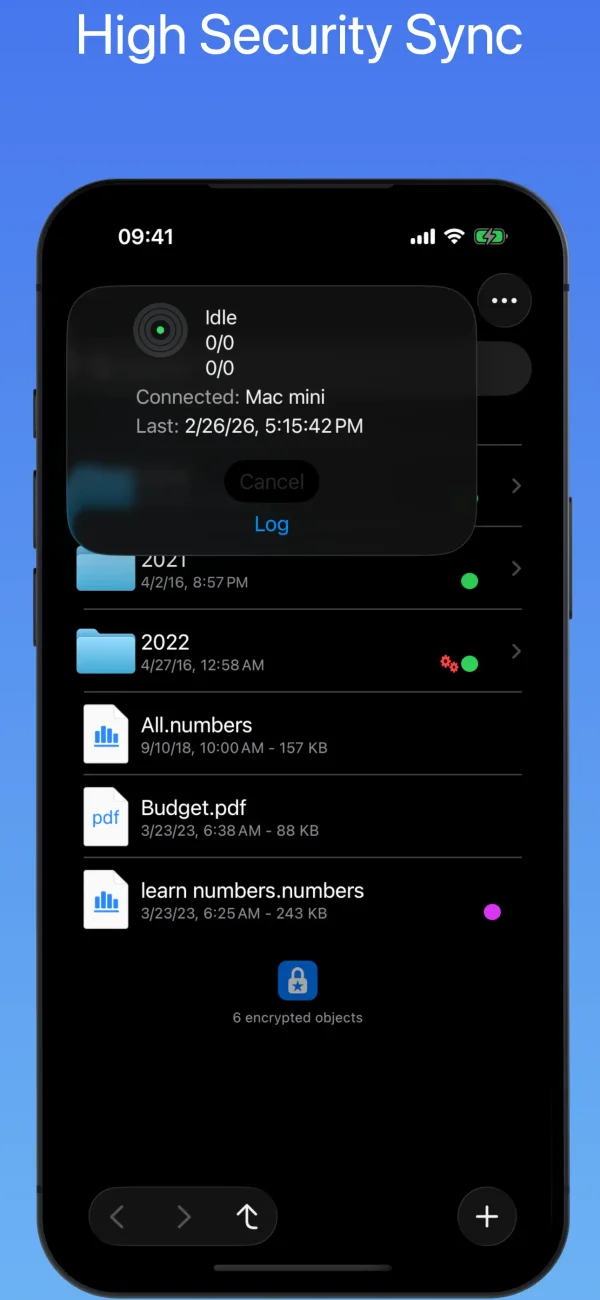
• Sync safes between iPhone, iPad, and Mac
• Optionally via iCloud or wirelessly – even without an internet connection
Perfect for
• For private individuals who want to securely archive important documents – taxes, insurance, contracts
• For people who want to keep personal memories private – photos, videos, diaries
• For professionals and self-employed who must store confidential data in compliance with GDPR
Flexible subscription and one-time purchase options:
SimpleumSafe offers both monthly and annual subscription plans tailored to your needs:
• Monthly subscription
• Annual subscription with a 7-day free trial to get you started.
• One-time purchase
Free to download. Purchase in the app.
Your subscription includes continuous updates and improvements to ensure your data remains protected against evolving digital threats. A one-time purchase option is also available for those who prefer.
INVEST IN SECURE ORGANIZATION FOR YOUR DOCUMENTS
Download SimpleumSafe and begin your journey to comprehensive digital security on your iPhone and iPad. Further details about our terms and conditions and privacy policy:
• Terms of Use: https://simpleum.com/en/safe/simpleumsafe-terms-of-use/
• Privacy Policy: https://simpleum.com/en/about-us/privacy-policy/
Secure your digital world with SimpleumSafe – the secure encryption solution and your document archive for iPhone and iPad.
What’s new
Version 3.9.3 · Nov 20, 2026
3.9.3
- Display and controls on iPhone Duo have been improved.
- Markdown files can now display embedded PNG and JPEG images from the same Safe.
- Image display and navigation in the file details view have been improved.
- Opening a Safe after signing out has been improved.
- Syncing changes made in the built-in editor has been improved.
- Lowercase letters are no longer automatically capitalized when entering passwords in the Files app.
- Name conflicts are now better detected when renaming files in the Files app.
- Google Firebase has been removed from the app.
- Further improvements to opening and closing Safes and to synchronization.
3.9.0
- New: Advanced Search with combinable criteria, targeted folder selection, and saved searches.
- New: The new Document Scanner is enabled by default. It has its own capture and review interface and saves documents as PDF or JPEG.
- New: Scanned PDFs now include a searchable text layer. Text recognition runs entirely on the device.
- New: Registered devices and their status are now visible directly in sync settings. Devices that are no longer used can be removed securely.
- New: The new Movie Player is enabled by default and offers custom playback controls, looping, autoplay, and AirPlay.
- With shuffle enabled, the photo slideshow is reshuffled before each automatic repeat.
- Name conflicts when moving multiple files are handled more reliably. “Stop” now cancels the entire operation.
- When reopening a Safe, the last used folder is restored more reliably.
- Original filenames are preserved when importing from the photo library.
- The file view makes better use of the available space. Search, file icons, and previews have been improved and adapted to current iOS and iPadOS designs.
- Hidden file information remains hidden after a full-screen view.
- The updated Example Safe offers fully localized content, templates, and a short tour of SimpleumSafe.
- The support form has been completely redesigned and provides clearer feedback when sending a request.
- Improved display and operation on iPad, especially with freely resizable windows and iPadOS 27.
- Numerous improvements to opening and closing Safes, synchronization, Files app integration, file previews, Security Center, privacy, and stability.
3.8.0
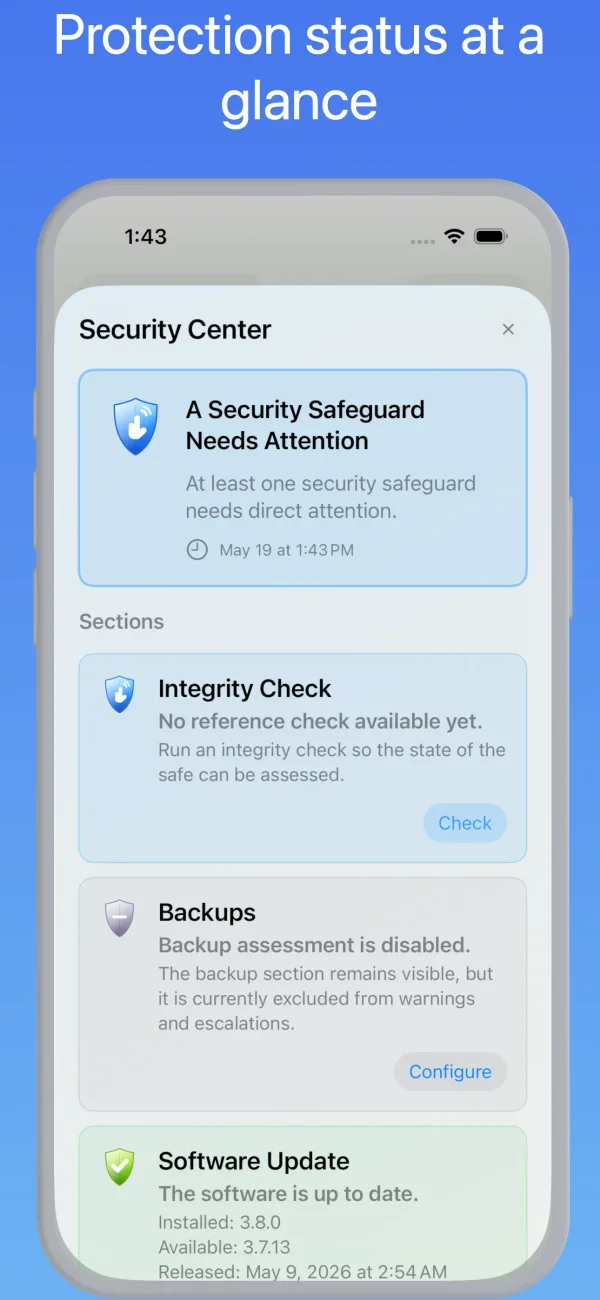
- New: Security Center. It shows whether your safe is in good shape and where action is recommended.
- Data integrity, backup, software version, and recovery key are now brought together in one clear view.
- Also new: external backup tracking, personal thresholds, and clear status signals.
App privacy
What Simpleum Media GmbH declares on the App Store about how this app handles data.
-
Data linked to you
May be collected and linked to your identity.
- Contact info
-
Data not linked to you
May be collected but is not linked to your identity.
- Purchases
- Usage data
- Diagnostics
Privacy practices may vary, for example with the features you use or your age.
Information
- Seller
- Simpleum Media GmbH
- Category
- Productivity
- Version
- 3.9.3
- Updated
- Nov 20, 2026
- Released
- May 7, 2023
- Size
- 181.3 MB
- Requires
- iOS 17.6 or later
- Age rating
- 4+
- Price
- Free
- In-app purchases
- Yes
- Languages
- English, French, German, Portuguese, Spanish
- Copyright
- © 2016-2026, Simpleum Media GmbH
You might also like
-
 Encrypt-itSafeguard your personal data
-
 AxCryptFile Security Made Easy
-
 AES CryptEncrypt & Decrypt Files
-
 Cloak FilesProductivity
-
 The EncryptionProductivity
-
 Cryptomator: Protect PrivacyOpen Source Cloud Encryption
-
 Arca by Privacy EverywhereEasy to use encrypted email
-
 SNote - Encrypted Notes, FilesProductivity
-
 Notebox - EncryptedD2D zero-knowledge encryption
-
 Fused Encrypted Email and ChatEPRIVO Private Telegram & Mail