
Singlenote: One Note, One Tap
A notes app with a single note
Designed for iPhone, iPod touch
In-app purchases
- Age rating4+
- CategoryProductivity
- DeveloperBytelantic, Inc.
- LanguagesEnglish
- Size39.2 MB
Links to the official App Store page
Download.org hosts no file of Singlenote: One Note, One Tap. The button opens its official App Store page, published by Bytelantic, Inc. Listing last checked on Nov 10, 2026.
Screenshots

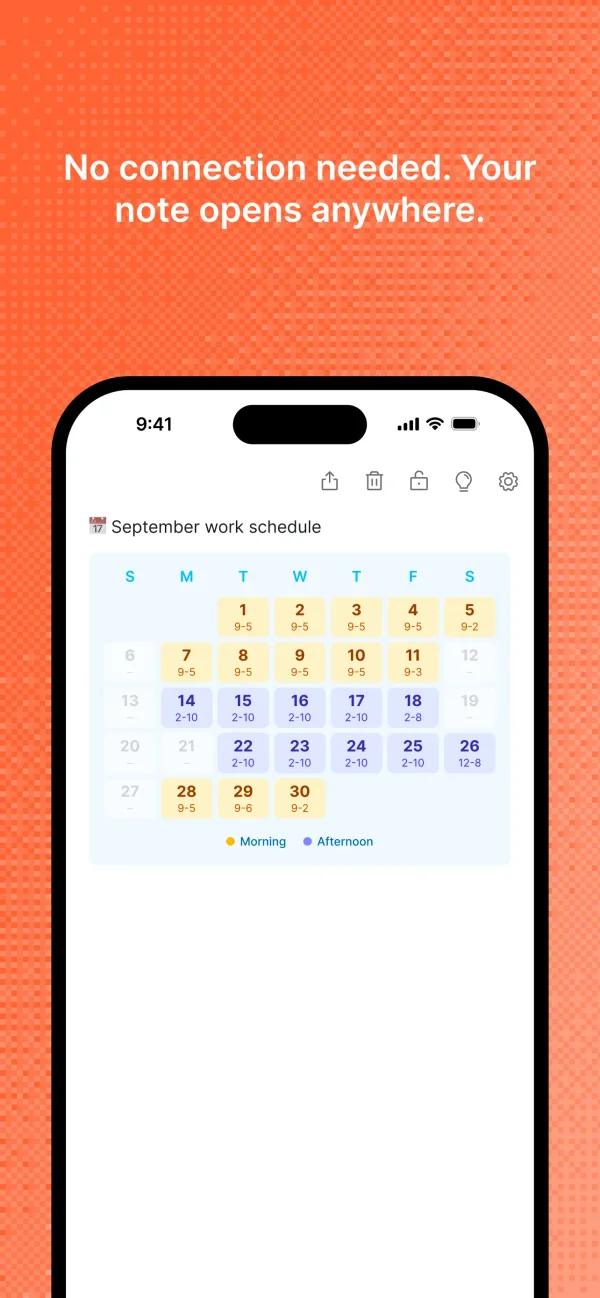
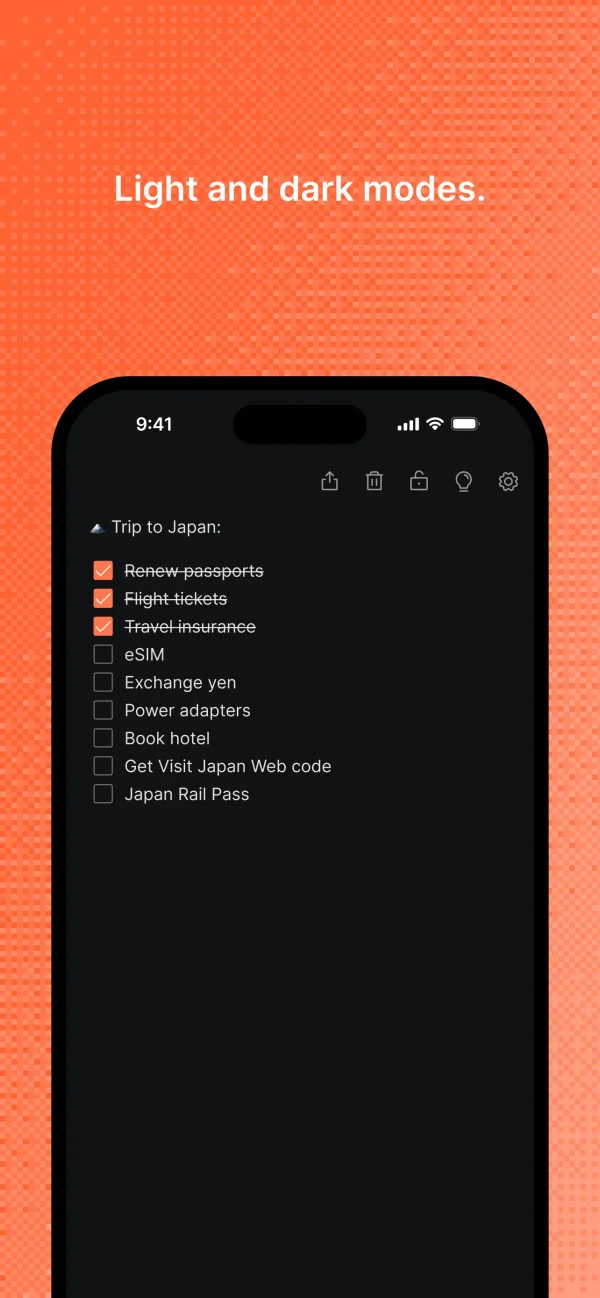
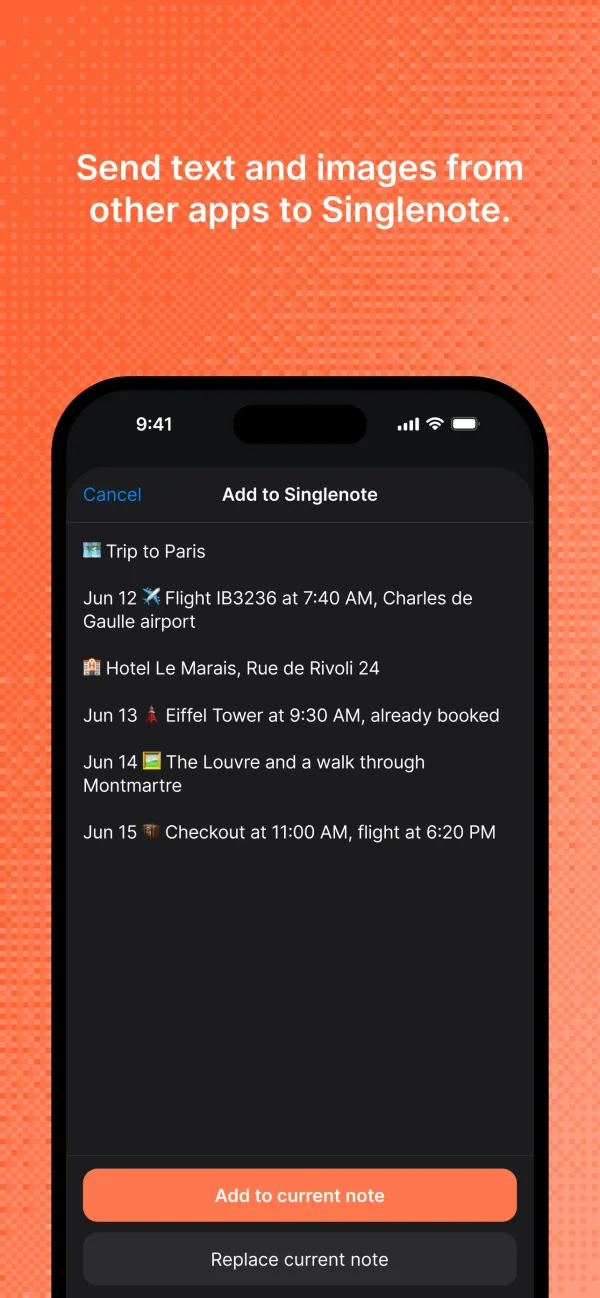
About
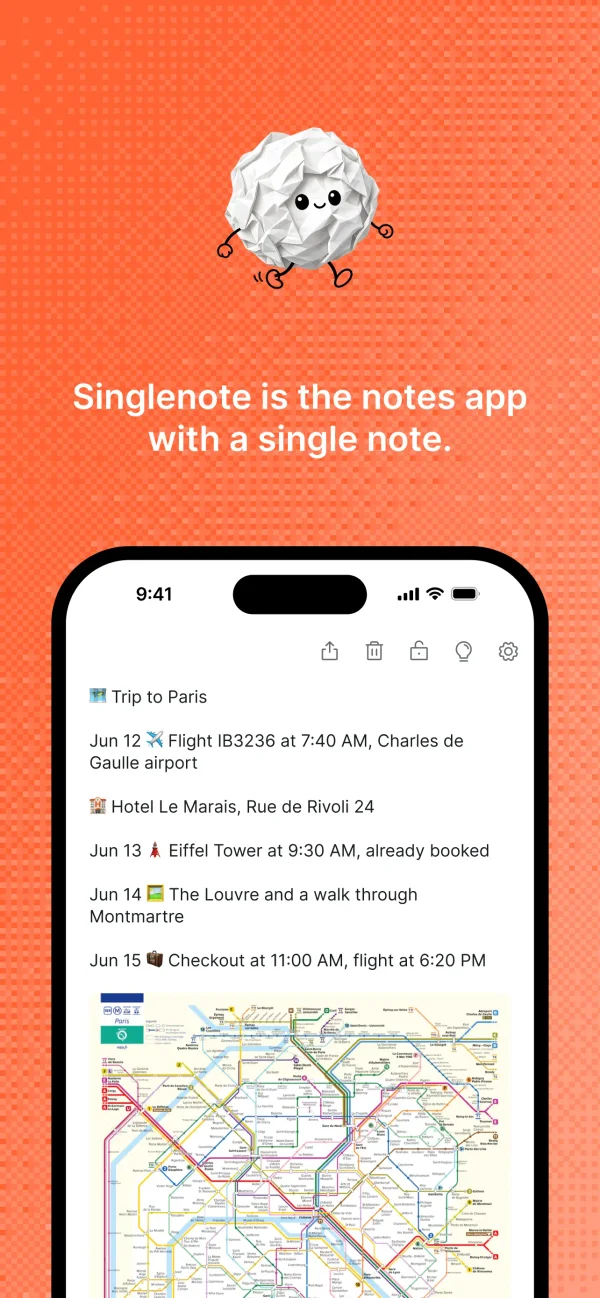
Singlenote is a notes app with a single note. Always open, always at hand, nothing to organize.
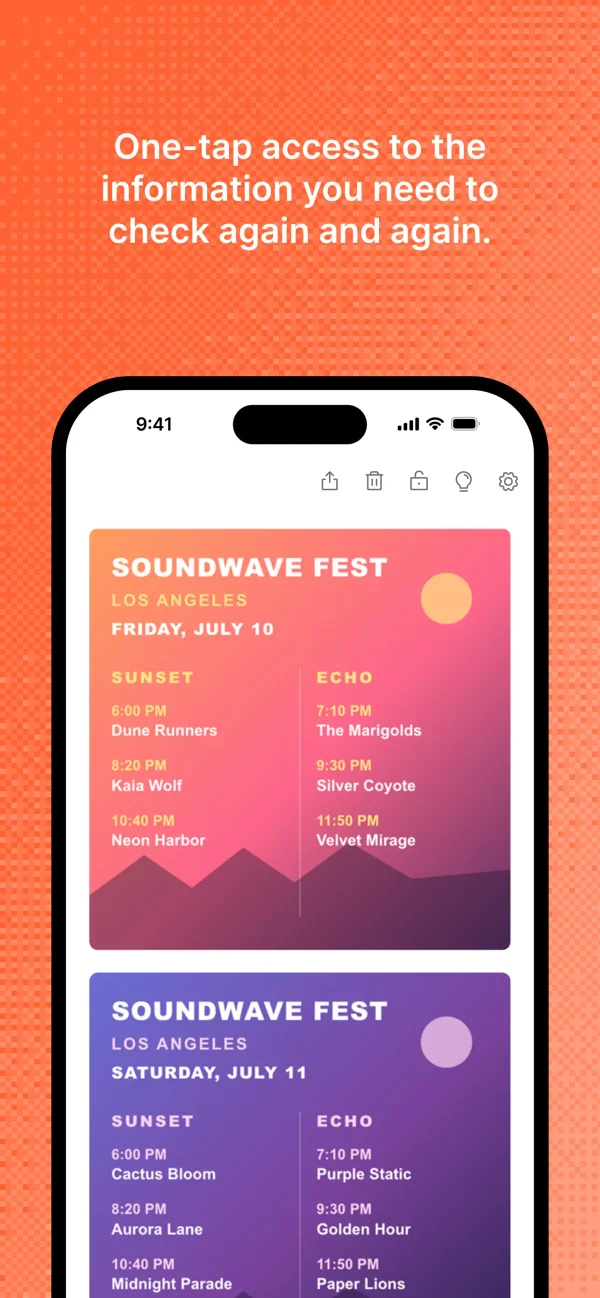
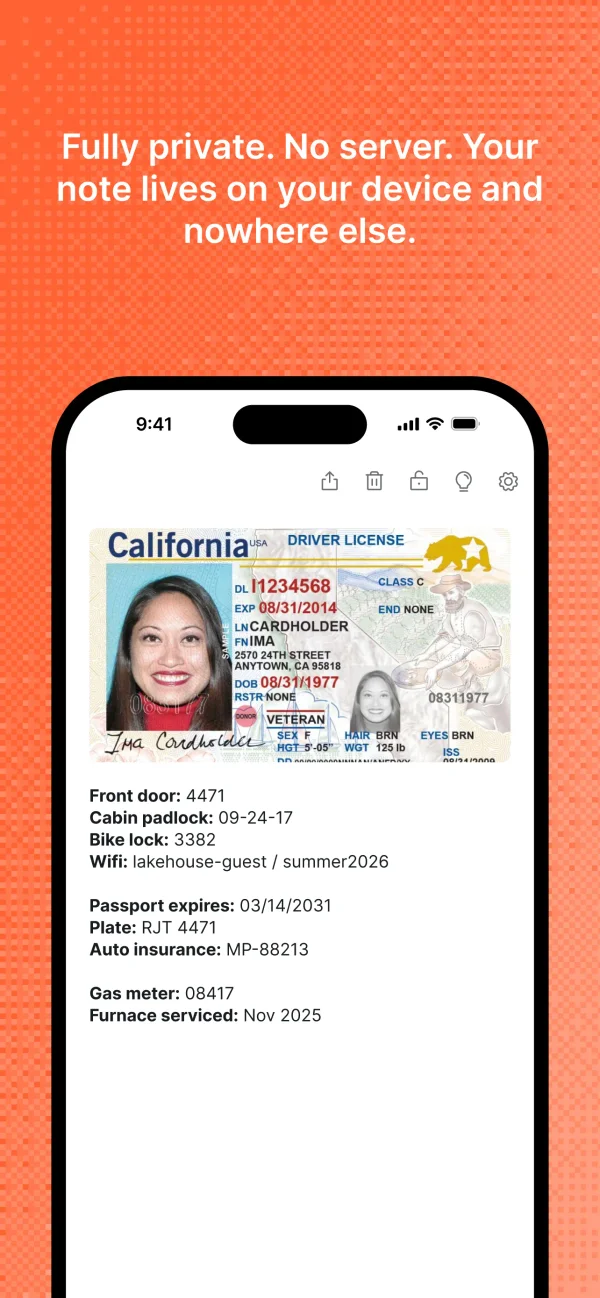
Most note apps ask you to manage notebooks, tags, and folders before you can write anything down. Singlenote skips all of that. Open the app and you're straight into your note: the one place for the door code, your Wi-Fi password, a booking reference, your work schedule, or whatever you need to check again and again.
WRITE AND FORMAT
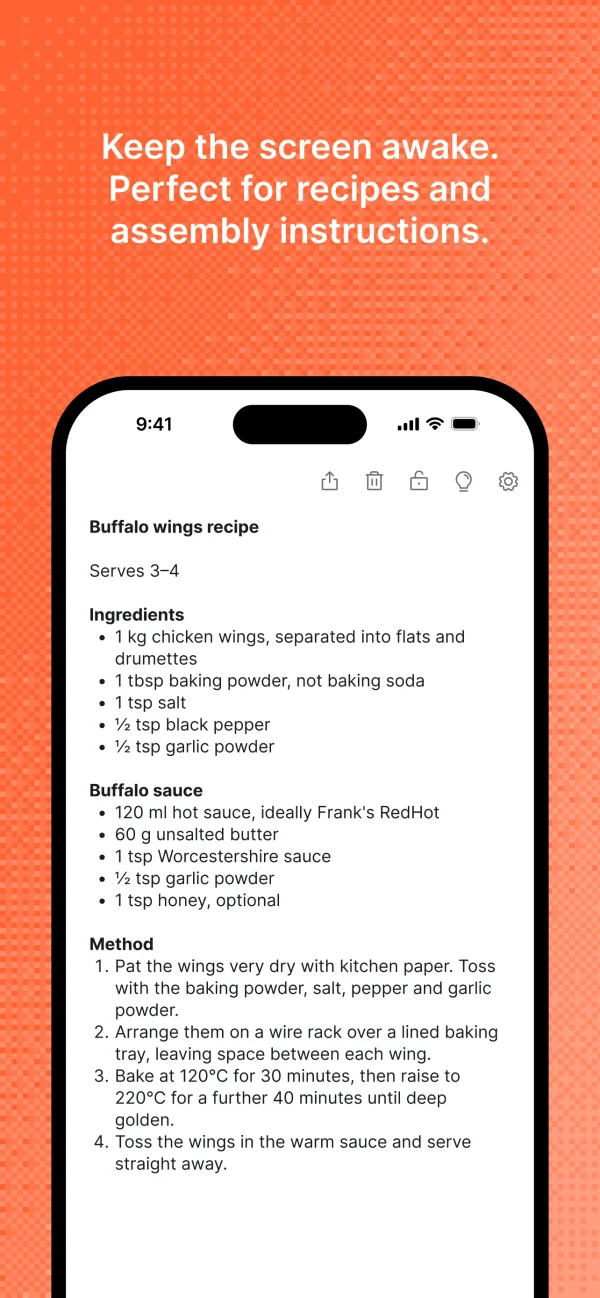
Bold, italic, links, bullet lists, numbered lists, and checklists. Paste in Markdown from anywhere and it formats itself.
ADD IMAGES
Drop in photos of tickets, IDs, receipts, or anything else worth keeping close. Drag to reorder them, tap to view full-screen with pinch-to-zoom.
ADD PDFs WITH SINGLENOTE PRO
Add a PDF and each page appears in your note like a photo. View and zoom any page, download it as an image, copy it, or delete it. PDFs are part of Singlenote Pro, a monthly or yearly subscription. Everything else in Singlenote stays free. If Pro ends, the pages already in your note stay available.
SHARE IN A TAP
Send your note to WhatsApp, email, or any app, formatting intact. Share text, images, or PDFs into Singlenote from other apps too, straight into your note.
LOCK IT WHEN YOU'RE DONE
Switch to read-only with one tap so nothing gets edited by accident, then unlock to keep writing.
MAKE IT YOURS
Light, dark, or automatic. Three text sizes. Six languages: English, Spanish, French, German, Portuguese, and Italian.
PRIVATE BY DESIGN
Your note stays on your device. We never see it, store it, or back it up on our servers. Singlenote collects a small amount of anonymous usage data to help us improve the app: things like note length or which tools get used, never your note content. Turn it off any time in Settings. Purchases go through the App Store, and we never see your payment details.
One note. That's the whole app.
Terms of Use: https://singlenote.app/terms-of-use
What’s new
Version 1.2.2 · Nov 2, 2026
New: Settings now shows the version of the app at the bottom. If you report a problem, you can tell us which version you use.
App privacy
What Bytelantic, Inc. declares on the App Store about how this app handles data.
-
Data not linked to you
May be collected but is not linked to your identity.
- Purchases
- Usage data
Privacy practices may vary, for example with the features you use or your age.
Information
- Seller
- Bytelantic, Inc.
- Category
- Productivity
- Version
- 1.2.2
- Updated
- Nov 2, 2026
- Released
- Sep 22, 2026
- Size
- 39.2 MB
- Requires
- iOS 15.0 or later
- Age rating
- 4+
- In-app purchases
- Yes
- Languages
- English
- Copyright
- © 2026 Bytelantic, Inc.
You might also like
-
 Yapto: voice notes to postsRecord ideas, publish weekly
-
 TaskesOrganize your life with GTD
-
 Amano: Document ScannerID, passport & residence card
-
 Niffler - Collect & PlanStop losing the good stuff.
-
 Markitown: Markdown EditorAI Agents & Coding Workflows
-
 Ahora!Apúntalo. Hazlo. Ya.
-
 Relay: Next Actions & ReviewsA complete GTD system
-
 Synapse: AI Voice NotesPrivate AI voice notes
-
 BackToLife ParentParental control, no Reels
-
 Rumi: Chores & Home TogetherShare out the week at home