Sked: Work Schedule Maker
Shift planner calendar tracker
Designed for iPhone, iPad, iPod touch
Free · In-app purchases
- Age rating4+
- CategoryProductivity
- DeveloperOwen Schick
- LanguagesEnglish+ 32 more
- Size57.4 MB
Links to the official App Store page
Download.org hosts no file of Sked: Work Schedule Maker. The button opens its official App Store page, published by Owen Schick. Listing last checked on Nov 26, 2026.
Screenshots
About
Meet Sked - Your new work schedule manager.
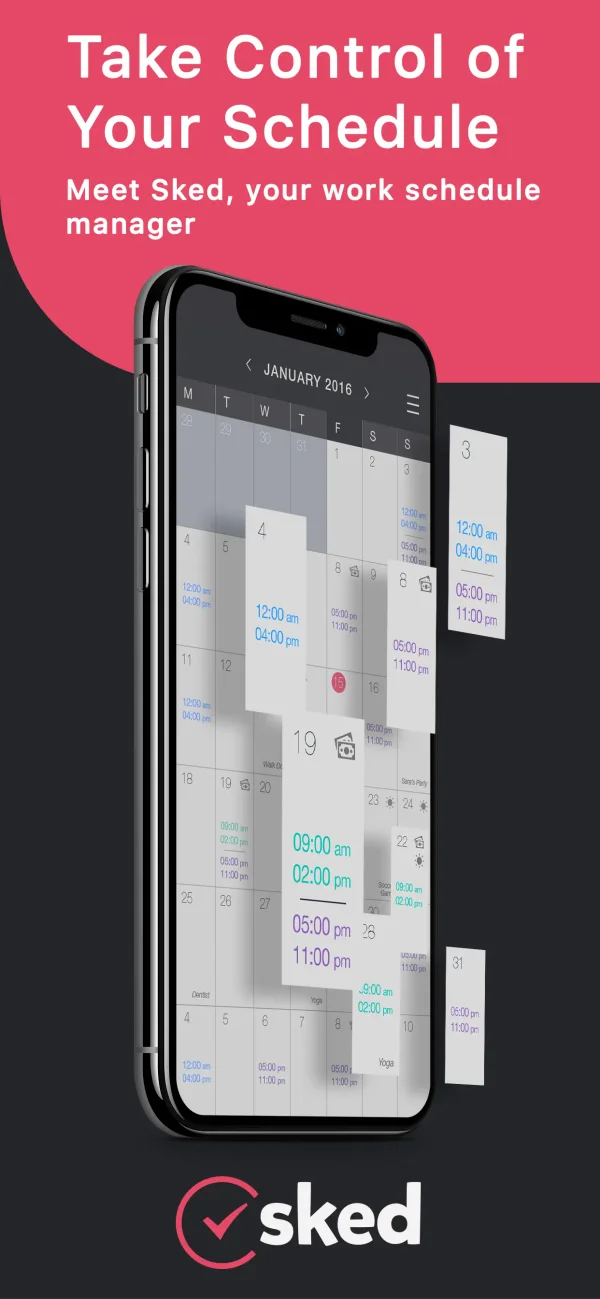
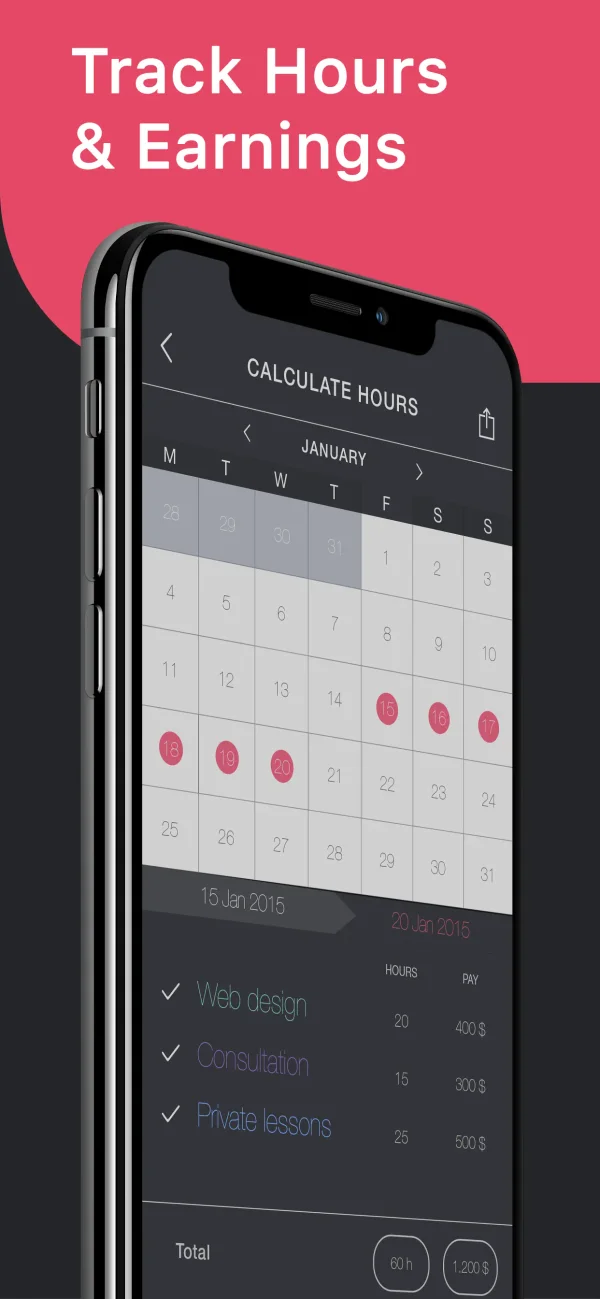
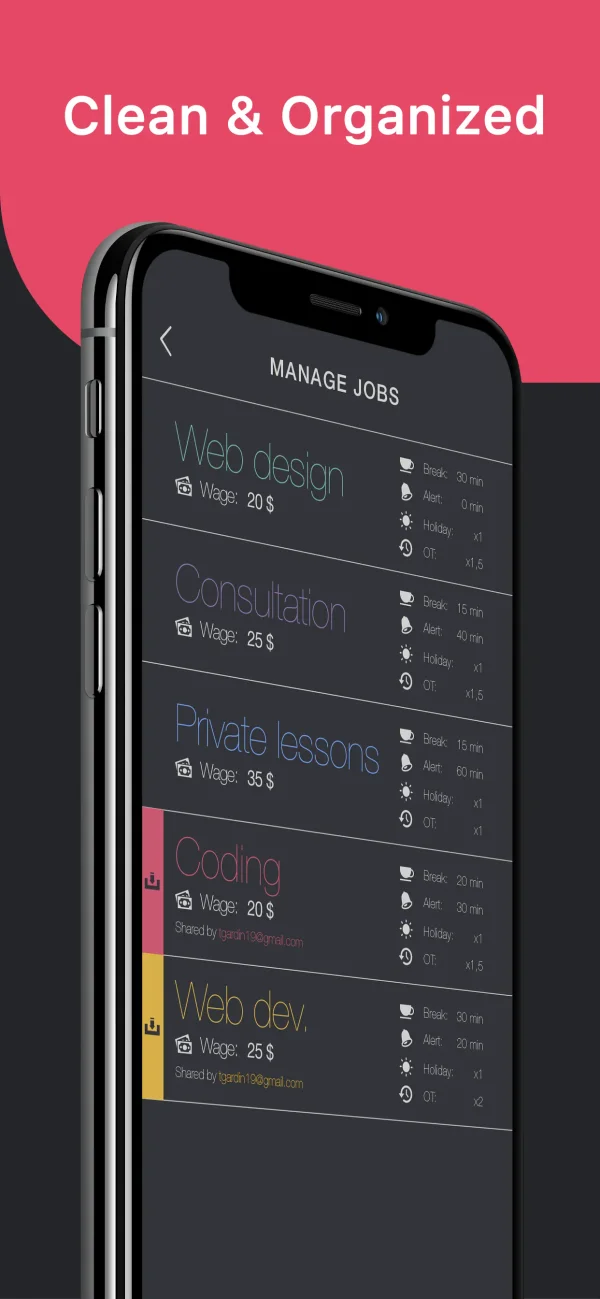
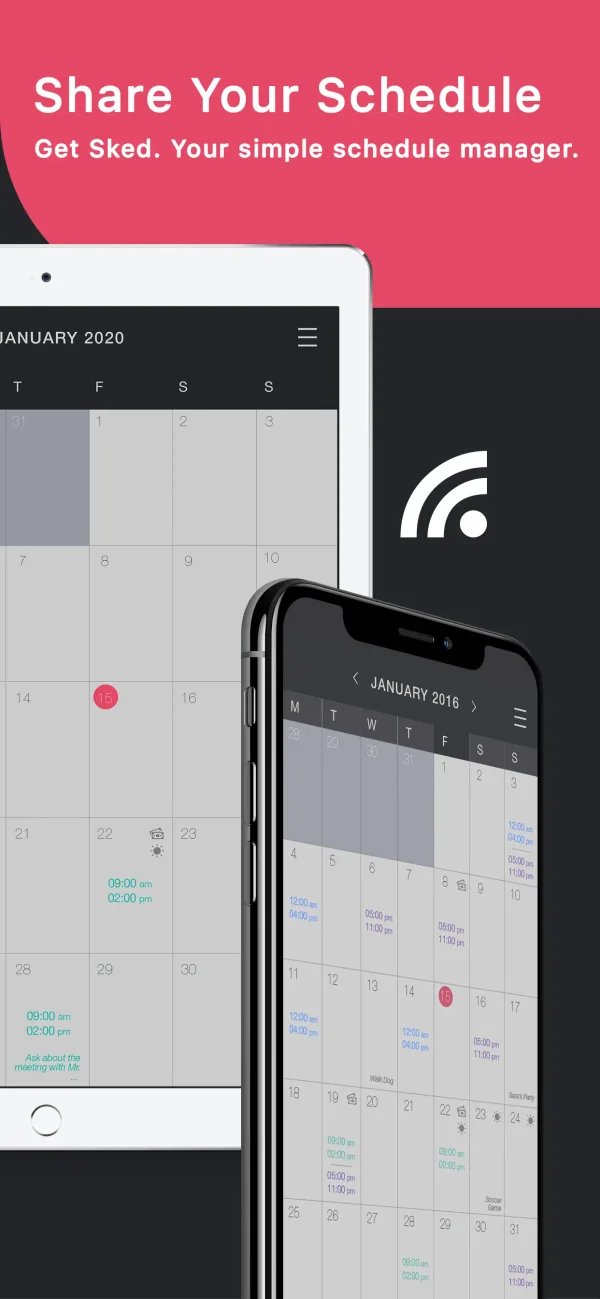
Sked gives you total control over your work schedule. It adds your work shifts in seconds. It tracks your hours worked and pay earned. It shows you your monthly schedule at a single glance.
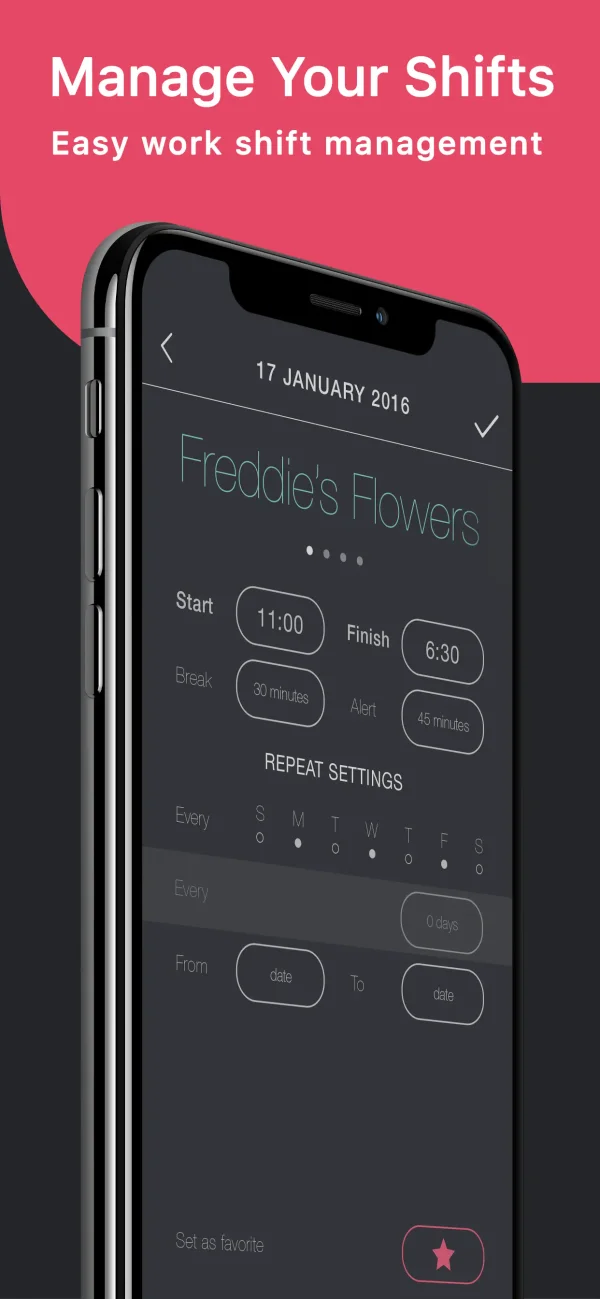
It can handle many jobs. It can manage overtime and holiday pay. You can create invoices for hours worked in Sked. And it can add your most common shifts with just a single tap. In fact, there isn’t much that Sked can’t do.
Sked has powerful sharing features. You can sync your schedule to your iPhone or iPad’s native calendar, which will give you Apple Watch alerts. You can share just your work day, or entire months of your schedule with friends. And best of all - you can directly sync schedules with close friends and family in the app, so you can always see when everyone is working.
Does your schedule involve rotating shifts? No problem. Sked’s robust scheduling features can handle shift addition for certain days of the week. Sked can also add shifts every certain number of days.
Sked can add little notes to your calendar as well, to remind you of the most important things. Oh - and of course Sked will alert you when you need to get ready for work.
With Sked, your work life just got easier.
Subscription pricing and terms:
Sked offers three auto-renewing subscription options:
$2.99 per week
$6.99 per month
$29.99 per year
These prices are for United States customers. Pricing in other countries may vary and actual charges may be converted to your local currency depending on the country of residence.
Your Sked subscription will automatically renew at the end of each term and your credit card will be charged through your iTunes account. You can turn off auto-renew at any time from your iTunes account settings but refunds will not be provided for any unused portion of the term.
Read more about our terms and conditions here:
Terms of Use: http://picshiftapps.com/terms-of-use/
Privacy Policy: http://picshiftapps.com/privacy-policy/
What’s new
Version 1.2.8 · Oct 18, 2024
Bug Fixes
App privacy
What Owen Schick declares on the App Store about how this app handles data.
-
Data not collected
The developer does not collect any data from this app.
Privacy practices may vary, for example with the features you use or your age.
Information
- Seller
- Owen Schick
- Category
- Productivity
- Version
- 1.2.8
- Updated
- Oct 18, 2024
- Released
- Apr 7, 2016
- Size
- 57.4 MB
- Requires
- iOS 12.0 or later
- Age rating
- 4+
- Price
- Free
- In-app purchases
- Yes
- Languages
- English, Arabic, Armenian, Catalan, Czech, Danish, Dutch, Finnish, French, German, Greek, Hebrew + 21 more
- Copyright
- © 2016 Picshift Photo Manager & Work Schedule Calendar Apps Inc.
You might also like
-
 WorkTime: Shift Work CalendarJob schedule & hours tracker
-
 Shiftify - Shift Work CalendarSimple & Smart Shift Scheduler
-
 WorkTime: Shift CalendarWork Schedule & Pay Tracker
-
 Shift Calendar - ScheduleWork time planning for worker
-
 ShiftLife OrganizerShift Worker Calendar
-
 My Calendar - Shift scheduleWork Planner & Earnings
-
 Simple Rota MakerShifts, Scheduling & Tasks
-
 SHIFTAR: Work schedule plannerWork schedule calendar
-
 Shift Work Calendar & ScheduleMy shifts planner & tracker
-
 myShiftWork - Roster CalendarCalendar for shift workers