
- Age rating4+
- CategoryProductivity
- DeveloperSiddhesh Shivdikar
- LanguagesEnglish
- Size47.3 MB
Links to the official App Store page
Download.org hosts no file of Sketch Focus: Study & Work. The button opens its official App Store page, published by Siddhesh Shivdikar. Listing last checked on Nov 20, 2026.
Screenshots
About
CAN’T STAY FOCUSED? TURN YOUR ATTENTION INTO ART.
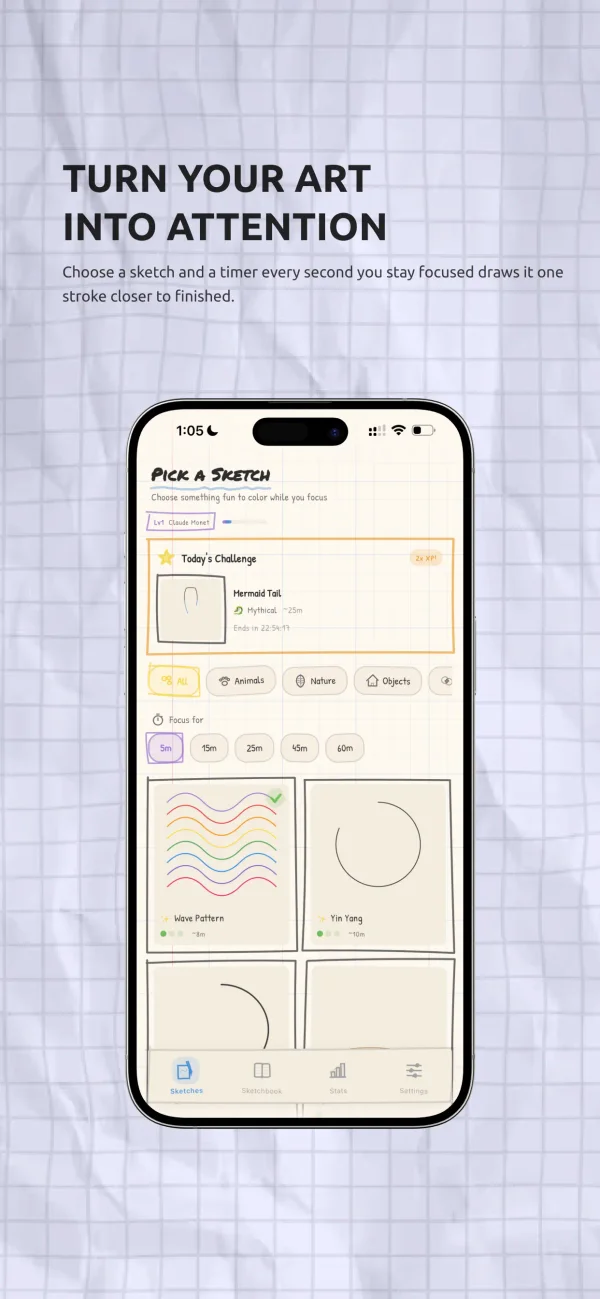
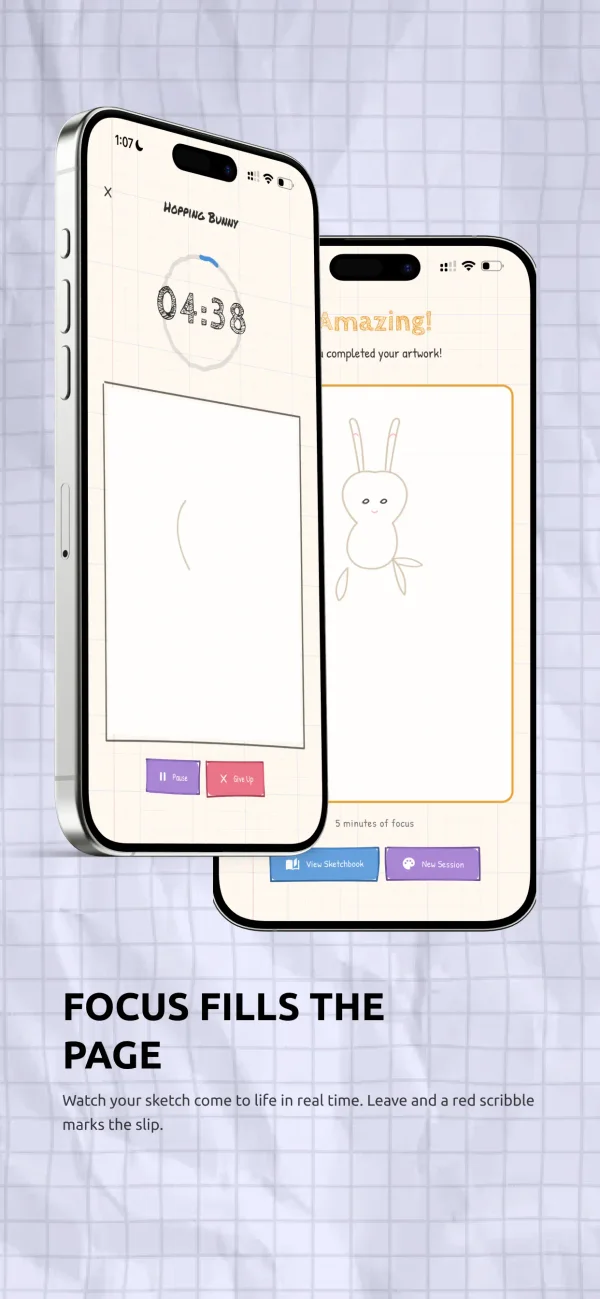
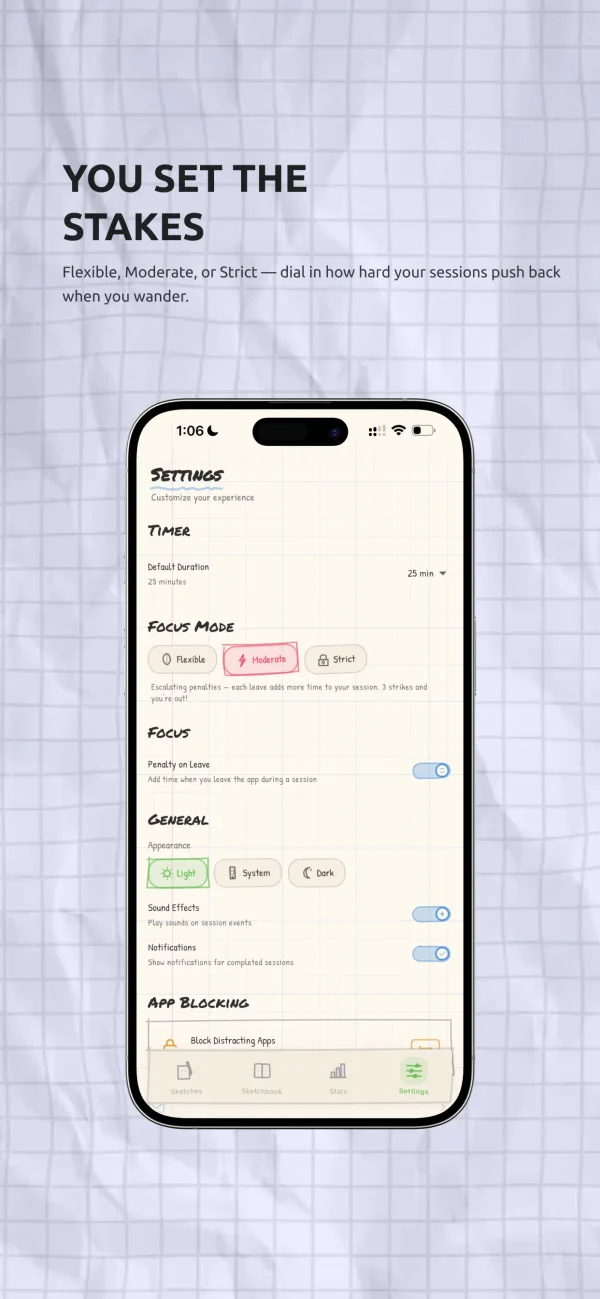
Sketch Focus is a unique focus timer for students, remote workers, and anyone who struggles to stay on task. Set a Pomodoro timer, start your session, and watch a hand-drawn sketch appear on screen in real time. The artwork only progresses while you are focused. Finish your session to unlock a complete piece of art.
It is the Pomodoro technique with a creative twist that actually makes you want to stay in the zone.
HOW IT WORKS
Set your focus timer — 10, 25, 45 minutes, or any custom duration.
Start your study or work session and stay on task.
A sketch draws itself stroke by stroke as your timer runs.
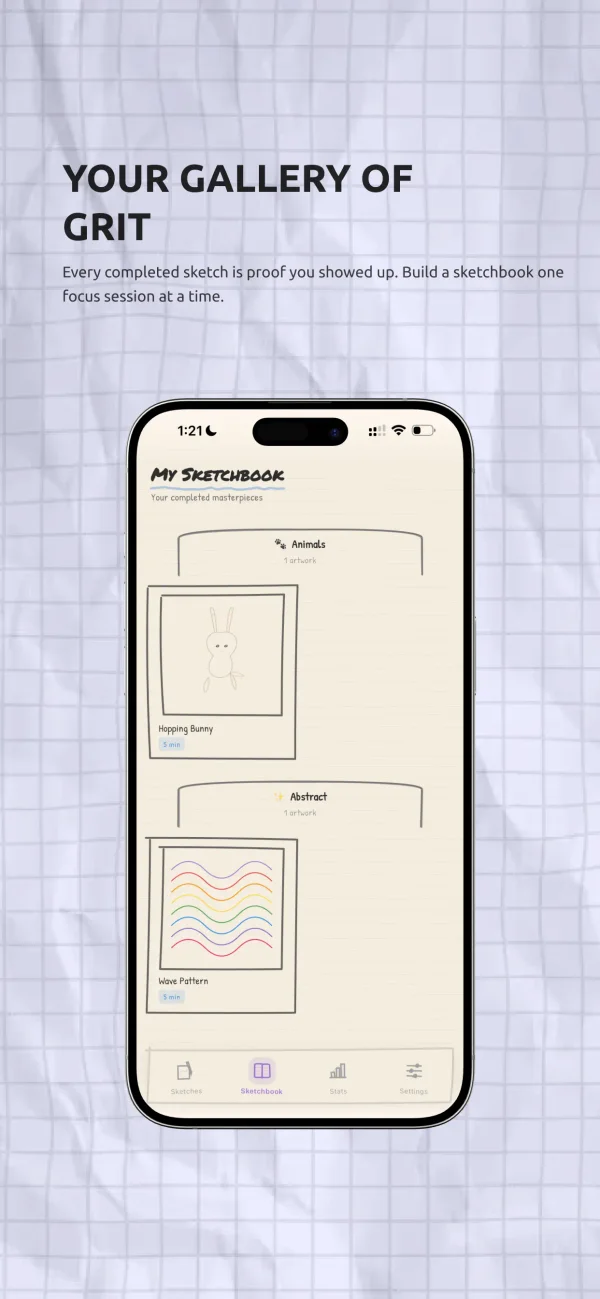
Complete the session to reveal and unlock the finished artwork.
WHY SKETCH FOCUS?
Most focus apps just show a countdown. Sketch Focus gives you a visual reward worth earning. The progress of a sketch appearing is a gentle, satisfying reminder to stay focused—without annoying notifications or pressure.
PERFECT FOR:
• Students: Studying for exams, assignments, and revision sessions.
• Deep Work: Remote workers, freelancers, and developers.
• Creatives: Writers and designers working on a deadline.
• ADHD Support: Helpful for those battling procrastination or difficulty concentrating.
• Pomodoro Users: A more rewarding experience than a standard kitchen timer.
KEY FEATURES
• Custom Focus Timer: Use Pomodoro (25/5), 45/15, or fully custom intervals.
• Visual Progress: See the sketch draw itself progressively in real time.
• Offline Mode: Works 100% offline — no internet required.
• Total Privacy: No accounts, no sign-up, and no login required.
• Ad-Free: No ads, ever. Minimalist and distraction-free interface.
• Lightweight: Fast performance with no bloat.
• Dark Mode: Full support for dark and light themes.
COMPLETELY PRIVATE
Sketch Focus collects zero data. No analytics, no tracking, and no personal information. Everything stays on your device.
Privacy policy: https://coretattva.com/sketch-focus/privacy
THE SCIENCE OF PRODUCTIVITY
Time-boxing work into focused intervals is a proven productivity technique. The Pomodoro Technique helps millions work smarter. Sketch Focus takes this method and adds a creative reward loop, making it easier to start sessions and harder to abandon them.
ABOUT CORE TATTVA
Built by an indie app studio in Sydney, Australia. We build small, focused tools that actually help without the noise.
Download Sketch Focus today — set your timer, earn your sketch.
What’s new
Version 1.1.0 · Aug 19, 2026
Sketch Focus just got a whole lot more social.
Group Focus Rooms ! create or join a room with friends, draw alongside each other in real time, and build a shared gallery wall when you're done.
Collect your crew ! 11 Artist Buddies now available individually, each with a unique passive power to help you focus harder.
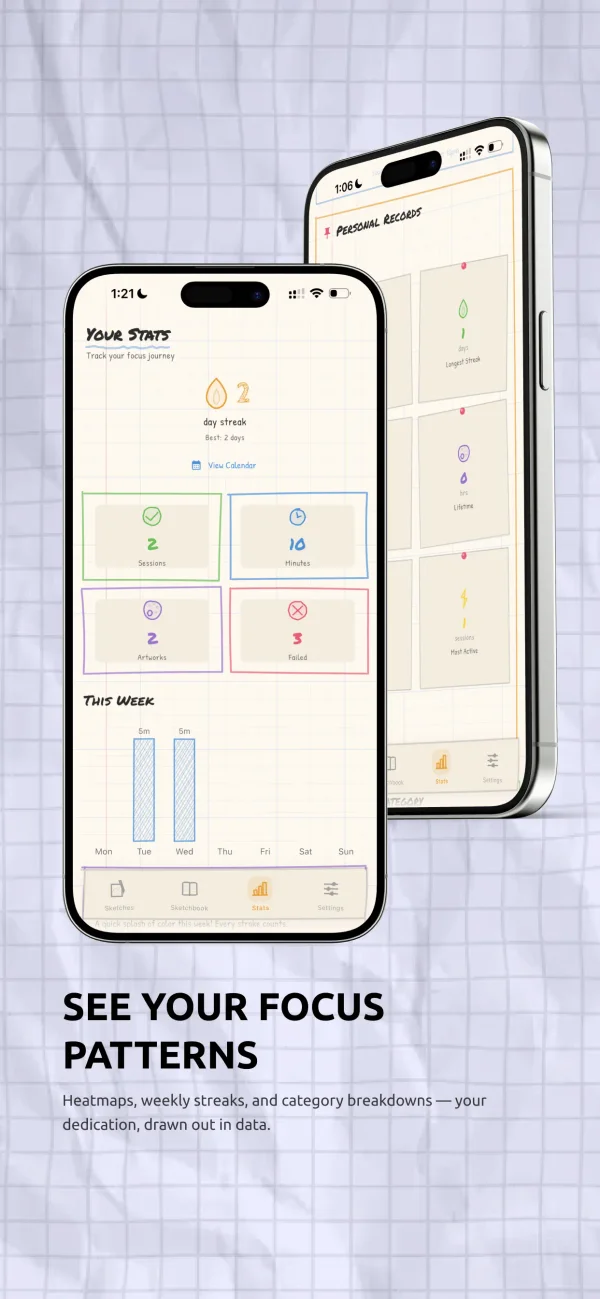
Weekly leaderboard, redesigned profile, and a hand-drawn comic onboarding round out the update.
Sketch Focus Pro is live: global rooms, 2× XP, Monster Skins, and more.
App privacy
What Siddhesh Shivdikar declares on the App Store about how this app handles data.
-
Data not collected
The developer does not collect any data from this app.
Privacy practices may vary, for example with the features you use or your age.
Information
- Seller
- Siddhesh Shivdikar
- Category
- Productivity
- Version
- 1.1.0
- Updated
- Aug 19, 2026
- Released
- May 13, 2026
- Size
- 47.3 MB
- Requires
- iOS 16.0 or later
- Age rating
- 4+
- Price
- Free
- Languages
- English
- Copyright
- © 2026 Coretattva
You might also like
-
 Focusy: Tasks, Habits & AIADHD planner: tasks & AI help
-
 Cozy Focus - Visual TimerStudy Planner & Lofi Music
-
 Sit Still: Focus & App BlockerCozy pomodoro timer for study
-
 MyVoiceToTextDictation Speech to text notes
-
 Do It Now - RPG To Do ListImprove your motivation Do It!
-
 Cami CounterTimer and Dual Counter
-
 LoomWeb: Block Shorts & ReelsBrowse with Intention
-
 WhitelinesProductivity
-
 Rewired: Screen Time BlockerBeat Brainrot & Build Habits
-
 Pand-A Gamepad Pro Connect AppGamepad Controller & Booster