Sketudio: Animated Comic Maker
Draw, animate & share stories
Designed for iPhone, iPad, iPod touch
Free
- Age rating4+
- CategoryGraphics & Design
- DeveloperJun Park
- LanguagesEnglish+ 5 more
- Size133.8 MB
Links to the official App Store page
Download.org hosts no file of Sketudio: Animated Comic Maker. The button opens its official App Store page, published by Jun Park. Listing last checked on Nov 13, 2026.
Screenshots

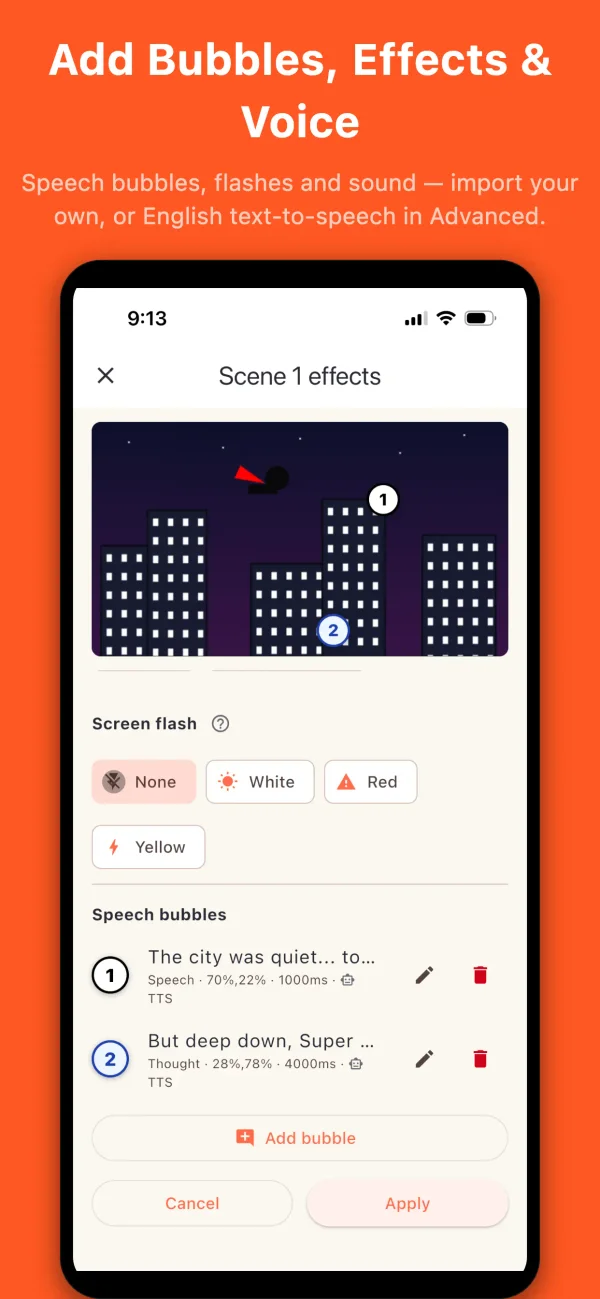
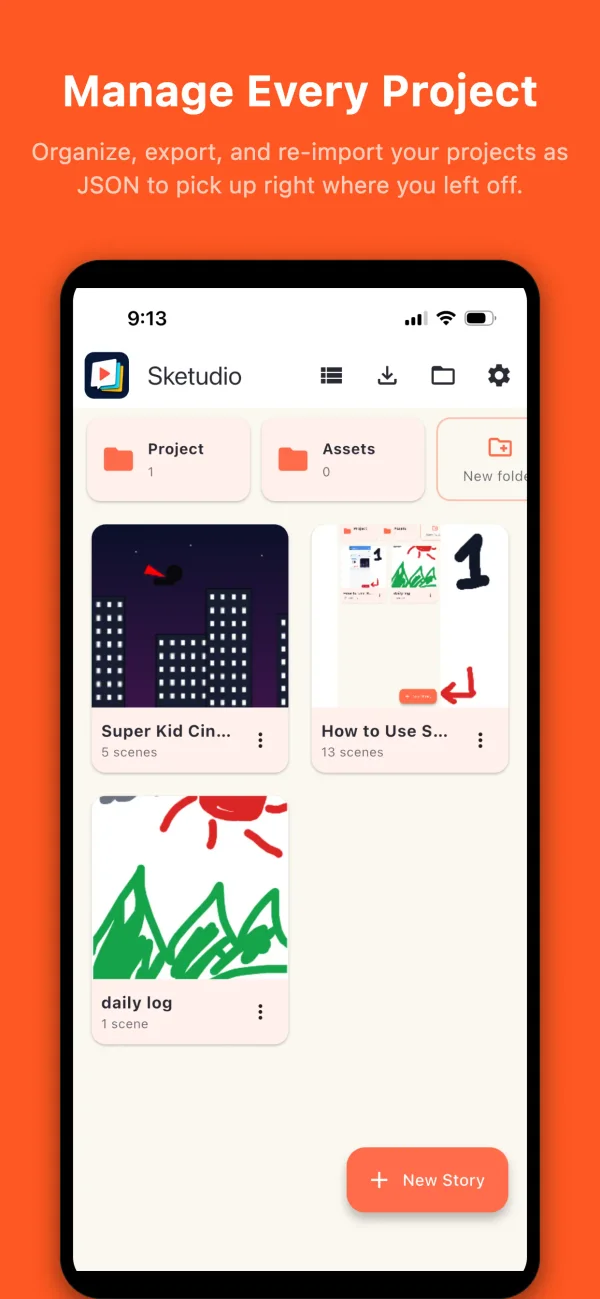
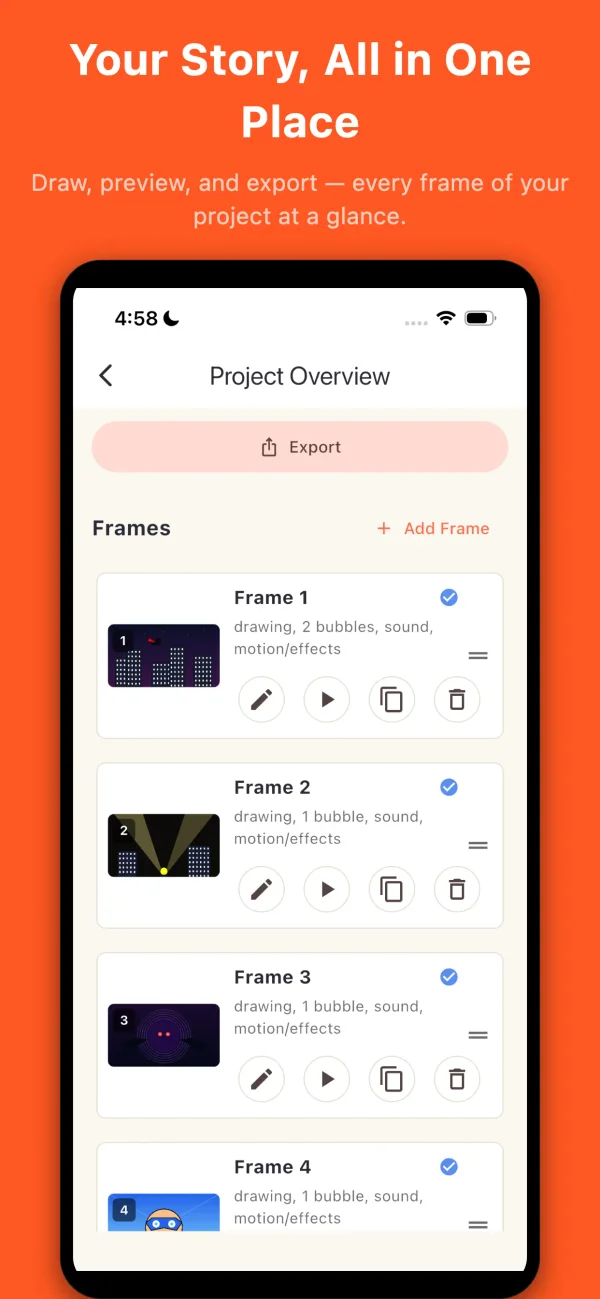
About
Sketudio is where your drawings start to move.
Sketch a scene, bring it to life with motion and sound, add speech bubbles and your own voice, then share the whole story as a single file that plays in any web browser — no app required on the other end.
Sketudio is a draw-first storytelling studio. You build your story one frame at a time, exactly the way you imagine it, and Sketudio turns those frames into a cinematic comic you can play and share.
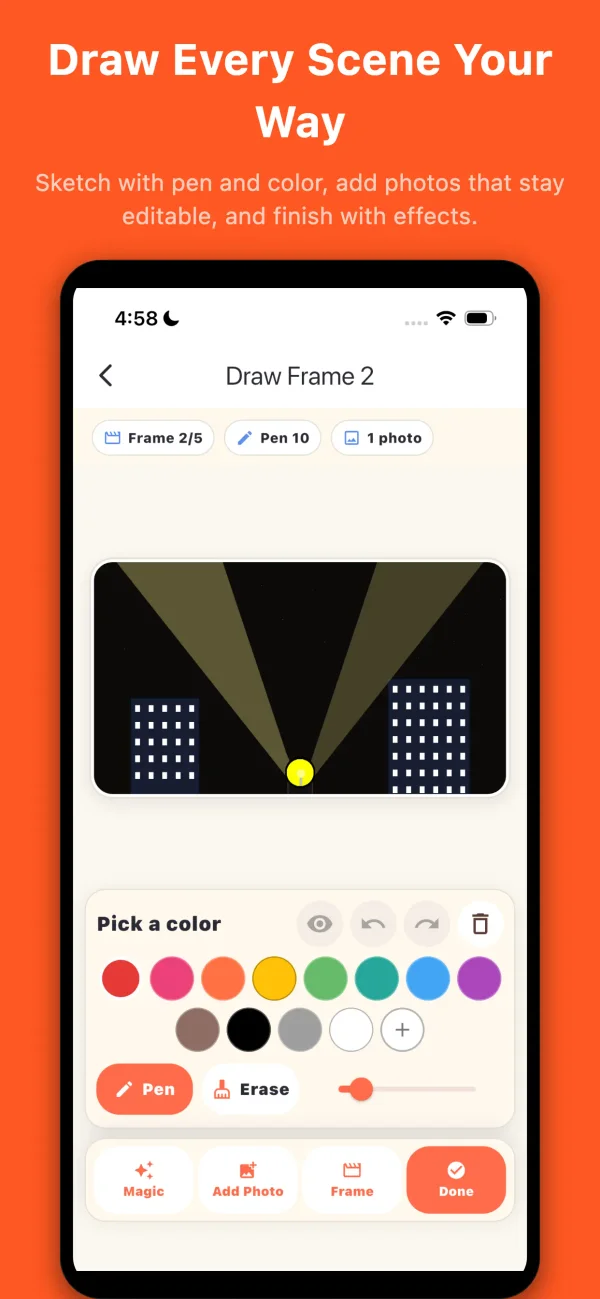
DRAW EVERY SCENE YOUR WAY
- Sketch with pen and color tools, pick your frame shape (square, wide, or tall)
- Drop in photos from your library as backgrounds
- Cut out the subject from any photo you import — the background is removed on your device
- Add captions and text labels with built-in text tools
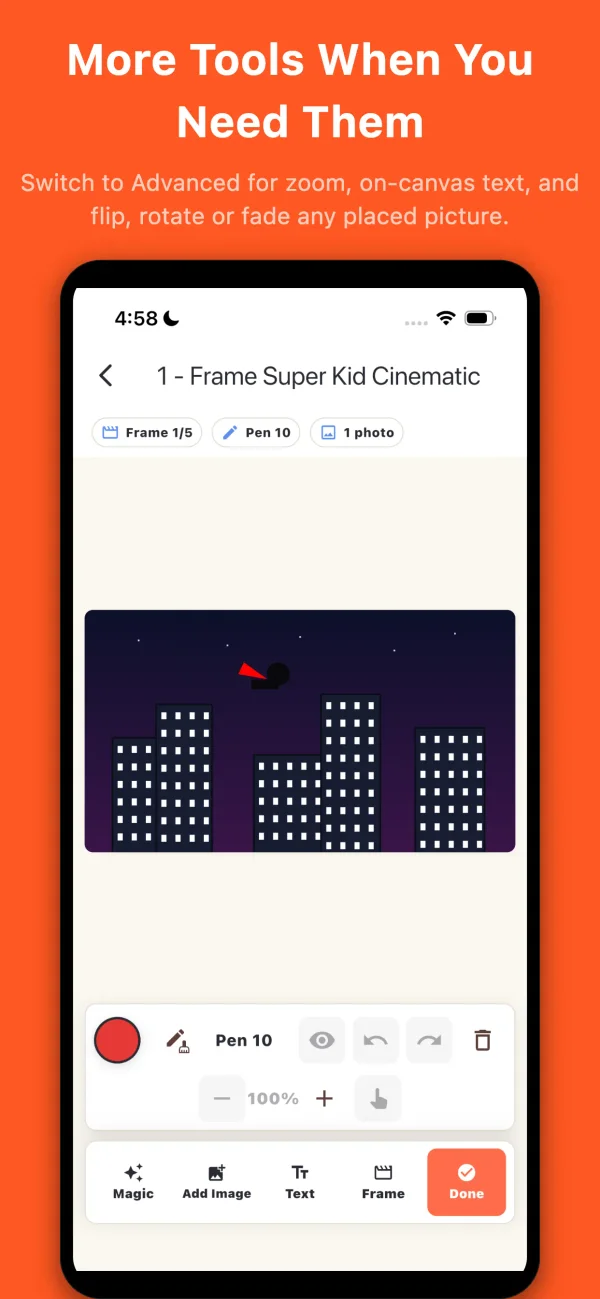
- Start in Simple mode, or switch to Advanced for canvas zoom, layered photos, and on-canvas text
BRING IT TO LIFE WITH MAGIC
- Add cinematic motion — zoom, pan, and playful spins
- Layer in sound effects and screen flashes
- Add speech, thought, shout, and narration bubbles
- Record your own voice, or generate on-device English speech for any bubble
MAKE IT INTERACTIVE
- Turn a frame into a choice — show two buttons and let your reader pick which frame to jump to
- Mark a frame as an ending so every branch of your story can finish its own way
- Build branching, choose-your-own-adventure comics that play right in a browser
PLAY IT TWO WAYS
- Animated Comic: scene-by-scene autoplay with motion, flashes, sound, and bubble reveals
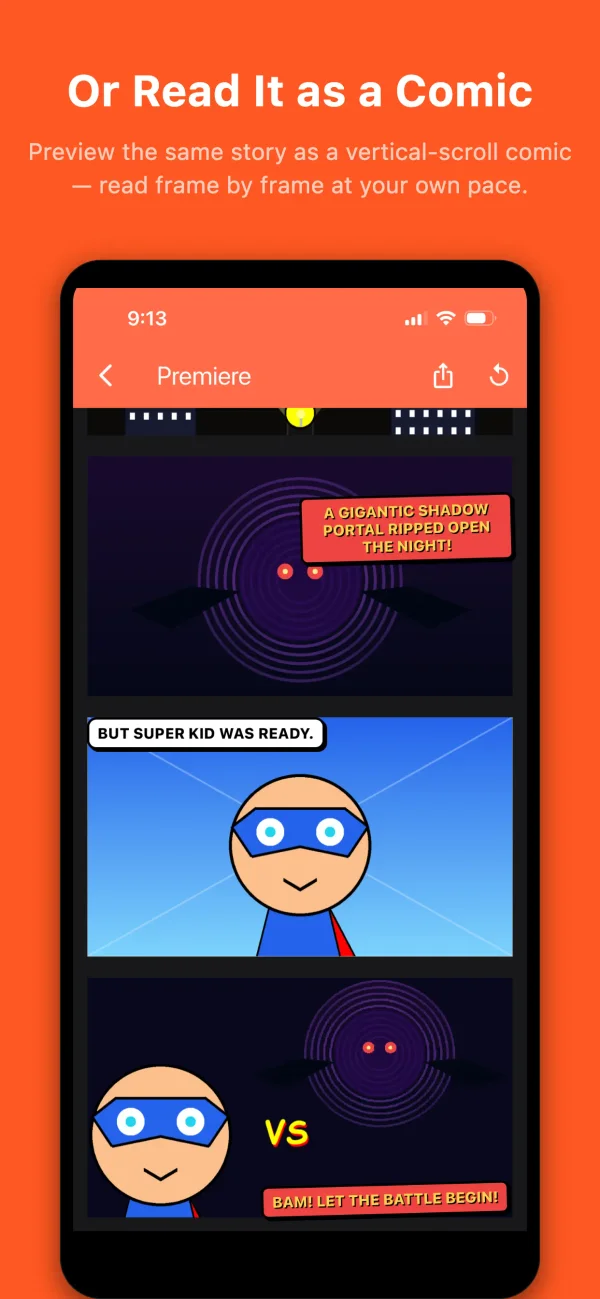
- Comic: a vertical-scroll page where every scene is visible at once
SHARE WITH ANYONE
- Export to a single self-contained file that keeps your motion, timing, audio, and bubbles in one shareable story
- The person you send it to just opens it in any browser. No account, no app, no sign-up
- Keep every export in your Exports Library to replay, re-share, or reopen later
- Back up or move a whole project as a single file — export it to JSON and re-import to pick up right where you left off
PRIVATE BY DESIGN
- Your comics, drawings, photos, and voice clips stay on your device
- Works fully offline — create anywhere, no internet needed
- No accounts, no ads, no tracking
Whether you're sketching a quick gag strip or directing a multi-scene animated comic, Sketudio gives you the studio — you bring the story.
Start with the built-in "How to Use Sketudio" walkthrough and make your first comic right away.
What’s new
Version 1.1.1 · Aug 31, 2026
Sketudio 1.1.1 is all about pictures.
PICTURES YOU CAN KEEP EDITING
- Place a photo and it stays yours: move it, resize it, and in Advanced mode flip, rotate or fade it. It is no longer baked into the drawing.
- Undo a placement if you change your mind, and fit up to 12 pictures on a frame.
- Import a picture once, then reuse it on any frame — the picker shows your project's own pictures first.
- Manage pictures: rename the ones you keep, delete the ones you don't.
- Hide pictures and text with one tap so your pen has the whole frame to itself.
DUPLICATE A FRAME
- Copy a frame with everything on it — artwork, effects, bubbles and their voices, captions and pictures — placed right after the original.
MORE SOUND, MORE STYLE
- Import your own sound effects (mp3, m4a, wav, aac) instead of only recording them.
- Make a bubble's fill see-through so your artwork shows behind it.
- Custom bubble colors now preview in a live swatch as you choose them.
FIXES
- Placed pictures now appear in Comic mode, in frame thumbnails and on project covers.
- Clear now removes placed pictures too.
- Imported photos use far less memory, so picture-heavy projects stay smooth.
As always, everything stays on your device — no accounts, no ads.
App privacy
What Jun Park declares on the App Store about how this app handles data.
-
Data not collected
The developer does not collect any data from this app.
Privacy practices may vary, for example with the features you use or your age.
Information
- Seller
- Jun Park
- Category
- Graphics & Design
- Version
- 1.1.1
- Updated
- Aug 31, 2026
- Released
- Jun 1, 2026
- Size
- 133.8 MB
- Requires
- iOS 15.0 or later
- Age rating
- 4+
- Price
- Free
- Languages
- English, Japanese, Korean, Simplified Chinese, Spanish, Traditional Chinese
- Copyright
- © 2026 Bonstandard
You might also like
-
 WholeNote: Export NotesComplete PDF & Long Image
-
 ScratchcamMake sticker & collage art
-
 Fridge magnet: photos stickersMake cute fridge magnets
-
 LOTA - LiDAR Over the AirSpatial capture on your phone.
-
 Ebru: Water & Paper MarblingRelaxing Fluid Art & Ink Hobby
-
 MagicM: Object Remover AIPhoto Eraser & Retouch
-
 Flip Animation: 2D Draw a ClipFlipAnim Maker Frame Animate
-
 Edit Text In Photo - ForgeitAdd Text, Erase & Translate
-
 xLiveWallpaper - Video to LiveLive Wallpapers Update Today
-
 dayframe: aesthetic recapsCurated calendar & stories