
- Age rating4+
- CategoryGraphics & Design
- Developer伟 王
- LanguagesEnglish+ 23 more
- Size14.8 MB
Links to the official App Store page
Download.org hosts no file of WholeNote: Export Notes. The button opens its official App Store page, published by 伟 王. Listing last checked on Nov 12, 2026.
Screenshots

About
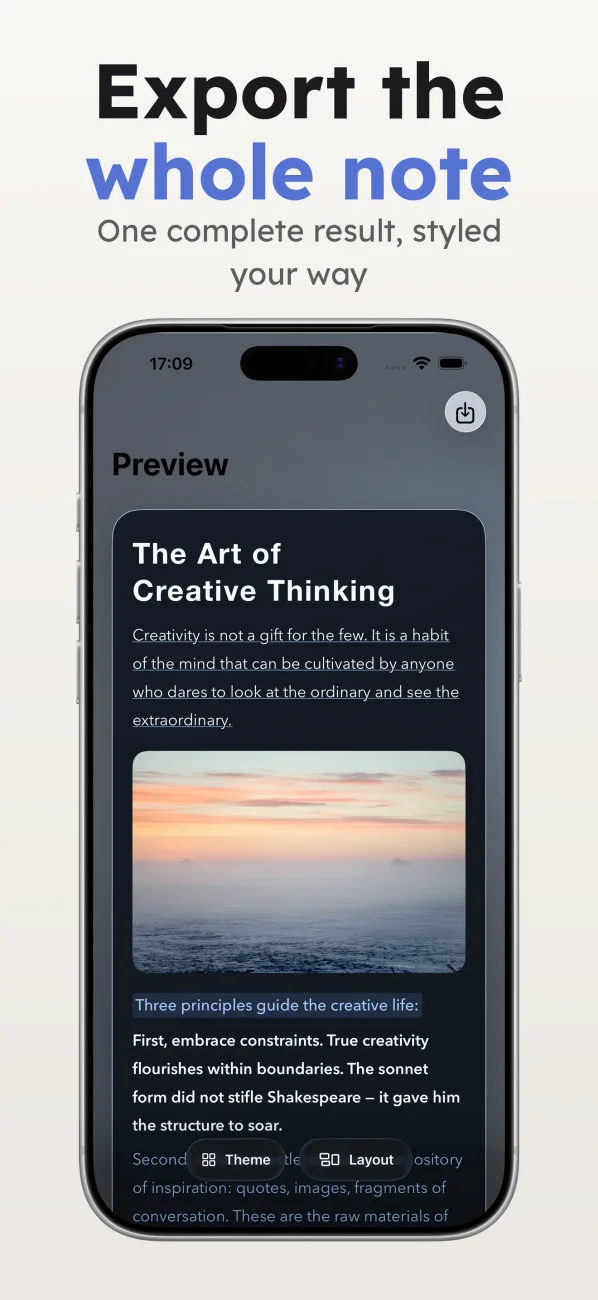
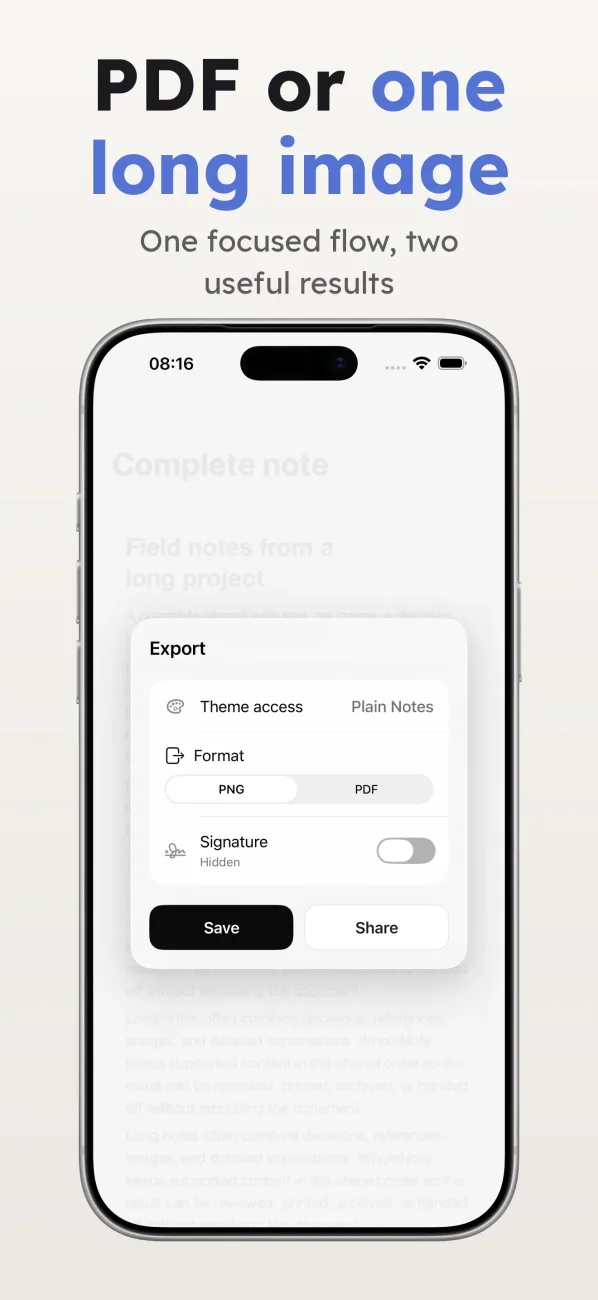
A long Apple Note should not turn into cropped pages, broken screenshot stitches, or a document with a missing ending. WholeNote turns one shared note into a searchable A4 PDF or one continuous image, ready to save, print, archive, or hand off.
Share a note from Apple Notes, review the imported content, adjust its reading style, and export. WholeNote keeps the supported text, images, and detected tables in order, so you do not have to rebuild the note in another editor.
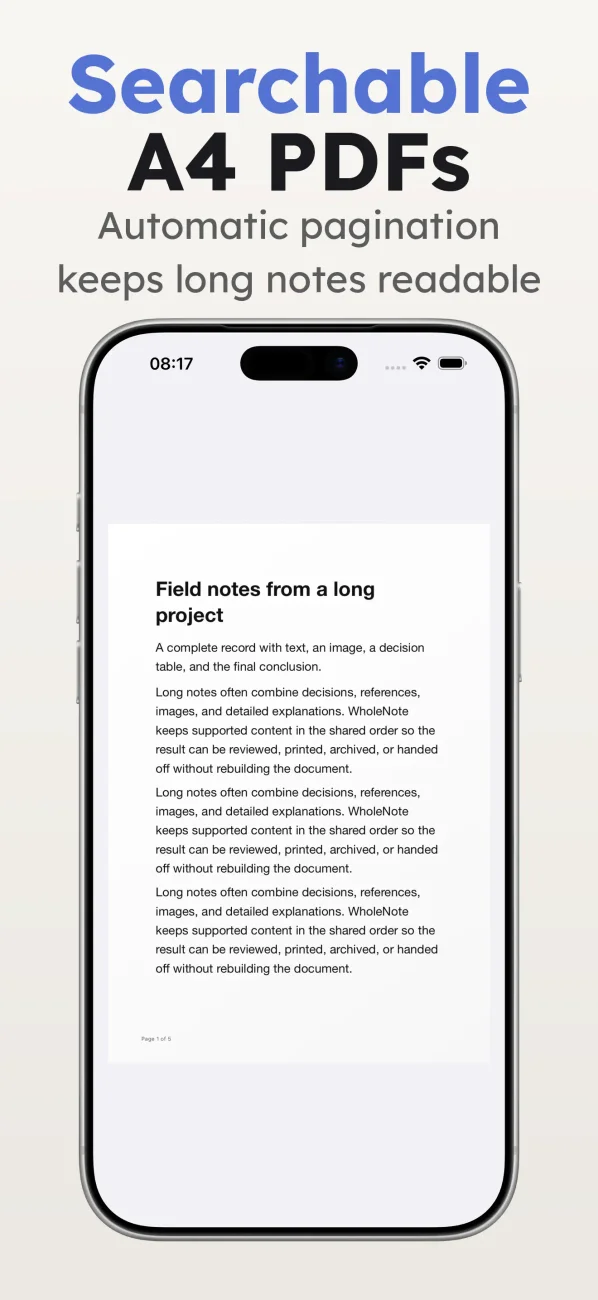
• Export searchable PDF
Create a fixed A4 document with automatic pagination and selectable, searchable text.
• Save one continuous image
Turn supported content into a single long PNG for quick viewing, saving to Photos, or sharing. If the note exceeds the safe image limit, WholeNote tells you to use PDF instead of removing content.
• Keep mixed content in order
Import supported text, images, and detected tables from the iOS Share Sheet and preserve their sequence.
• Know when something is missing
Import diagnostics and export checks surface unsupported content, size limits, and failures. WholeNote does not silently call an incomplete result successful.
• Make long notes easier to read
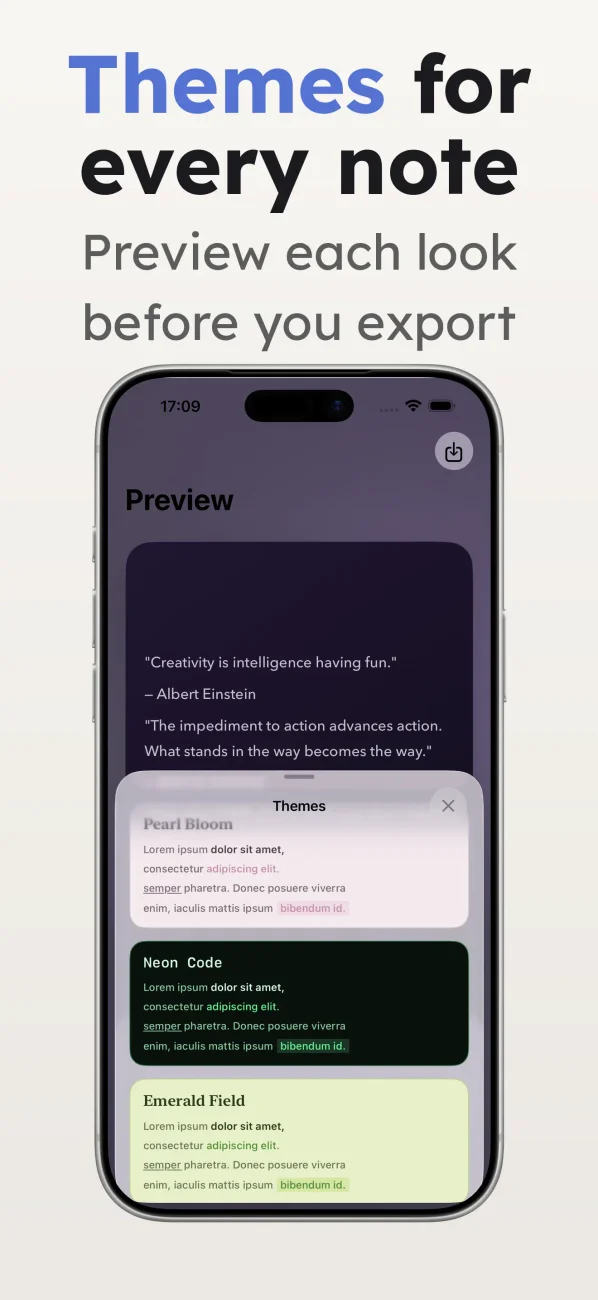
Choose a theme and adjust type size, line spacing, margins, and block spacing before export.
• Buy once
No subscription, no account, and no runtime paywall.
Important: WholeNote can only process content that iOS provides through sharing and that the app supports. It does not batch-export your Notes library, preserve every Apple Notes formatting detail, expand every attachment, or export Word documents.
What’s new
Version 1.1 · Aug 11, 2026
WholeNote now focuses on complete export for long Apple Notes.
• Export searchable, automatically paginated A4 PDFs
• Save supported content as one continuous long image
• Keep shared text, images, and detected tables in order
• See clear warnings for unsupported content and export limits
One-time purchase. No subscription.
App privacy
What 伟 王 declares on the App Store about how this app handles data.
-
Data not collected
The developer does not collect any data from this app.
Privacy practices may vary, for example with the features you use or your age.
Information
- Seller
- 伟 王
- Category
- Graphics & Design
- Version
- 1.1
- Updated
- Aug 11, 2026
- Released
- Apr 28, 2026
- Size
- 14.8 MB
- Requires
- iOS 17.6 or later
- Age rating
- 4+
- Price
- $3.99
- Languages
- English, Arabic, Catalan, Danish, Dutch, Finnish, French, German, Hungarian, Indonesian, Italian, Japanese + 12 more
- Copyright
- © 2026 ww
You might also like
-
 Ebru: Water & Paper MarblingRelaxing Fluid Art & Ink Hobby
-
 Blanksy: Daily Doodle DiaryDrawing Prompts & Art Widgets
-
 Sketudio: Animated Comic MakerDraw, animate & share stories
-
 ImageBatch: Resize & CompressHEIC to JPG, shrink & convert
-
 ScreenshotMaker: Agent MockupsDevice frames, AI, auto upload
-
 ScratchcamMake sticker & collage art
-
 Photo Manager⁺ - AirPhotosGallery Organizer & Cleaner
-
 CoverForge: Thumbnail MakerPoster, Collage and Resizer
-
 Pixel Art Maker - Pixel CanvasTurn Photos into Pixel Art
-
 The Hue vault: Color PaletteTrack revisions and contrast