- Age rating12+
- CategoryEntertainment
- DeveloperSkipifi LLC
- LanguagesEnglish+ 1 more
- Size32.4 MB
Links to the official App Store page
Download.org hosts no file of Skipifi. The button opens its official App Store page, published by Skipifi LLC. Listing last checked on Nov 17, 2026.
Screenshots

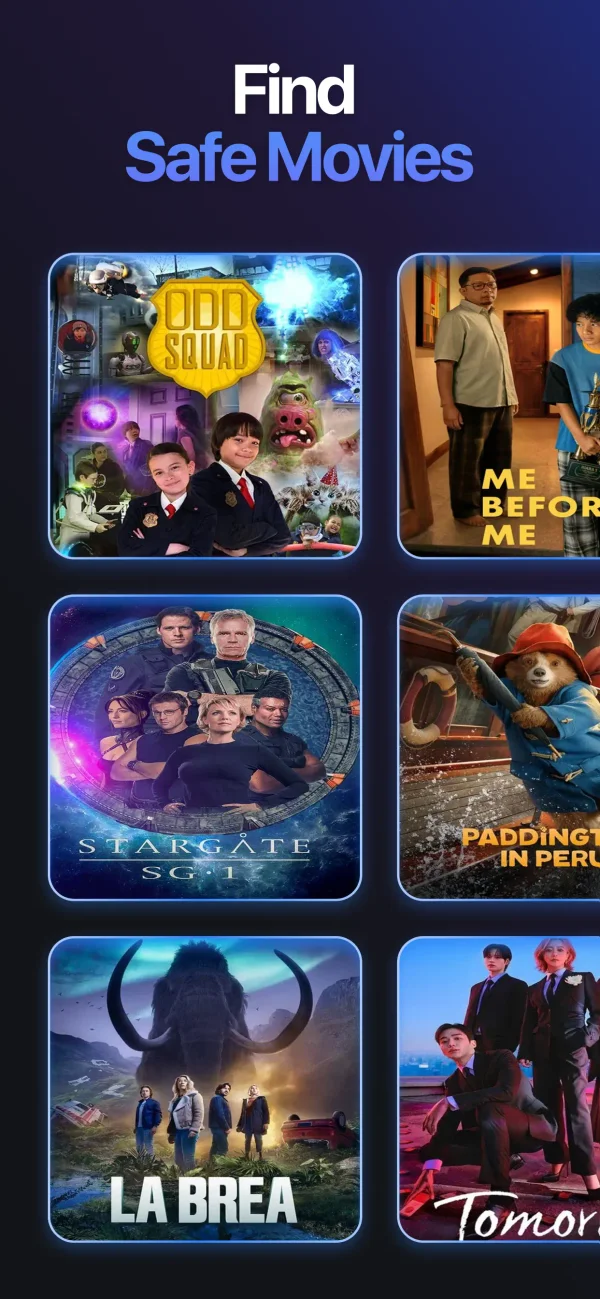

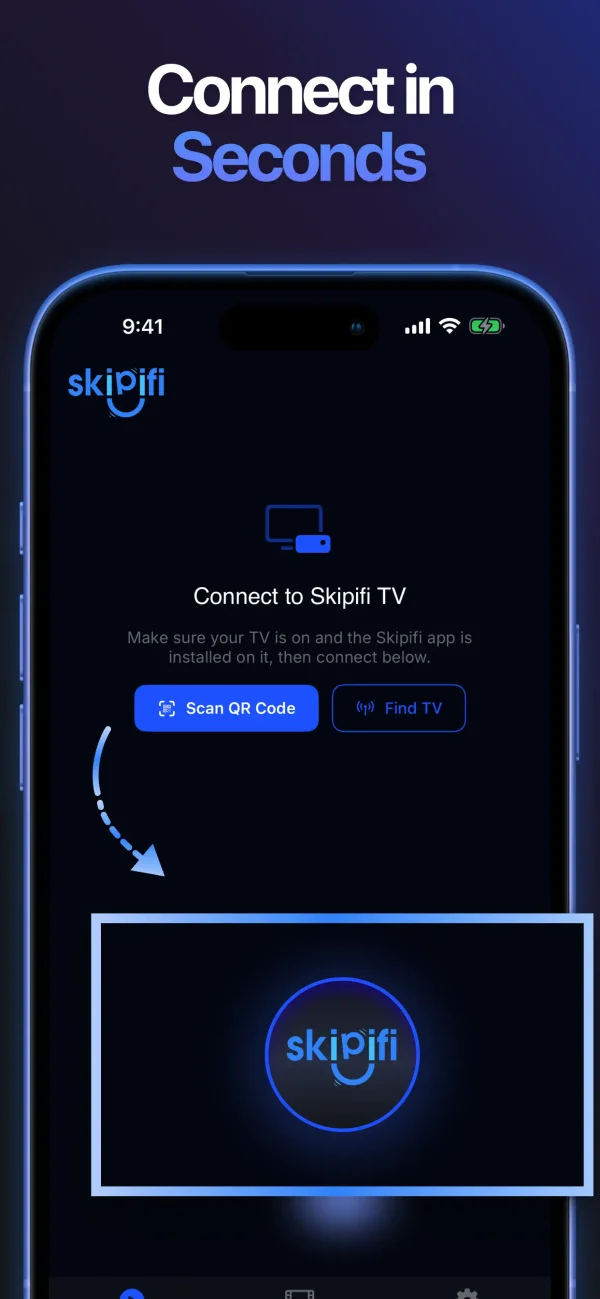
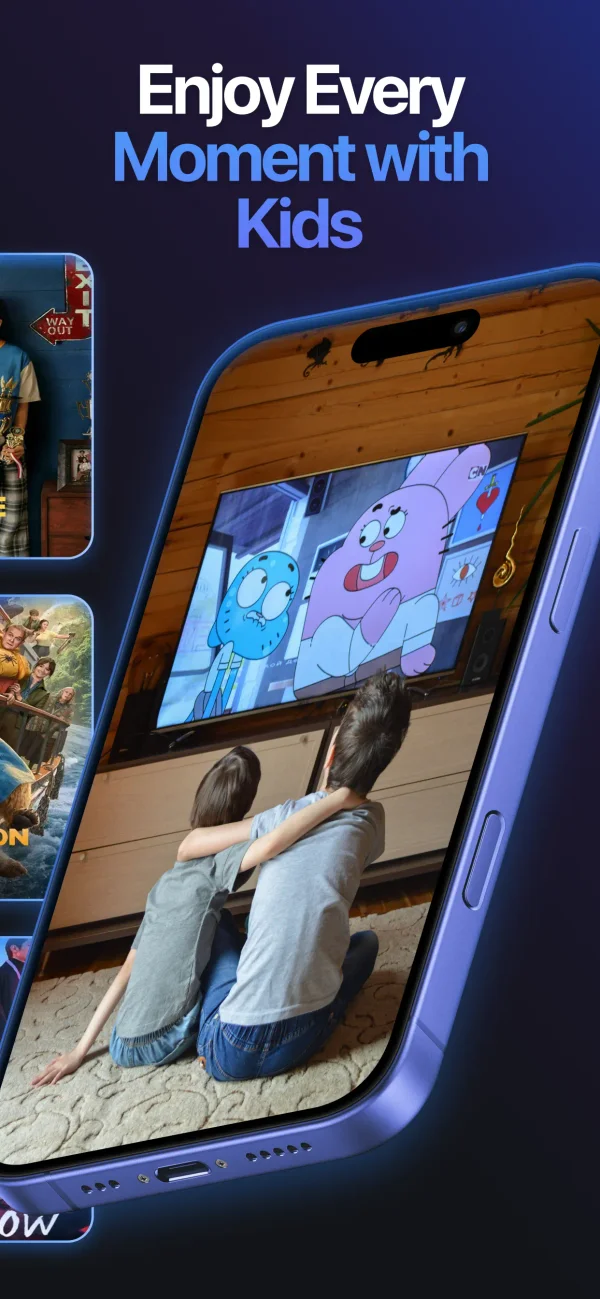
About
Control what you see. Skipifi turns your iPhone into the remote for the free Skipifi app on your Google TV or Chromecast, automatically skipping explicit scenes and muting profanity on the streaming services you already pay for.
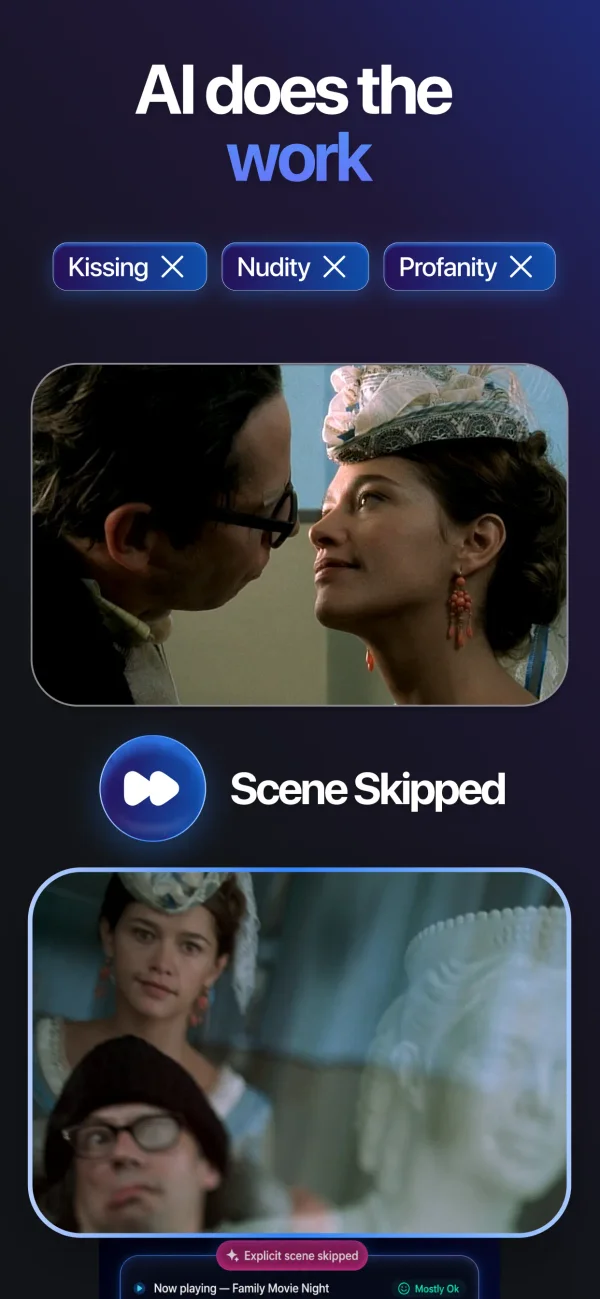
Skipifi automatically skips explicit scenes — like kissing and nudity — and mutes profanity in real time on the streaming services you already pay for, so every movie night is comfortable for the whole family.
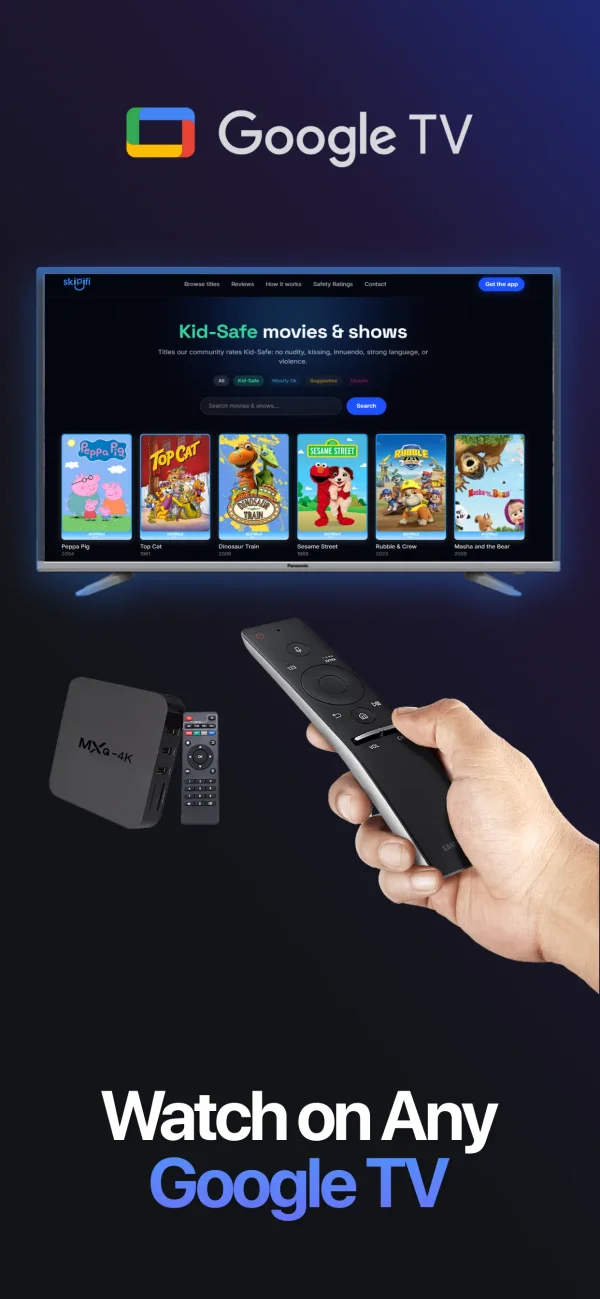
Your iPhone is the remote. The free Skipifi app on your Google TV does the skipping and muting. Pair once by scanning the QR code on your TV screen, then browse, pick, and play — Skipifi handles the awkward parts as you watch.
HOW IT WORKS
1. Install the free Skipifi app on your Google TV or Chromecast.
2. Scan the QR code on your TV with your iPhone, then confirm the pairing code shown on your TV — you only do this once.
3. Browse thousands of titles, check the safety rating, and press play. Skipifi skips and mutes automatically.
WHY FAMILIES LOVE SKIPIFI
• Auto-skip explicit scenes — kissing, nudity, and more
• Mute profanity in real time, without pausing the story
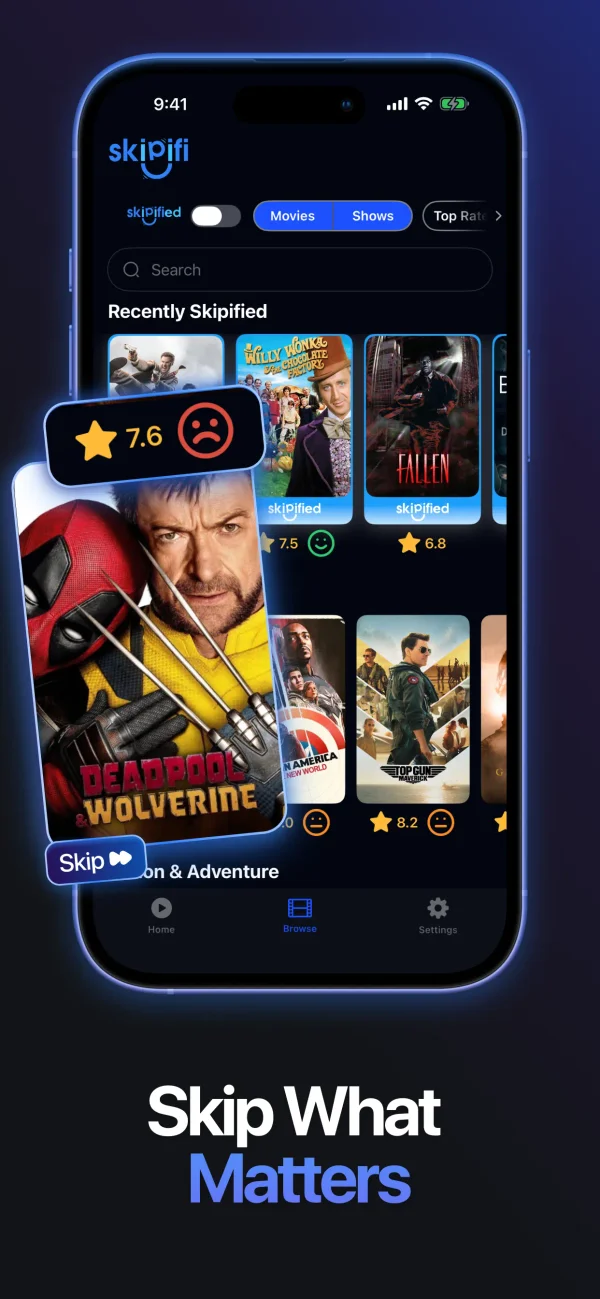
• Safety ratings on titles: Safe For Kids, Mostly OK, Suggestive, or Unsafe — know before you press play
• Filter by movies or shows, safety rating, content rating, or streaming service
• Works with Netflix, Prime Video, Hulu, Disney+, Max, Peacock, and more
• Smart skipping that learns from your feedback and keeps improving
• No new content subscription — Skipifi works with the services you already use
WORKS WITH YOUR TV
Skipifi works with Google TV and Chromecast devices — including Sony, Hisense, TCL, and more. Requires the free Skipifi app on your TV and both devices on the same Wi-Fi network. If your TV doesn't have Skipifi yet, the iPhone app can open the install page on your TV for you.
SUBSCRIPTION
Skipifi Premium unlocks auto-skipping, real-time profanity muting, and safety-rating browsing. Choose a monthly or annual plan — both start with a 7-day free trial. Cancel anytime.
Terms of Use: https://skipifi.com/terms-of-use
Skipifi uses AI and community feedback to identify scenes, so viewer discretion is always advised. Skipifi is not affiliated with Netflix, Amazon, Hulu, Disney, Warner Bros. Discovery, or NBCUniversal; it controls playback of services you're already subscribed to.
What’s new
Version 1.04 · Nov 16, 2026
Various updates and fixes.
App privacy
What Skipifi LLC declares on the App Store about how this app handles data.
-
Data linked to you
May be collected and linked to your identity.
- Purchases
- Contact info
- Identifiers
- Usage data
-
Data not linked to you
May be collected but is not linked to your identity.
- Identifiers
- Diagnostics
Privacy practices may vary, for example with the features you use or your age.
Information
- Seller
- Skipifi LLC
- Category
- Entertainment
- Version
- 1.04
- Updated
- Nov 16, 2026
- Released
- Aug 30, 2026
- Size
- 32.4 MB
- Requires
- iOS 18.0 or later
- Age rating
- 12+
- Price
- Free
- In-app purchases
- Yes
- Languages
- English, Indonesian
- Copyright
- © 2026 Skipifi LLC
You might also like
-
 SimilarTo: TV Series & MoviesEntertainment
-
 LikeStream: IPTV PlayerSports & TV Streaming
-
 AbiPlay — Movies, Shows & MoreUnlimited movies & shows!
-
 SharkcineEntertainment
-
 Movie Plex - Movies & Tv ShowsTrending, Latest Movies & Show
-
 All-MoviesFind what to watch tonight
-
 StreamPocket: Offline PlayerWatch Plex and Emby offline.
-
 Cinemate: Movies, TV & MoreMovies, TV & Streaming Guide
-
 Enjoy Movies Your WayMovies for the whole family
-
 Stream TV+Find what to watch, faster.