- 対象年齢12+
- カテゴリエンターテインメント
- 開発元Skipifi LLC
- 言語英語ほか1言語
- サイズ32.4 MB
App Storeの公式ページにリンクしています
Download.orgはSkipifiのファイルを一切ホストしていません。ボタンを押すと、Skipifi LLCが公開しているApp Storeのアプリページが開きます。ページの最終確認:2026/11/17。
スクリーンショット


概要
開発元はこのテキストをお使いの言語で提供していません。
Control what you see. Skipifi turns your iPhone into the remote for the free Skipifi app on your Google TV or Chromecast, automatically skipping explicit scenes and muting profanity on the streaming services you already pay for.
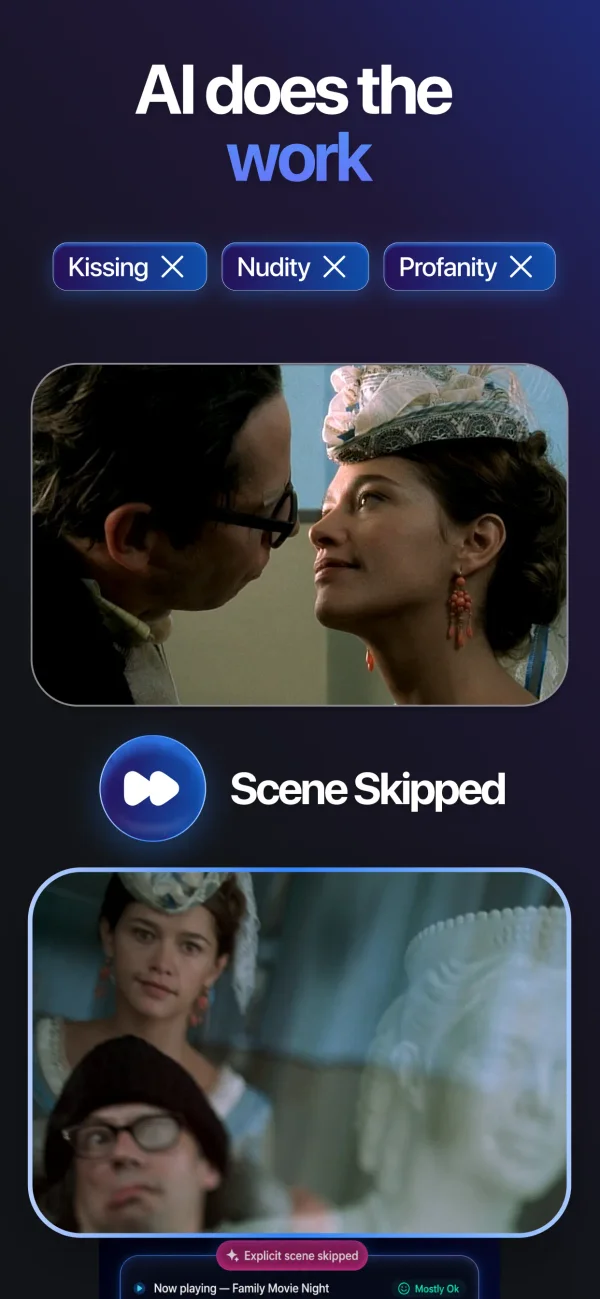
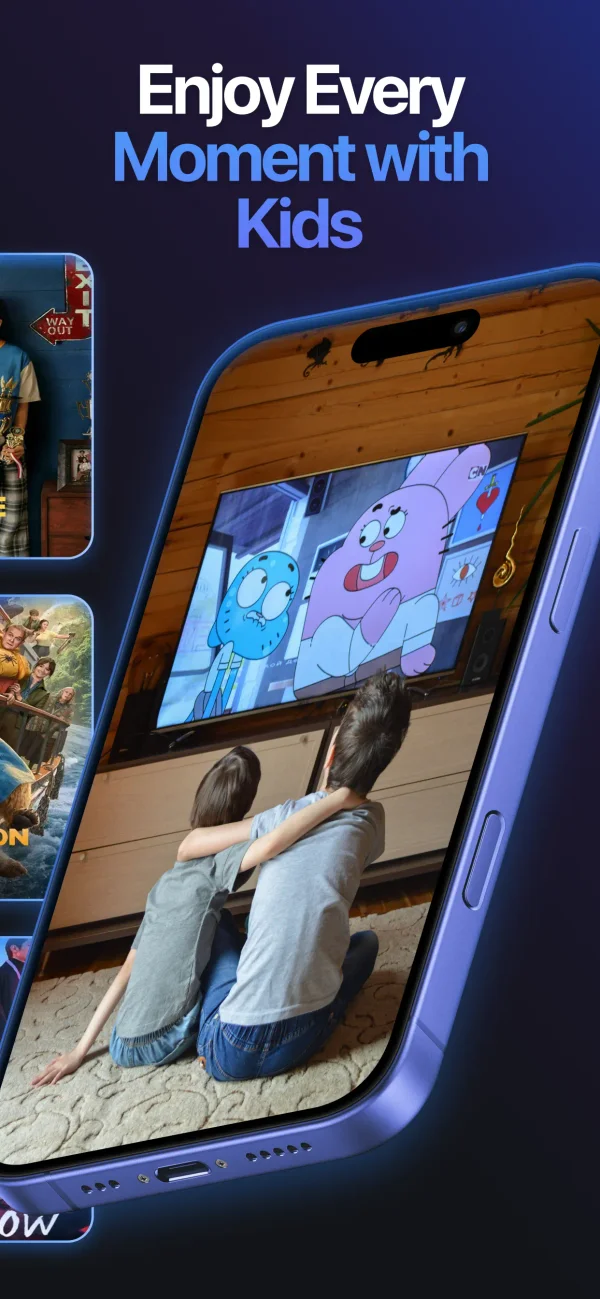
Skipifi automatically skips explicit scenes — like kissing and nudity — and mutes profanity in real time on the streaming services you already pay for, so every movie night is comfortable for the whole family.
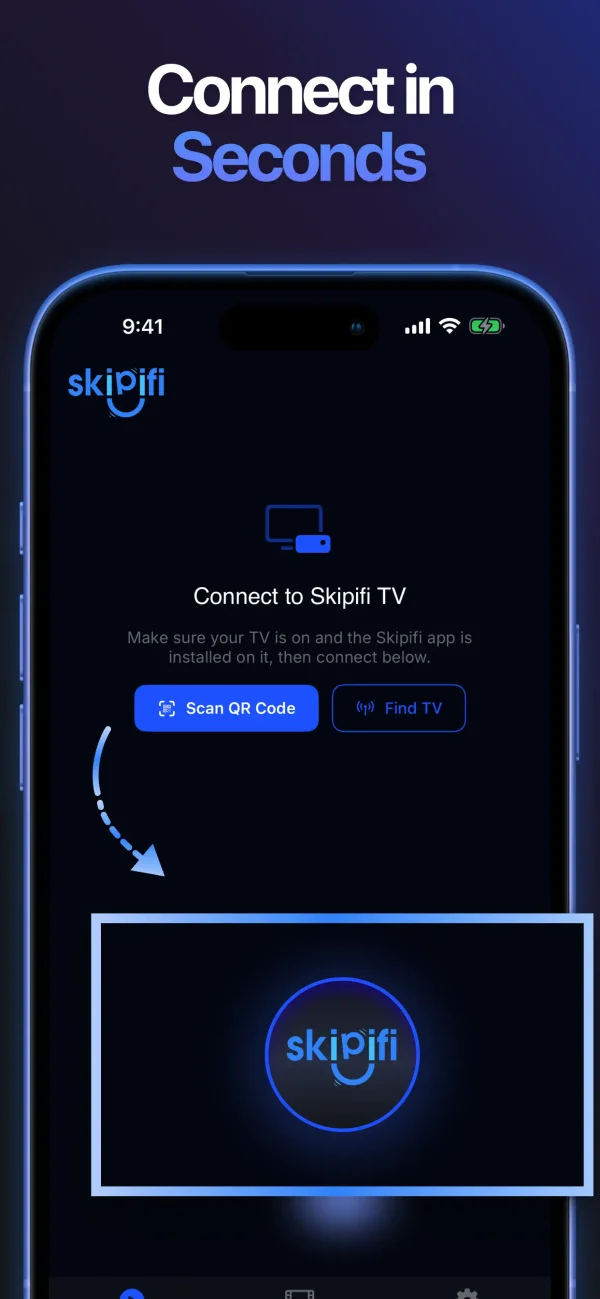
Your iPhone is the remote. The free Skipifi app on your Google TV does the skipping and muting. Pair once by scanning the QR code on your TV screen, then browse, pick, and play — Skipifi handles the awkward parts as you watch.
HOW IT WORKS
1. Install the free Skipifi app on your Google TV or Chromecast.
2. Scan the QR code on your TV with your iPhone, then confirm the pairing code shown on your TV — you only do this once.
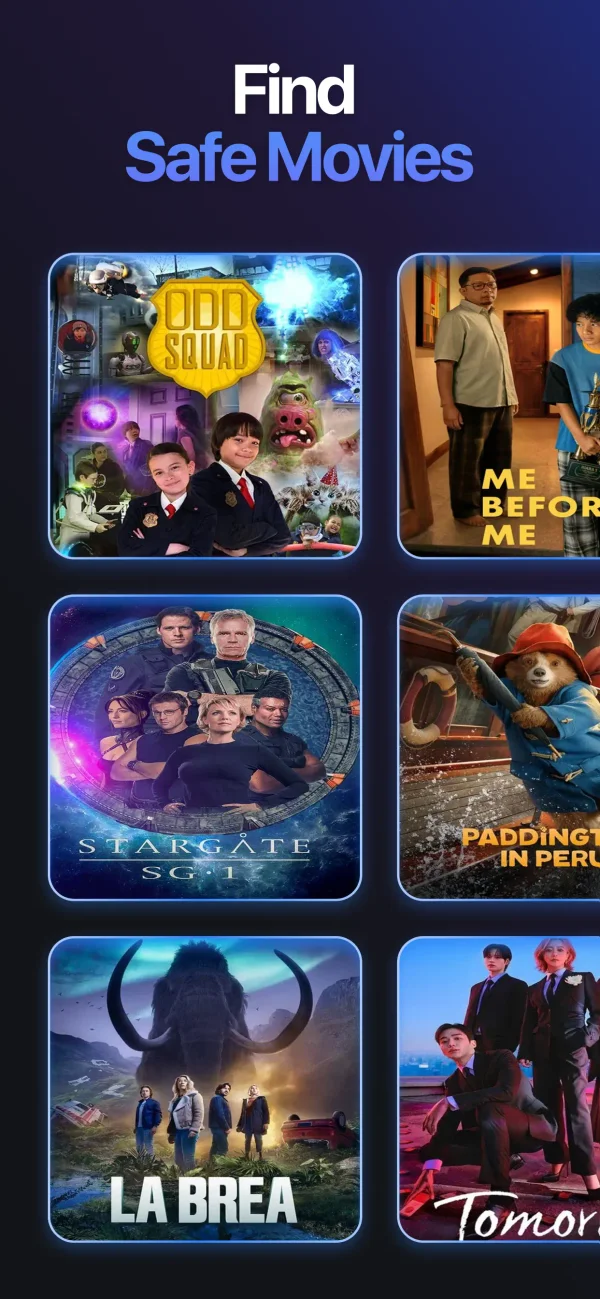
3. Browse thousands of titles, check the safety rating, and press play. Skipifi skips and mutes automatically.
WHY FAMILIES LOVE SKIPIFI
• Auto-skip explicit scenes — kissing, nudity, and more
• Mute profanity in real time, without pausing the story
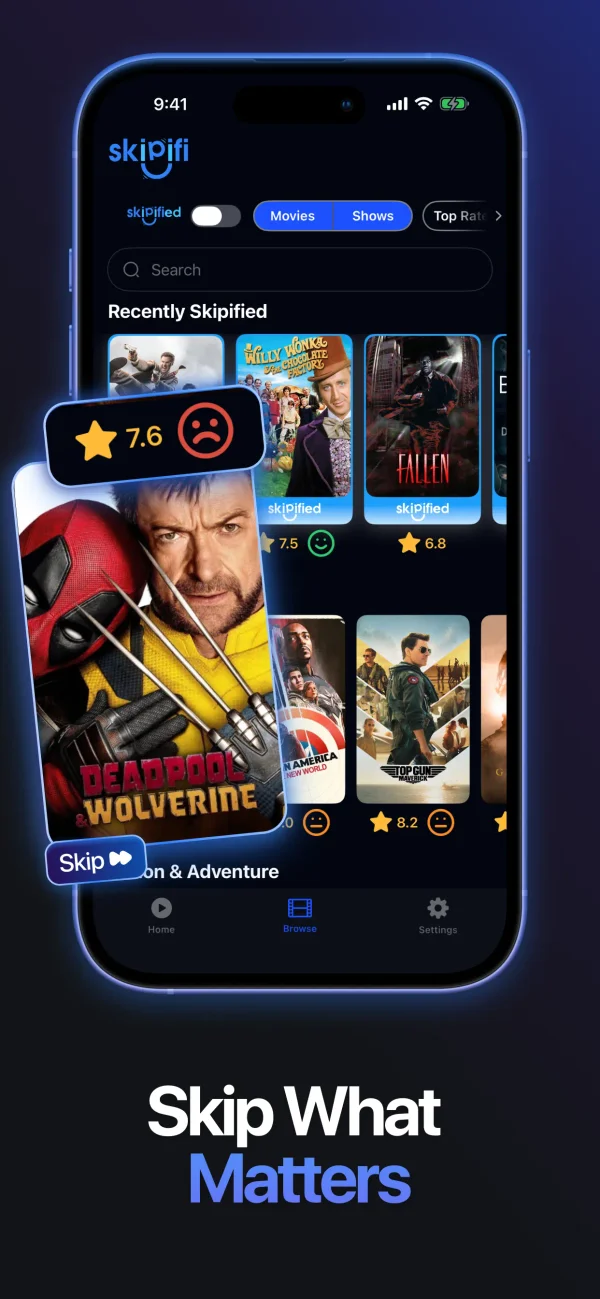
• Safety ratings on titles: Safe For Kids, Mostly OK, Suggestive, or Unsafe — know before you press play
• Filter by movies or shows, safety rating, content rating, or streaming service
• Works with Netflix, Prime Video, Hulu, Disney+, Max, Peacock, and more
• Smart skipping that learns from your feedback and keeps improving
• No new content subscription — Skipifi works with the services you already use
WORKS WITH YOUR TV
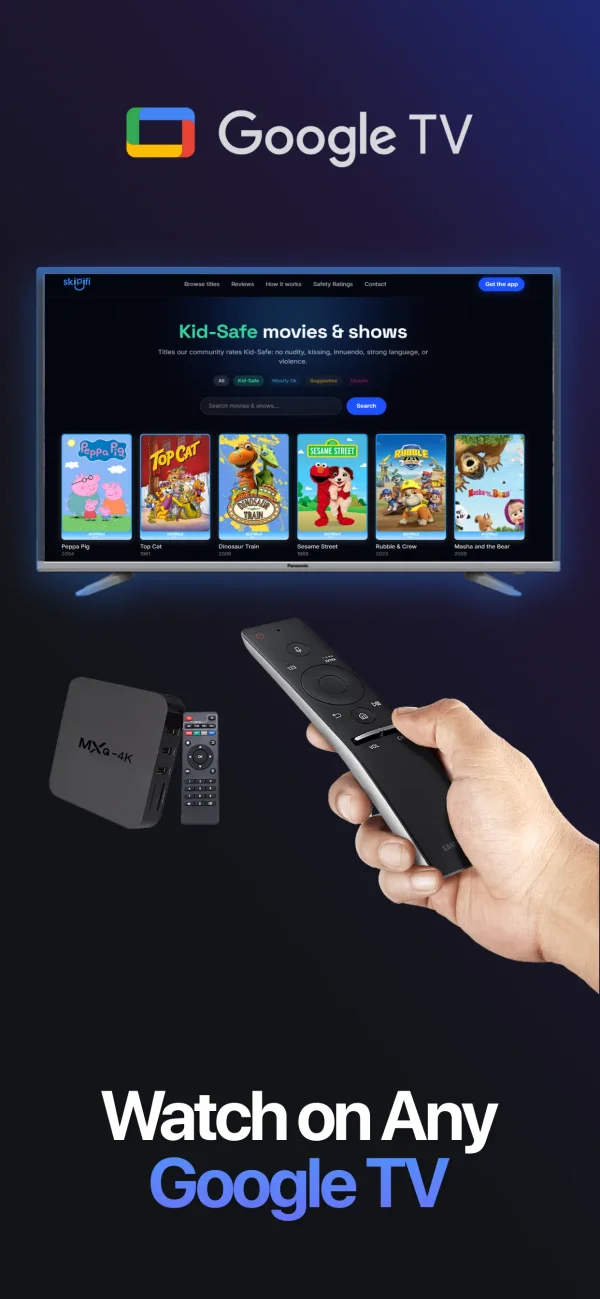
Skipifi works with Google TV and Chromecast devices — including Sony, Hisense, TCL, and more. Requires the free Skipifi app on your TV and both devices on the same Wi-Fi network. If your TV doesn't have Skipifi yet, the iPhone app can open the install page on your TV for you.
SUBSCRIPTION
Skipifi Premium unlocks auto-skipping, real-time profanity muting, and safety-rating browsing. Choose a monthly or annual plan — both start with a 7-day free trial. Cancel anytime.
Terms of Use: https://skipifi.com/terms-of-use
Skipifi uses AI and community feedback to identify scenes, so viewer discretion is always advised. Skipifi is not affiliated with Netflix, Amazon, Hulu, Disney, Warner Bros. Discovery, or NBCUniversal; it controls playback of services you're already subscribed to.
新機能
バージョン 1.04 · 2026/11/16
Various updates and fixes.
アプリのプライバシー
このアプリのデータの取り扱いについて、Skipifi LLCがApp Storeで申告している内容です。
-
ユーザーに関連付けられたデータ
収集され、ユーザーの識別情報に関連付けられる場合があります。
- 購入
- 連絡先情報
- ID
- 使用状況データ
-
ユーザーに関連付けられないデータ
収集される場合がありますが、ユーザーの識別情報には関連付けられません。
- ID
- 診断
プライバシーの取り扱いは、ご利用の機能やお客様の年齢などに応じて異なる場合があります。
情報
- 販売元
- Skipifi LLC
- カテゴリ
- エンターテインメント
- バージョン
- 1.04
- 更新日
- 2026/11/16
- リリース
- 2026/8/30
- サイズ
- 32.4 MB
- 必要条件
- iOS 18.0以降
- 対象年齢
- 12+
- 価格
- 無料
- アプリ内課金
- あり
- 言語
- 英語, インドネシア語
- 著作権
- © 2026 Skipifi LLC
こちらもおすすめ
-
 SimilarTo: TV Series & Moviesエンターテインメント
-
 LikeStream: IPTV Playerエンターテインメント
-
 AbiPlay — Movies, Shows & Moreエンターテインメント
-
 Sharkcineエンターテインメント
-
 Movie Plex - Movies & Tv Showsエンターテインメント
-
 All-Moviesエンターテインメント
-
 StreamPocket: Offline Playerエンターテインメント
-
 Cinemate: Movies, TV & Moreエンターテインメント
-
 Enjoy Movies Your Wayエンターテインメント
-
 Stream TV+エンターテインメント