Skreenly
Turn screenshots into action
Designed for iPhone, iPad
Free · In-app purchases
- Age rating4+
- CategoryProductivity
- DeveloperGil KANIEL Cohen
- LanguagesEnglish+ 14 more
- Size100.7 MB
Links to the official App Store page
Download.org hosts no file of Skreenly. The button opens its official App Store page, published by Gil KANIEL Cohen. Listing last checked on Nov 18, 2026.
Screenshots

About
Your phone is full of screenshots you saved for a reason.
If you saved it, it deserves to be found.
Skreenly turns screenshots into organized, searchable, actionable information, so you can stop scrolling through your camera roll and actually use what you saved.
SAVE IT ONCE. FIND IT FAST.
Import screenshots from Photos or share them directly to Skreenly. AI helps understand what you saved and organizes it so important information is easier to find again.
ASK SIRI
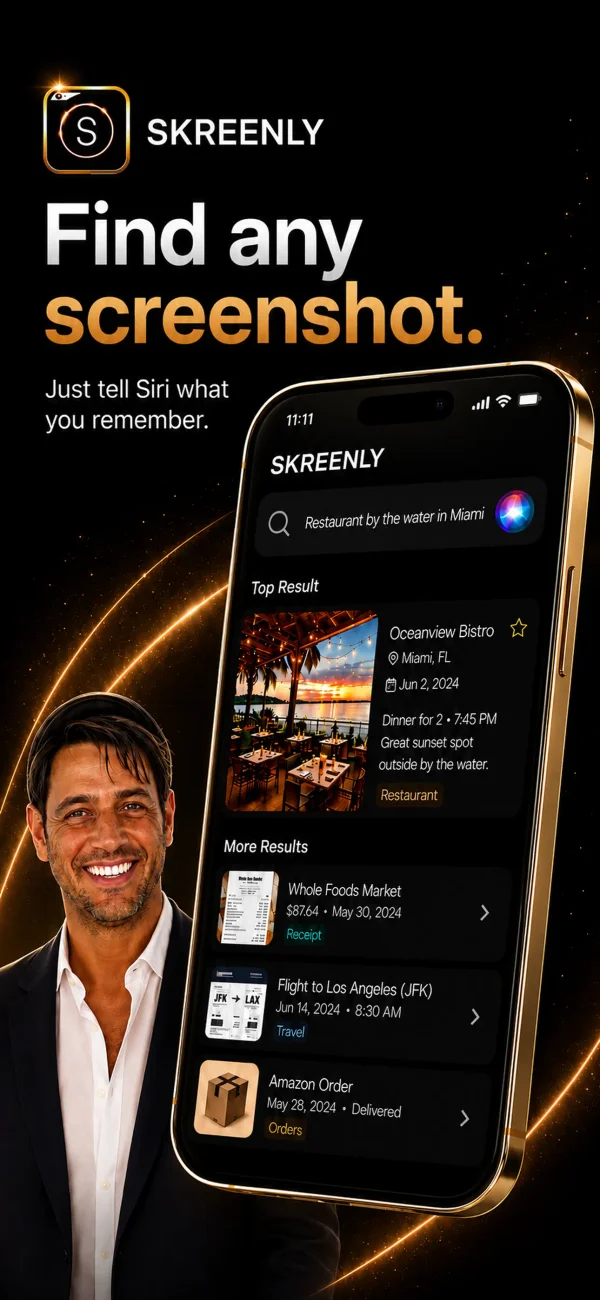
When a screenshot has been saved in Skreenly, ask Siri to find it using the details you remember. Skreenly can route you to the matching screenshot or open the closest search results when there are multiple possibilities.
SEARCH WITH WHAT YOU REMEMBER
Search naturally for things like:
• “restaurant by the water in Miami”
• “my flight to Los Angeles”
• “Amazon order”
• “receipt from last week”
• “concert ticket”
TURN SCREENSHOTS INTO ACTIONS
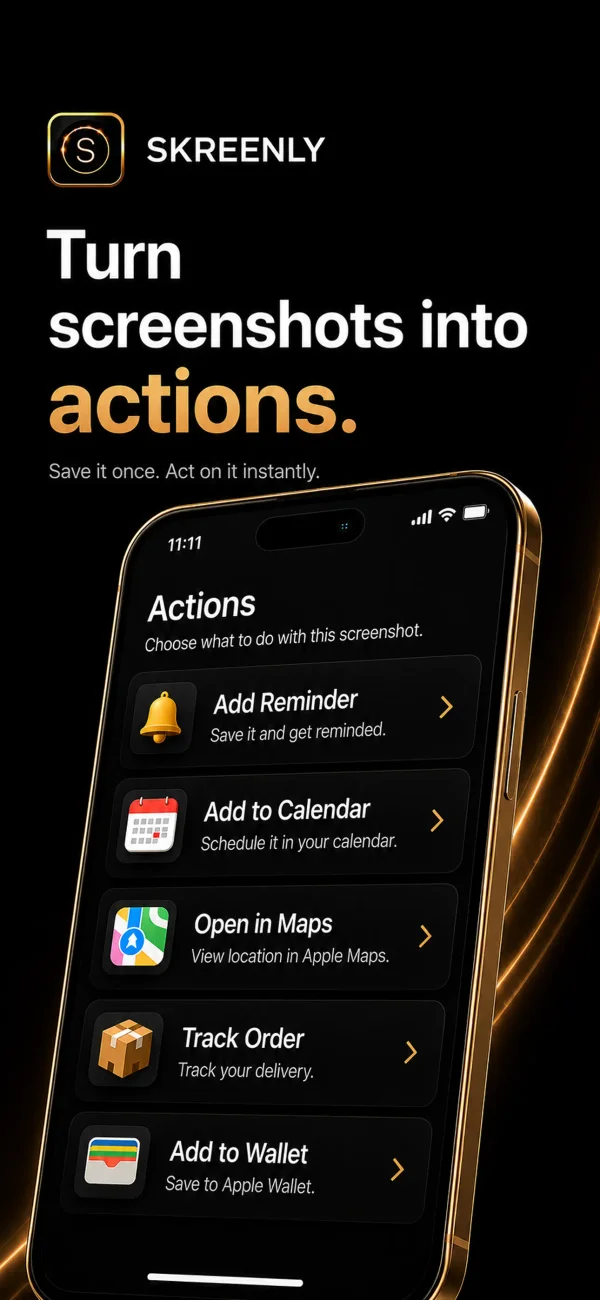
Depending on what Skreenly recognizes, useful actions can include:
• Add to Reminders
• Add to Calendar
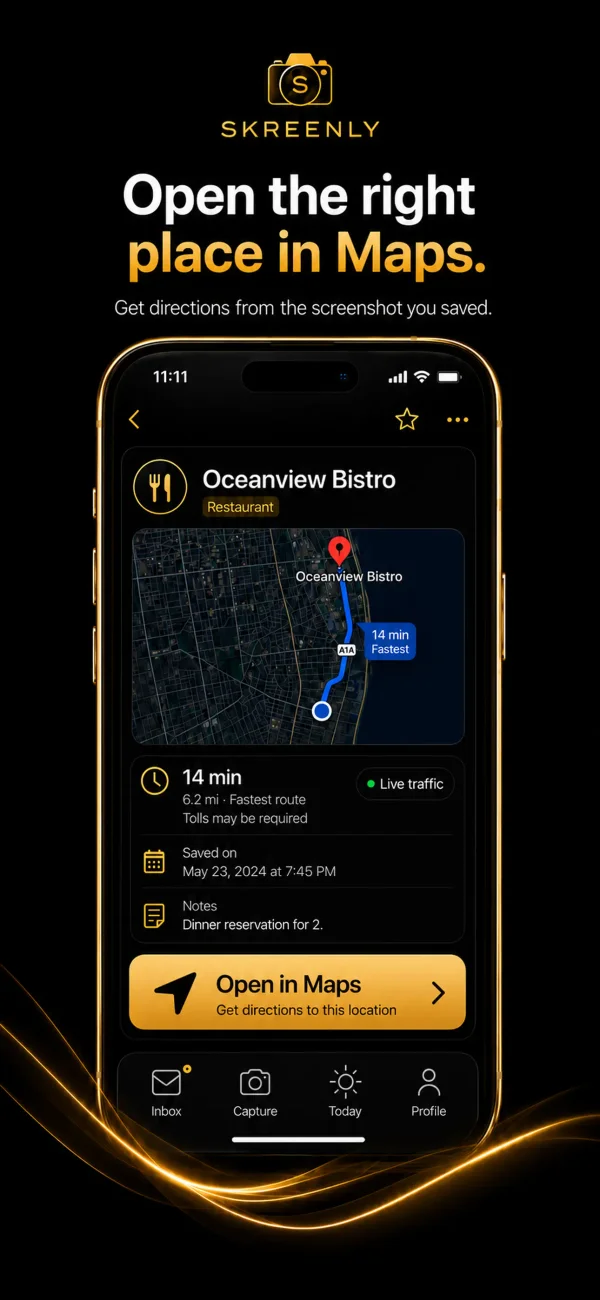
• Open locations and routes in Maps
• Track orders
• Save receipts
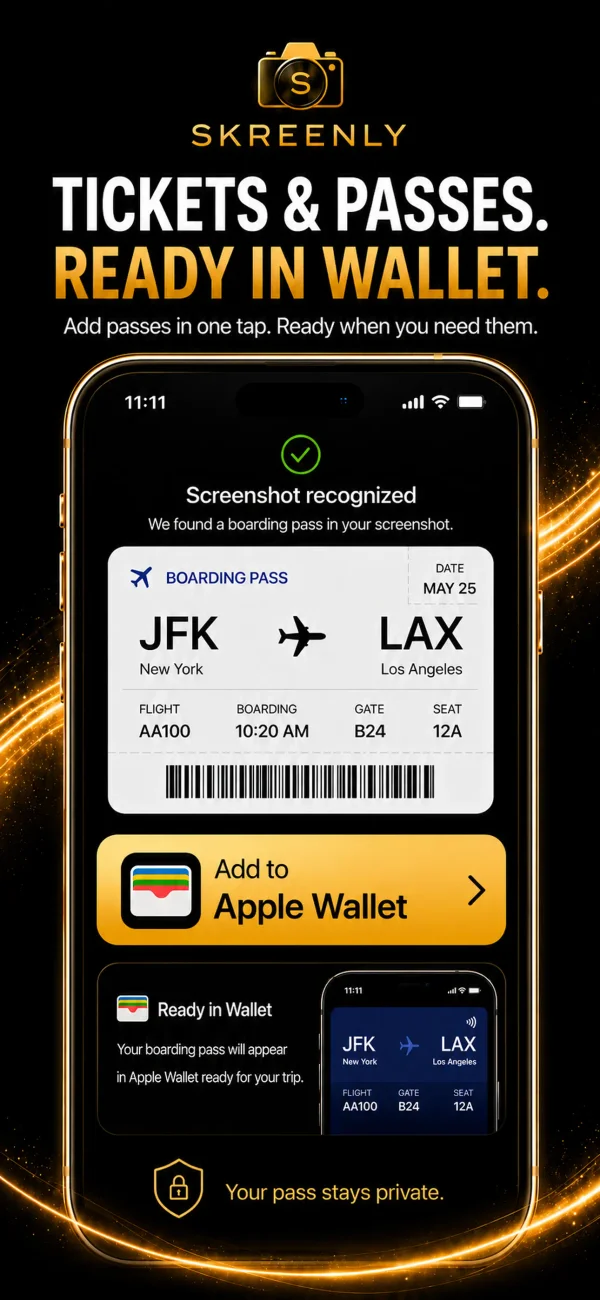
• Add tickets and passes to Apple Wallet
• Add to To-Do
• Review Later
• Send as PDF
• Copy useful text, codes, addresses, phone numbers, and more
SMART FOLDERS
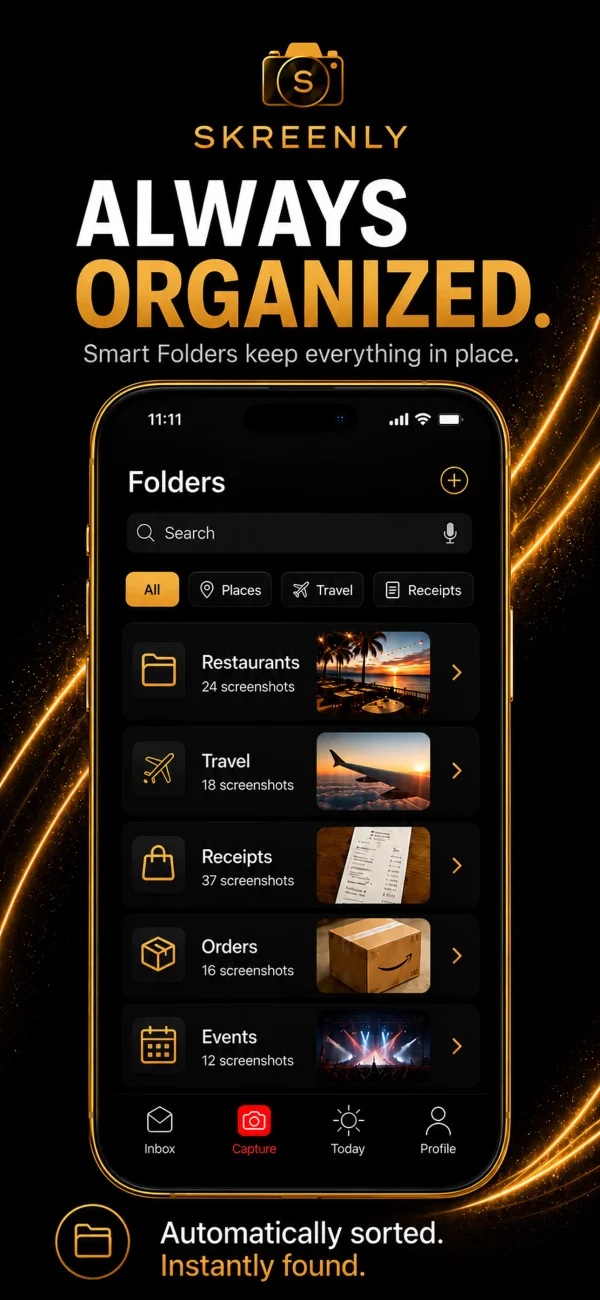
Skreenly automatically helps organize screenshots into useful categories such as Travel, Receipts, Orders, Events, Restaurants, and more.
HOME SCREEN WIDGET
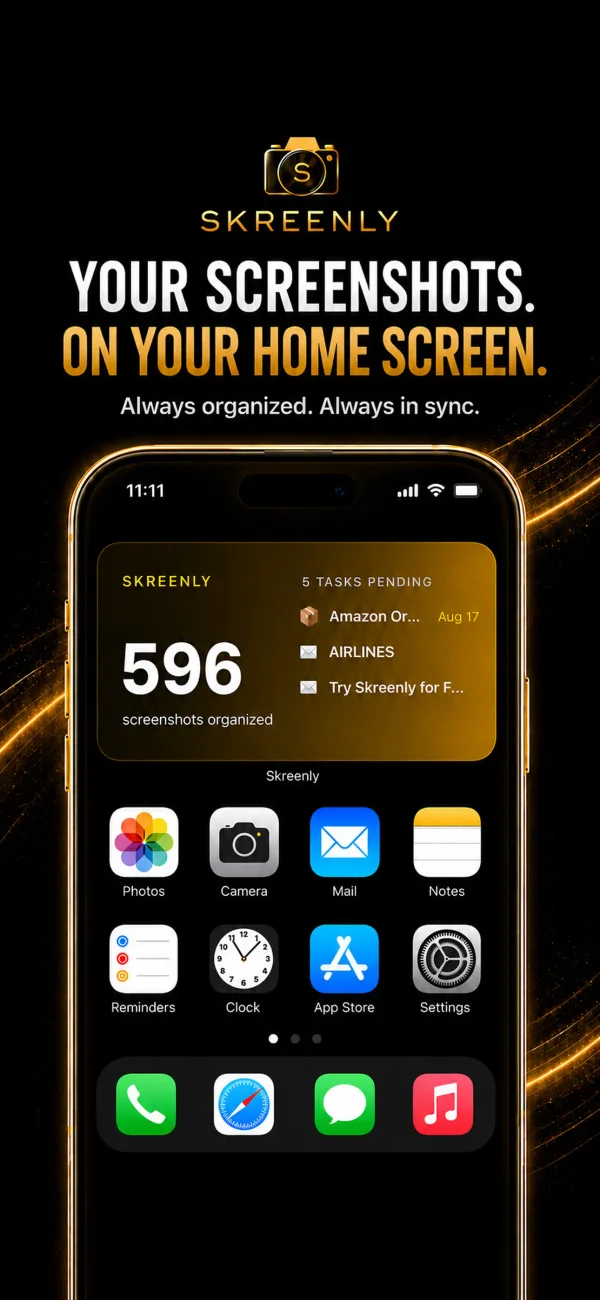
Keep your screenshot activity and important tasks visible from your Home Screen with the Skreenly widget.
SIRI + SPOTLIGHT
Find saved Skreenly screenshots faster using Siri and system search experiences supported by iOS.
PRIVACY CONTROLS
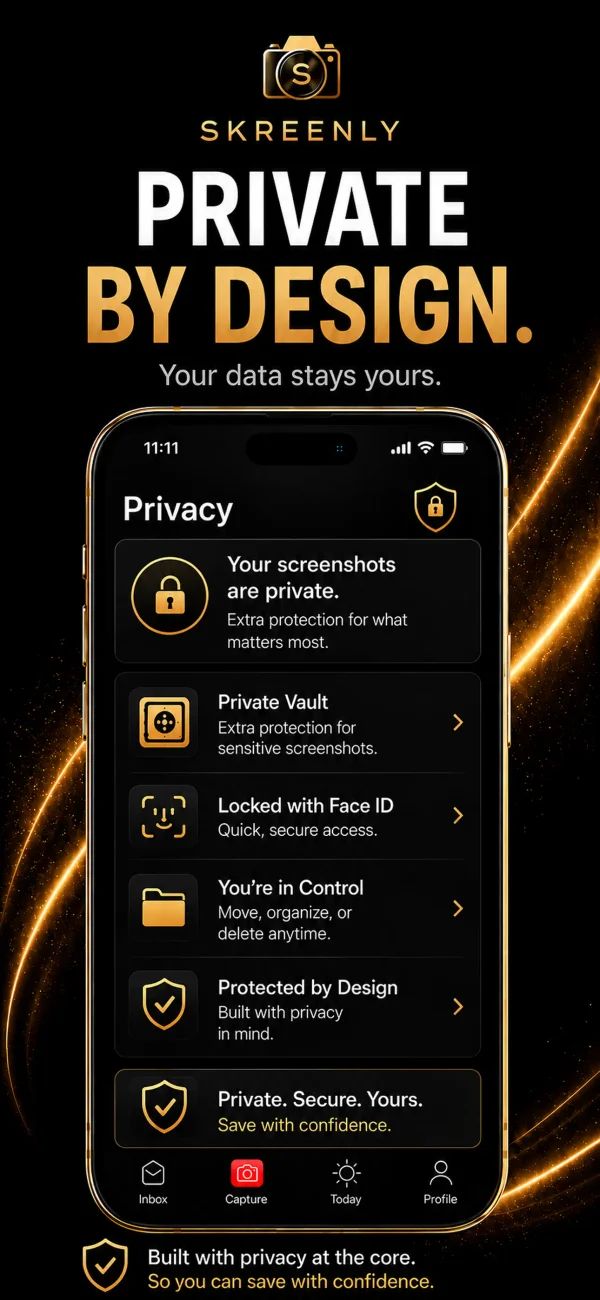
Use features such as Private Vault and Face ID protection for sensitive screenshots, and manage, move, organize, or delete your saved items whenever you choose.
BUILT FOR REAL LIFE
Screenshots are often where important plans, purchases, places, tickets, receipts, ideas, and reminders begin. Skreenly helps turn that pile of saved images into something useful.
Take a screenshot. We’ll do the rest.
What’s new
Version 1.8.5 · Aug 17, 2026
Meet the latest Skreenly: faster, smarter, and more connected to the tools you already use.
• Lightning-fast local-first imports, so screenshots appear immediately while AI processing continues in the background
• Stronger background processing, caching, and recovery for a smoother experience
• Smarter Maps actions for routes, places, and locations
• Improved Siri + Spotlight discovery for screenshots saved in Skreenly
• More dependable Home Screen widget syncing
• Enhanced Apple Wallet, Smart Folders, search, and screenshot actions
• New “A Word from the Founder” video inside Profile
• Additional performance, reliability, and interface refinements throughout the app
Take a screenshot. We’ll do the rest.
App privacy
What Gil KANIEL Cohen declares on the App Store about how this app handles data.
-
Data not linked to you
May be collected but is not linked to your identity.
- Purchases
- Contact info
- User content
- Identifiers
- Diagnostics
Privacy practices may vary, for example with the features you use or your age.
Information
- Seller
- Gil KANIEL Cohen
- Category
- Productivity
- Version
- 1.8.5
- Updated
- Aug 17, 2026
- Released
- Jun 9, 2026
- Size
- 100.7 MB
- Requires
- iOS 16.0 or later
- Age rating
- 4+
- Price
- Free
- In-app purchases
- Yes
- Languages
- English, Arabic, French, German, Hebrew, Hindi, Indonesian, Italian, Japanese, Korean, Portuguese, Russian + 3 more
- Copyright
- © 2026 Gil Kaniel Cohen
You might also like
-
 AvantidoTo-dos by voice and photo
-
 TaskLockerProductivity
-
 Remember - Reminders & HabitsYour Daily Quotes & Routine
-
 ScreenArk: Screenshot RecallAI Search & Smart Reminders
-
 Chista: Screenshot InboxYour screenshots, sorted.
-
 AIRemember - Smart MemoryAI-Powered Memory Assistant
-
 ShotMemory Screenshot ReminderFind Text, Notes, Save Later
-
 Zimby AI Screenshots OrganizerScreenshots, finally sorted
-
 Bloop — Screenshot ActionsLocal Screenshot Organizer
-
 Shot Done: Screenshot InboxSave now. Deal with it later.