Slate: Notes, Tasks & Lists
Reminders, links & daily plans
Designed for iPhone, iPad, Mac
In-app purchases
- Age rating4+
- CategoryProductivity
- DeveloperMSW Digital LLC
- LanguagesEnglish+ 1 more
- Size27.0 MB
Links to the official App Store page
Download.org hosts no file of Slate: Notes, Tasks & Lists. The button opens its official App Store page, published by MSW Digital LLC. Listing last checked on Nov 12, 2026.
Screenshots

About
Slate is a simple place for notes, to-dos, and saved links. Capture a thought, make a plan, or keep something for later. Give it a board, then get on with your day.
NOTES THAT HAVE A PLACE
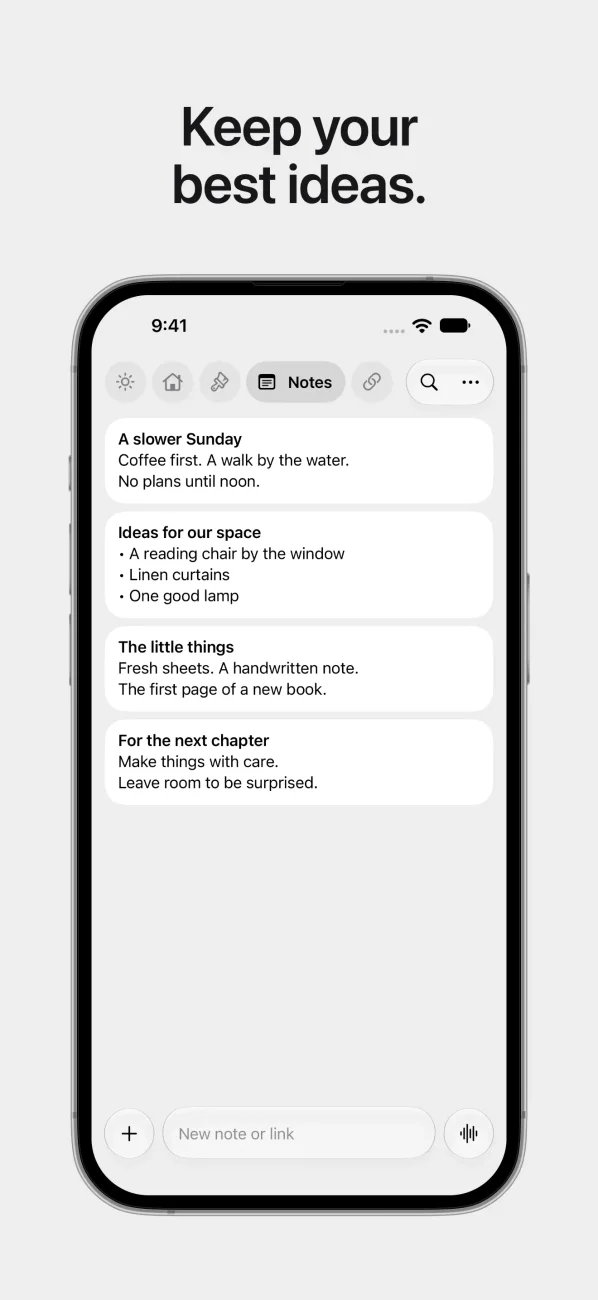
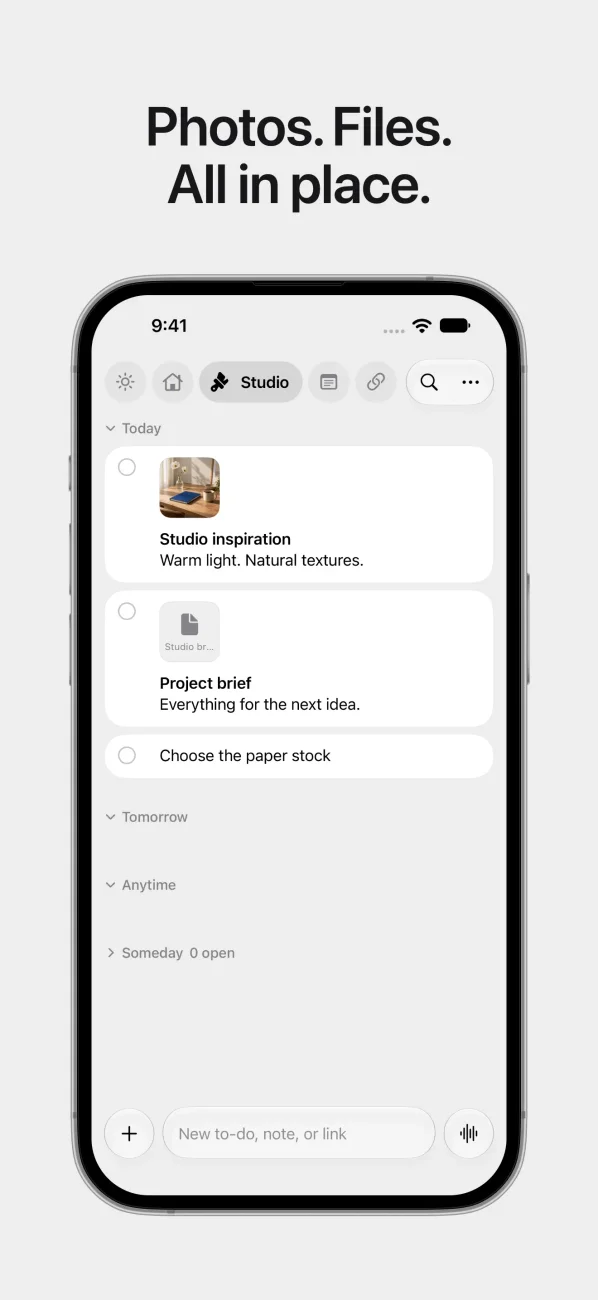
Keep ideas, meeting notes, recipes, and reference material on Keep boards. Use rich text, paste Markdown, and add photos or files. Your notes stay useful without a checkbox to clear.
A LITTLE ORDER FOR EVERY DAY
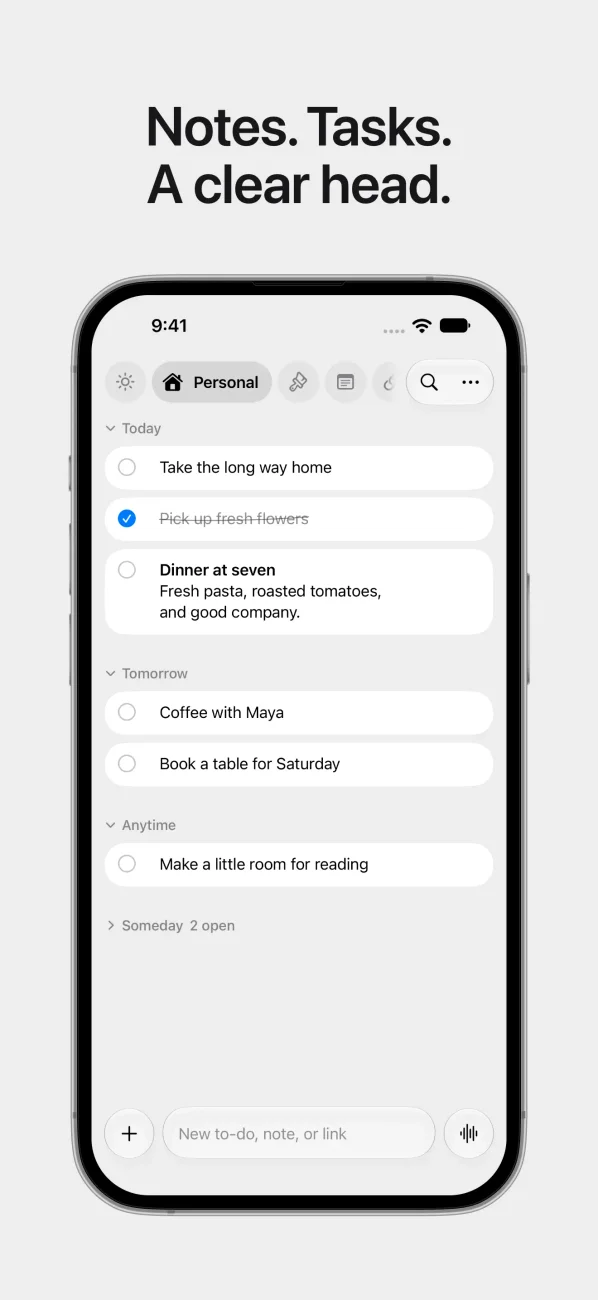
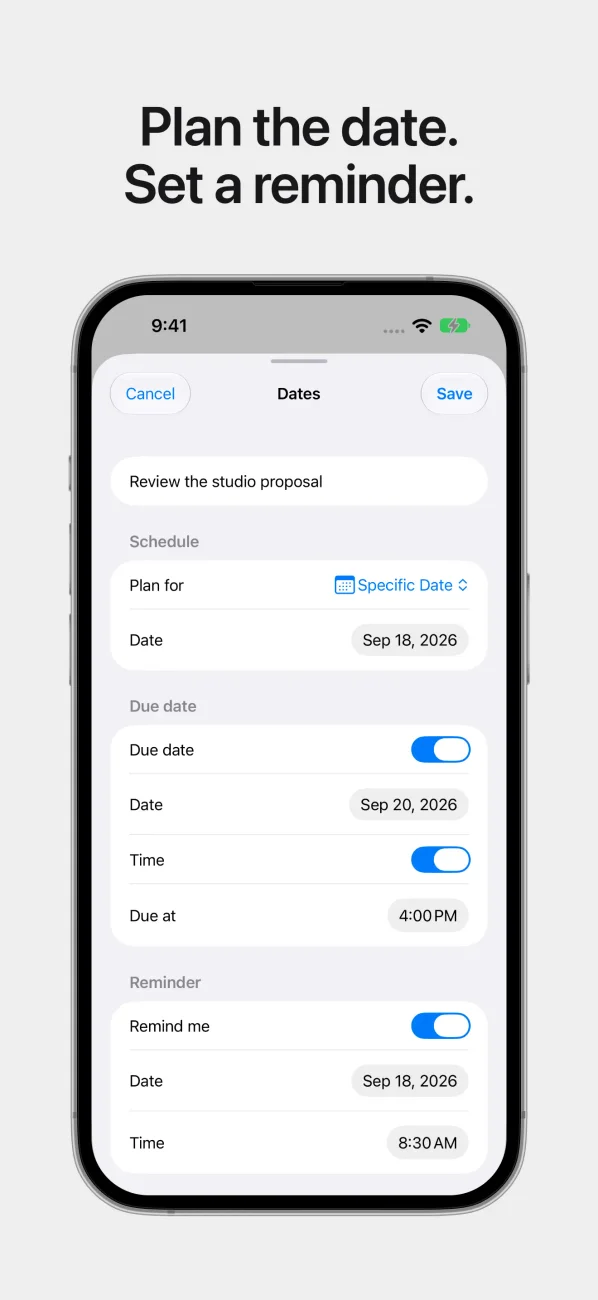
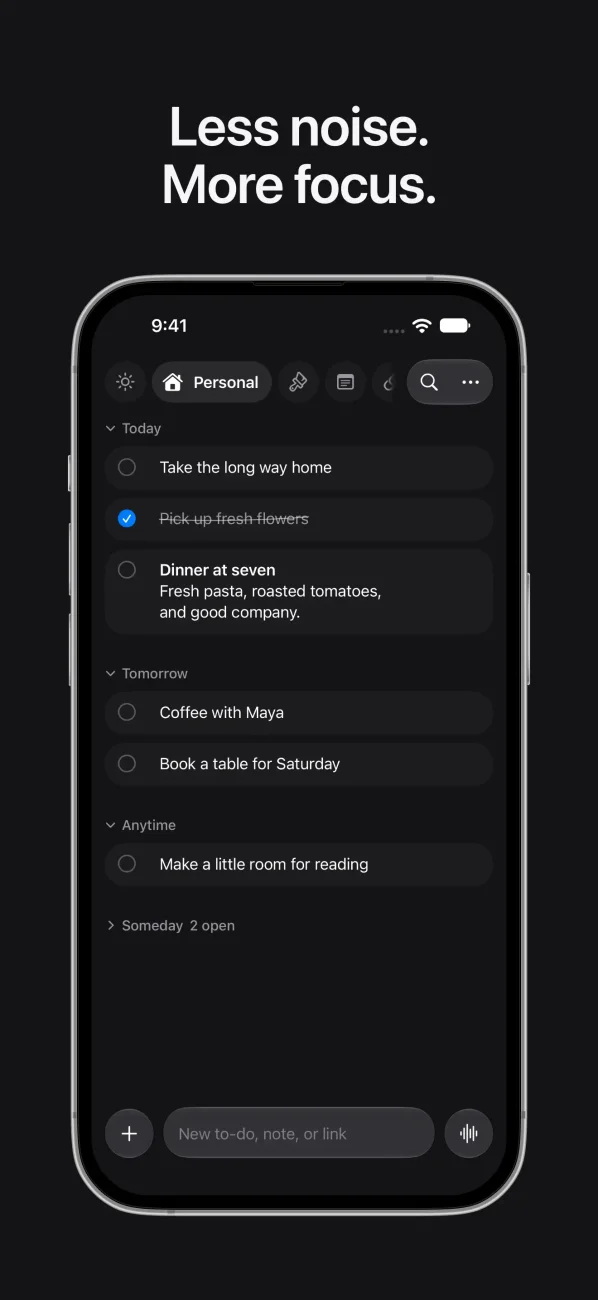
Use To-do boards for the things you want to do. Arrange items under Today, Tomorrow, Anytime, or Someday. Choose a date, set a reminder, and mark things done at your own pace.
GOOD FINDS, ALL TOGETHER
Save links with previews. Share text, links, and files to Slate from other apps. Search your saved content when you need it.
AT HOME ON YOUR APPLE DEVICES
Use Slate on iPhone, iPad, and Mac. iCloud sync is included. No separate Slate account is needed. Choose a light or dark appearance. View a board and an item side by side in wide iPad and Mac windows.
START FREE
Use up to three active boards with unlimited items. iCloud sync is free.
MORE WITH SLATE PRO
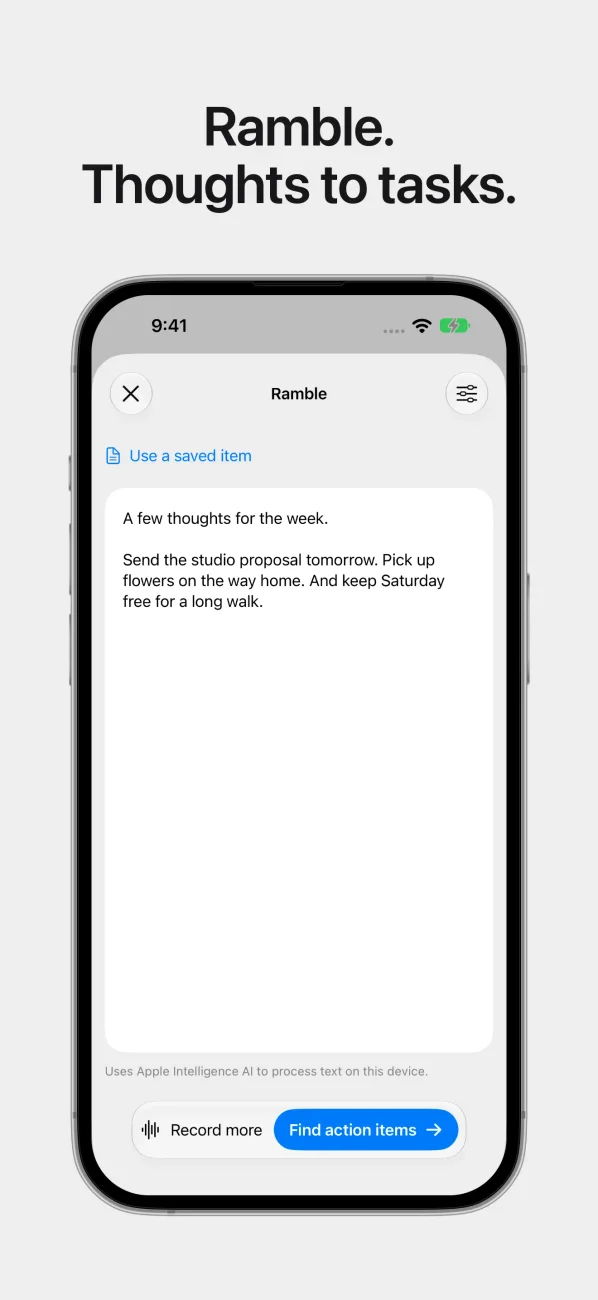
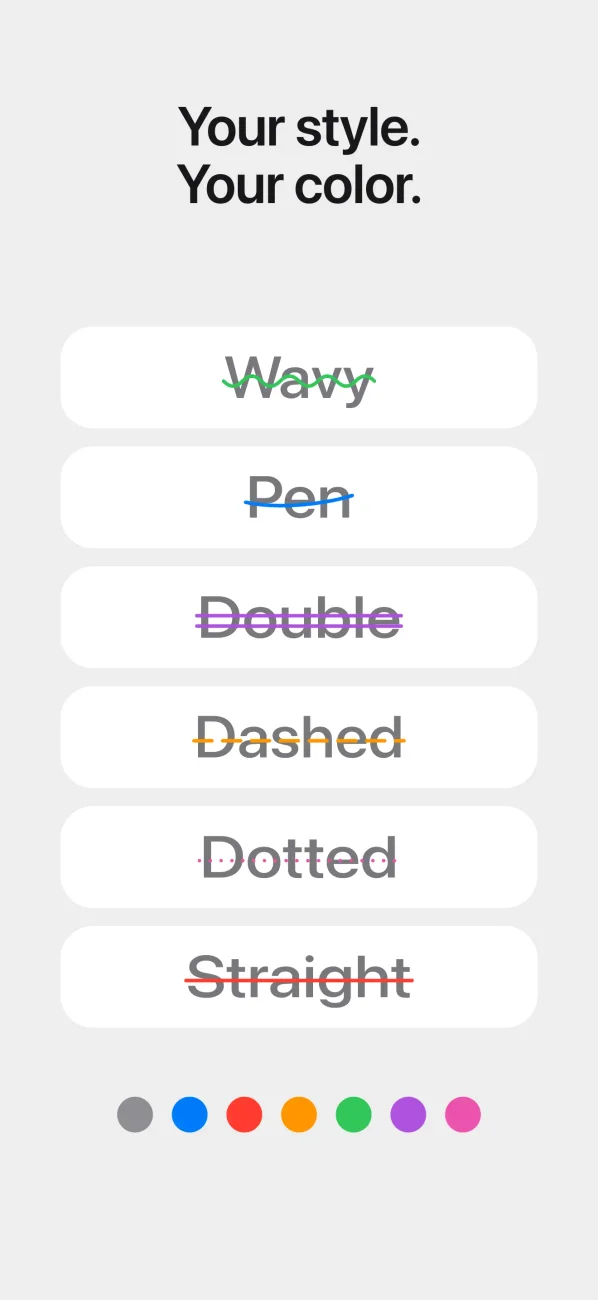
Unlock unlimited boards, Smart Boards, reusable board templates, repeat to-dos, and more strikethrough styles and colors. Use Ramble with saved content to turn notes into action items. Review suggestions before you save them.
Ramble requires iOS 26 or macOS 26 and a supported Apple Intelligence device. Feature availability also depends on your language, region, and system settings.
Slate Pro is available as a monthly or annual subscription, or as Lifetime access with one payment. Buying Lifetime does not cancel an existing subscription. Subscriptions renew automatically unless canceled in your Apple account settings. Any introductory offer and its terms appear before purchase.
Privacy: https://slatekeep.app/privacy/
Terms of Use: https://www.apple.com/legal/internet-services/itunes/dev/stdeula/
What’s new
Version 1.1.1 · Sep 21, 2026
Bug fixes and improvements
App privacy
What MSW Digital LLC declares on the App Store about how this app handles data.
-
Data not linked to you
May be collected but is not linked to your identity.
- Purchases
- Diagnostics
Privacy practices may vary, for example with the features you use or your age.
Information
- Seller
- MSW Digital LLC
- Category
- Productivity
- Version
- 1.1.1
- Updated
- Sep 21, 2026
- Released
- Sep 15, 2026
- Size
- 27.0 MB
- Requires
- iOS 26.0 or later
- Age rating
- 4+
- In-app purchases
- Yes
- Languages
- English, Spanish
- Copyright
- © 2026 Mark Weisberg
You might also like
-
 HabitDot: Habit TrackerTiny offline habit tracker
-
 Zen Slate: Notes & To-DosVoice Memos, Scanner & Drawing
-
 Clarity: Second Brain & NotesSave reels, links & read later
-
 Spokn - Voice NotesClean dictation, on-device.
-
 Bullet: OutlinerOutliner Structured Thinking
-
 DailyList - Daily List TrackerProductivity
-
 Vanta: Private AI To-Do ListTalk to plan your day, offline
-
 *slashFocus todo list, Dumbify ready
-
 Foundation-ChatOn-Device AI Chat
-
 Classycal – Calendar & TasksAgenda, reminders, with style