
Slate: Screen Recorder
Record your screen, share it
Designed for iPhone, iPad
Free
- Age rating4+
- CategoryProductivity
- DeveloperMetaCTO LLC
- LanguagesEnglish
- Size56.2 MB
Links to the official App Store page
Download.org hosts no file of Slate: Screen Recorder. The button opens its official App Store page, published by MetaCTO LLC. Listing last checked on Nov 14, 2026.
Screenshots
About
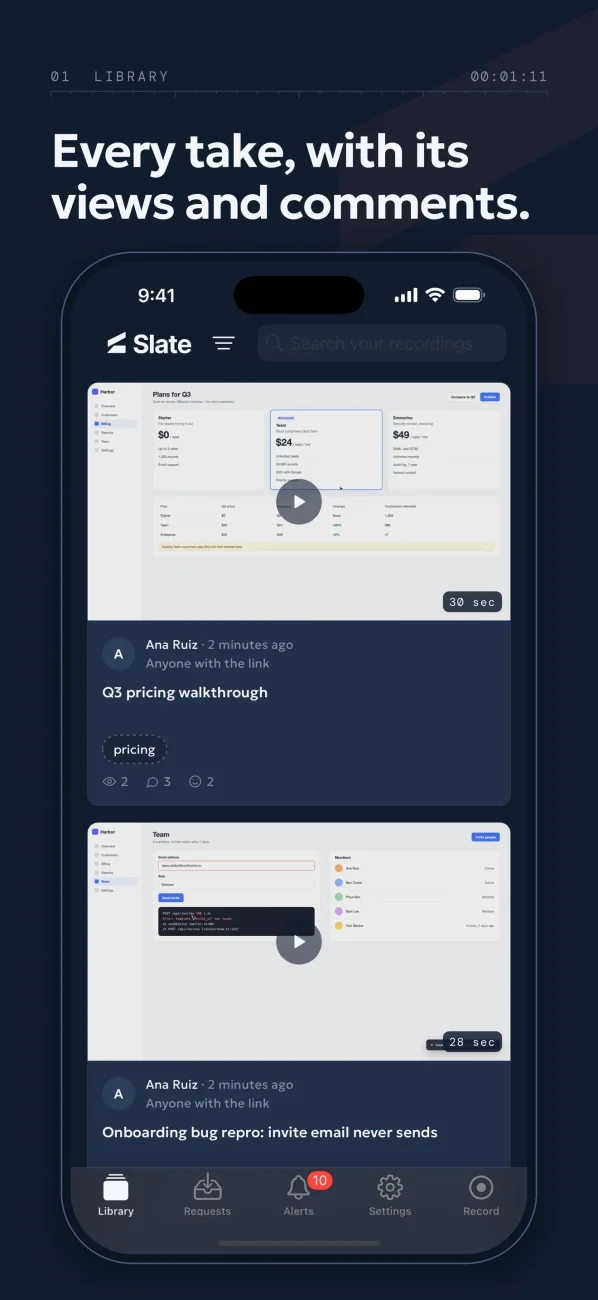
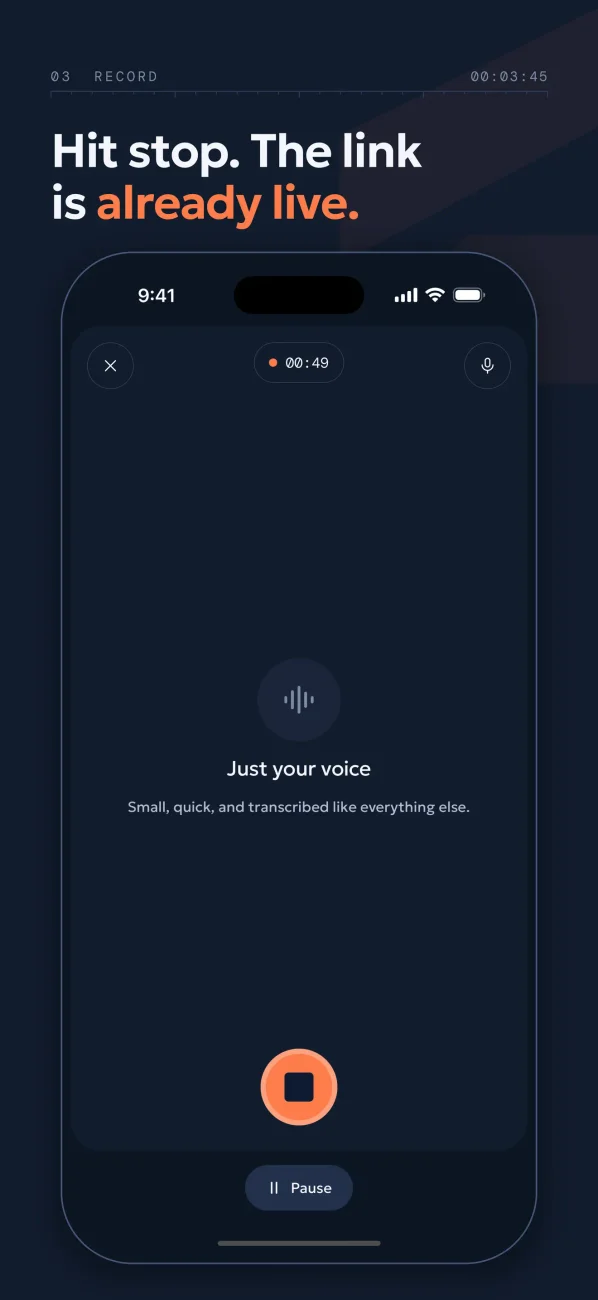
Slate turns what is on your iPhone into a link. Record your screen, your camera or just your voice, tap stop, and the link is ready to send. No editing, no exporting, no file to attach.
HOW IT WORKS
1. Tap record and choose your screen, your camera or a voice note.
2. Talk through whatever you want to show: an app, a bug, a design, a document.
3. Tap stop. Slate uploads the recording and hands you a link to paste anywhere.
WHAT YOU GET
- Whole-screen recording with your microphone, with pause and resume
- Camera recordings and quick voice notes
- Captions for every recording, made on your iPhone so the audio never leaves it, and a title and summary written from them
- Upload a video you already have in Photos
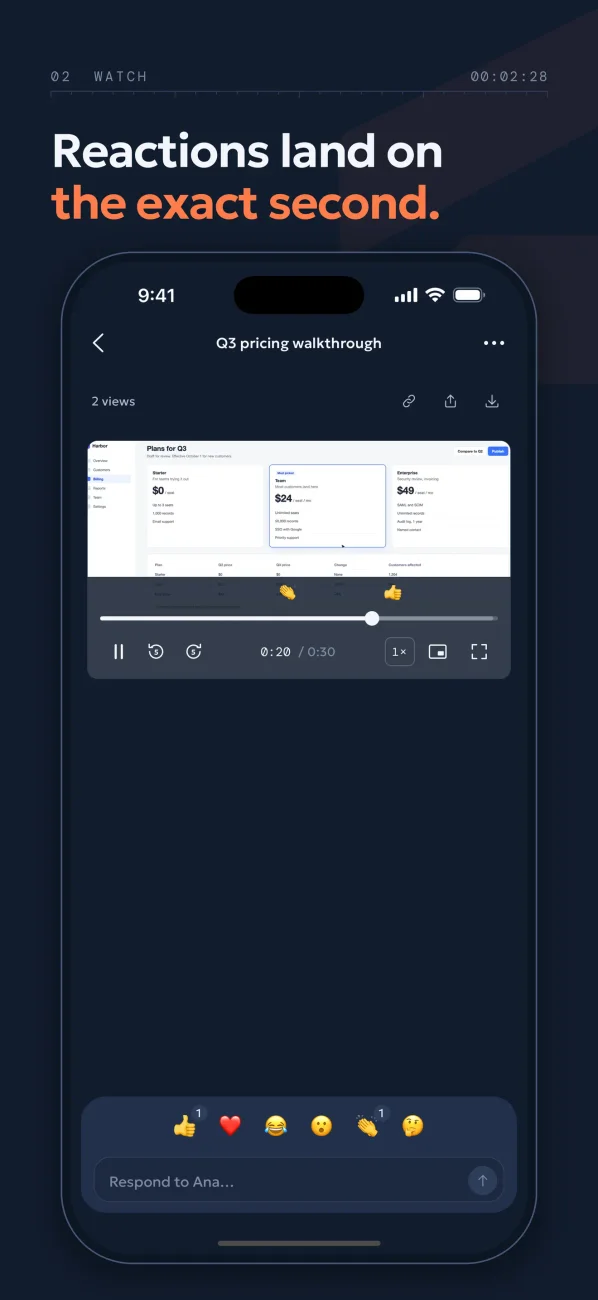
- A link that plays in any browser, with no app or account needed to watch
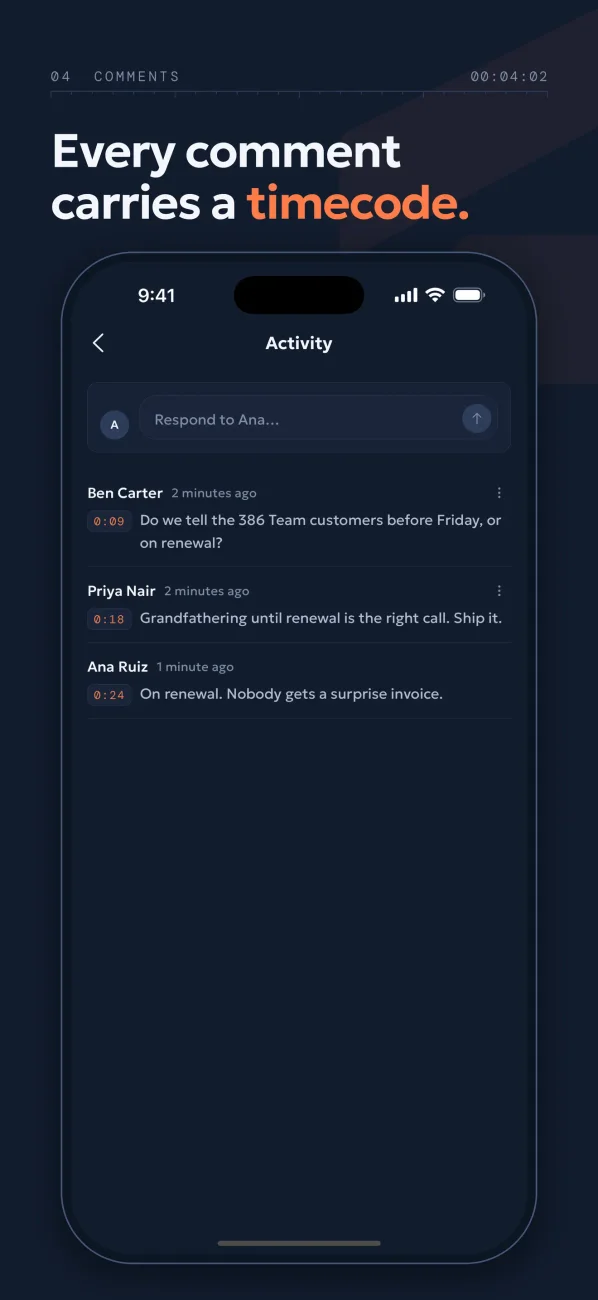
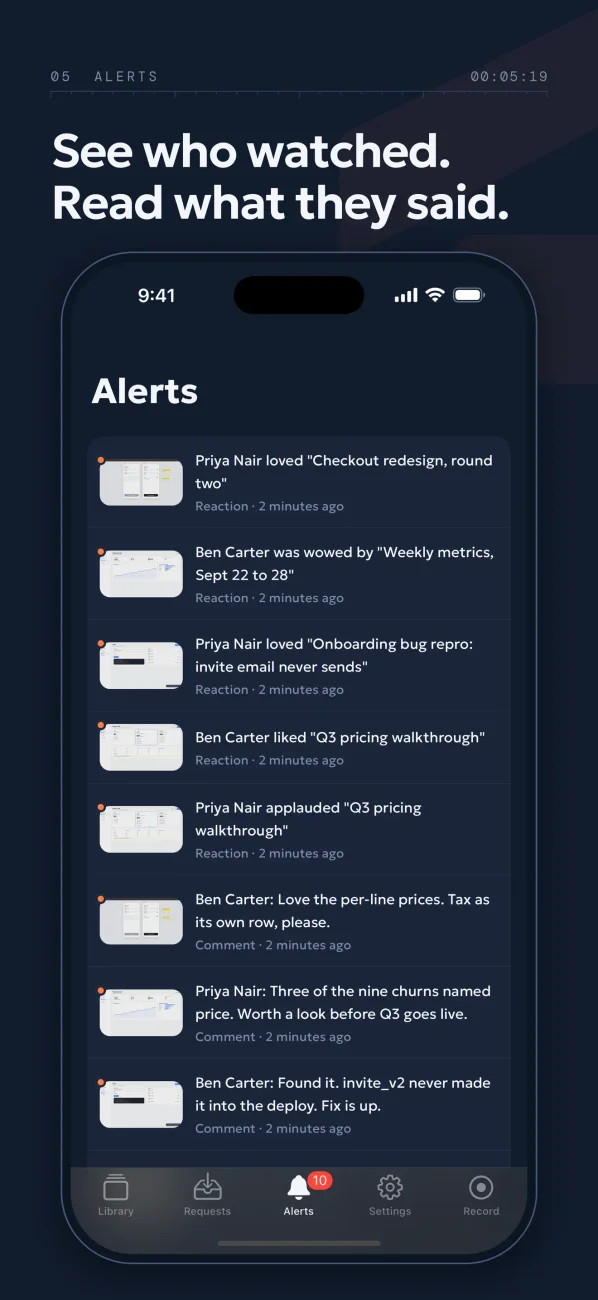
- Comments and emoji reactions on every recording, and a notification when someone replies
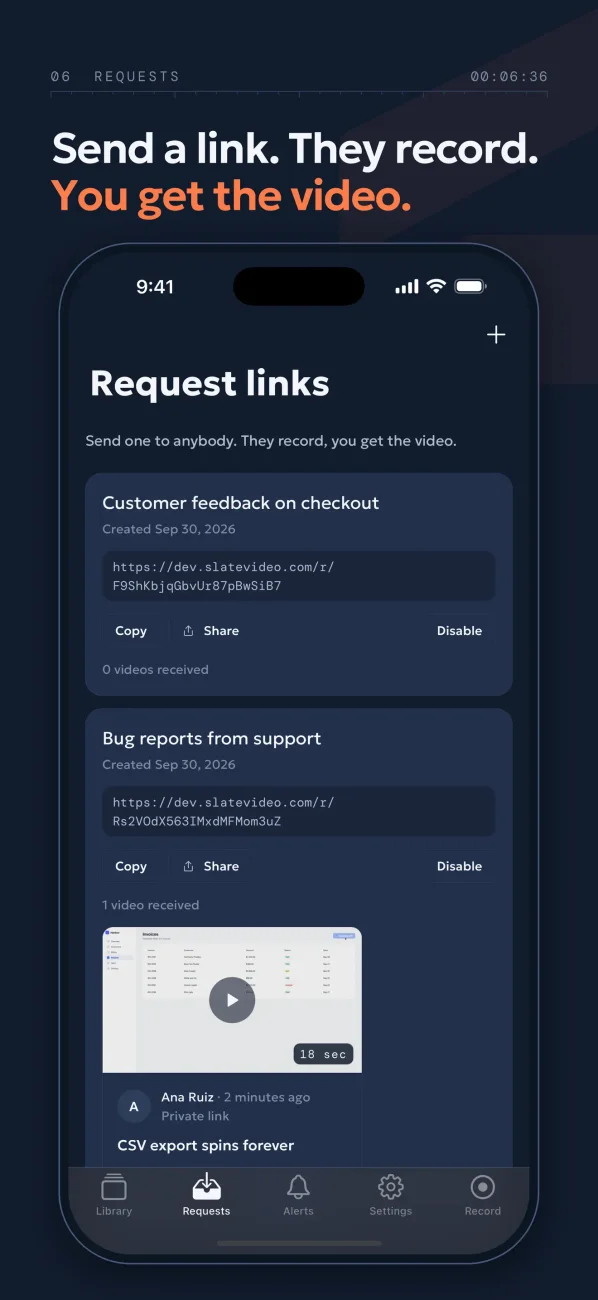
- Request links: ask anyone to send you a recording, no account needed on their side
- A library you can search, tag and filter
ONE LIBRARY, EVERYWHERE
Your recordings are the same on the web at app.slatevideo.com and in the Slate apps for Mac, Windows and Chrome. Record on your phone, pick it up on your computer.
WHO IT IS FOR
People who explain things for a living: engineers reporting a bug, designers walking through a mockup, founders answering a customer, support answering a ticket. Anyone who has typed four paragraphs where a two minute video would have done.
PRIVACY
Slate records only when you start a recording, and iOS asks before every screen broadcast. Recordings go to your Slate account and nowhere else. Read the full policy at slatevideo.com/privacy.
Slate is made by MetaCTO.
What’s new
Version 1.0.0 · Oct 27, 2026
Audio notes now play like videos: captions appear as they are spoken, full screen shows the words big, and the controls match the video player. Notes keep playing when you leave the app or lock your phone, with controls on the lock screen. Recordings also pick up where you left off.
App privacy
What MetaCTO LLC declares on the App Store about how this app handles data.
-
Data linked to you
May be collected and linked to your identity.
- Location
- Contact info
- User content
- Identifiers
- Usage data
Privacy practices may vary, for example with the features you use or your age.
Information
- Seller
- MetaCTO LLC
- Category
- Productivity
- Version
- 1.0.0
- Updated
- Oct 27, 2026
- Released
- Oct 22, 2026
- Size
- 56.2 MB
- Requires
- iOS 16.4 or later
- Age rating
- 4+
- Price
- Free
- Languages
- English
- Copyright
- © 2026 MetaCTO LLC
You might also like
-
 Newport Lexus ConnectLive car tracking & security
-
 EyeGuardProductivity
-
 Clairvoyance AIRemote AI agent control
-
 GeoMaps - Map Your DataCRM map, routes & check-ins
-
 Screen Recorder AppsProductivity
-
 PDF Merger ExpertMerge & Manage PDFs Easily
-
 Hempie - AI Growing CompanionAI Cannabis Growing Companion
-
 Text Editor AppDocument word processor
-
 Miter Angle CalculatorGet Accurate Angles Every Time
-
 ArcGIS IndoorsEsri's indoor mapping system