SleepCall: Call Timer
Schedule when to hang up
Designed for iPhone
Free · In-app purchases
- Age rating4+
- CategoryUtilities
- DeveloperIlwolobongdo
- LanguagesEnglish+ 43 more
- Size27.4 MB
Links to the official App Store page
Download.org hosts no file of SleepCall: Call Timer. The button opens its official App Store page, published by Ilwolobongdo. Listing last checked on Nov 23, 2026.
Screenshots


About
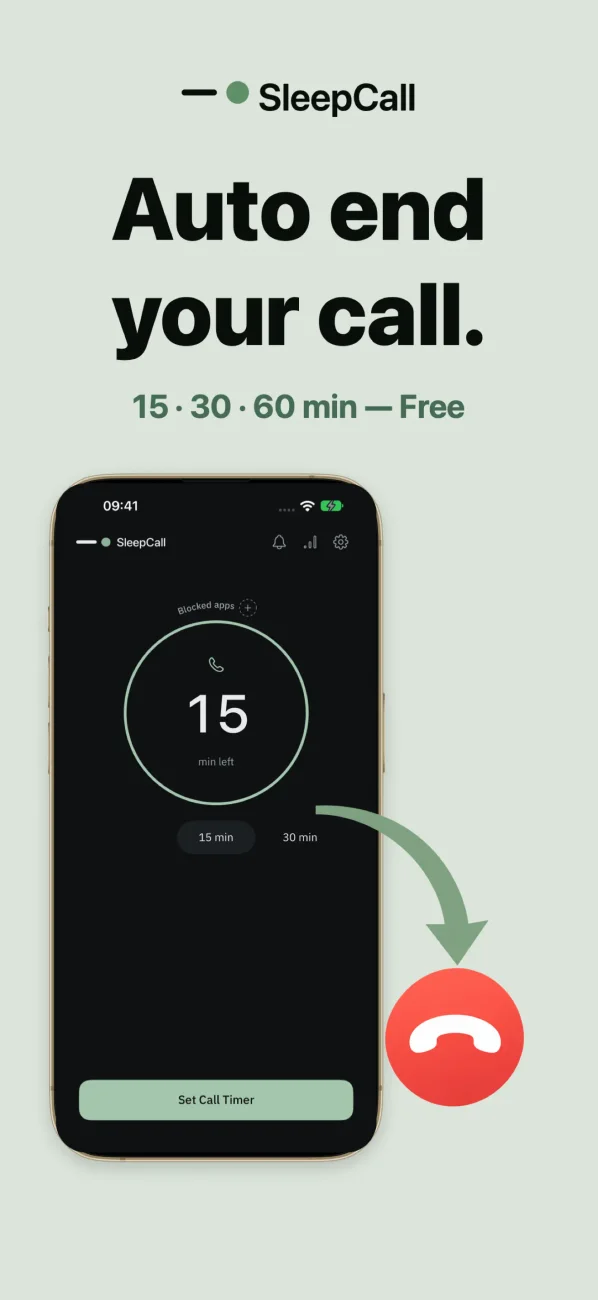
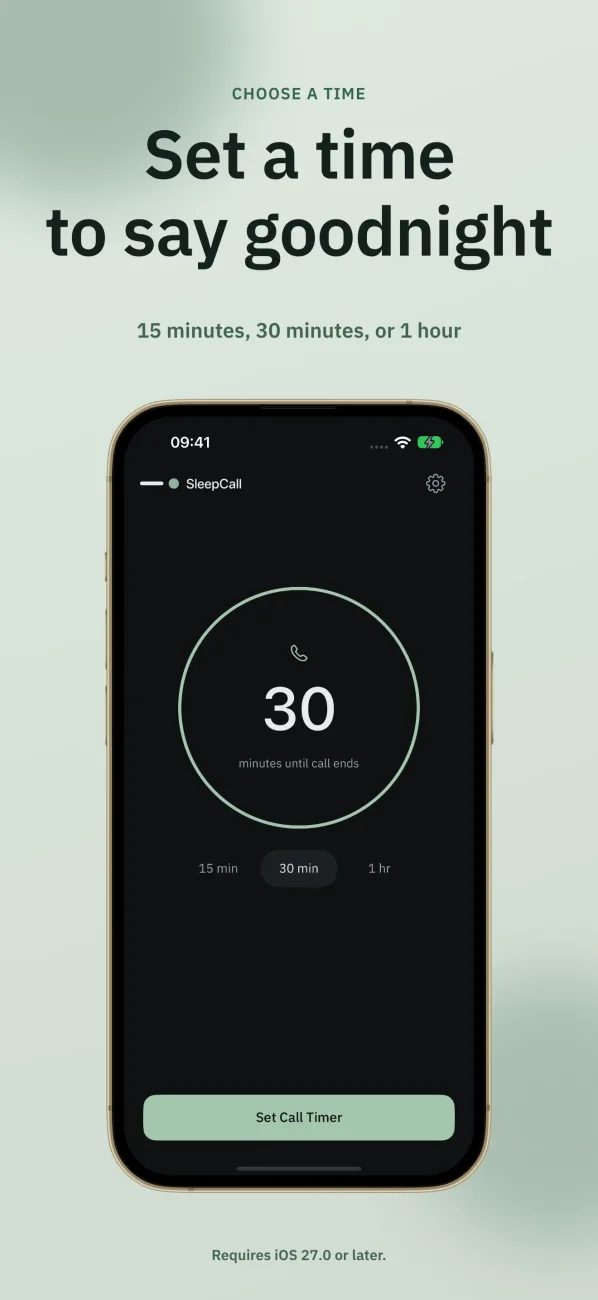
Choose when to end your bedtime call.
SleepCall connects to Apple Shortcuts to schedule your call to end.
Sleep log · Statistics
Log your bedtime and wake-up time, and set morning reminders for each day of the week. View your sleep calendar, 7-day average, and consecutive and total days of call-timer use. Sleep and actual call duration are not measured automatically.
With Screen Time permission, choose one app to block on a daily schedule, with or without PRO. After an 8-second breathing exercise, you may allow 1–60 minutes of temporary access. When it expires, blocking resumes until the daily blocking period ends.
Free features
• 15-minute, 30-minute and 1-hour timers
• Lock Screen and Home Screen widgets, Control Center and Siri
• Vibration before the timer ends, cancellation and recovery guidance
Choose your own time with PRO
(1 minute–12 hours) Set a custom duration or end time, change the time during a timer, or extend it by 30 minutes. PRO is a monthly subscription that renews automatically. The price is shown on the purchase screen. You can cancel through your Apple Account's subscription management. Existing lifetime purchases remain valid and can be restored using Restore Purchases.
How it works
One call timer uses a shortcut that turns Airplane Mode on and Wi-Fi off. If the end of the call is detected, connectivity may return early; otherwise, within 60 seconds, it turns Airplane Mode off and Wi-Fi on. Results vary by app and device. Use the in-app 10-second test before relying on it.
Connect the shortcut before your first timer. Before starting, check that Airplane Mode is off, cellular data is on and Wi-Fi is on. The app cannot read your network settings and does not automatically restore your previous settings. If the shortcut stops, turn Airplane Mode off and turn cellular data and Wi-Fi on in Settings.
Email the developer from Settings → Help.
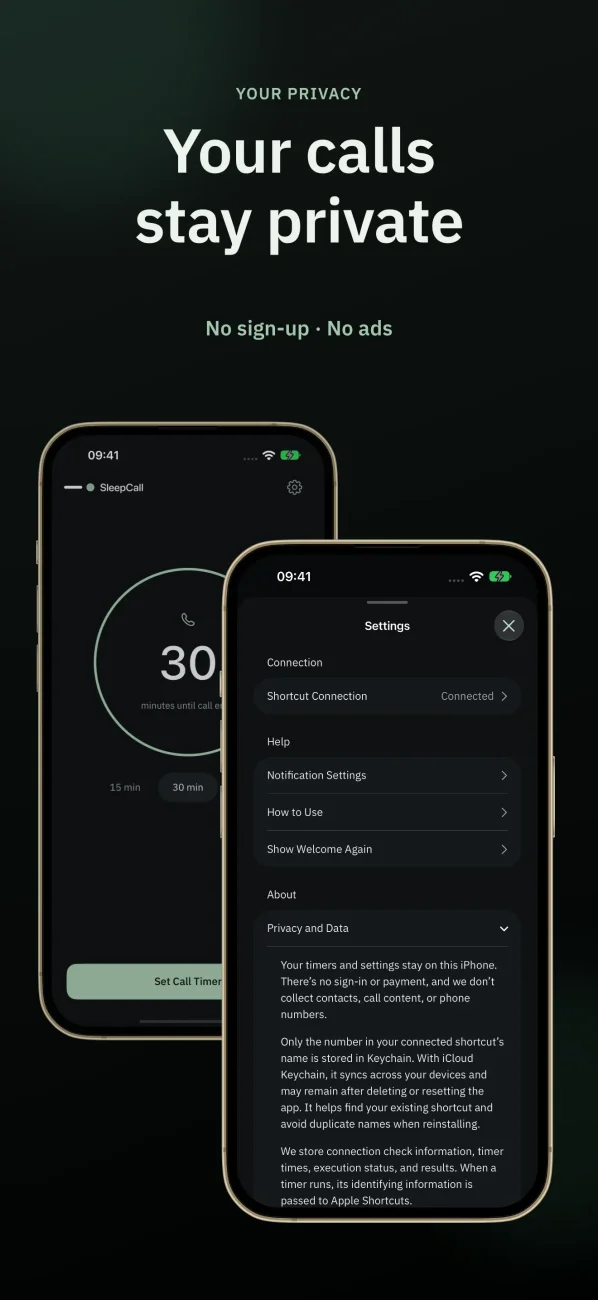
Timers and settings stay on this iPhone. We do not collect your contacts, call content or phone numbers.
Requires iOS 27.0 or later.
Terms of Use: https://getsleepcall.com/en/terms/
Privacy Policy: https://getsleepcall.com/en/privacy/
What’s new
Version 0.1.6 · Nov 16, 2026
Refined app blocking and breathing screens with a consistent SleepCall button design. Improved breathing animations, the app-opening flow, and error recovery.
App privacy
What Ilwolobongdo declares on the App Store about how this app handles data.
-
Data not collected
The developer does not collect any data from this app.
Privacy practices may vary, for example with the features you use or your age.
Information
- Seller
- Ilwolobongdo
- Category
- Utilities
- Version
- 0.1.6
- Updated
- Nov 16, 2026
- Released
- Oct 5, 2026
- Size
- 27.4 MB
- Requires
- iOS 27.0 or later
- Age rating
- 4+
- Price
- Free
- In-app purchases
- Yes
- Languages
- English, Arabic, Bengali, Catalan, Croatian, Czech, Danish, Dutch, Finnish, French, German, Greek + 32 more
- Copyright
- © 2026 일월오봉도
You might also like
-
 DupeSiftFind duplicate files locally
-
 X: QR Code Scanner & GeneratorQR Scanner & Generator
-
 OctoTikMikroTik Hotspot Starlink LTE
-
 TablessIntentional web browser
-
 PannanaUtilities
-
 Circuit Resistance CreatorSimple, Fast and Powerful.
-
 QR & Barcode Reader: ScannerCode Maker & Product Lookup
-
 QuickColdAltQuick solution for ColdWxAlt
-
 GigaGuard: Data Usage WidgetMulti-SIM tracker & pace alert