
Slo-mo-Remover
Photos SLO-MO Remover
Designed for iPhone, iPad
Free · In-app purchases
- Age rating4+
- CategoryPhoto & Video
- DeveloperJeongun Kim
- LanguagesEnglish+ 3 more
- Size1.3 MB
Links to the official App Store page
Download.org hosts no file of Slo-mo-Remover. The button opens its official App Store page, published by Jeongun Kim. Listing last checked on Nov 12, 2026.
Screenshots



About
You can change multiple slow-motion videos at once. The adjusted videos are automatically updated in the Photos app.
The actual slow-motion effect of the video is not deleted. The video file is not altered to lower the frame rate.
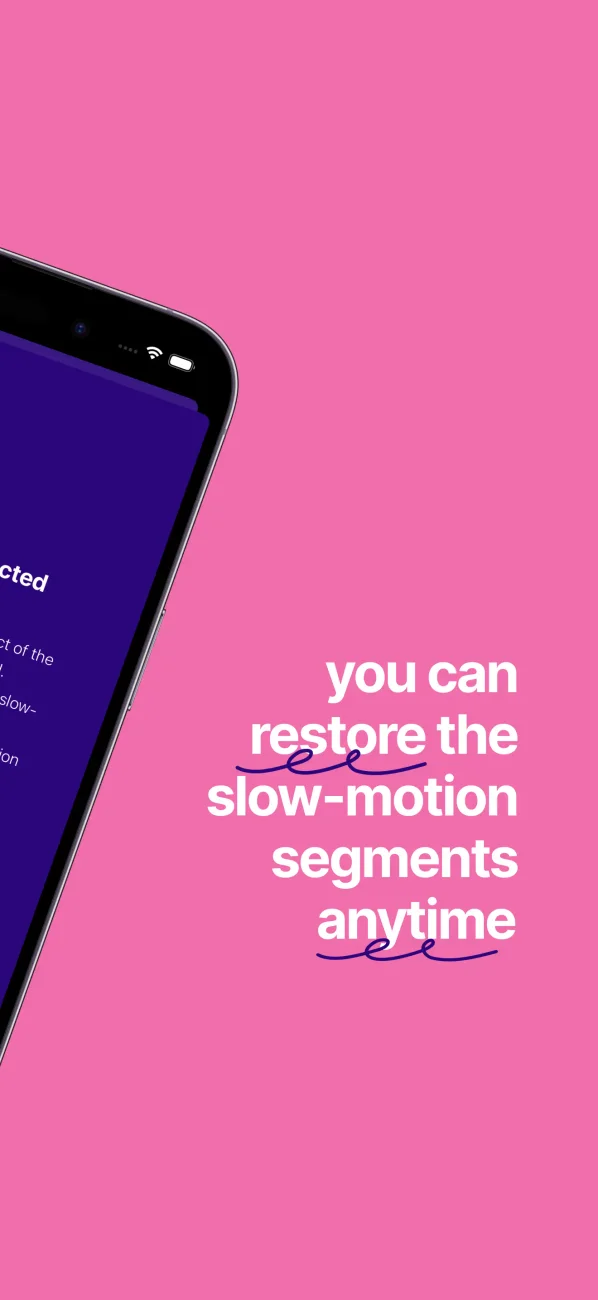
Only the playback range of the slow-motion is adjusted, and you can restore the slow-motion segments anytime.
Restore Slow-motion
Bring the slow-motion back to videos you changed before. The app lists only slow-motion videos currently playing at normal speed, so you can select them and restore the original slow-motion in one batch.
Share from Photos
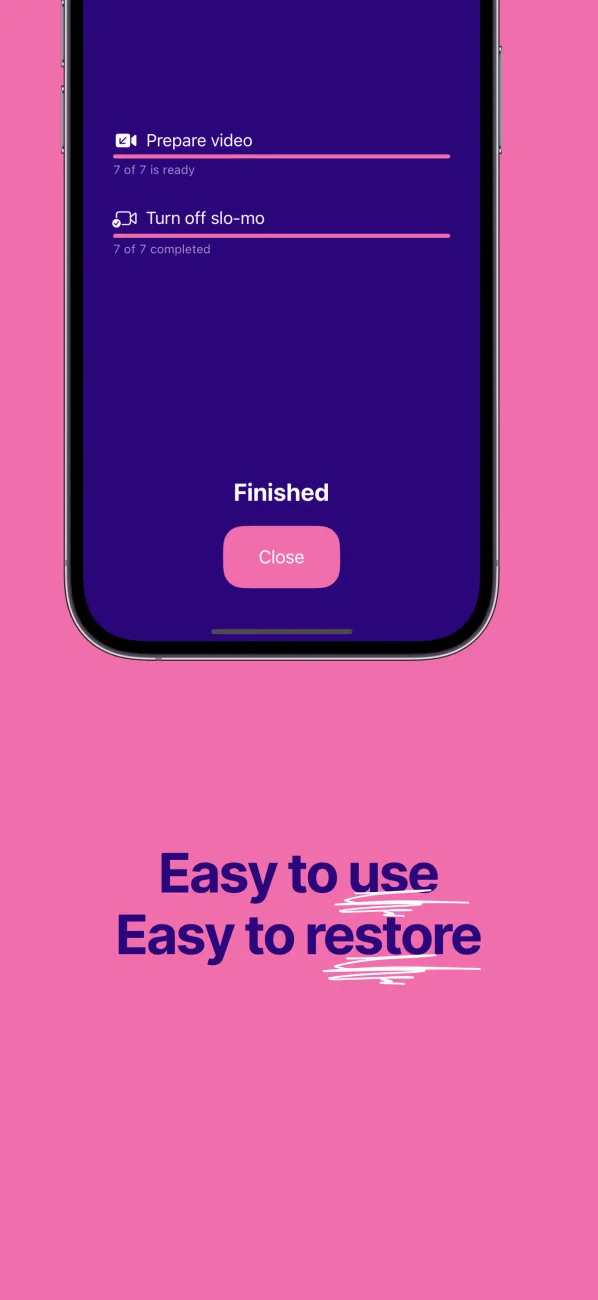
Select videos in the Photos app, tap Share, and choose Slo-mo-Remover. Pick Turn off or Restore, and the app processes all selected videos at once.
What’s new
Version 1.2.0 · Oct 12, 2026
- Restore Slow-motion: bring the original slow-motion back to videos you changed before
App privacy
What Jeongun Kim declares on the App Store about how this app handles data.
-
Data not collected
The developer does not collect any data from this app.
Privacy practices may vary, for example with the features you use or your age.
Information
- Seller
- Jeongun Kim
- Category
- Photo & Video
- Version
- 1.2.0
- Updated
- Oct 12, 2026
- Released
- Jun 5, 2024
- Size
- 1.3 MB
- Requires
- iOS 17.5 or later
- Age rating
- 4+
- Price
- Free
- In-app purchases
- Yes
- Languages
- English, Japanese, Korean, Simplified Chinese
- Copyright
- © 2026 oeoe.io
You might also like
-
 BlurApp: Private Photo BlurHide Faces, Text & Details
-
 Photo Information:GPS, Exif...Show Photo's full information.
-
 FaceMo-Protect facial privacyAI Photo Blur, Sticker & Emoji
-
 Slapp ProPhoto Documentation for Pros
-
 scallion - AI CompressorFree Up Photo/Video Space
-
 Timestamp Camera: GPS MapDate Stamper on Photos & Video
-
 Merge Videos - CompilationStitch many videos at ease.
-
 WarpCam - Liquid Glass CameraBlur background wallpaper
-
 Photo Text Search & FinderOCR Recognition & Lens Filter
-
 Panorama - Photo StitcherMerge Photo & Image Stitch