Slug: Link Manager
URL Shortener & QR Code
Designed for iPhone, iPad, Mac
Free · In-app purchases
- Age rating4+
- CategoryDeveloper Tools
- DeveloperNicholas Dapolito
- LanguagesEnglish
- Size52.2 MB
Links to the official App Store page
Download.org hosts no file of Slug: Link Manager. The button opens its official App Store page, published by Nicholas Dapolito. Listing last checked on Nov 12, 2026.
Screenshots

About
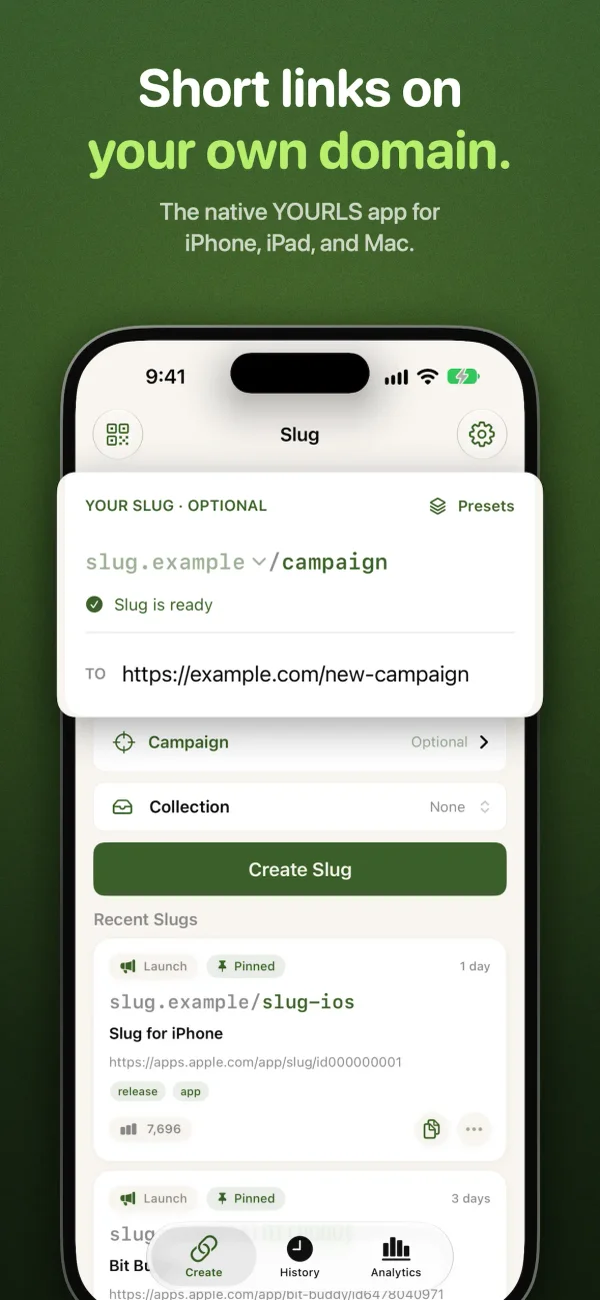
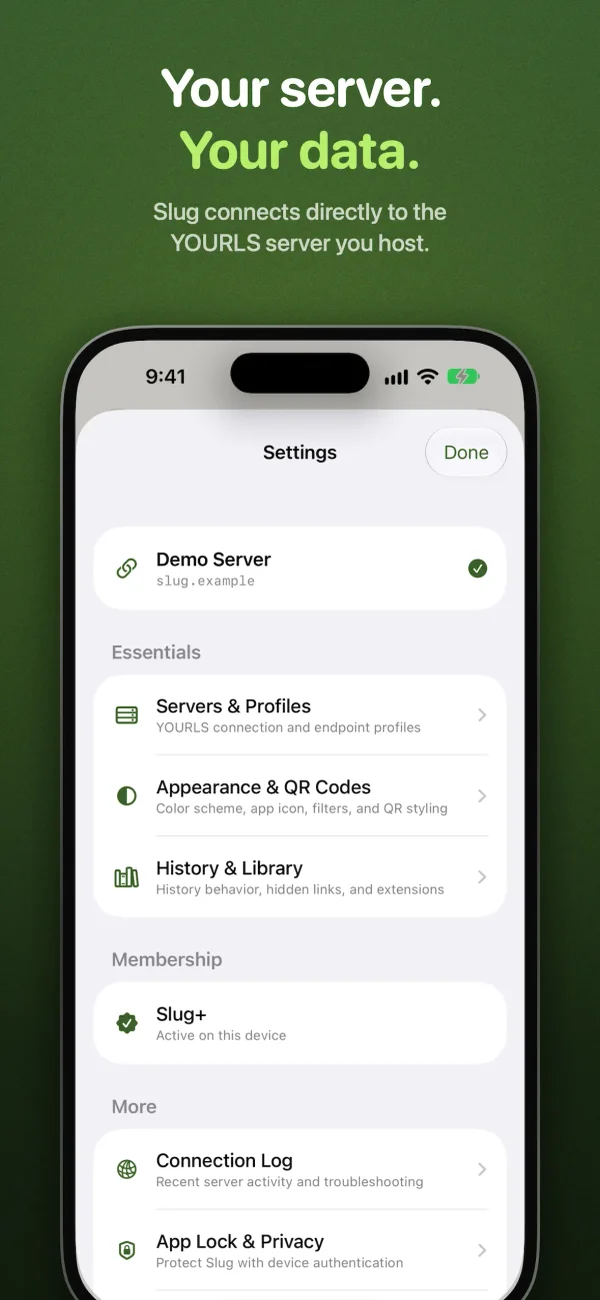
Slug is a fast, polished client for YOURLS, the self-hosted URL shortener.
Connect your own YOURLS server, create custom short links, manage your history, generate QR codes, and keep control of your links without relying on a hosted shortening service.
Built for developers, creators, marketers, and teams who want a cleaner way to manage self-hosted short links from iPhone, iPad, and Mac.
Key Features:
• Connect directly to your YOURLS server
• Create custom short links with your own keywords
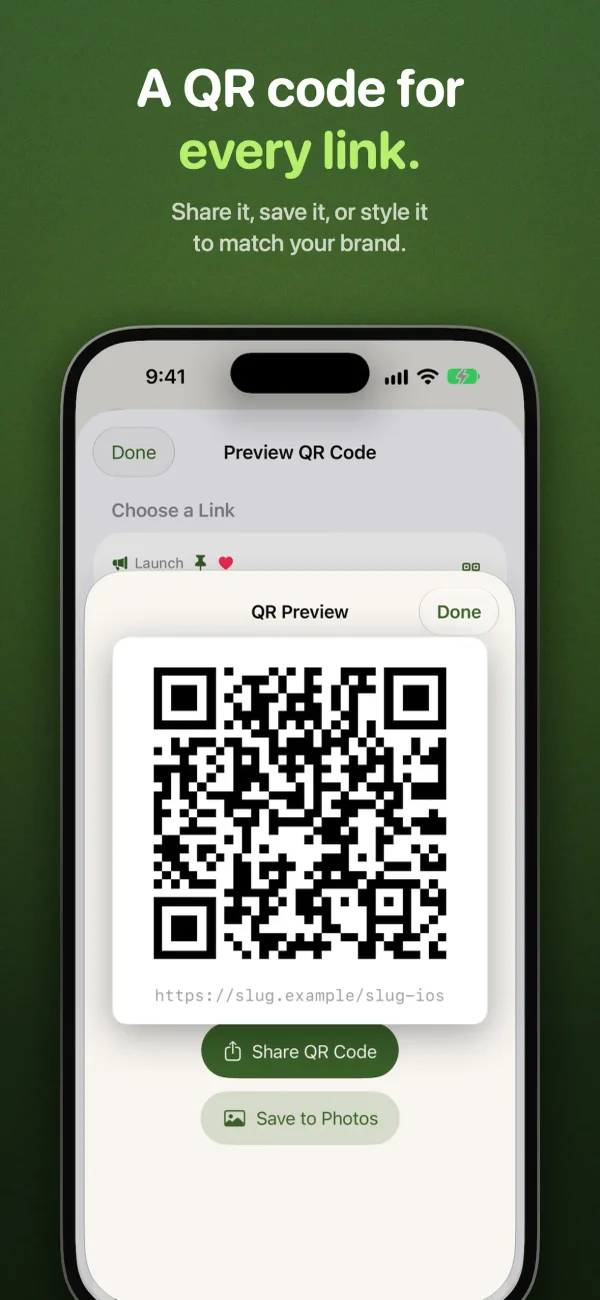
• Generate QR codes for any shortened link
• Manage link history across multiple profiles
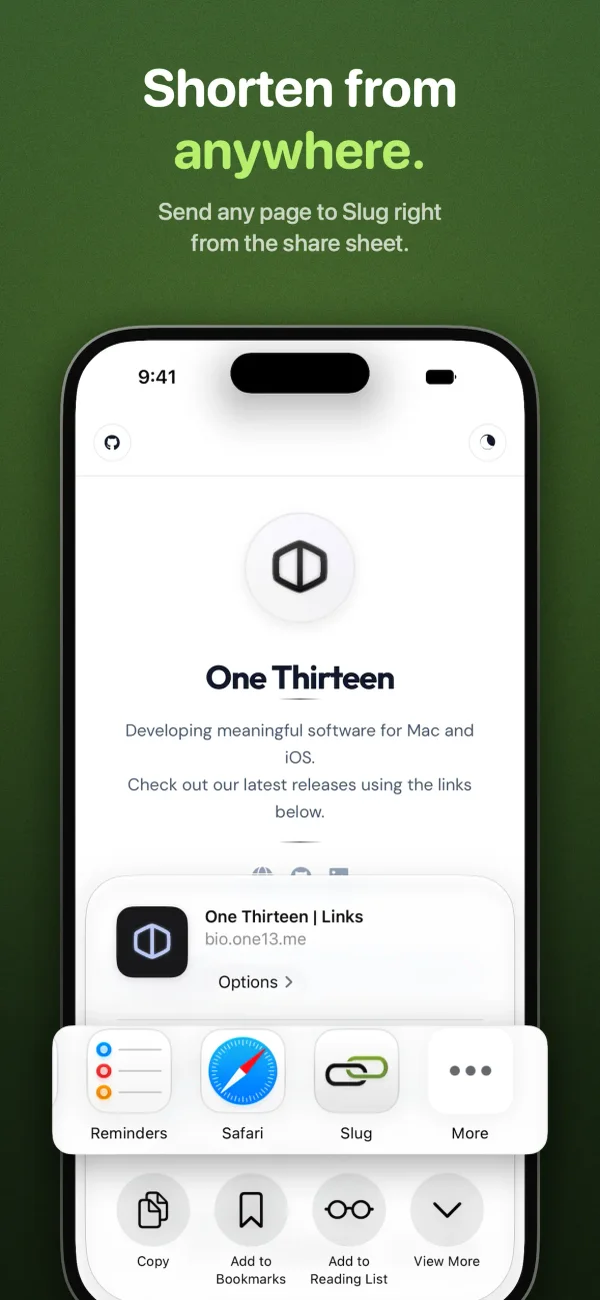
• Shorten links from Safari and other apps with the Share Extension
• Quickly shorten URLs from your clipboard
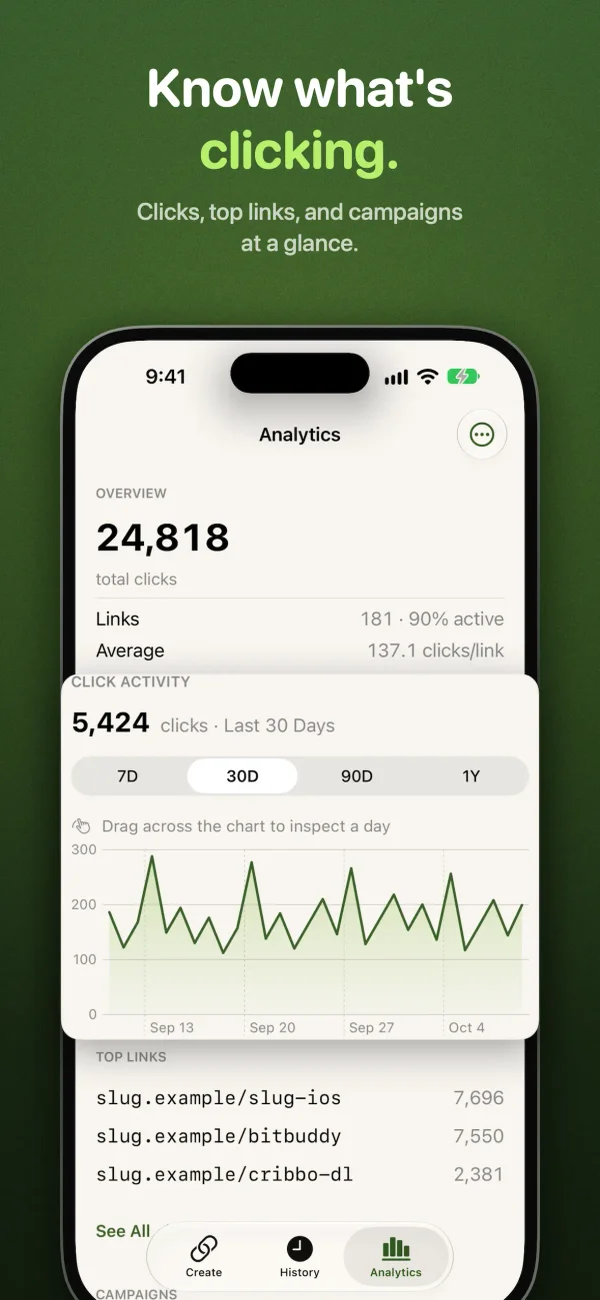
• View core YOURLS link stats and history
• Import and export your link data
• Optional support for Slug YOURLS plugins
• Hide plugin-related features when you want a simpler interface
Slug+:
Unlock advanced customization and power-user features, including expanded profile support, QR code customization, import/export tools, and full-library sync for supported accounts.
Your links stay yours. Slug works with the YOURLS server you control, giving you a focused, native app for creating and managing short links without moving your workflow to someone else’s link-shortening platform.
What’s new
Version 3.0.1 · Oct 26, 2026
Hi there! We're back with support for iPhone Duo, plus some housekeeping and quality updates. Want to know more?
Ready for iPhone Duo
Slug now feels at home on iPhone Duo. Folded, it works just like you're used to. Unfolded, your links, analytics, and settings spread out side by side. Slug keeps your place as you open and close your phone, even mid-sentence.
Settings, Front and Center
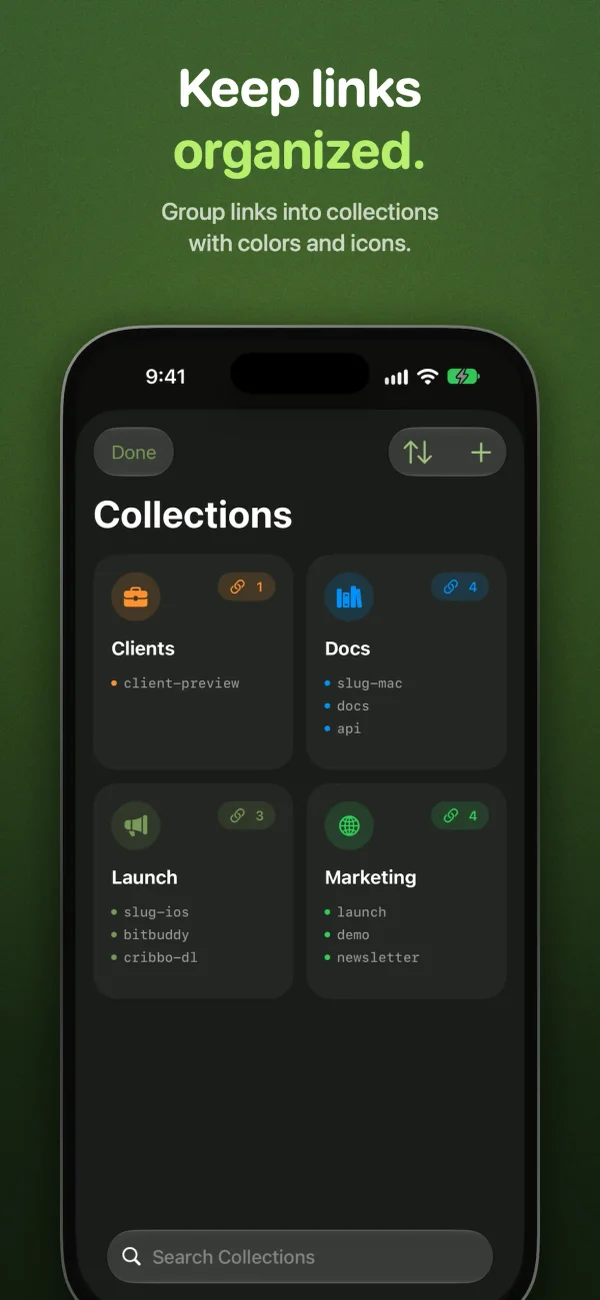
Settings now has its own tab. Collections, Server Overview, and link editing open right inside History, so you can browse your library without juggling pop-up windows.
Turn Sideways
Slug now works in landscape on iPhone.
Connection Log
View the latest connections and attempts Slug makes to your YOURLS server. See what failed, when, and why. Then clear the log, or copy and share it. Shared logs leave out your credentials and link URLs.
Refresh Status
Slug now shows the last time it connected to your server, or when a connection was attempted or failed. If something goes wrong, your saved links stay right where they are, with a quick Retry and a shortcut to the Connection Log.
Newly Designed Widgets
Somehow, widgets were overlooked in the last update. Apologies! The Links, Statistics, QR Code, and Collections widgets now match Slug's redesign and stay in sync with your library. You can open a link's destination or copy it with a separate tap.
All the...Small Things
• Drag a link in from Safari to start a new slug, or drag your short links out to other apps
• New keyboard shortcuts for creating, refreshing, saving, and editing
• Slug asks before throwing away unsaved changes
• The QR scanner works in any orientation and picks the right camera on iPhone Duo
• App Lock keeps your place while Slug is locked
That's all the updates we have today. We'll be back soon, but until then, happy linking!
App privacy
What Nicholas Dapolito declares on the App Store about how this app handles data.
-
Data not linked to you
May be collected but is not linked to your identity.
- Identifiers
- Usage data
Privacy practices may vary, for example with the features you use or your age.
Information
- Seller
- Nicholas Dapolito
- Category
- Developer Tools
- Version
- 3.0.1
- Updated
- Oct 26, 2026
- Released
- Apr 22, 2025
- Size
- 52.2 MB
- Requires
- iOS 18.0 or later
- Age rating
- 4+
- Price
- Free
- In-app purchases
- Yes
- Languages
- English
- Copyright
- © One Thirteen, LLC
You might also like
-
 FruitAIDeveloper Tools
-
 Cmd+Ctrl: Command & ControlRemote AI coding agents
-
 RemoteIDE : Code From AnywhereSSH Terminal & Remote Dev
-
 Port22: Coding Agents AnywhereClaude code, Codex & more
-
 LimitWatchAI Coding Tools on Your Wrist
-
 Shelly FMADeveloper Tools
-
 SSHHIP: SSH Client & TerminalMosh, tmux & herdr on the go
-
 Copy Link to PasteboardURL with Markdown on Clipboard
-
 S.EE - Link & File SharingShorten URLs, Share Files
-
 CapgoRelease monitoring for devs