- Age rating17+
- CategoryUtilities
- DeveloperSanjun
- LanguagesEnglish+ 16 more
- Size30.5 MB
Links to the official App Store page
Download.org hosts no file of Smart Chlorinator. The button opens its official App Store page, published by Sanjun. Listing last checked on Nov 18, 2026.
Screenshots



About
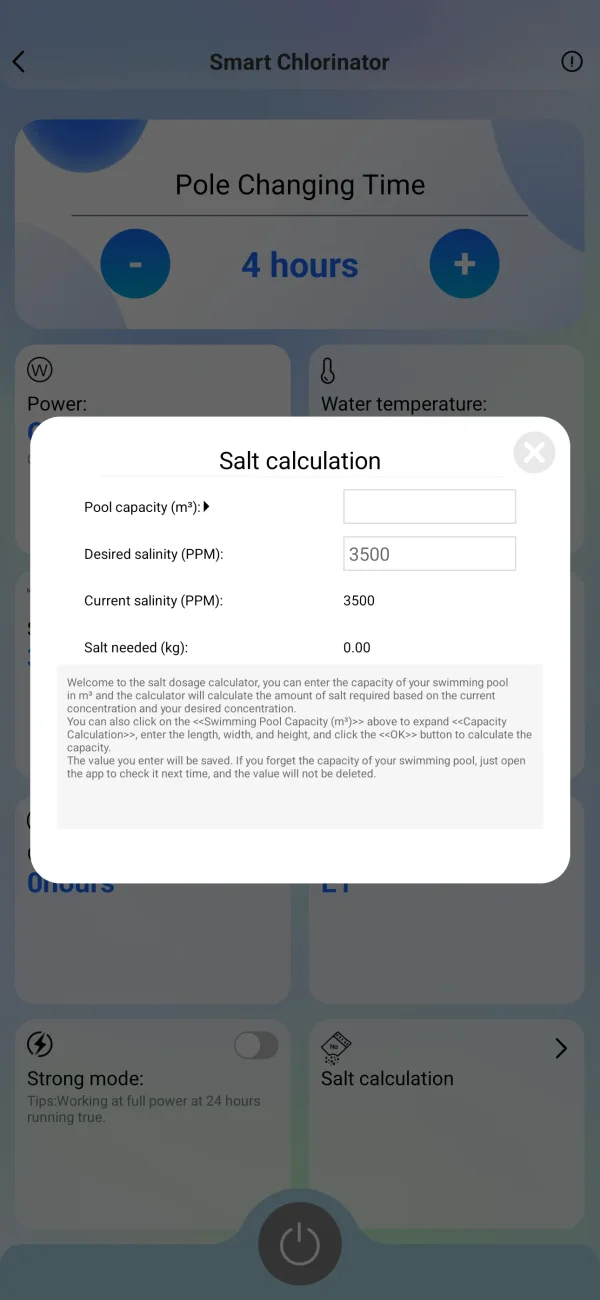
Only applicable to control the smart salt chlorine sterilizer produced by our company, using Bluetooth to connect the device, you can achieve on/off, set the time, set the gear, view the device status information and other functions.
Function description:
• Since the application needs to use Bluetooth function, it will prompt you to obtain positioning permission after opening the application, and the user needs to turn on the Bluetooth switch of the mobile phone.
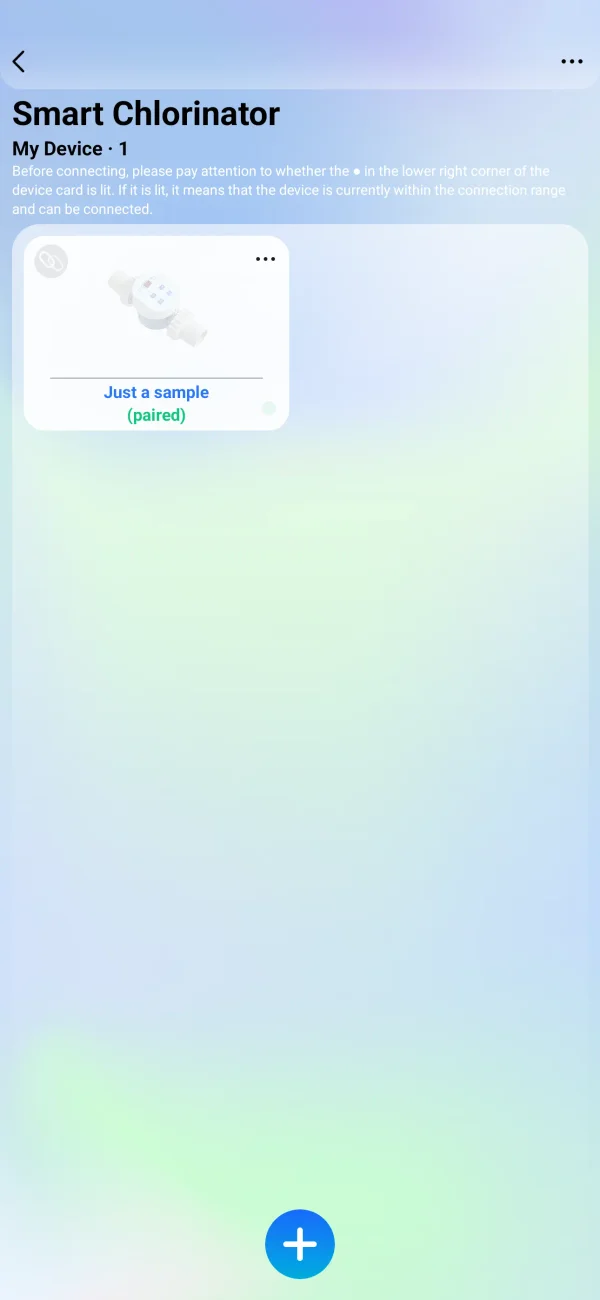
• Users who have not added devices will have a simulated sample device card in the device list of the application. By clicking this card, you can simulate the successful connection and enter the console, where you can experience all functions. Click the back icon in the upper left corner to return to the device list page. After successful connection, the device card will appear blue, and the "v" icon in the upper left corner will light up, and you can disconnect by clicking the "v" icon.
• After disconnecting the device, click the "··" icon in the upper right corner of the device card to delete, rename or view the device details.
• After the user has purchased the physical device, after the device is powered on, click the (+) icon at the bottom of the device list page (home page) to add the device, or the drop-down page can also add the device. After adding the physical device, the sample device card will be automatically hidden.
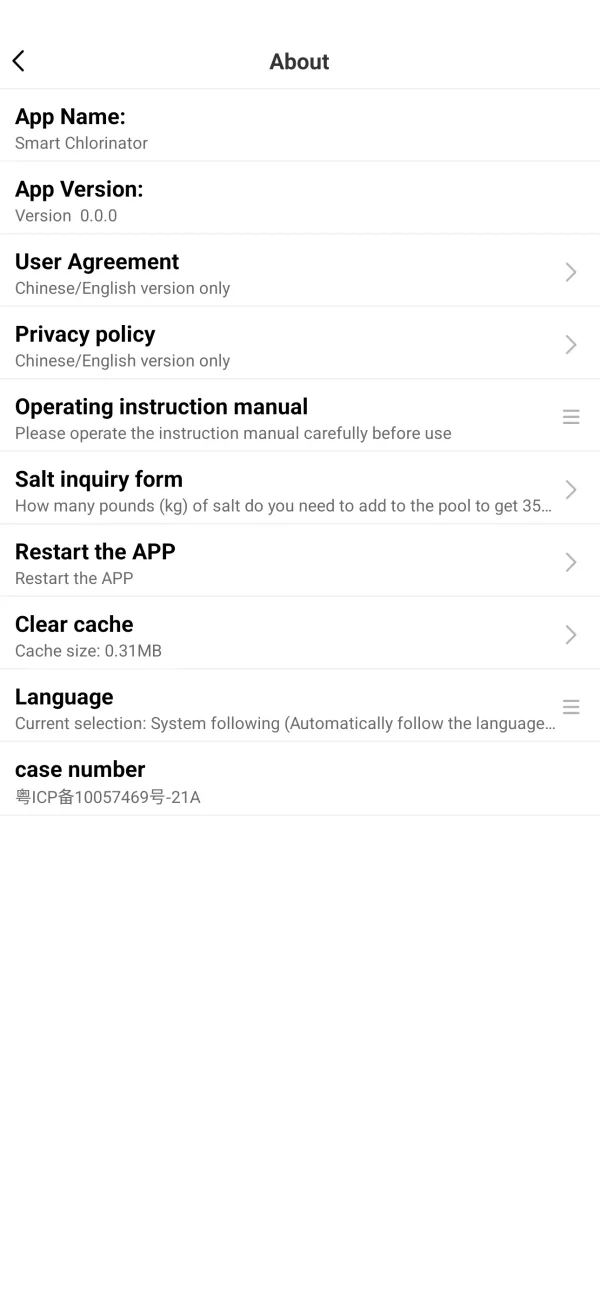
• The app will be automatically displayed in English or Chinese according to the language setting of the phone. If the language is set to Chinese, all the text of the app will be displayed in Chinese; If the phone language is set to non - Chinese, all text in the app will be displayed in English.
What’s new
Version 2.4 · May 31, 2024
Fixed some known issues
App privacy
What Sanjun declares on the App Store about how this app handles data.
-
Data not collected
The developer does not collect any data from this app.
Privacy practices may vary, for example with the features you use or your age.
Information
- Seller
- FOSHAN SUNDREAM ELECTRONICS CO.LTD
- Category
- Utilities
- Version
- 2.4
- Updated
- May 31, 2024
- Released
- Oct 25, 2023
- Size
- 30.5 MB
- Requires
- iOS 12.0 or later
- Age rating
- 17+
- Price
- Free
- Languages
- English, Arabic, French, German, Indonesian, Italian, Japanese, Korean, Malay, Portuguese, Russian, Simplified Chinese + 5 more
- Copyright
- © 2023 FOSHAN SUNDREAM ELECTRONICS CO.LTD
You might also like
-
 GeniLifeUtilities
-
 FLUIDRA NEXUSDispositivos Inteligentes
-
 RaymoteUtilities
-
 PoolSyncGet Your Pool In Sync
-
 dewenwilsUtilities
-
 MyDolphin PlusMaytronics cloud connected
-
 MOESUtilities
-
 Smart Home - Life ControlRemote Access & Automation
-
 LCECUtilities
-
 Pool Math by TroubleFreePoolEasy pool care and maintenance