Smart Chlorinator
Smart Chlorinator
iPhone, iPad, iPod touch için tasarlandı
Ücretsiz
- Yaş sınırı17+
- KategoriYardımcılar
- GeliştiriciSanjun
- Dillerİngilizce+ 16 dil daha
- Boyut30,5 MB
Resmi App Store sayfasına bağlanır
Download.org, Smart Chlorinator için hiçbir dosya barındırmaz. Düğme, uygulamanın App Store üzerindeki sayfasını açar; uygulamayı orada Sanjun yayınlar. Sayfanın son kontrolü: 18.11.2026.
Ekran görüntüleri


Hakkında
Geliştirici bu metni dilinizde sunmamış.
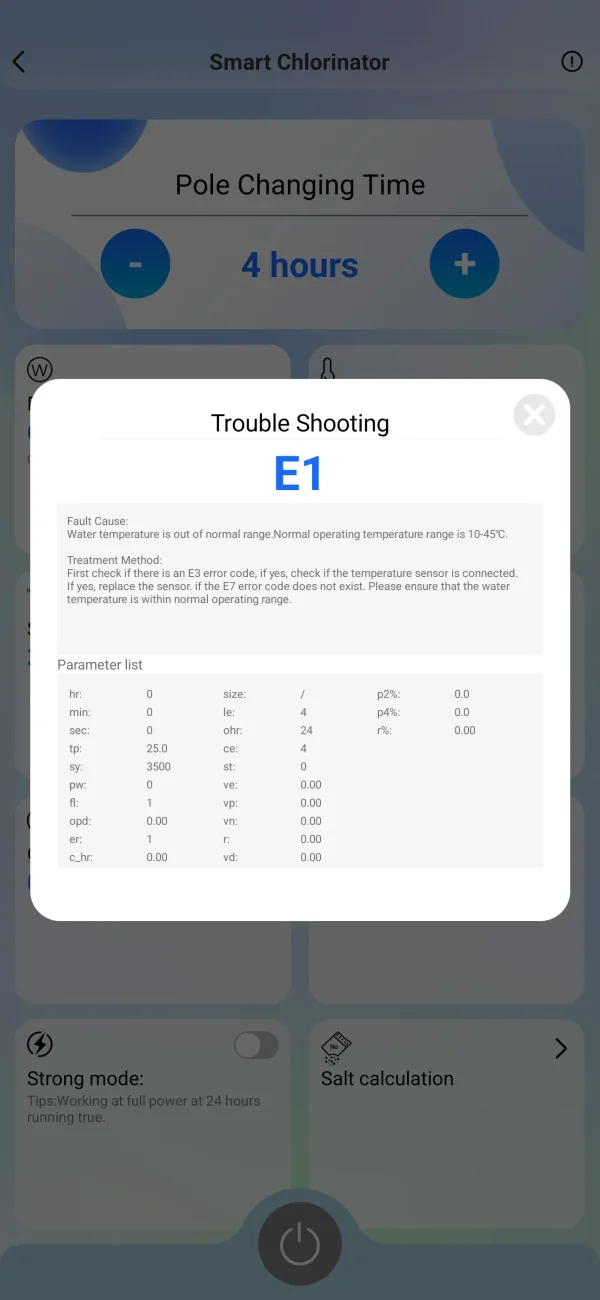
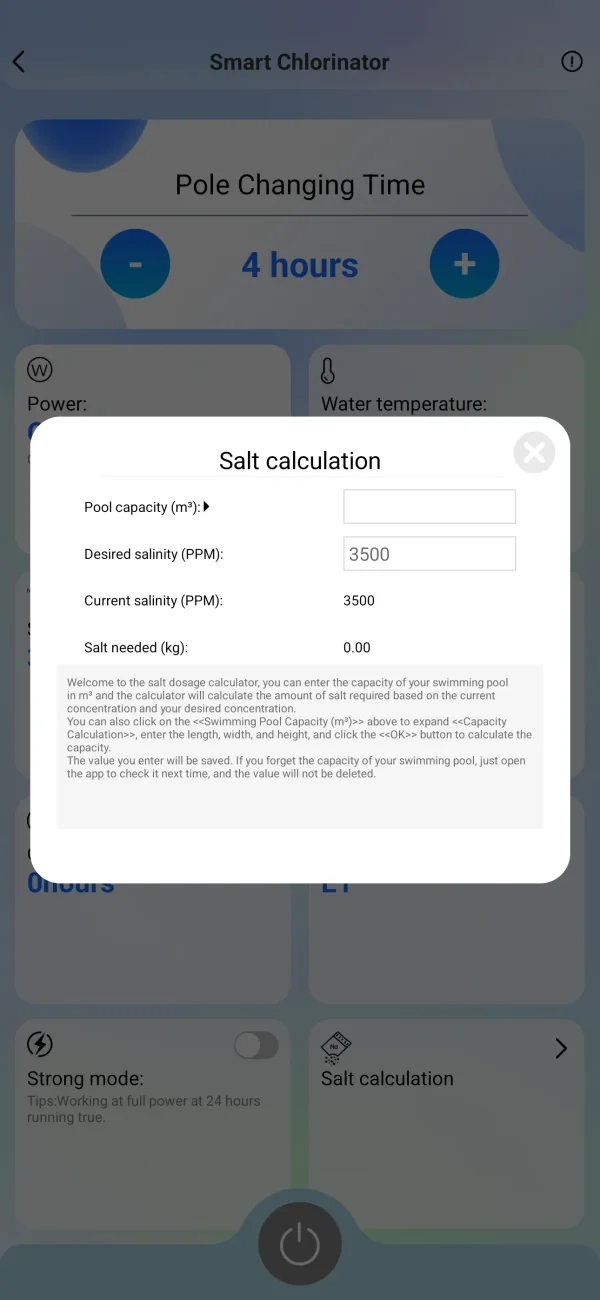
Only applicable to control the smart salt chlorine sterilizer produced by our company, using Bluetooth to connect the device, you can achieve on/off, set the time, set the gear, view the device status information and other functions.
Function description:
• Since the application needs to use Bluetooth function, it will prompt you to obtain positioning permission after opening the application, and the user needs to turn on the Bluetooth switch of the mobile phone.
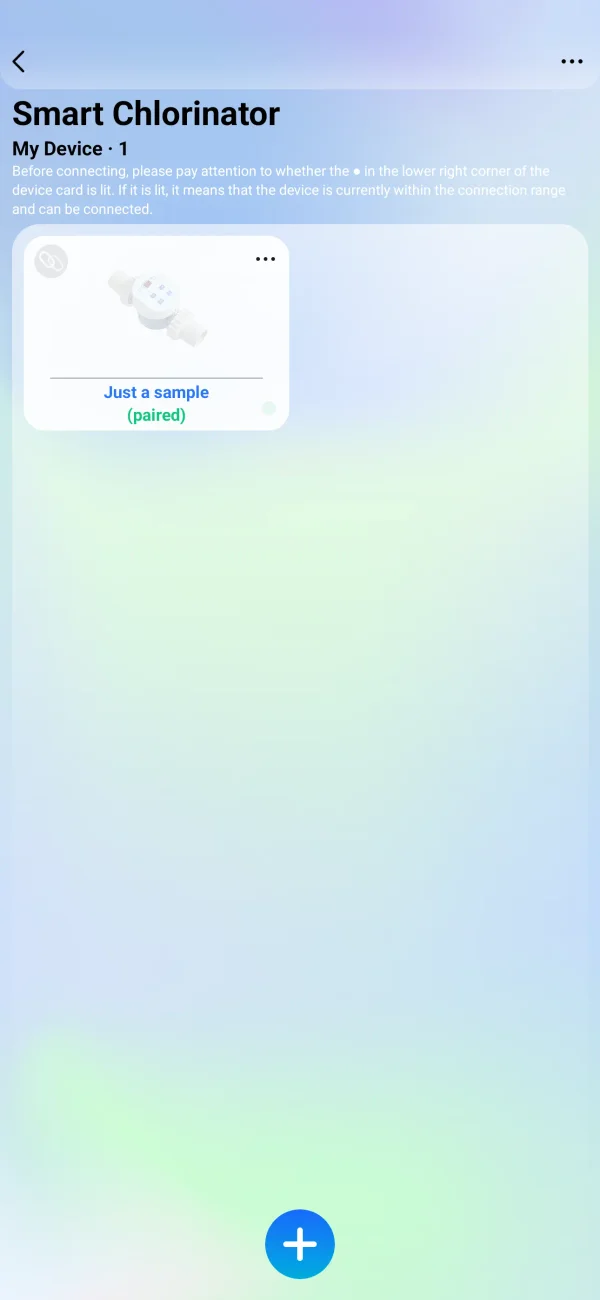
• Users who have not added devices will have a simulated sample device card in the device list of the application. By clicking this card, you can simulate the successful connection and enter the console, where you can experience all functions. Click the back icon in the upper left corner to return to the device list page. After successful connection, the device card will appear blue, and the "v" icon in the upper left corner will light up, and you can disconnect by clicking the "v" icon.
• After disconnecting the device, click the "··" icon in the upper right corner of the device card to delete, rename or view the device details.
• After the user has purchased the physical device, after the device is powered on, click the (+) icon at the bottom of the device list page (home page) to add the device, or the drop-down page can also add the device. After adding the physical device, the sample device card will be automatically hidden.
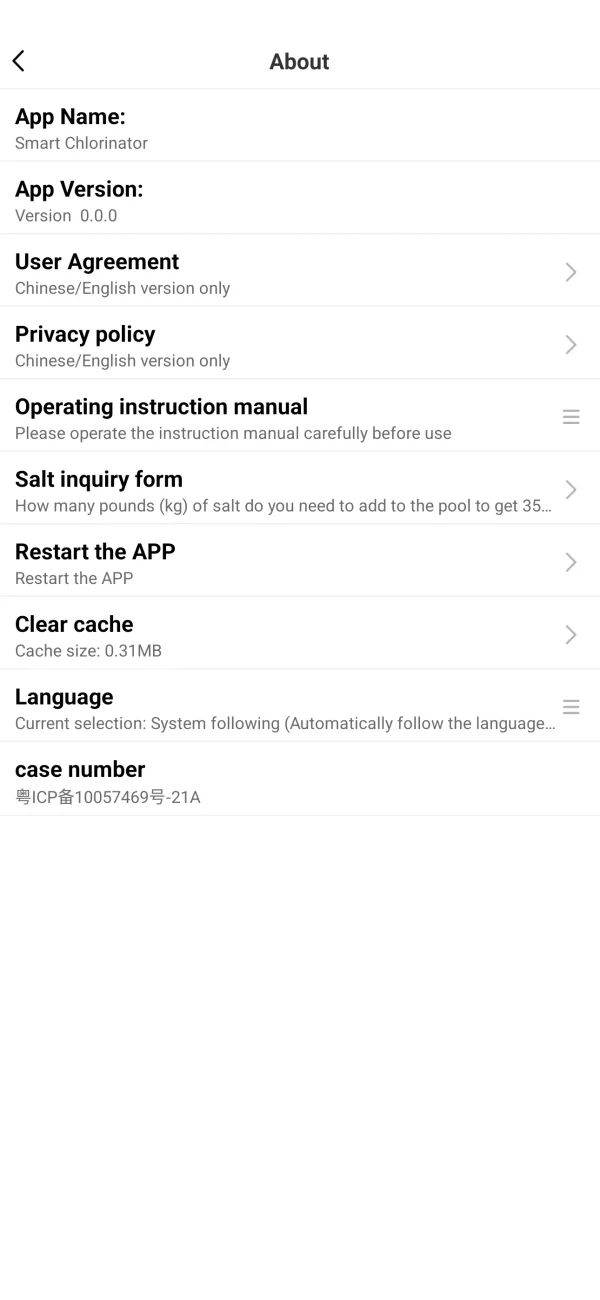
• The app will be automatically displayed in English or Chinese according to the language setting of the phone. If the language is set to Chinese, all the text of the app will be displayed in Chinese; If the phone language is set to non - Chinese, all text in the app will be displayed in English.
Yenilikler
Sürüm 2.4 · 31.05.2024
Fixed some known issues
Uygulama gizliliği
Bu uygulamanın verileri nasıl işlediği hakkında Sanjun tarafından App Store üzerinde yapılan beyan.
-
Veri toplanmıyor
Geliştirici bu uygulamadan hiçbir veri toplamıyor.
Gizlilik uygulamaları, örneğin kullandığınız özelliklere veya yaşınıza göre değişiklik gösterebilir.
Bilgiler
- Satıcı
- FOSHAN SUNDREAM ELECTRONICS CO.LTD
- Kategori
- Yardımcılar
- Sürüm
- 2.4
- Güncellendi
- 31.05.2024
- Yayın tarihi
- 25.10.2023
- Boyut
- 30,5 MB
- Gereksinim
- iOS 12.0 veya sonrası
- Yaş sınırı
- 17+
- Fiyat
- Ücretsiz
- Diller
- İngilizce, Arapça, Fransızca, Almanca, Endonezce, İtalyanca, Japonca, Korece, Malay, Portekizce, Rusça, Basitleştirilmiş Çince + 5 dil daha
- Telif hakkı
- © 2023 FOSHAN SUNDREAM ELECTRONICS CO.LTD