Smart Focus
Automate Your Focus Modes
Designed for iPhone, iPad
Free · In-app purchases
- Age rating4+
- CategoryUtilities
- DeveloperStephane DEFAYE
- LanguagesEnglish+ 1 more
- Size5.5 MB
Links to the official App Store page
Download.org hosts no file of Smart Focus. The button opens its official App Store page, published by Stephane DEFAYE. Listing last checked on Nov 18, 2026.
Screenshots

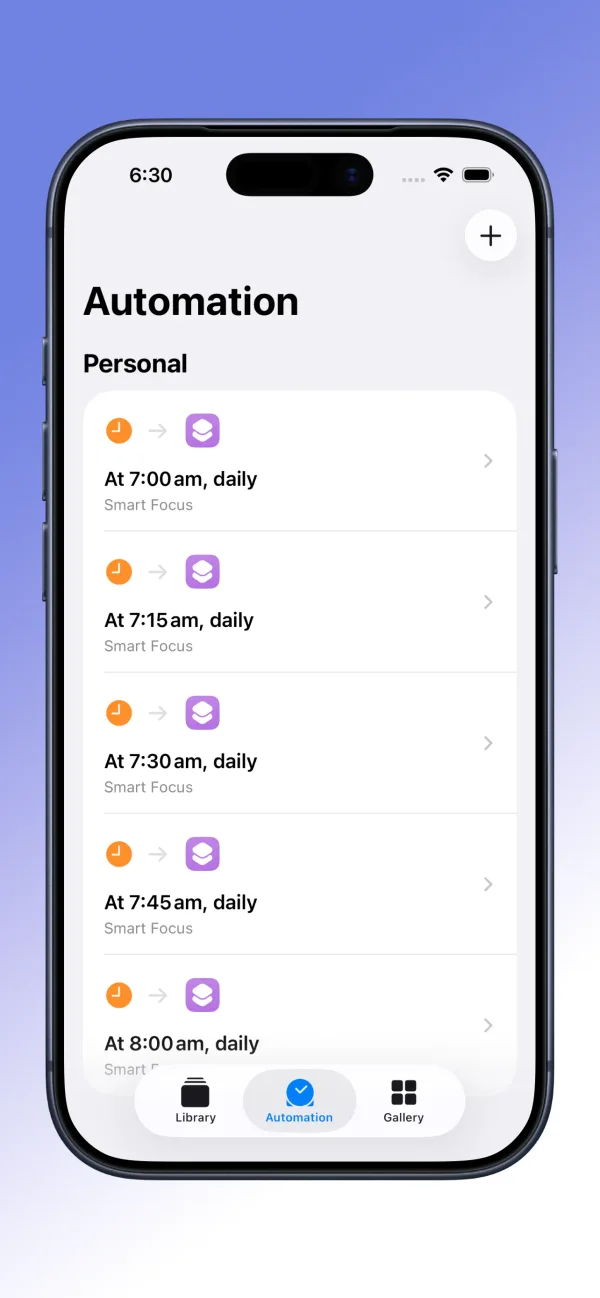
About
THE RIGHT FOCUS MODE FOR EVERY SITUATION
Focus modes let your iPhone adapt to different parts of your life.
You may use Work to silence personal distractions, Personal to hide professional notifications, Holiday to disconnect from work, or Sleep to reduce interruptions at night.
But the automation options built into iOS may not be flexible enough for every schedule.
Smart Focus adds the missing logic.
AUTOMATICALLY CHOOSE THE RIGHT FOCUS MODE
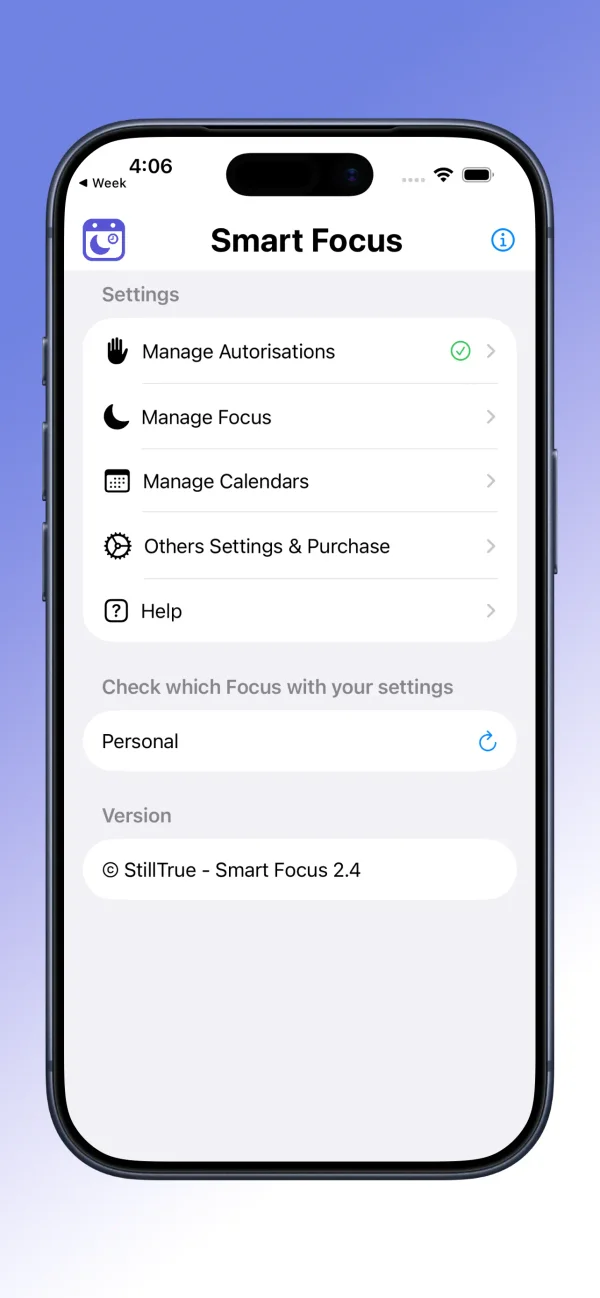
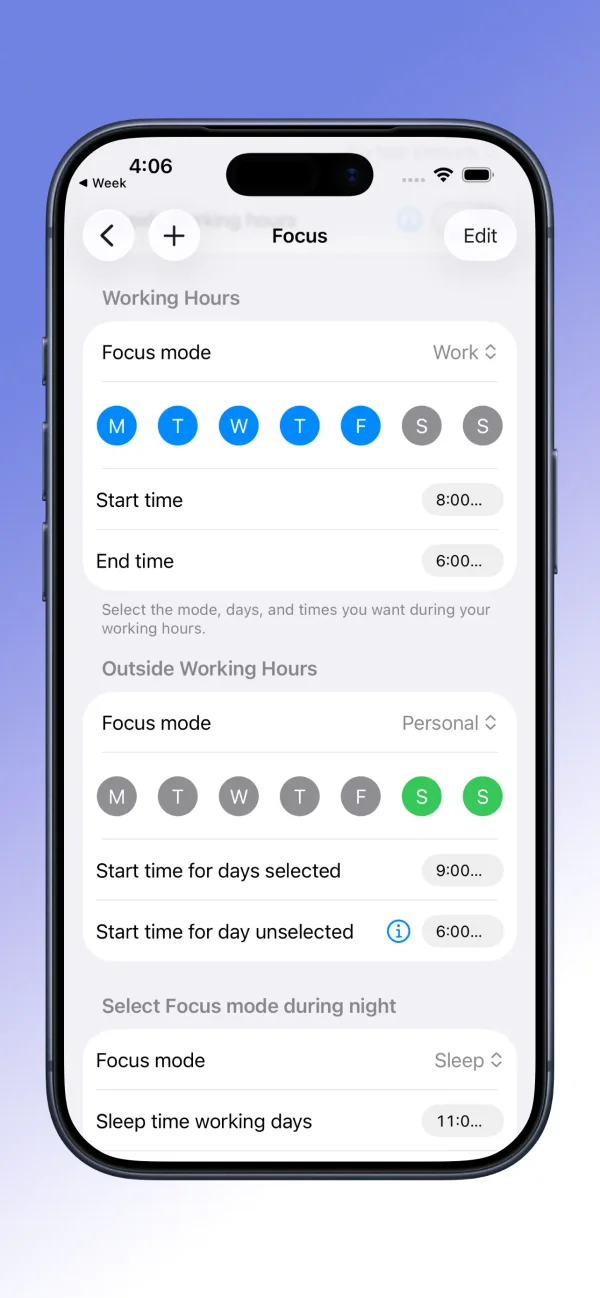
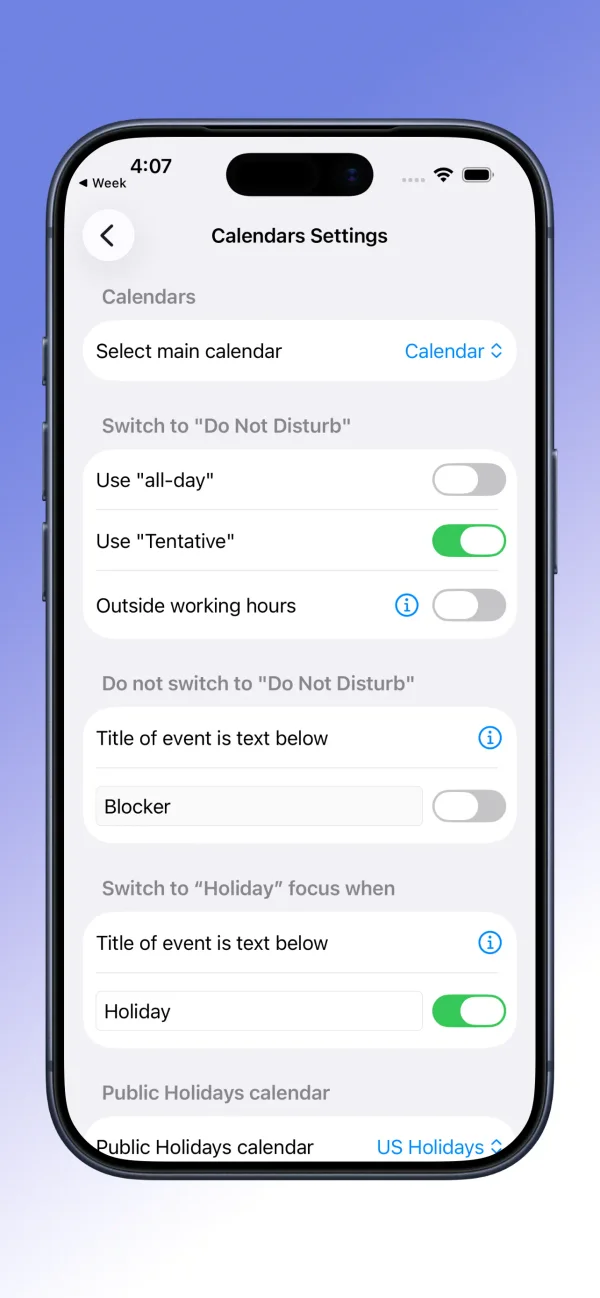
Smart Focus determines which Focus mode should be activated based on your configuration, including:
- working and non-working days;
- working hours;
- wake-up and bedtime schedules;
- ongoing calendar events;
- accepted or tentative meetings;
- all-day events;
- keywords found in event titles;
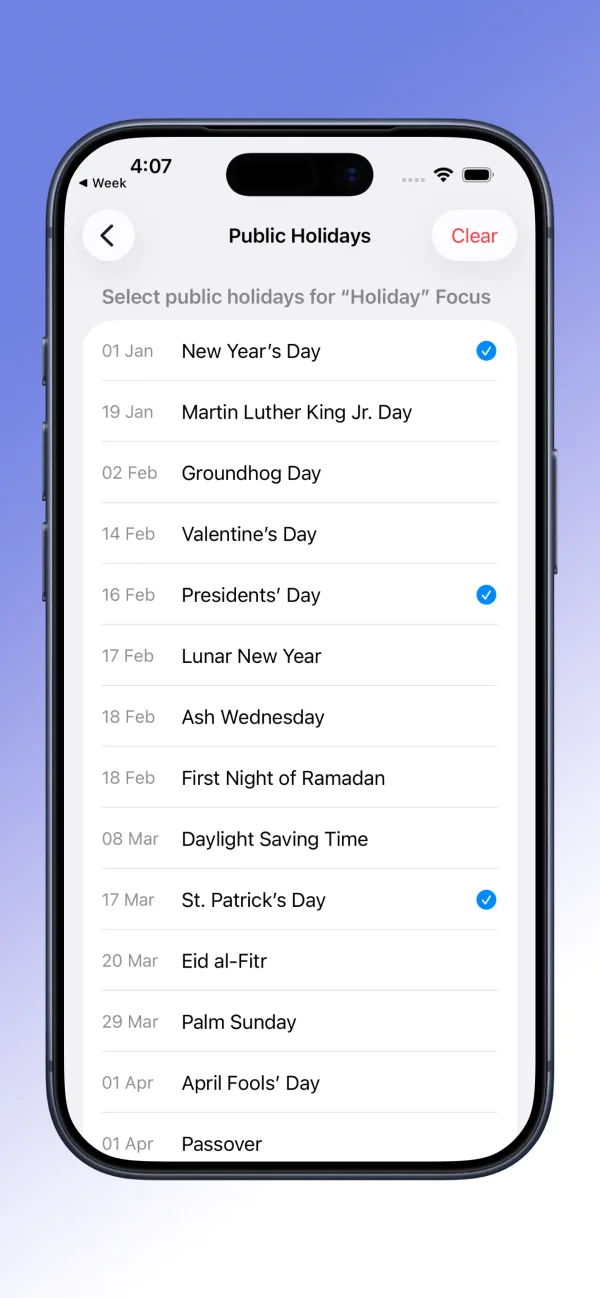
- public holidays from a dedicated calendar;
- custom exclusion keywords.
FLEXIBLE AND FULLY CONFIGURABLE
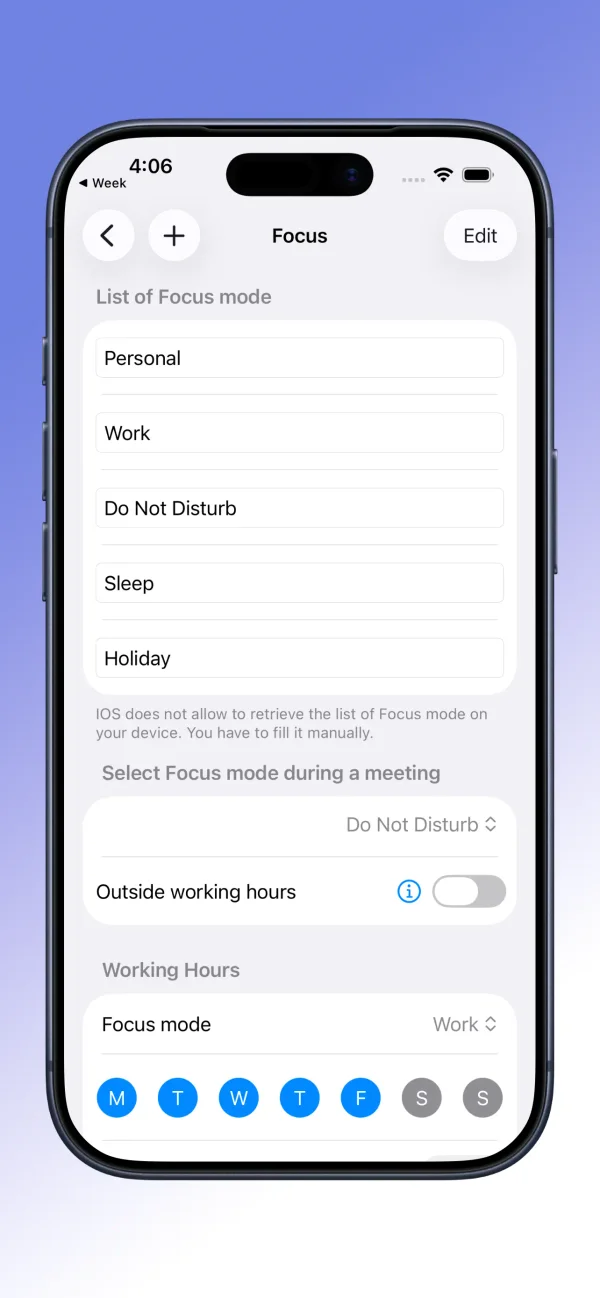
Choose which Focus modes you want to use and enter their exact names as configured on your iPhone.
You can configure modes such as:
- Do Not Disturb;
- Work;
- Personal;
- Holiday;
- Sleep;
- or no active Focus mode.
You can also define different schedules for working days and non-working days.
WORKS WITH APPLE SHORTCUTS
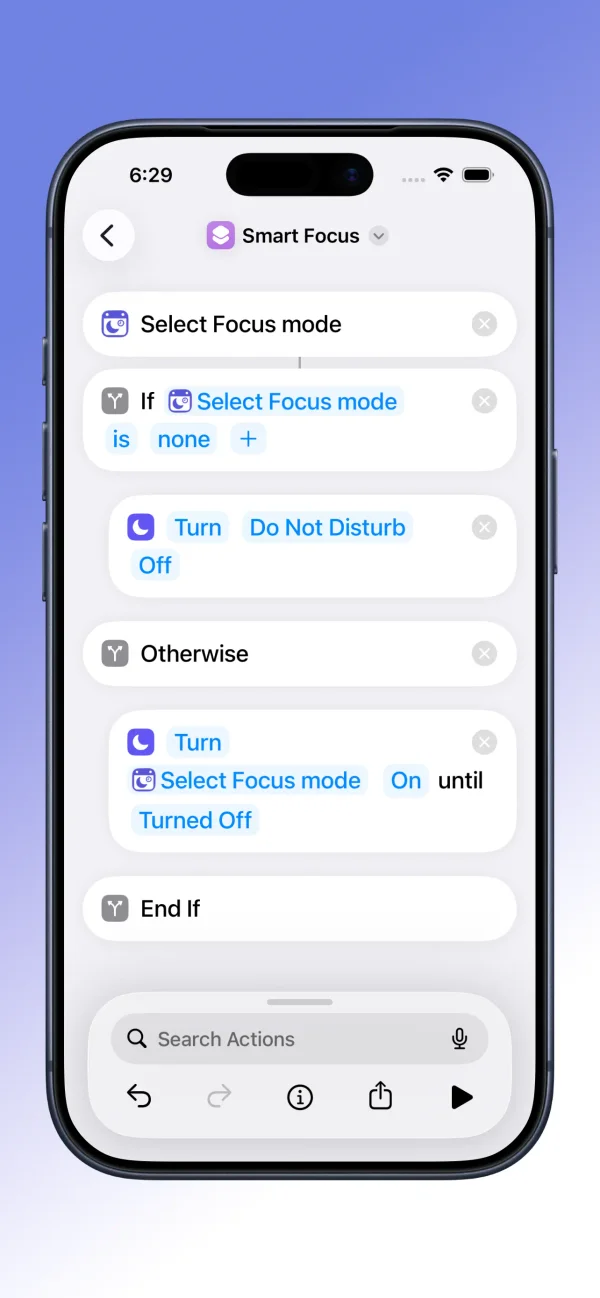
For privacy and security reasons, third-party apps cannot directly change the active Focus mode.
Smart Focus determines the appropriate mode, then Apple Shortcuts applies it automatically.
A ready-to-use shortcut template is available from the support page, or you can create your own automation.
PRIVACY-FOCUSED
Your configuration and calendar information are processed on your device.
Smart Focus does not require an account and does not upload your calendar content to an external server.
TRY IT FREE
Smart Focus can be used free for 30 days.
After the trial period, you can choose:
- a monthly subscription;
- a yearly subscription;
- or a one-time lifetime purchase.
An additional trial period may be available when starting a subscription.
The standard Apple Terms of Use (EULA) apply:
https://www.apple.com/legal/internet-services/itunes/dev/stdeula/
Privacy Policy:
https://stilltrue.hsd.me/privacy
What’s new
Version 2.5 · Aug 19, 2026
— Minor improvements
App privacy
What Stephane DEFAYE declares on the App Store about how this app handles data.
-
Data not linked to you
May be collected but is not linked to your identity.
- Usage data
Privacy practices may vary, for example with the features you use or your age.
Information
- Seller
- Stephane DEFAYE
- Category
- Utilities
- Version
- 2.5
- Updated
- Aug 19, 2026
- Released
- Dec 19, 2024
- Size
- 5.5 MB
- Requires
- iOS 18.0 or later
- Age rating
- 4+
- Price
- Free
- In-app purchases
- Yes
- Languages
- English, French
- Copyright
- © 2026 StillTrue
You might also like
-
 FocusFenceFocus Rules for App Blocking
-
 ChargeTrail: EV Charge LogElectric car cost tracker
-
 WattKit: EV Cost CalculatorEV Costs, Range & Comparison
-
 Unit Converter-Miles KM Lbs KGArea Volume Speed Press Data
-
 Health Data Export ToolCSV, Excel, PDF & AI Markdown
-
 URL Album - Simple link saverSave and organize your links
-
 FixM4ARecover M4A files
-
 Memory KnotsColor coded memory hints
-
 SpectraSort - AI Photo SorterSwipe, compare & delete photos
-
 SMS ShieldSMS Spam Filter