
Smart Printer - Auto AirPrint
Print to Any Wi-Fi Air Printer
Designed for iPhone, iPad, iPod touch
Free · In-app purchases
- Age rating4+
- CategoryBusiness
- DeveloperEVOLLY.APP
- LanguagesEnglish
- Size152.8 MB
Links to the official App Store page
Download.org hosts no file of Smart Printer - Auto AirPrint. The button opens its official App Store page, published by EVOLLY.APP. Listing last checked on Nov 27, 2026.
Screenshots
About
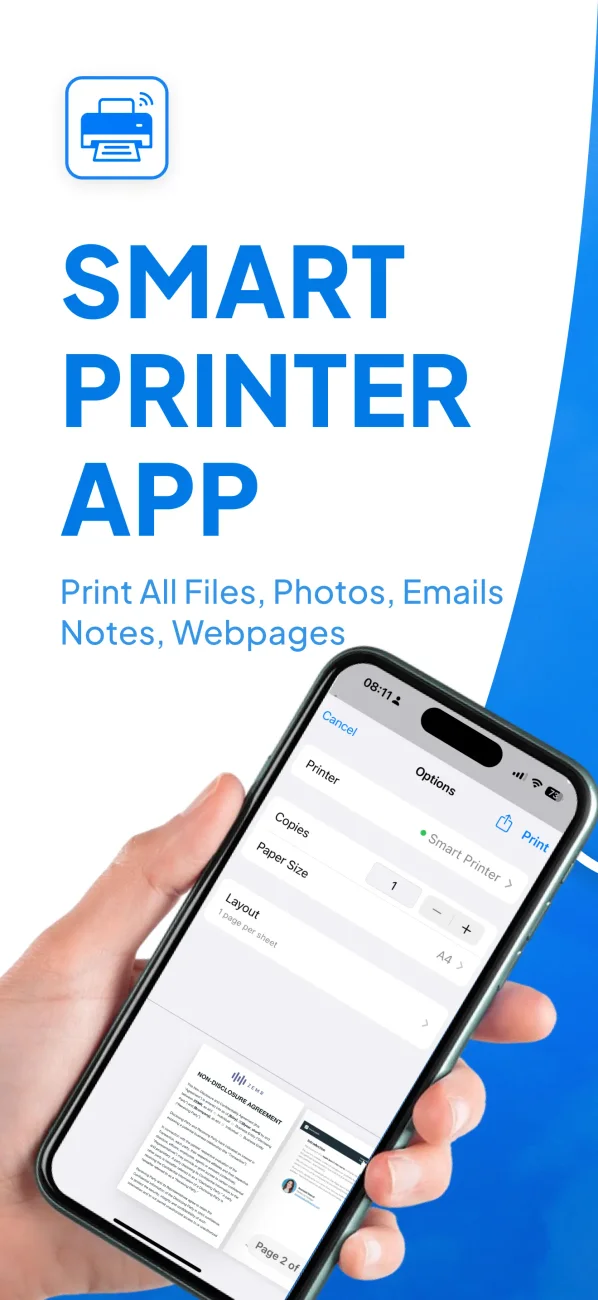
Print anything from your iPhone or iPad—instantly. Smart Printer - Auto AirPrint finds compatible printers on your Wi-Fi network and lets you print documents, photos, emails, web pages, and more in just a few taps. No drivers. No setup headaches. Just open, detect, and print.
Why you’ll love it
* Auto-Detect Printers: Seamless discovery of AirPrint-enabled printers on your Wi-Fi.
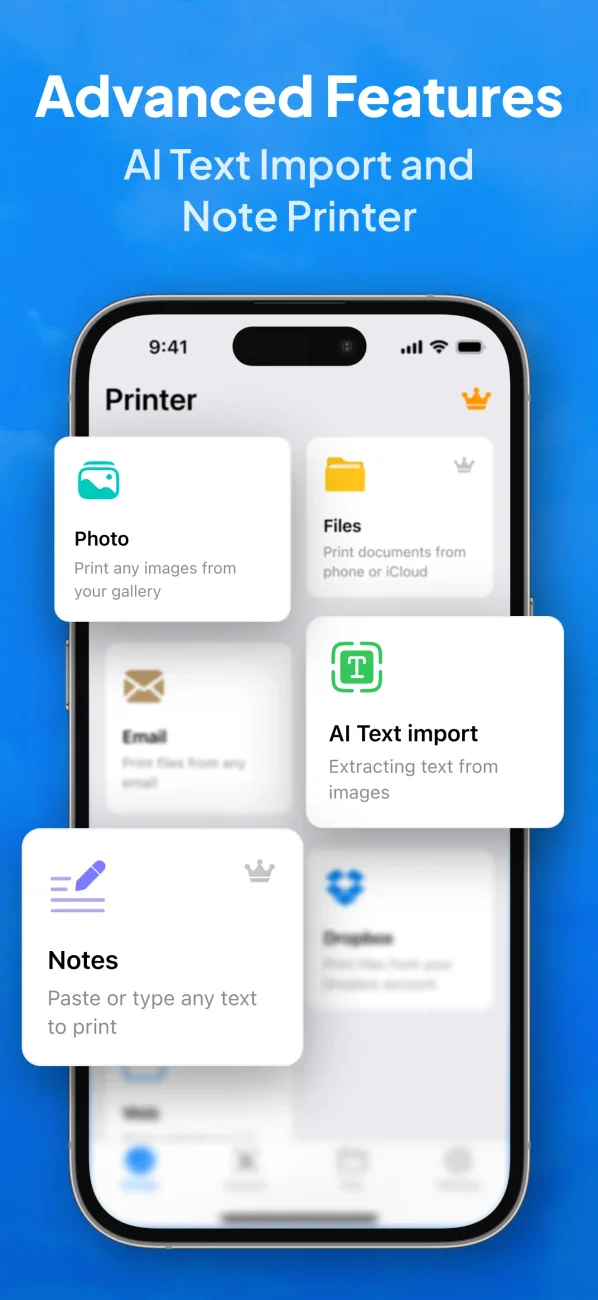
* One-Tap Printing: Send PDFs, photos, Word/Excel files, emails, and web pages straight to your printer.
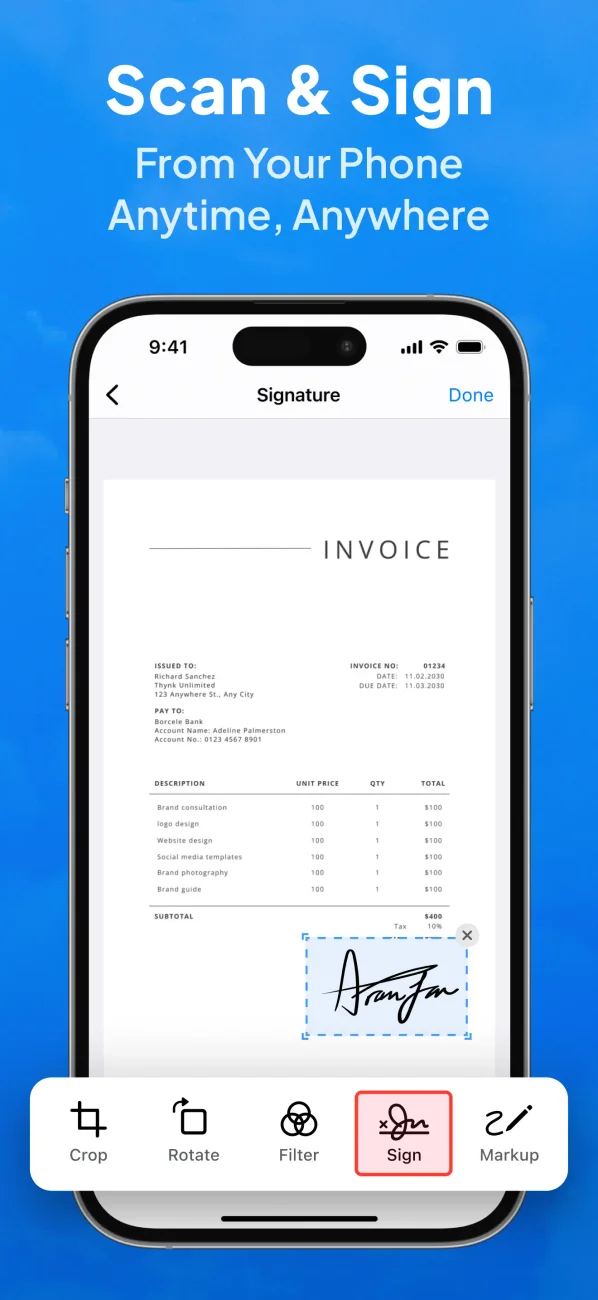
* Built-In Scanner: Turn your camera into a fast document scanner with auto-crop and adjustable filters, then print or save as PDF.
* Print Options You Need: Choose paper size (A4, Letter, Legal), color or B&W, copies, duplex* and orientation—if your printer supports it.
* Photo Layouts: Quickly print standard photo sizes like 4x6, 5x7, 8x10.
* Share Sheet Support: Print from Files, Photos, Mail, Safari, Notes, and your favorite apps via the iOS share menu.
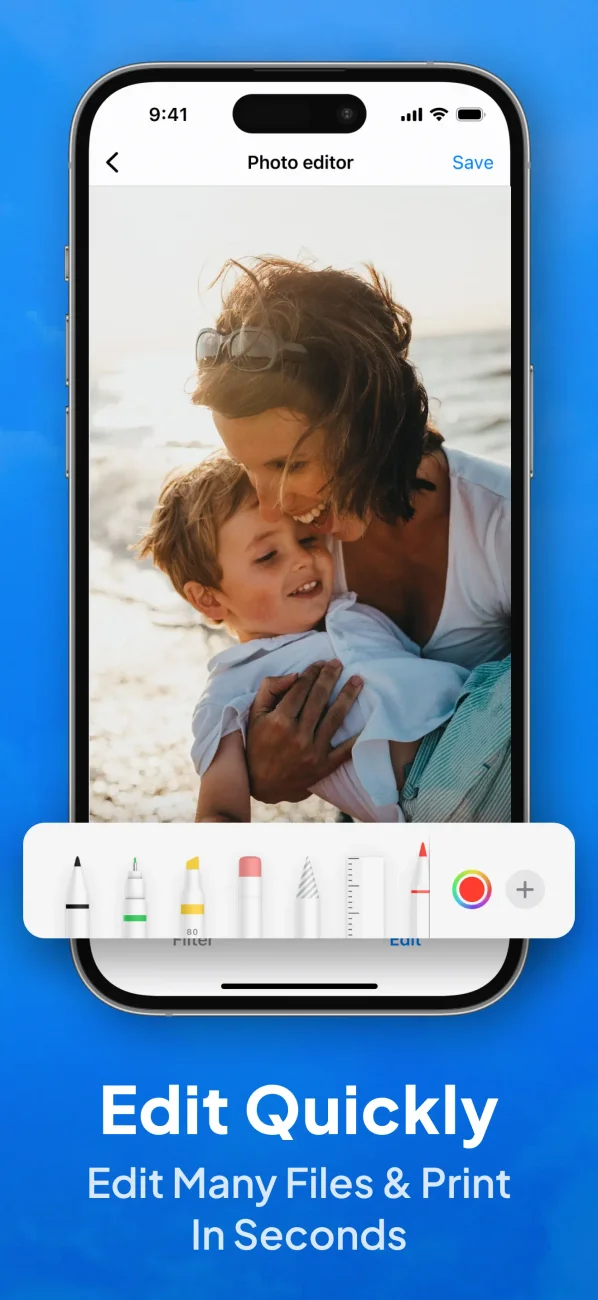
* PDF Tools: Reorder pages, add multiple pages from scans, and preview before you print.
* Clipboard & Camera: Paste content from the clipboard or snap a photo and print right away.
* On-Device Privacy: Your documents stay on your device and local network; printing uses Apple’s AirPrint protocols.
How it works
1. Connect your iPhone/iPad and printer to the same Wi-Fi.
2. Open the app—your AirPrint printer is detected automatically.
3. Pick what to print (Files, Photos, Scan, Web), tweak options, and tap Print.
Works with popular printers
Compatible with AirPrint-enabled printers from leading brands like HP, Canon, Epson, Brother, and more. Features such as duplex, borderless, or specialty paper depend on your specific printer model.
Perfect for
* Tickets, receipts, boarding passes, and invoices
* Homework, handouts, and meeting notes
* Photos, IDs, and scanned documents
SUBSCRIPTIONS:
Please note, you will need a subscription in order to get access to some features of the app. The subscription will be automatically renewed unless auto-renew is turned off at least 24 hours before the end of the current payment period. Your iTunes account will be automatically charged at the same price for renewal within a 24-hour period prior to the end of the current payment period unless you change your subscription preferences in your iTunes Account Settings. When a subscription is canceled, access to the features will expire at the end of the current payment period.
Terms of Use: https://evolly.app/terms-of-service/
Privacy Policy: https://evolly.app/privacy-policy/
What’s new
Version 1.3.6 · Nov 26, 2026
In this update, we’ve polished the UI, upgraded our APIs for better performance, and fixed minor bugs to give you a smoother, more reliable experience.
App privacy
What EVOLLY.APP declares on the App Store about how this app handles data.
-
Data used to track you
May be used to track you across apps and websites owned by other companies.
- Location
- Identifiers
- Usage data
-
Data not linked to you
May be collected but is not linked to your identity.
- Location
- Identifiers
- Usage data
- Diagnostics
Privacy practices may vary, for example with the features you use or your age.
Information
- Seller
- EVOLLY.APP PTE. LTD
- Category
- Business
- Version
- 1.3.6
- Updated
- Nov 26, 2026
- Released
- Aug 27, 2025
- Size
- 152.8 MB
- Requires
- iOS 15.6 or later
- Age rating
- 4+
- Price
- Free
- In-app purchases
- Yes
- Languages
- English
- Copyright
- © EVOLLY.APP PTE. LTD.
You might also like
-
 Smart Printer: Imprimante aррAirprint Smart Print Master
-
 Smart Air Printer App & ScanPhotos, PDF Scanner & Print
-
 Smart Printer App ™Print Photos PDF & Scan Docs
-
 Smart Printer: Print & Scan・Print & Scan Documents Fast
-
 Smart Printer App: Print, Scanfor all wireless printers
-
 Smart Air Printer - AnyPrintWireless Printing-Print & Scan
-
 Smart Printer App for HP *All-in-One Wireless Printing
-
 Printer App: Smart Printer •Scan Documents & Print Photos
-
 Smart Printer App Scan — PrintMobile wireless all printing