Smart Printer | Print & Scan
Photo, PDF & Document Printing
Designed for iPhone
Free · In-app purchases
- Age rating17+
- CategoryUtilities
- DeveloperAmeya Labs LLC
- LanguagesEnglish+ 14 more
- Size39.0 MB
Links to the official App Store page
Download.org hosts no file of Smart Printer | Print & Scan. The button opens its official App Store page, published by Ameya Labs LLC. Listing last checked on Nov 14, 2026.
Screenshots
About
Got a PDF, photo, file, or document you need on paper? Smart Printer connects your iPhone to compatible Wi-Fi printers for wireless printing and includes a scanner for documents you only have in physical form. Select your printer and get the job moving!
HOW IT WORKS
- Connect your iPhone and printer to the same Wi-Fi network.
- Open Smart Printer and select your printer.
- Select a photo, PDF, document, file, or scan something with your iPhone.
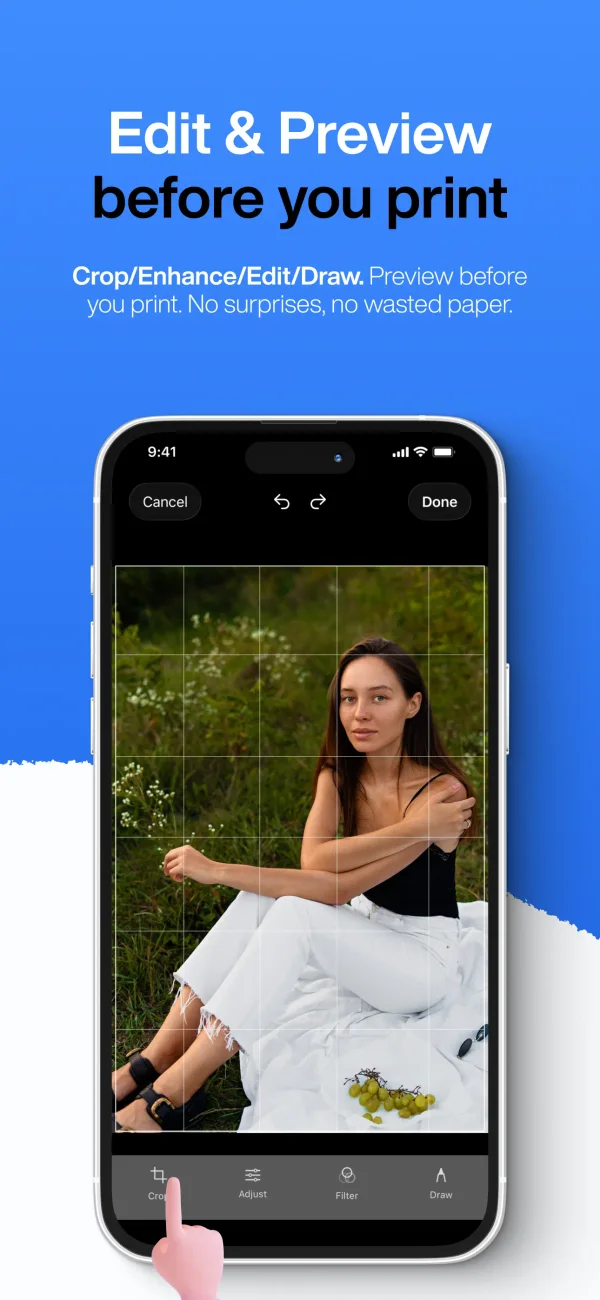
- Adjust paper size, layout, color, page range, and other available print settings.
- Send the job to your printer and start printing.
PRINT DIRECTLY OVER WI-FI
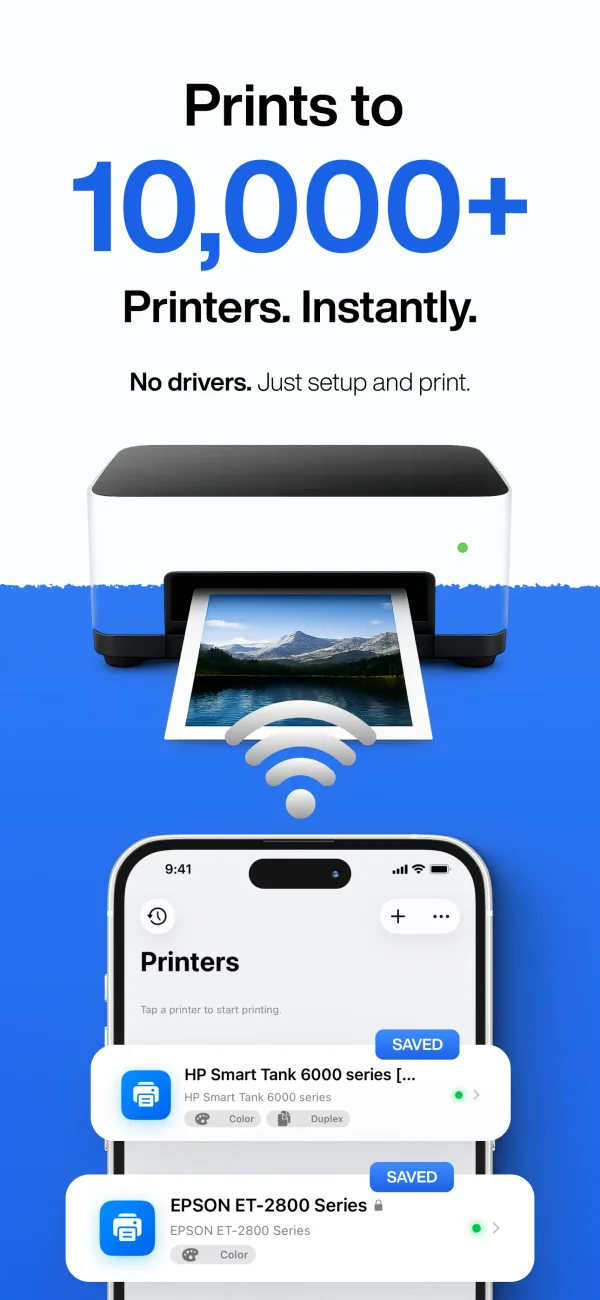
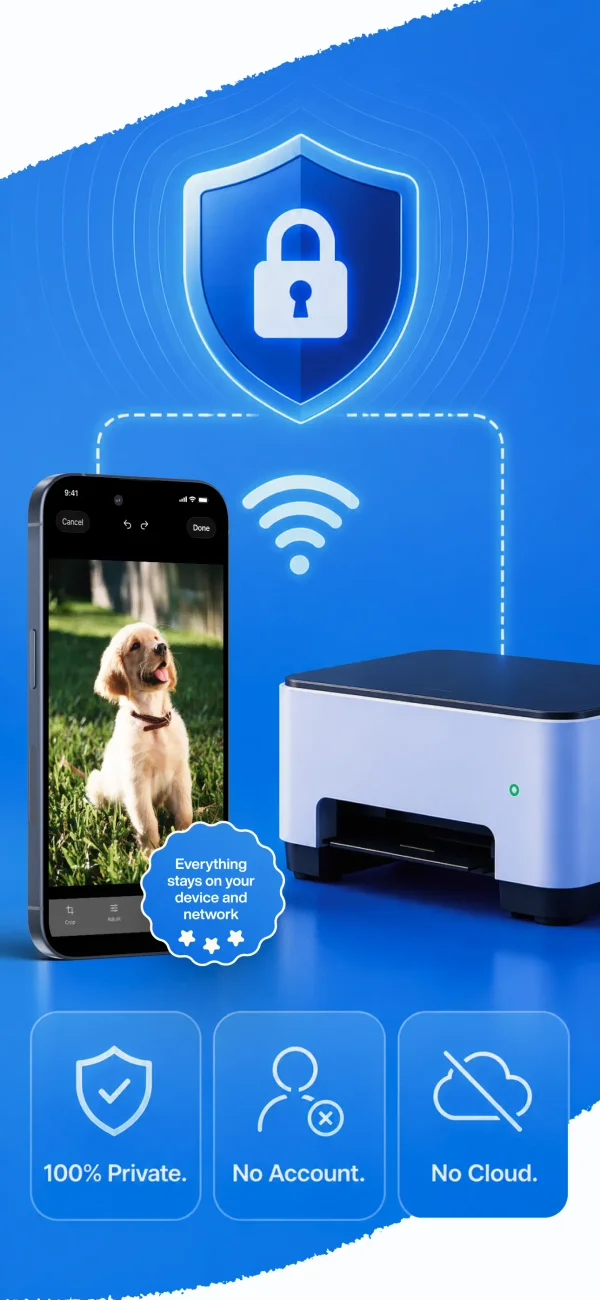
Smart Printer connects your iPhone directly to compatible printers on the same local Wi-Fi network. There is no account to create and no cloud upload required for everyday printing, so your files can stay on your local network.
If a compatible printer does not appear in AirPrint, the app can scan your network for available devices and help you find printers that may otherwise be difficult to detect. This works with almost all Wi-Fi and IPP-compatible printers.
PRINT PHOTOS, PDFS, DOCUMENTS & FILES
Choose a photo, PDF, document, or file from your iPhone and get it ready to print.
- Print photos and images, including HEIC and common image formats
- Choose fit, fill, or stretch options for photo printing
- Print PDFs and multi-page documents
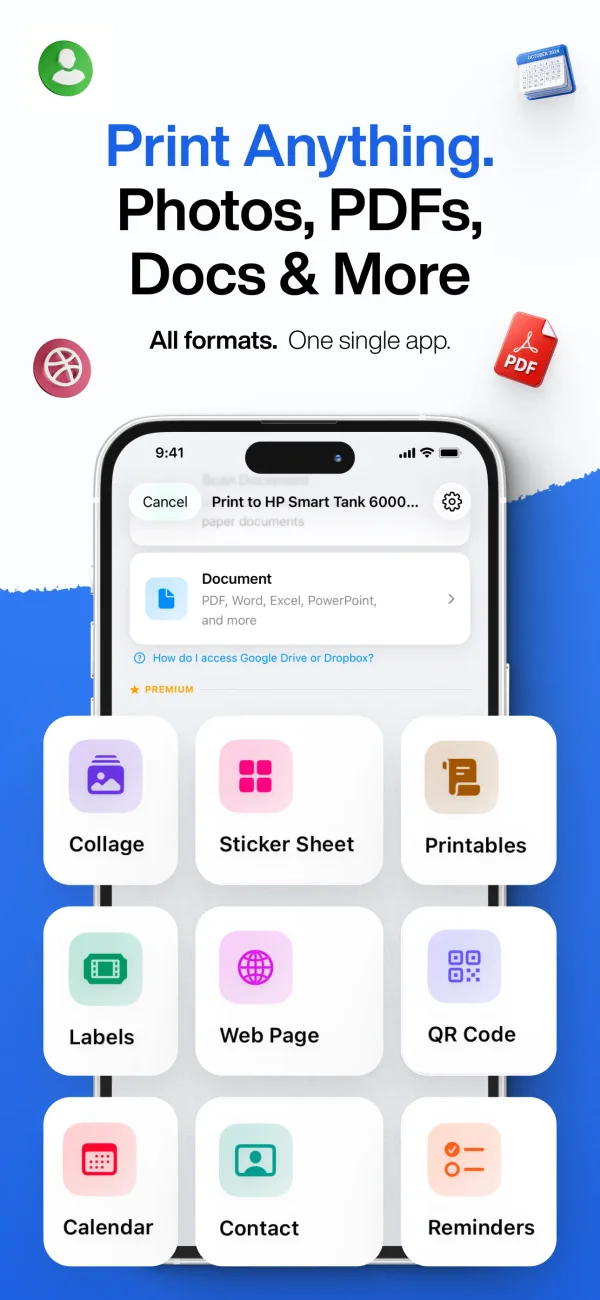
- Print files from Files, Mail, iCloud, Google Drive, and Dropbox
- Print web pages by entering a URL
- Print formatted text, calendar events, and reminders
- Send supported content from other iOS apps using the Share extension
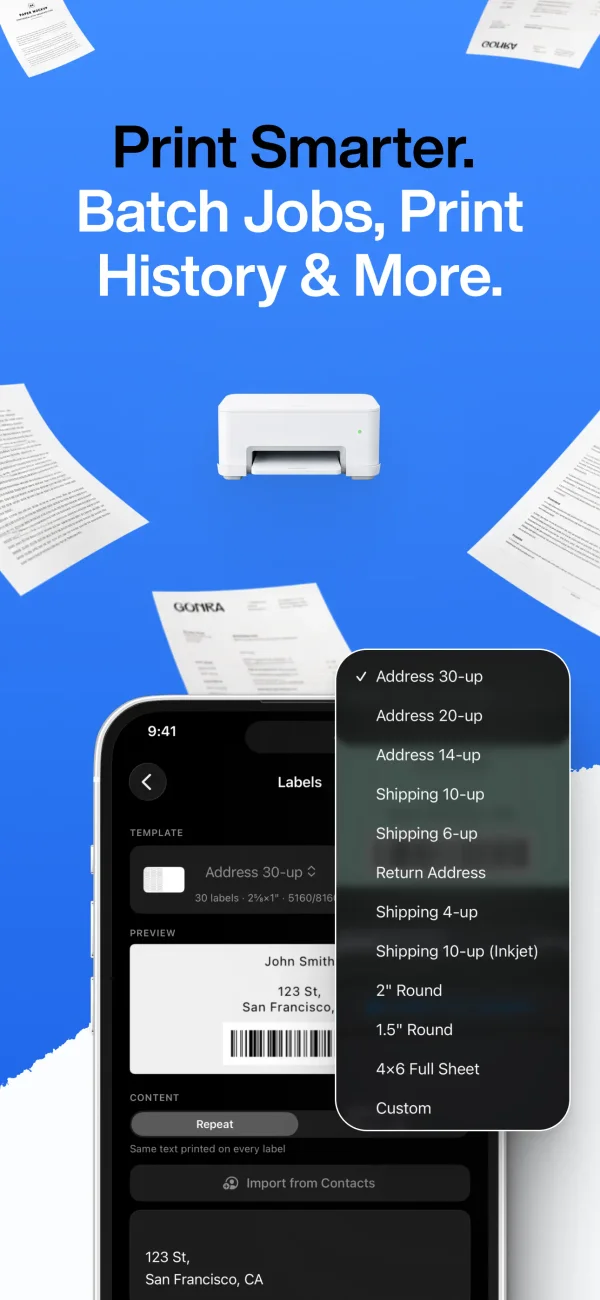
Each print job can have its own setup. Pick the paper size and pages you need, change the margins or color, and use duplex on supported printers. More than one file? Keep them in the queue.
SCAN DOCUMENTS AND PRINT THEM
Use your iPhone camera as a portable document scanner when you need another copy on paper. Scan the document, review it, and send it straight to a compatible printer.
MORE WAYS TO PRINT
Smart Printer also includes practical tools for creative, home, school, and everyday printing.
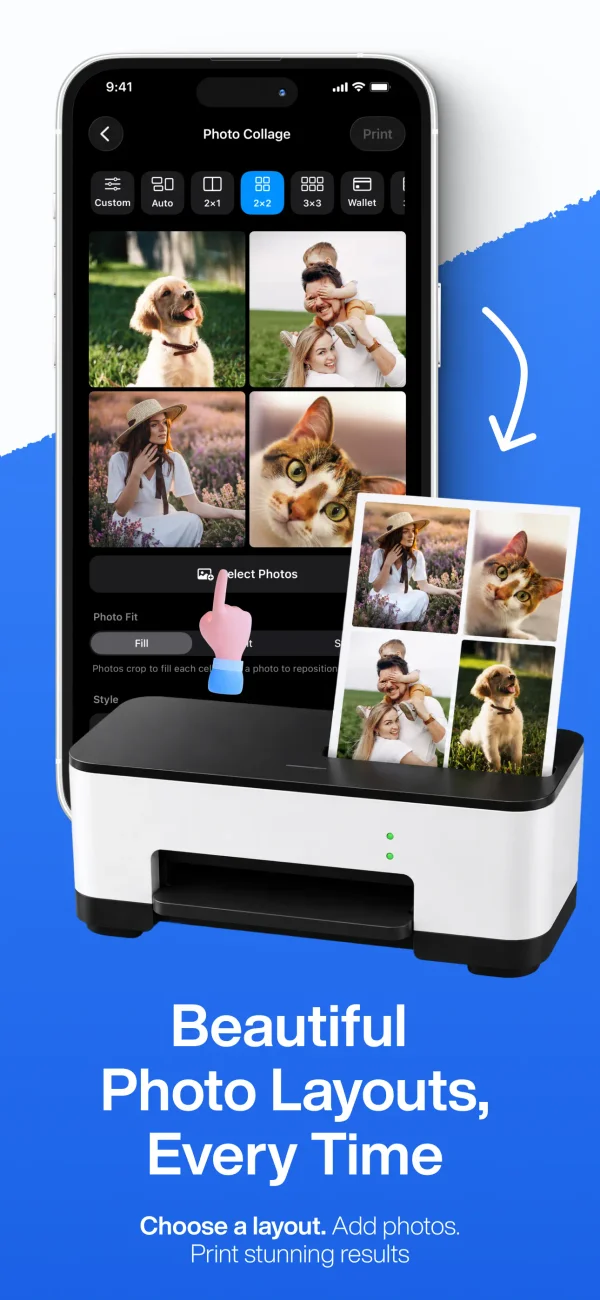
PHOTO COLLAGE
Combine several photos on one page using grid layouts or flexible arrangements. Adjust spacing, background colors, and rounded corners before printing.
LABELS
Add your text or logo first. Need a QR code or barcode too? You can add those as well, then prepare as many labels as the job calls for.
QR CODES & BARCODES
There are times when a QR code makes more sense than printing the information itself. Use one for a website, Wi-Fi access, a phone number, or an email address, then choose a single-code layout or place several codes together on the page.
PRINTABLES
There is plenty to print besides documents and photos. Make lined paper, graph paper, dot grids, planners, or habit trackers right on your iPhone. Recipe cards, greeting cards, Cornell notes, sudoku puzzles, mazes, and word searches are available there too.
LOCAL PRINTING WITH PRIVACY IN MIND
Your files can go from your iPhone to the printer over your local Wi-Fi network without being uploaded to a cloud server first. There is no account required for printing, so the process stays between your device and compatible printer.
PRINT FROM THE APPS YOU ALREADY USE
Found something you want to print while using another app? Send it to Smart Printer from the iOS Share menu. It works with content from Safari, Files, Photos, Mail, and other supported apps, so you can set up the print job without starting over.
Download Smart Printer when you need an easier way to get something from your iPhone onto paper. Print photos, PDFs, and documents, scan pages, or work with labels, QR codes, collages, and printables using compatible Wi-Fi printers. Pick what you need, set it up, and send the next job to your printer!
---
Privacy Policy - https://ameyalabs.io/privacy
Terms of Use - https://ameyalabs.io/terms
What’s new
Version 3.0.1 · Oct 7, 2026
Bug fixes and performance improvements.
App privacy
What Ameya Labs LLC declares on the App Store about how this app handles data.
-
Data linked to you
May be collected and linked to your identity.
- Purchases
- Location
-
Data not linked to you
May be collected but is not linked to your identity.
- Identifiers
- Usage data
- Diagnostics
Privacy practices may vary, for example with the features you use or your age.
Information
- Seller
- Ameya Labs LLC
- Category
- Utilities
- Version
- 3.0.1
- Updated
- Oct 7, 2026
- Released
- Apr 19, 2026
- Size
- 39.0 MB
- Requires
- iOS 16.0 or later
- Age rating
- 17+
- Price
- Free
- In-app purchases
- Yes
- Languages
- English, Arabic, Danish, Dutch, French, German, Italian, Japanese, Korean, Norwegian Bokmål, Portuguese, Russian + 3 more
- Copyright
- © 2026 Ameya Labs LLC
You might also like
-
 Offline PDF Editor: ProperPDFEdit, Fill, Sign & Chat PDF
-
 TabLinker: Tabs ManagerImport Links & Sessions
-
 HTML Viewer & CSS EditorCookie Editor & HTML Inspector
-
 DocKit: Scanner & PDF ToolkitDocument Scanner & PDF Toolkit
-
 True: Caller ID & Call ManagerIdentify Unknown Calls
-
 Shift: PDF & Video ConverterCompress, OCR & merge files
-
 GenPad: Phone Number GeneratorGenerate, Lookup, Save, Export
-
 LudyServer - File TransferShare Files to Any Device
-
 Network Tools AIMonitor • Protect • Diagnose
-
 Deadlinr - Expiry TrackerSubs, Pantry, Docs & Warranty