Smart Printer: Scan Master Pro
Docs, PDF, Photo: Create, Edit
Designed for iPhone, iPad, iPod touch
Free · In-app purchases
- Age rating17+
- CategoryBusiness
- DeveloperHRHELPERG LLC
- LanguagesEnglish
- Size134.9 MB
Links to the official App Store page
Download.org hosts no file of Smart Printer: Scan Master Pro. The button opens its official App Store page, published by HRHELPERG LLC. Listing last checked on Nov 17, 2026.
Screenshots
About
Introducing Printer Smart: Scan Documents Pro — a one-stop solution for printing and scanning directly from your iPhone. This powerful app turns your mobile device into a full-fledged office tool, allowing you to print, scan, and manage documents without the need for additional drivers or complex settings.
Key Features:
• Print any files
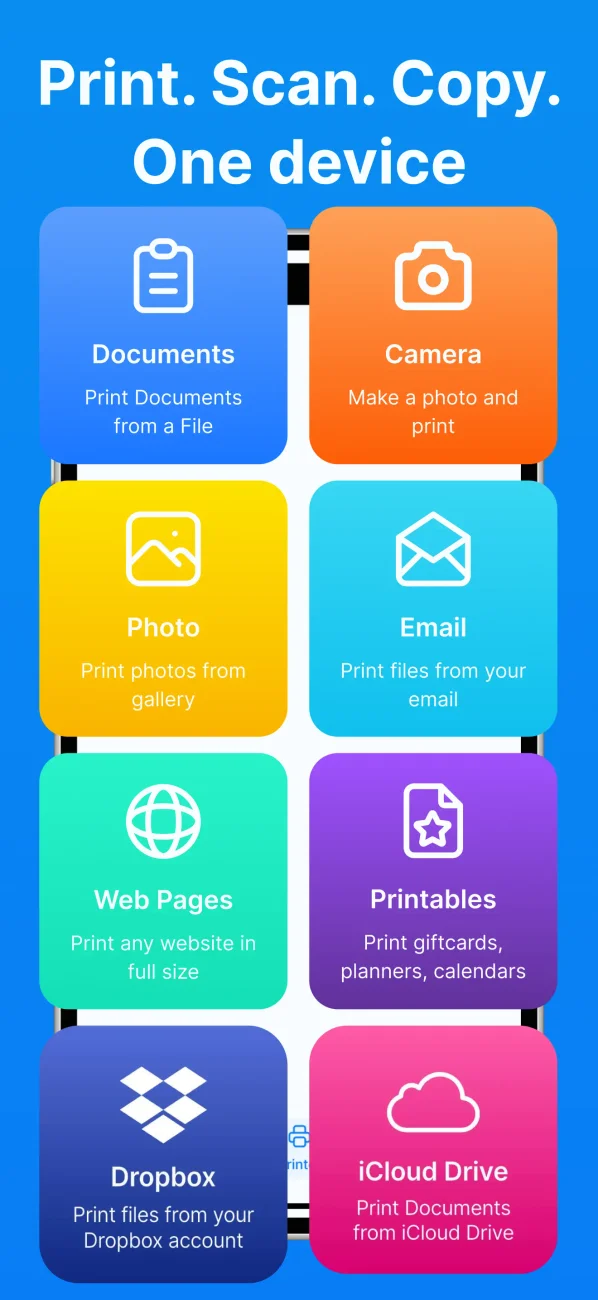
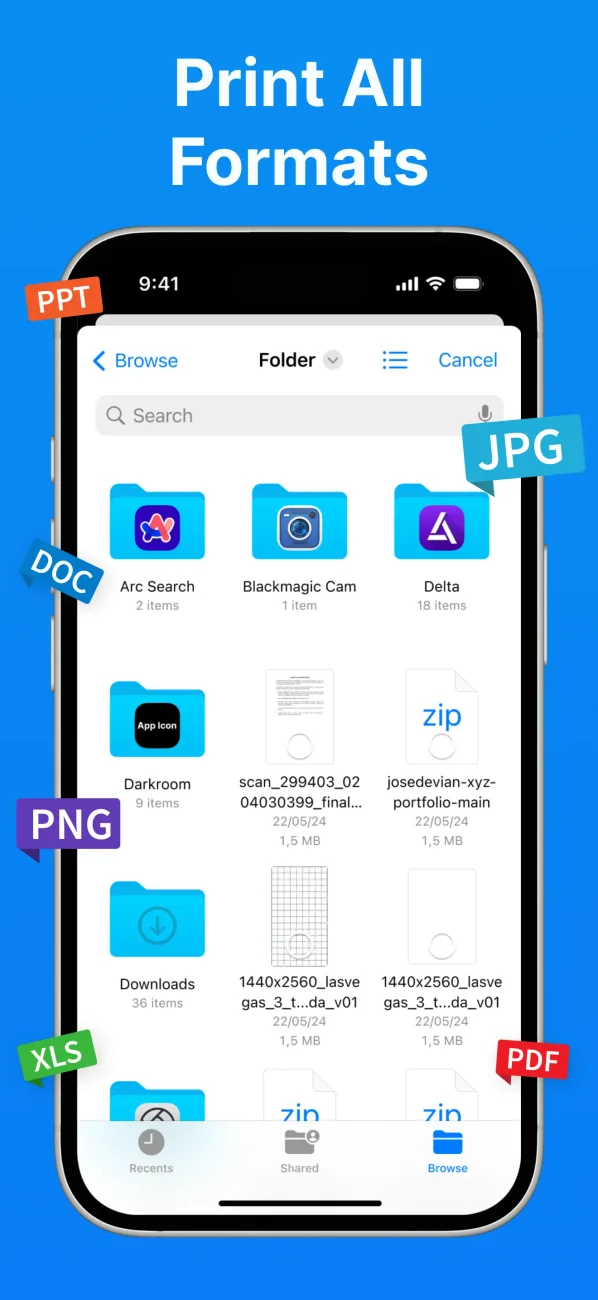
With the Smart Printer App, you can easily print photos, documents, emails, web pages, and more. The app supports a wide range of formats, including PDF, DOC, XLS, PPT, JPG, PNG, and TXT. Import from DropBox, iCloud Drive.
• Scan documents - Smart Scanner
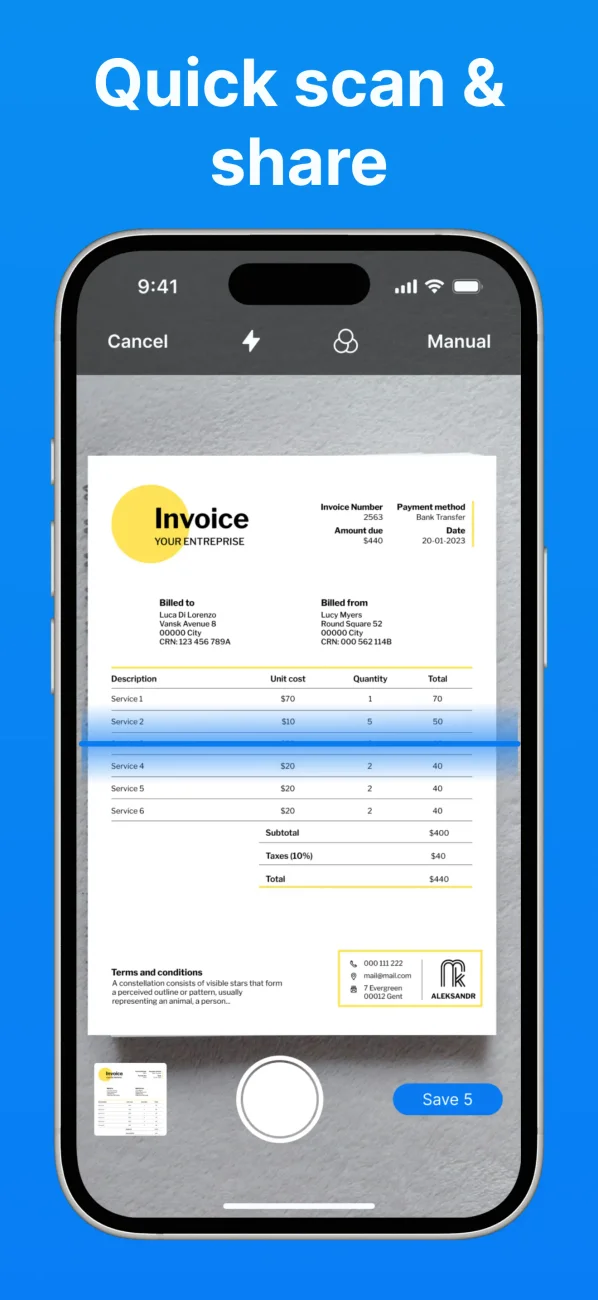
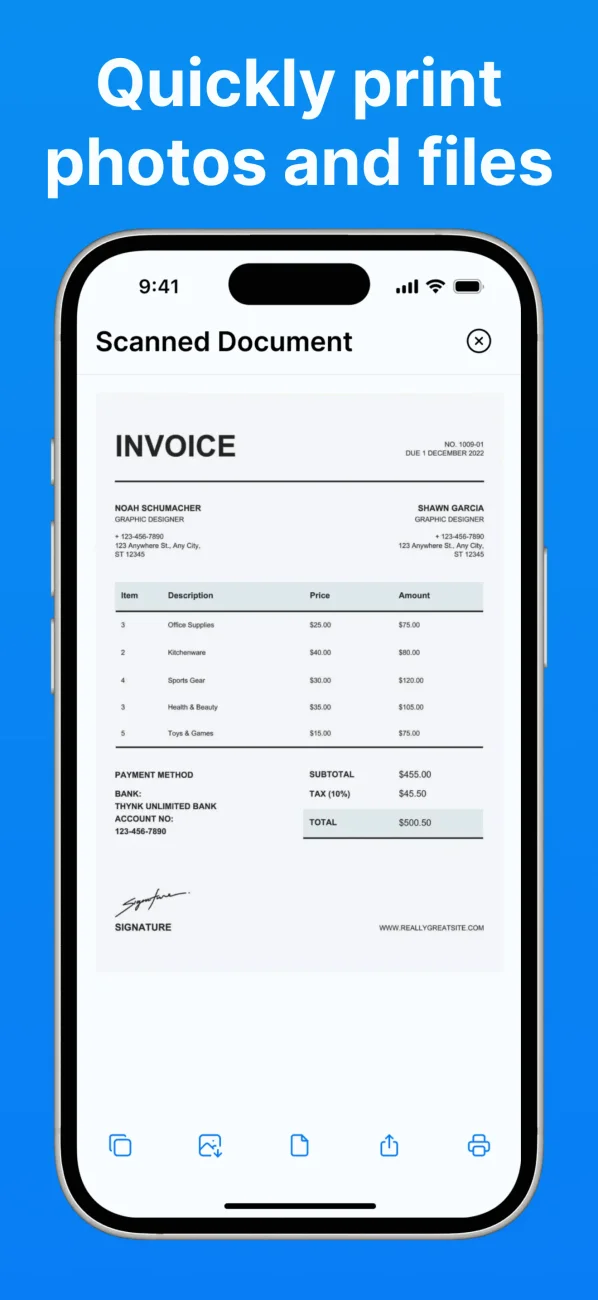
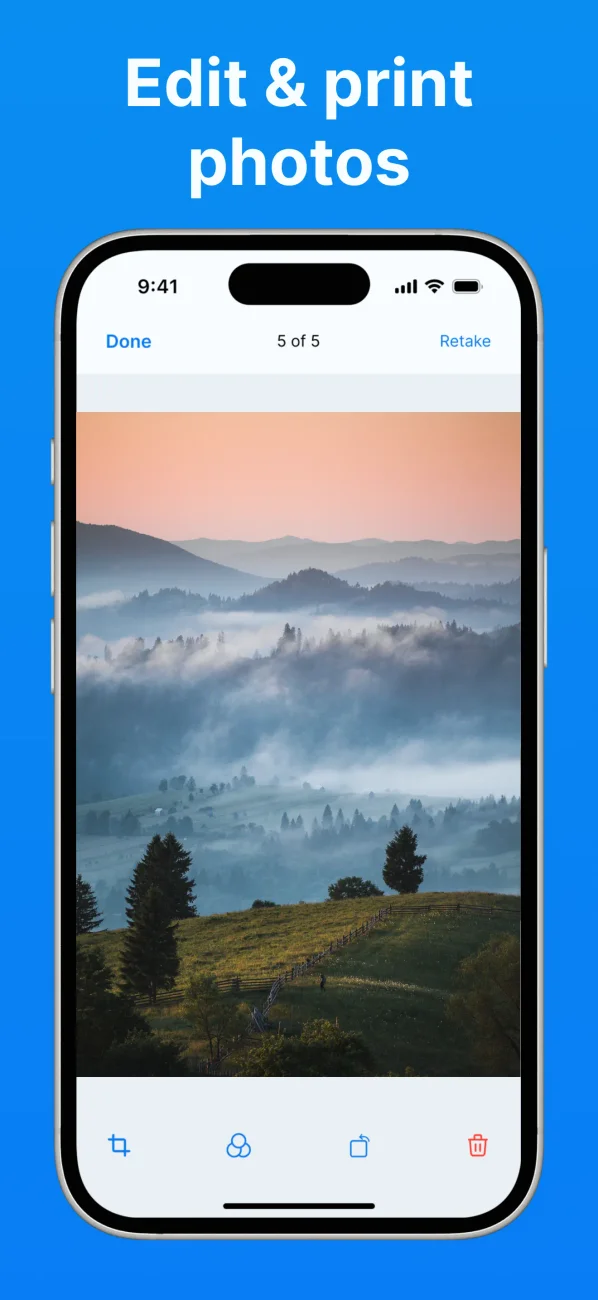
Use your camera to scan documents, ID, Passports, receipts, business cards, or notes. Scanned files can be edited, filtered, and saved in various formats.
• Advanced print settings
Customize print settings such as the number of copies, page orientation, paper size, and more. This ensures maximum flexibility and resource efficiency.
• Printer compatibility
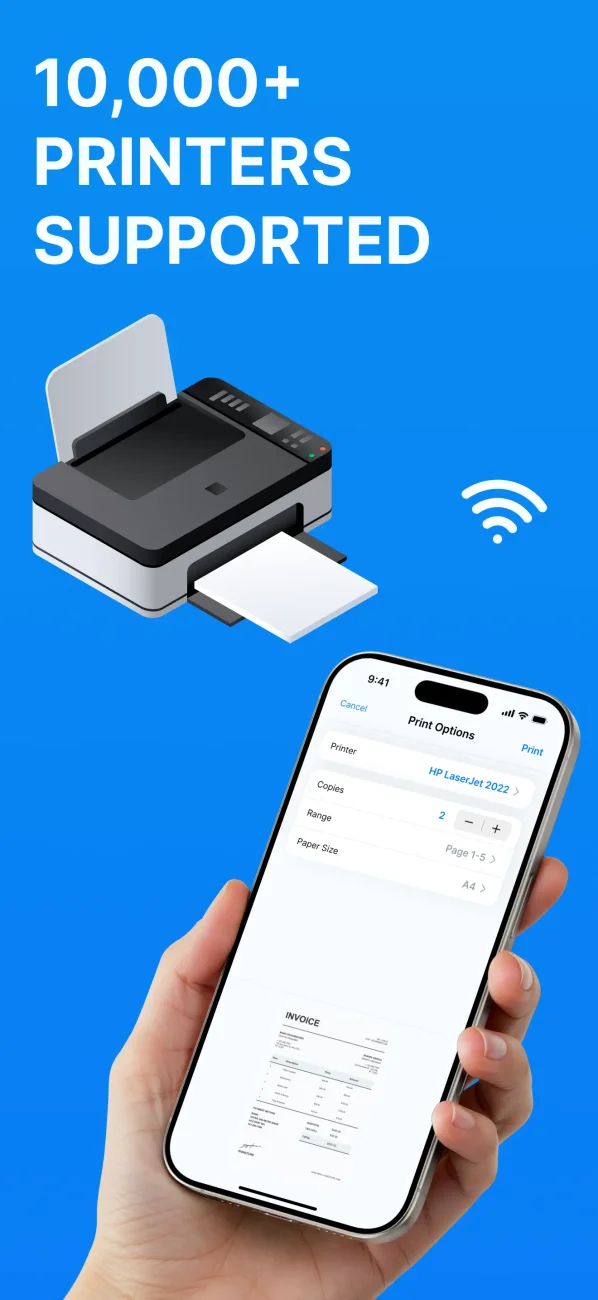
The Smart Printer App supports over 10,000 wifi printer models.
Thanks to AirPrint technology, printing is possible without the need to install additional drivers or software.
Ease of Use
Quick setup and seamless printer connection.
PDF Preview Documents before printing.
Ideal for:
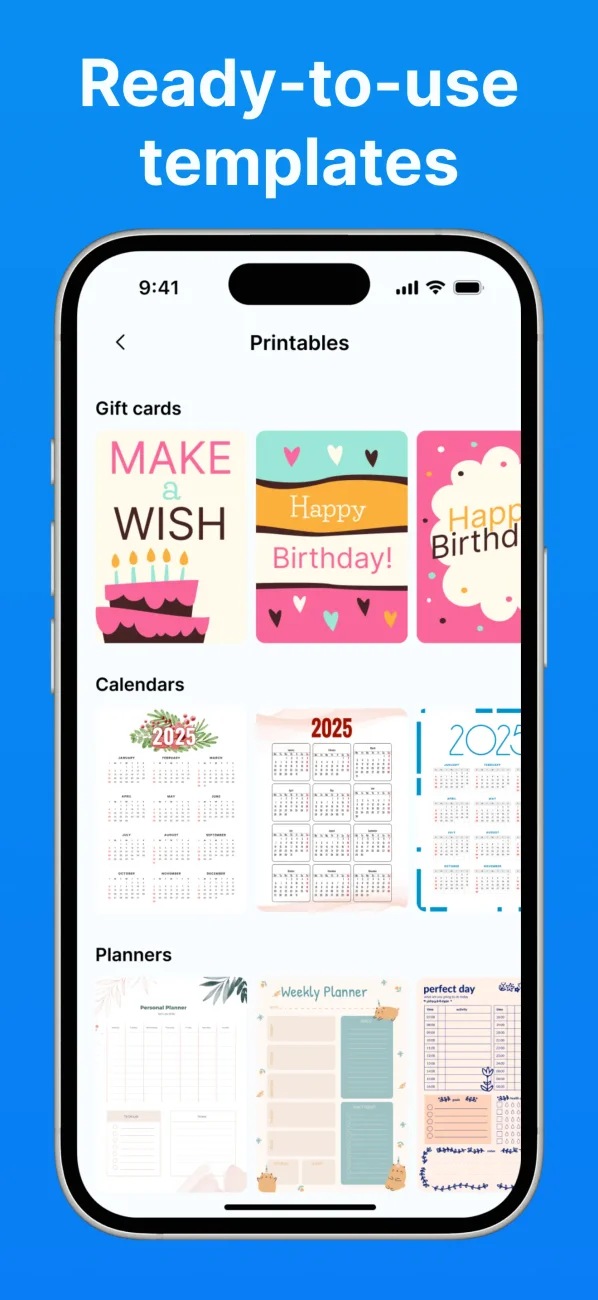
Home use: print photos, recipes, tickets, and other personal documents.
Study: scan and print notes, essays, and presentations.
Business: process invoices, contracts, reports, and other business documents.
Download the Smart Printer App today and experience a new level of convenience in printing and scanning documents directly from your mobile device.
Privacy Policy - https://docs.google.com/document/d/11yrh35mfkEWHd2DNptRYTzVXfI34FxhRDnSVHey1VUo/edit?usp=sharing
Terms & Conditions - https://docs.google.com/document/d/11uY2wAqBkwhRYUXriLmHpgcxxF3phbGPeZec0nuFLNg/edit?usp=sharing
What’s new
Version 7.4.2 · Oct 6, 2025
This update includes performance enhancements and minor fixes
App privacy
What HRHELPERG LLC declares on the App Store about how this app handles data.
-
Data used to track you
May be used to track you across apps and websites owned by other companies.
- Identifiers
- Usage data
-
Data not linked to you
May be collected but is not linked to your identity.
- Identifiers
- Usage data
Privacy practices may vary, for example with the features you use or your age.
Information
- Seller
- hrhelperg s.r.o.
- Category
- Business
- Version
- 7.4.2
- Updated
- Oct 6, 2025
- Released
- Jun 2, 2025
- Size
- 134.9 MB
- Requires
- iOS 13.0 or later
- Age rating
- 17+
- Price
- Free
- In-app purchases
- Yes
- Languages
- English
- Copyright
- © hrhelperg s.r.o
You might also like
-
 Sign AI - Signature Maker AppGenerator & Document Signer
-
 Smart Printer & Scanner MobilePrint Documents, Photos & more
-
 Air Print & Smart Printer ScanScanner Document & Picture PDF
-
 PDF Sign Maker & Scan DocumentDoc Scanner, Signature Creator
-
 PDF Scanner & Edit DOC ViewerConverter Editor Scan Reader
-
 Ruko: Smart TV Remote ControlUniversal Ruku Mobile Remoto
-
 Image to PDF Converter:ConvertPicture, Word to PDF Converter
-
 Paraphrase: AI Reword ToolAI Text Reword & AI-Detector
-
 Document Converter To PDF EditConvert Picture File & Photo
-
 Sign Documents: Hand SignerDigital Signature Maker. PDF