PDF Sign Maker & Scan Document
Doc Scanner, Signature Creator
Designed for iPhone, iPad
Free · In-app purchases
- Age rating4+
- CategoryBusiness
- DeveloperKelvin Chan
- LanguagesEnglish
- Size19.8 MB
Links to the official App Store page
Download.org hosts no file of PDF Sign Maker & Scan Document. The button opens its official App Store page, published by Kelvin Chan. Listing last checked on Nov 12, 2026.
Screenshots
About
Transform the way you handle documents with our powerful and intuitive PDF Sign Maker & Scan Document, designed to simplify your workflow and boost productivity.
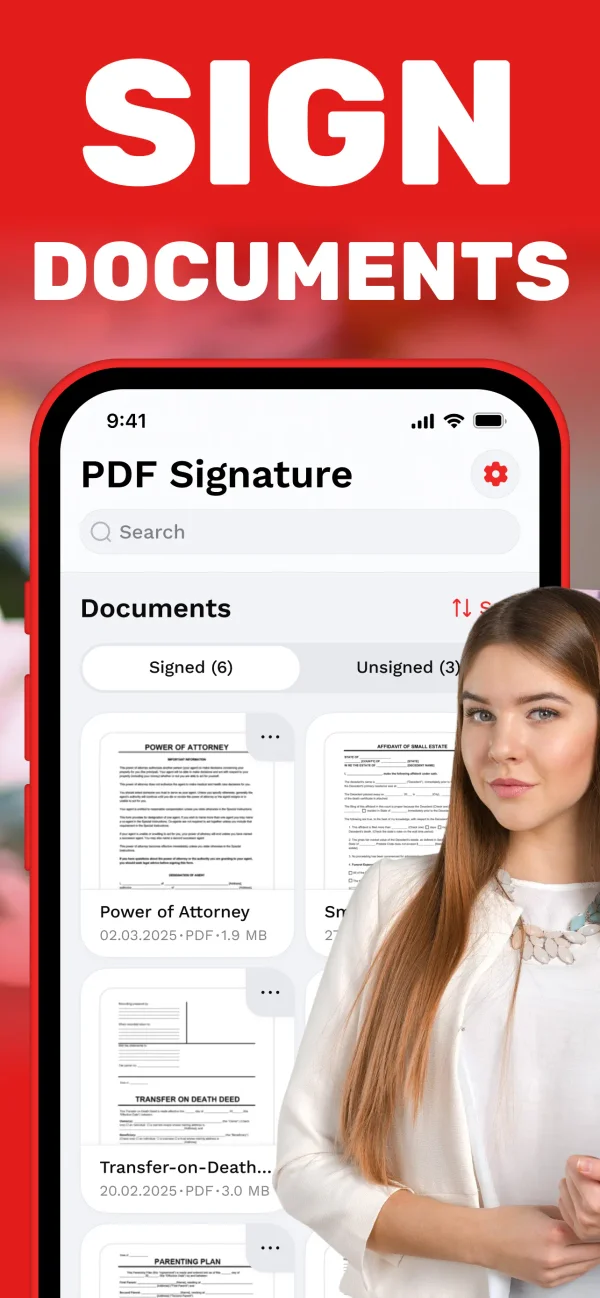
Whether you're digitizing paperwork, filling out forms, or signing contracts, our app provides all the essential tools you need - right at your fingertips.
1.Realistic Digital Signatures:
Signing documents has never been more natural.
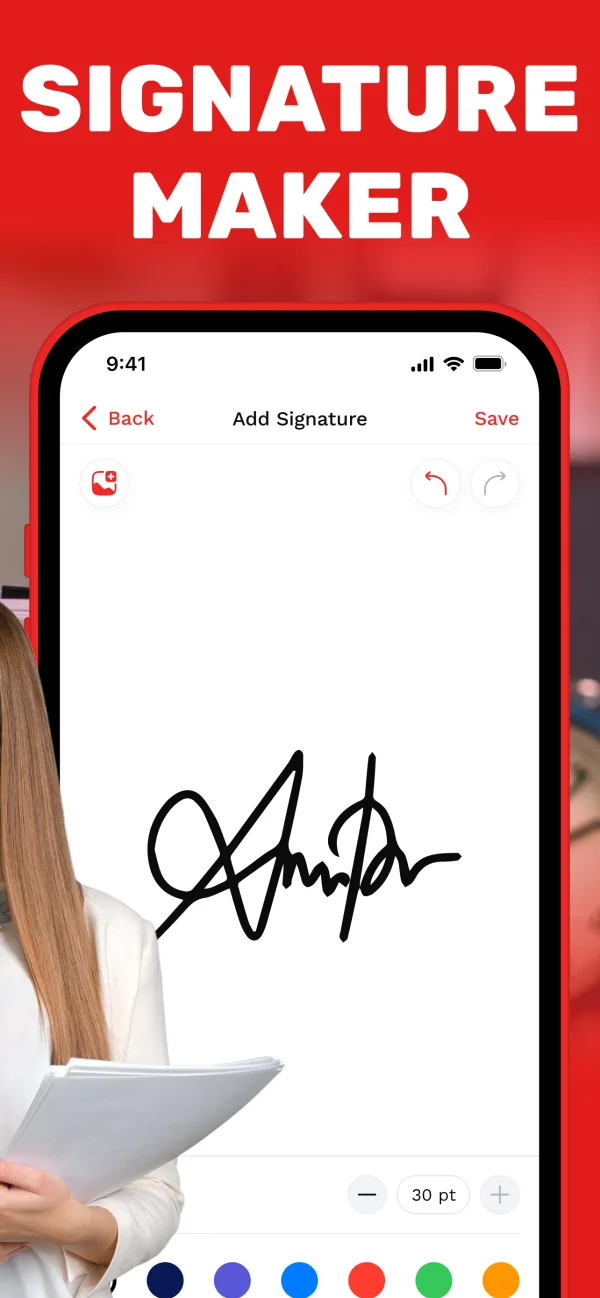
With the Sign tool, you can draw your signature freehand for a personal touch or add initials with a few taps.
No more printing, signing, and scanning - just seamless, professional e-signatures ready in moments.
2.Seamless Document Import and Export:
Access files from anywhere with support for Dropbox, OneDrive, Google Drive, iTunes Share.
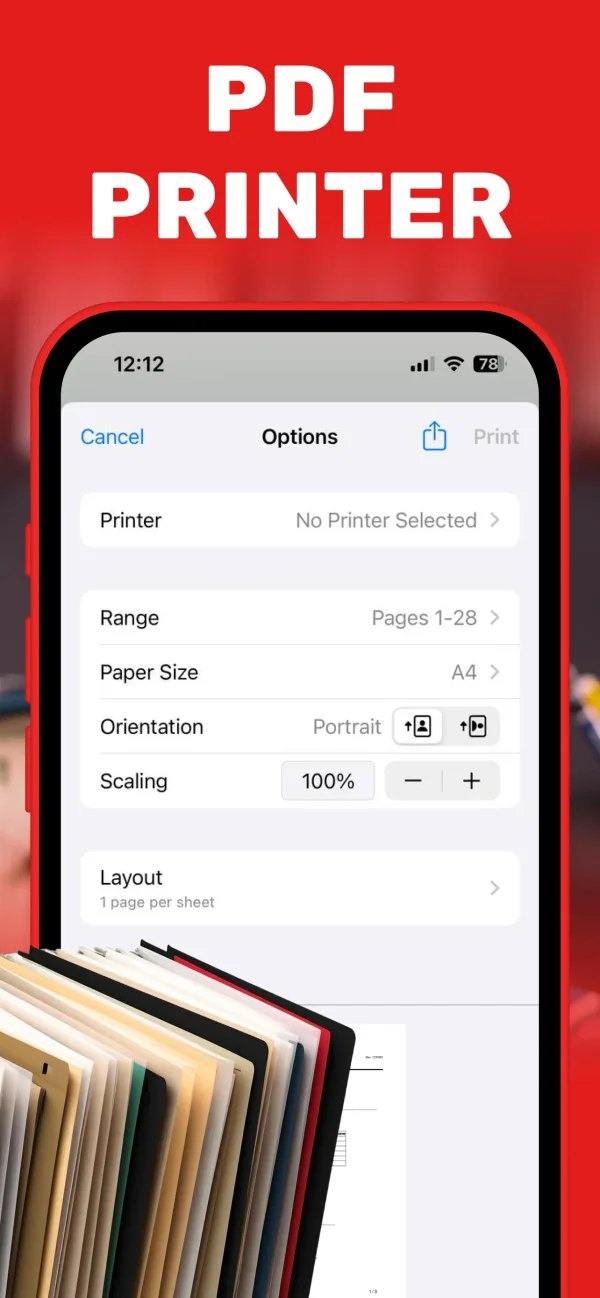
3. Print Anywhere, Anytime:
Skip the hassle of transferring files to a computer - our Print feature lets you send documents directly to a printer from your device.
Whether it’s a last-minute contract or an important form, you can handle paperwork efficiently without extra steps.
4.Effortless Document Scanning:
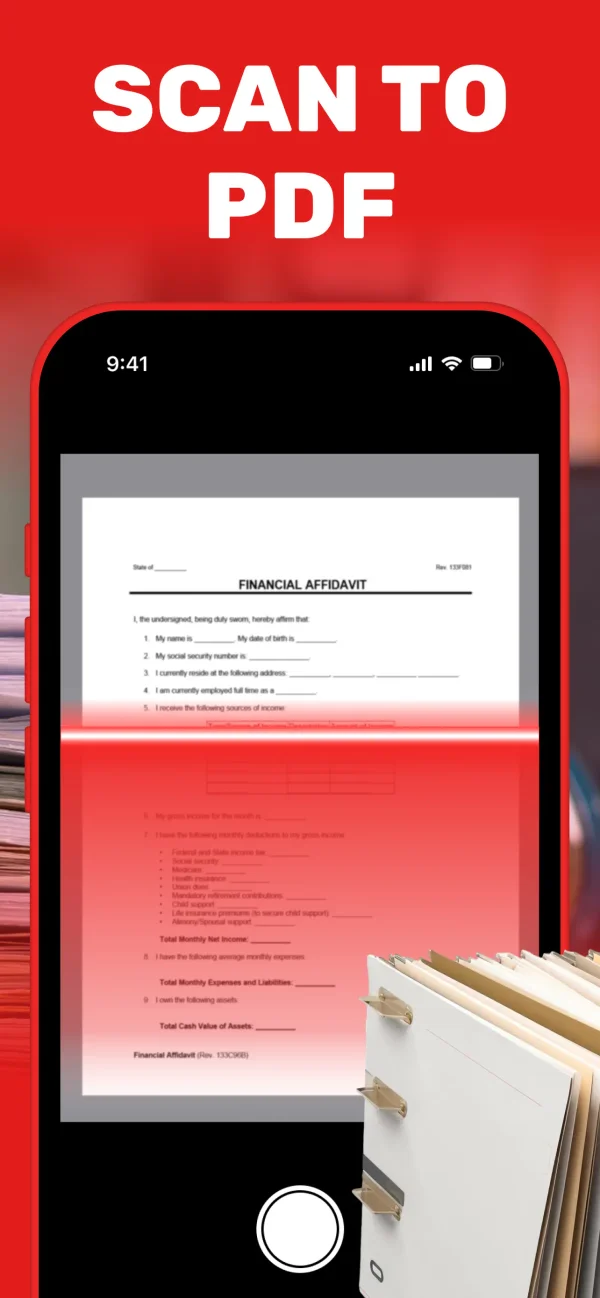
Gone are the days of bulky scanners and slow processes. With our Scan feature, you can quickly capture high-quality PDF scans using your device’s camera.
Turn receipts, contracts, or handwritten notes into crisp, digital documents in seconds - perfect for archiving or sharing.
Designed for professionals, students, and anyone who deals with documents regularly, our app combines simplicity with powerful functionality.
No complicated menus, no unnecessary features - just a smooth, reliable way to manage PDF Sign Maker & Scan Document on the go.
Download now and take control of your documents with speed, precision, and convenience. Simplify your workflow today!
Premium Subscription:
Get full access to all premium features with our subscription:
Instant billing via your iTunes account
Auto-renews unless canceled 24+ hours before renewal
Renewal fee charged 24 hours before period ends
Manage anytime in Account Settings
Free trials end upon subscription
Unlock unlimited content today!
Privacy Policy: https://docs.google.com/document/d/1gQDHPTqgRh34lPINXVV58qV1-CaGuY-i-teFafSfTJw/edit?usp=sharing
Term of use: https://docs.google.com/document/d/1dYZOwjLRvApDjGBqjYFQ1eID6AXw_4Z4LxL-h1Wh_Yo/edit?usp=sharing
Support: https://docs.google.com/document/d/1TBpXLKTq6qxrYoOYbCijzC_CF8bkT27w-jrYEaUGPoA/edit?usp=sharing
What’s new
Version 1.0.1 · Jun 3, 2025
iOS 18.5 bug fixed
App privacy
What Kelvin Chan declares on the App Store about how this app handles data.
-
Data not linked to you
May be collected but is not linked to your identity.
- Usage data
- Diagnostics
Privacy practices may vary, for example with the features you use or your age.
Information
- Seller
- Kelvin Chan
- Category
- Business
- Version
- 1.0.1
- Updated
- Jun 3, 2025
- Released
- May 26, 2025
- Size
- 19.8 MB
- Requires
- iOS 16.0 or later
- Age rating
- 4+
- Price
- Free
- In-app purchases
- Yes
- Languages
- English
- Copyright
- © MYKHAILO ORLOV
You might also like
-
 PDF Scanner & Edit DOC ViewerConverter Editor Scan Reader
-
 PDF Editor - Reader&ConverterEdit, Convert PDF Files
-
 AI Note Taker: Audio ConverterTranscribe Voice Speech Text
-
 Sign Documents: Hand SignerDigital Signature Maker. PDF
-
 Document Converter To PDF EditConvert Picture File & Photo
-
 Scanner: Cam Smart Scan to PDFDocument Scanning Phone Scaner
-
 Sign PDF Documents & Scan JPEGCreate Signature, Convert Doc
-
 Images Converter to PDF AppScan & Convert Photos to Text
-
 PDF Scanner: Document Scan PDFDocuments & Photo Scanning
-
 Call Record - Auto RecordingAll Phone Calls Recorder App