Smart Printer - PDF Scanner
Scan, Edit, Print Photo & PDF
Designed for iPhone, iPad
Free · In-app purchases
- Age rating9+
- CategoryUtilities
- DeveloperShahzada Shoaib Afzal Muhammad Afzal
- LanguagesEnglish+ 6 more
- Size33.6 MB
Links to the official App Store page
Download.org hosts no file of Smart Printer - PDF Scanner. The button opens its official App Store page, published by Shahzada Shoaib Afzal Muhammad Afzal. Listing last checked on Nov 28, 2026.
Screenshots

About
Smart Printer – Scan, Edit, Print & Manage Documents & PDF Anywhere !
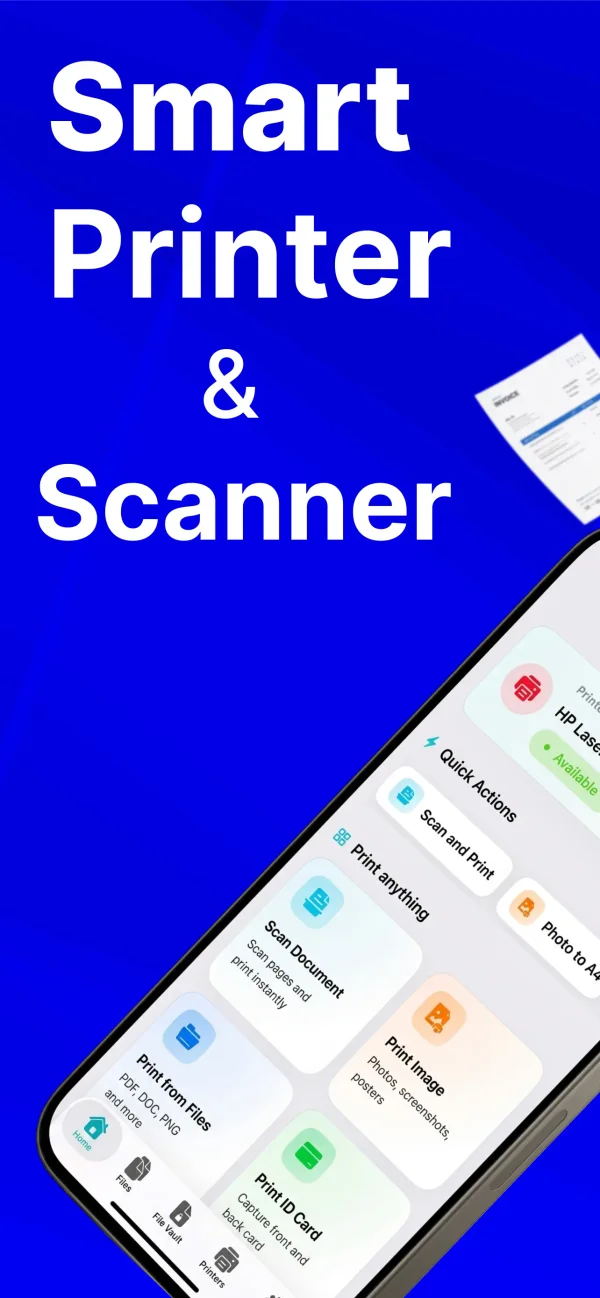
Turn your iPhone into a powerful mobile printing station. Smart Printer lets you scan, print, and manage all your important documents, images, and files — quickly, securely, and wirelessly. Whether it's a document, ID card, driving license, email, or even a full webpage, Smart Printer makes printing effortless, and with iCloud sync, you'll never lose access to your printed files again.
KEY FEATURES
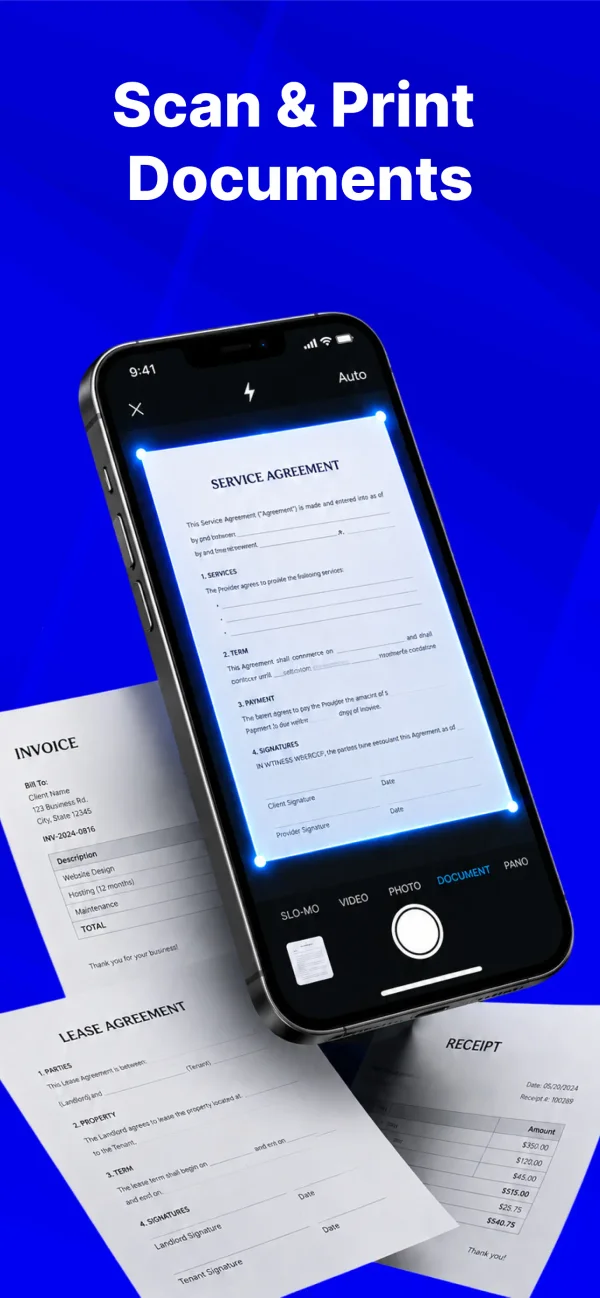
* Scan Document — Use your camera to scan any document with smart auto-capture and edge detection, then print it instantly in high quality.
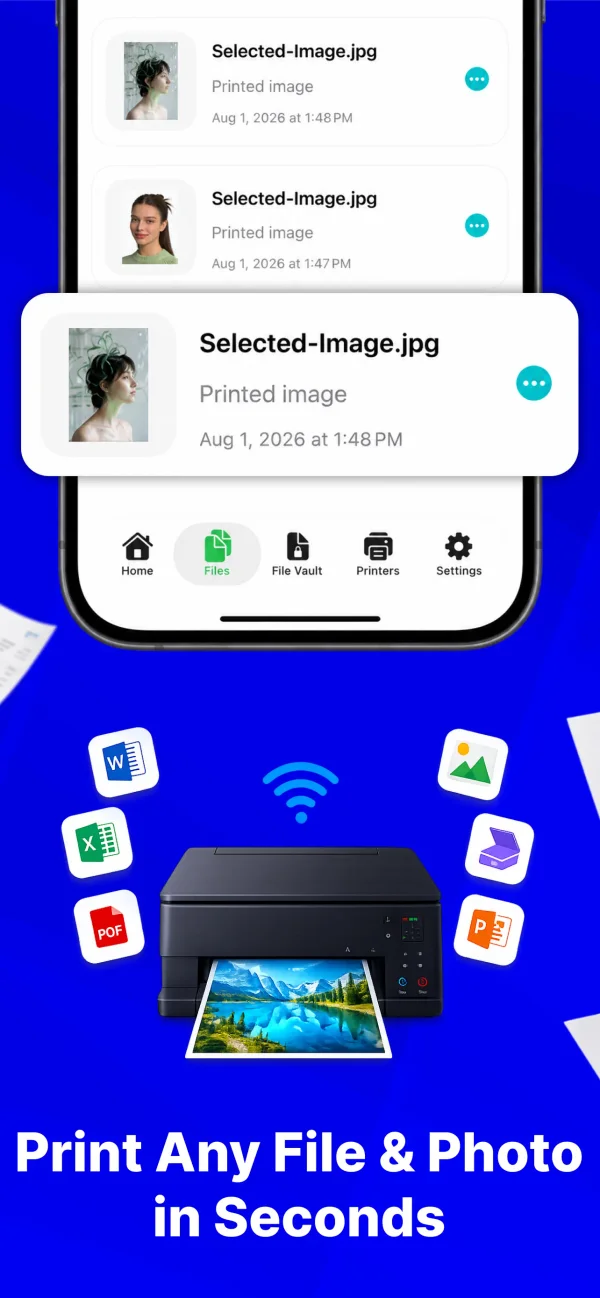
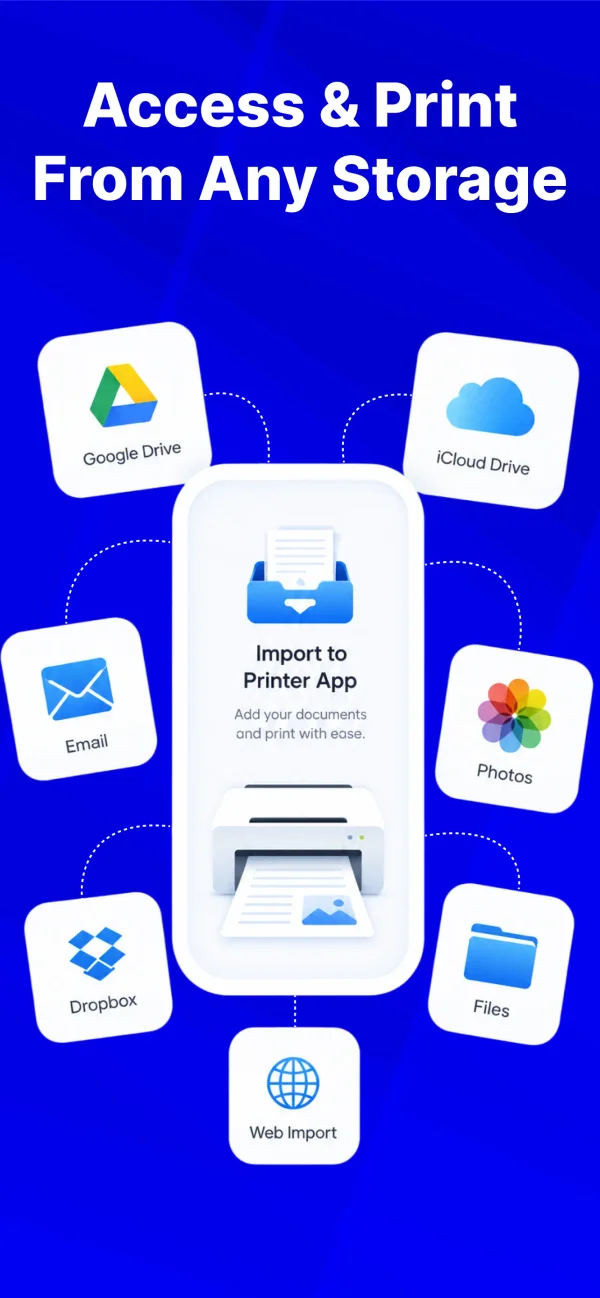
* Print Images — Print your favorite photos directly from your Photo Library — no need to transfer files to another device.
* Print Files — Print virtually any file format straight from your Files app — PDFs, Word documents, spreadsheets, and more.
* Print ID Card — Scan both sides of your ID card in one seamless process using your camera's auto-capture feature, then print a clean, ready-to-use copy.
* Print Driving License — Just like ID cards, scan the front and back of your driving license in one go and print both sides instantly.
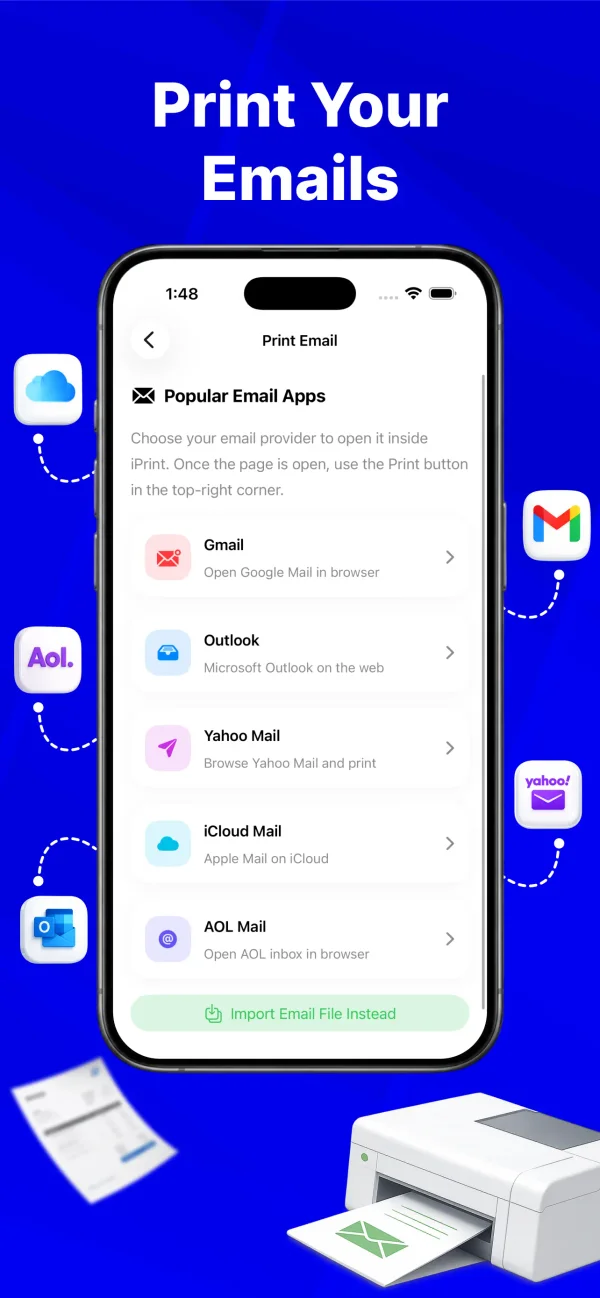
* Print Email — Print emails directly from your phone. Smart Printer works with all major email providers, so you can print important messages without switching apps.
* Print Website — Browse any website using the app's built-in browser and print the page directly — no extra steps needed.
* iCloud Sync — Every file you print is automatically synced to iCloud, so your documents, scans, and images are always backed up and accessible — even if you switch devices or lose your phone.
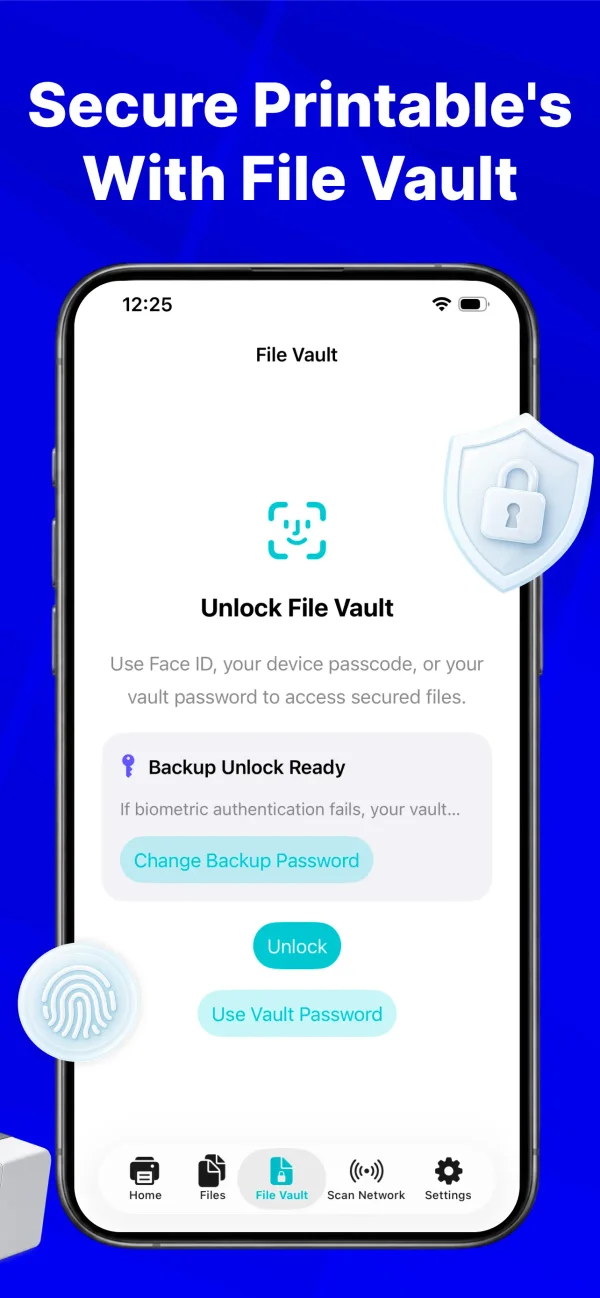
* File Vault — Keep your sensitive and private documents secure inside the app with Face ID or Touch ID protection — for your eyes only.
SMART SCANNING, MADE SIMPLE
Every scanning feature in Smart Printer uses intelligent auto-capture technology to automatically detect and frame your document, ID, or license for a perfectly aligned scan every time.
WORKS WITH YOUR PRINTER
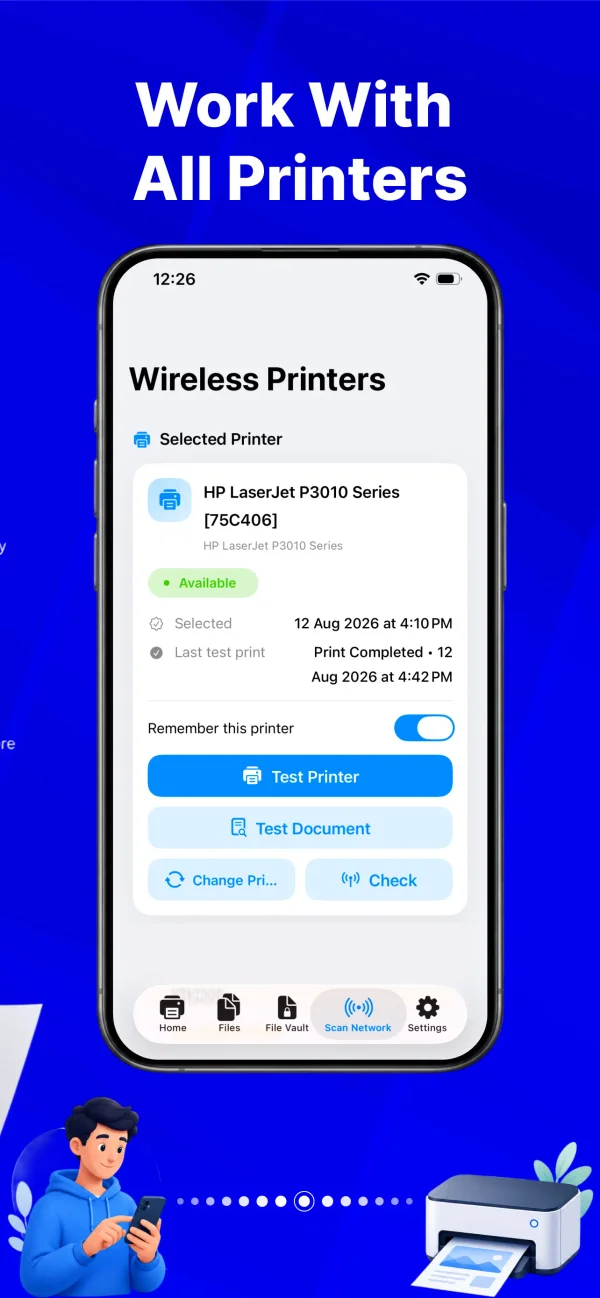
Smart Printer supports wireless printing and is compatible with all major printer brands worldwide, so you can print directly from your iPhone without cables or complicated setup.
NEVER LOSE A FILE AGAIN
With built-in iCloud sync, everything you scan or print is safely stored in the cloud. Get a new phone, reinstall the app, or simply need a file from months ago — it's always right there, ready when you need it.
WHY CHOOSE SMART PRINTER?
* All-in-one scanning and printing solution
* Auto-capture for fast, accurate scans
* Supports IDs, licenses, images, files, emails, and websites
* Automatic iCloud sync for permanent access to your files
* Secure file storage with Face ID / Touch ID
* Wireless printing with worldwide printer support
* Simple, intuitive design for all users
Download Smart Printer today and experience the easiest way to scan, print, and keep your files safe — right from your pocket.
This app offers a limited number of free queries for users to try its core features. To access unlimited queries and enjoy full functionality, an additional purchase is required.
If you choose to subscribe, the payment will be charged to your Apple account upon confirmation of purchase.
Privacy Policy
https://sites.google.com/view/shahzadaappsprivacy/privacy
Terms & Conditions
https://sites.google.com/view/shahzadaappsterms/terms
What’s new
Version 1.2 · Nov 27, 2026
We update the app regularly to fix bugs, optimize performance, and improve your overall experience.
* Bug fixes and stability improvements
* Performance optimizations
* General improvements for a smoother experience
App privacy
What Shahzada Shoaib Afzal Muhammad Afzal declares on the App Store about how this app handles data.
-
Data not collected
The developer does not collect any data from this app.
Privacy practices may vary, for example with the features you use or your age.
Information
- Seller
- Shahzada Shoaib Afzal Muhammad Afzal
- Category
- Utilities
- Version
- 1.2
- Updated
- Nov 27, 2026
- Released
- Sep 3, 2026
- Size
- 33.6 MB
- Requires
- iOS 16.6 or later
- Age rating
- 9+
- Price
- Free
- In-app purchases
- Yes
- Languages
- English, Arabic, French, German, Russian, Simplified Chinese, Spanish
- Copyright
- Copyright © 2025 by Shahzada Shoaib. All rights reserved.
You might also like
-
 Smart Printer - Scan & Print!Scanner PDF & Print on phone
-
 Smart Printer App for HP ScanPrint Documents to PDF
-
 VKViewUtilities
-
 MouseMeUse your I phone as a mouse!
-
 Nimbo: Phone Data TransferAndroid to iPhone, no cable
-
 Share Wifi · QR Code ConnectSecure, Offline Wifi Sharing
-
 Bluetooth MouseWireless Mouse & Keyboard
-
 Simple Video to MP3: ConverterAudio Converter,Ringtone Maker
-
 Smart Printer: HP Print & ScanPrint Documents, PDFs & Photos
-
 Chromecast Video Cast - CastXStream Web & Media to TV