- Age rating4+
- CategoryProductivity
- DeveloperPanasonic Connect Co., Ltd.
- LanguagesEnglish
- Size19.7 MB
Links to the official App Store page
Download.org hosts no file of Smart Projector Control. The button opens its official App Store page, published by Panasonic Connect Co., Ltd. Listing last checked on Nov 15, 2026.
Screenshots

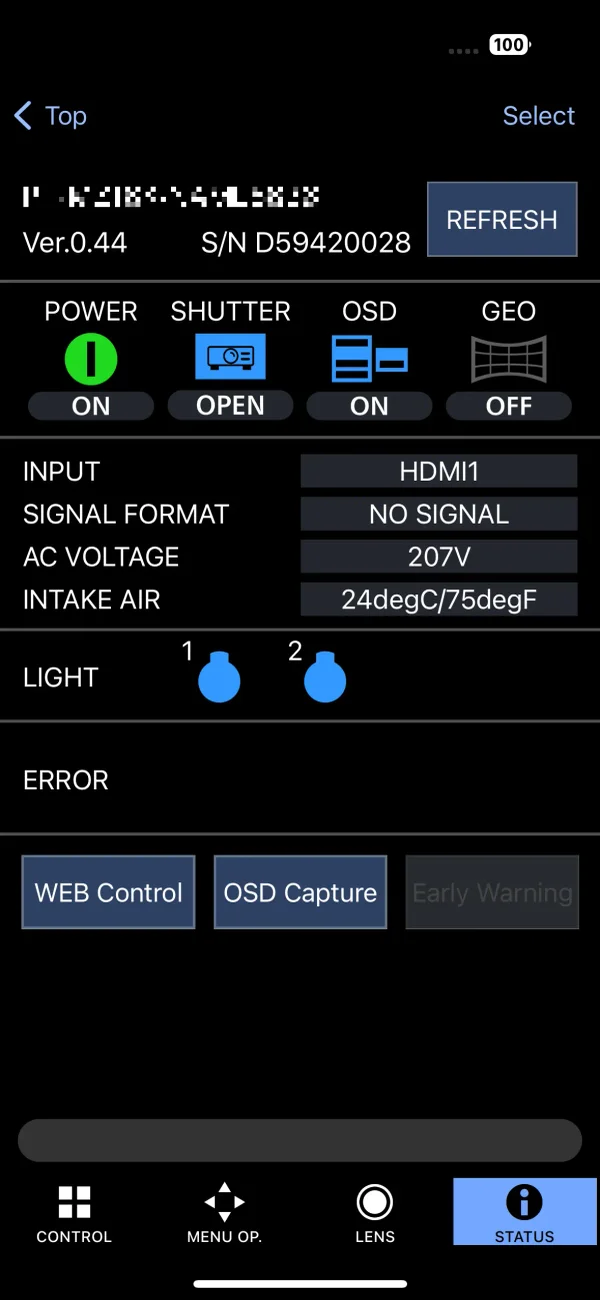
About
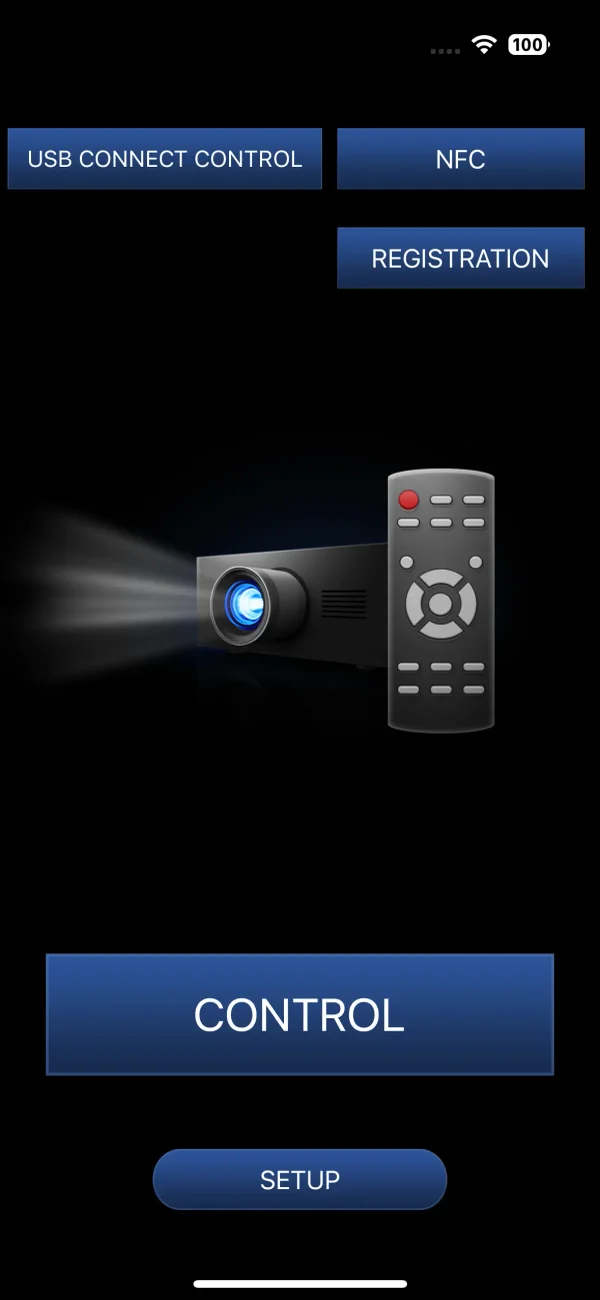
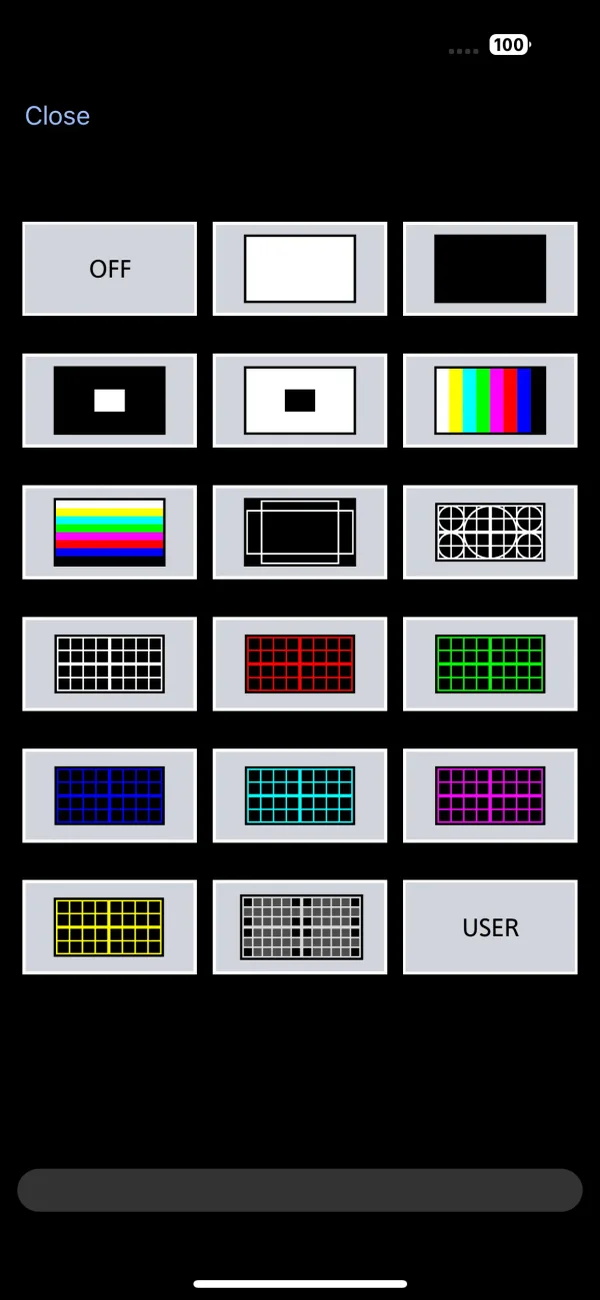
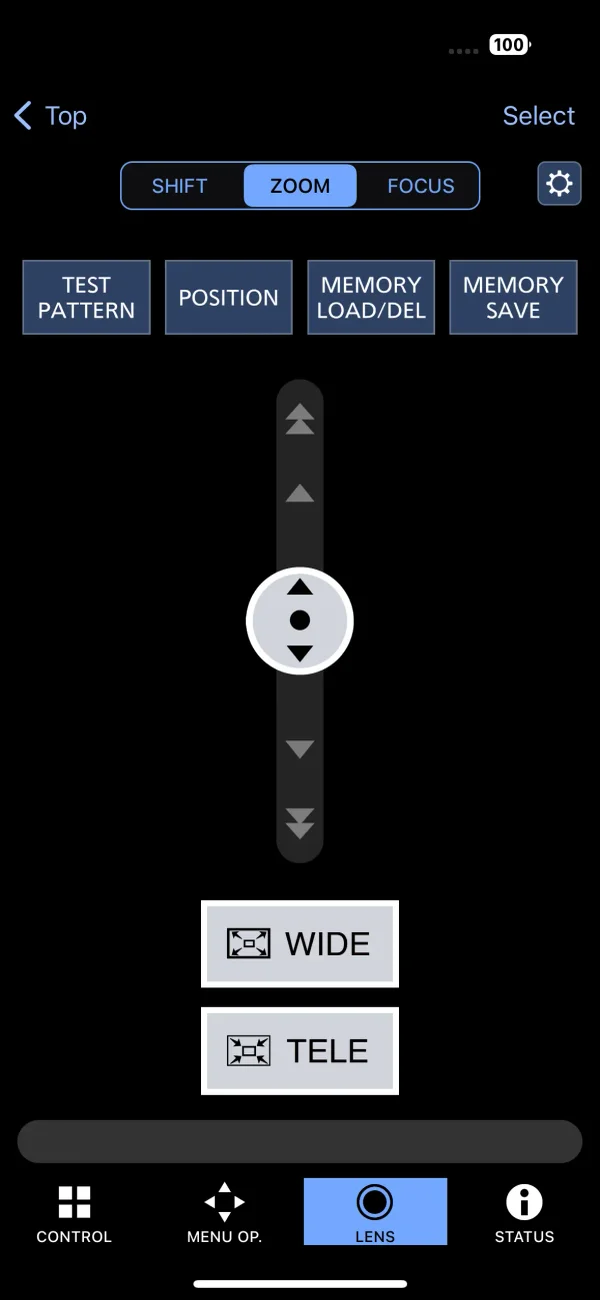
Smart Projector Control is a smartphone application for operating Panasonic projectors. By installing Smart Projector Control onto your iPhone, and using wireless LAN (Wi-Fi) or USB to connect to a network containing a Panasonic projector, you can operate the projector and check the projector status from your smartphone.
---- Requirements ----
OS: iOS 17 / 18 / 26
iPhone 16 / iPhone 15 / iPhone 14 Pro / iPhone 13 / iPhone 13 mini / iPhone 12 / iPhone 11 / iPhone XS / iPhone XS Max / iPhone XR
---- Compatible Projectors (all U, E, EA versions of the below models are compatible) ----
See the following website for supported projectors.
https://docs.connect.panasonic.com/projector/download/application/smartpj/
What’s new
Version 3.3.0 · May 26, 2026
NFC feature support for new projectors.
App privacy
What Panasonic Connect Co., Ltd. declares on the App Store about how this app handles data.
-
Data not collected
The developer does not collect any data from this app.
Privacy practices may vary, for example with the features you use or your age.
Information
- Seller
- Panasonic Connect Co., Ltd.
- Category
- Productivity
- Version
- 3.3.0
- Updated
- May 26, 2026
- Released
- Nov 2, 2016
- Size
- 19.7 MB
- Requires
- iOS 17.0 or later
- Age rating
- 4+
- Price
- Free
- Languages
- English
- Copyright
- © Panasonic Connect Co., Ltd. 2016-2026
You might also like
-
 Epson iProjectionProductivity
-
 Epson Setting AssistantProductivity
-
 Remote Keyboard & MouseFor PC, Mac & LG TV
-
 Mouse · Keyboardfor Mac or PC
-
 Epson Projector Config ToolProductivity
-
 Remote Mouse & KeyboardPhone to Computer Control
-
 ViewSonic ProjectorProductivity
-
 vCastSenderProductivity
-
 TVRem Universal SmartTV RemoteRemote Control for Smart TV
-
 FireStick Remote Control TVRemote for FireStick & Fire TV