- Age rating4+
- CategoryProductivity
- DeveloperSeiko Epson Corporation
- LanguagesEnglish+ 8 more
- Size27.6 MB
Links to the official App Store page
Download.org hosts no file of Epson iProjection. The button opens its official App Store page, published by Seiko Epson Corporation. Listing last checked on Nov 23, 2026.
Screenshots


About
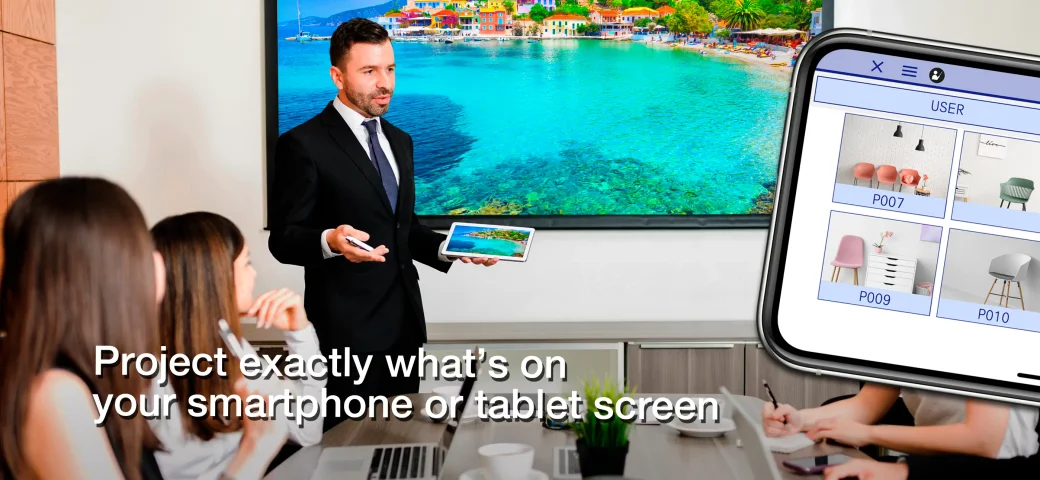
Epson iProjection is a wireless projection app for iPhone®, iPad®, or iPod® touch. This app makes it easy to mirror your device's screen, and project documents and photos wirelessly to a supported Epson projector.
[Key Features]
1. Mirror your device’s screen and output your device’s audio from the projector.
2. Project your photos in the "Photos" app, project documents loaded in this app, and project in real-time video from your device's camera.
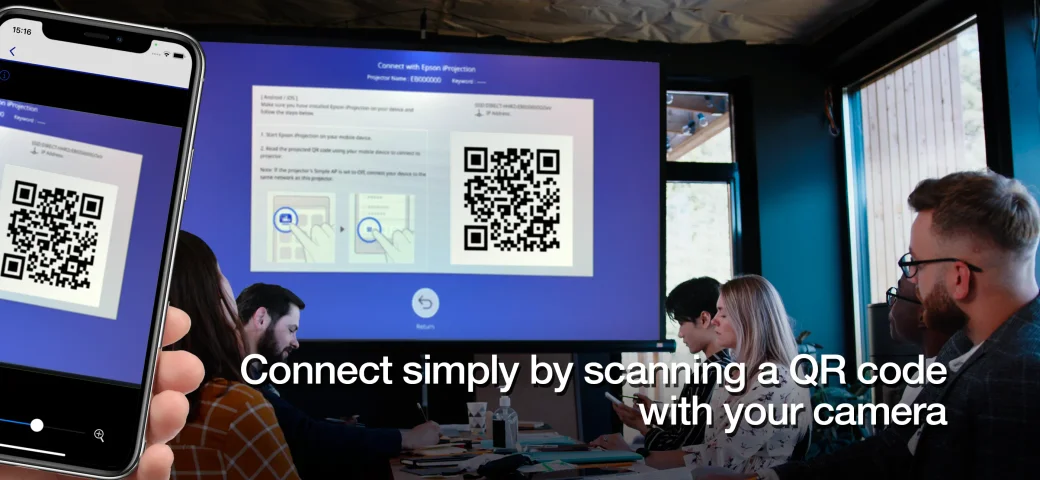
3. Easily connect your device by scanning a projected QR code.
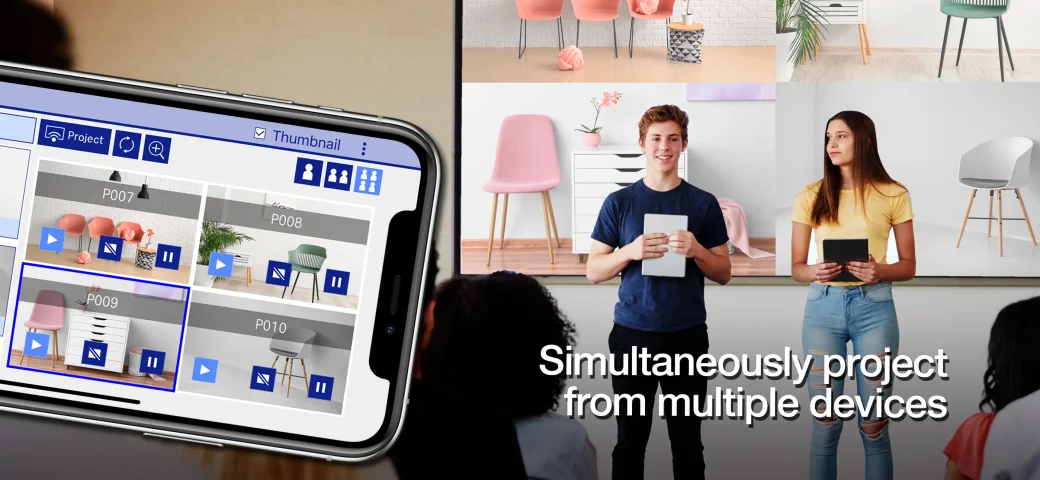
4. Connect up to 50 devices to the projector, display up to four screens simultaneously, and share your projected image with the other connected devices.
5. Annotate projected images with a pen tool and save the edited images on your device.
6. Control the projector like a remote control.
[Notes]
• For supported projectors, visit https://support.epson.net/projector_appinfo/iprojection/en/. You can also check "Supported Projectors" in the app's support menu.
• While mirroring your device’s screen, video and audio may be delayed depending on the device and network specifications. Only unprotected content can be projected.
• Use the mirroring feature to project videos in the "Photos" app.
[About Projecting Documents]
• The following file types are supported when projecting using "Documents".
- Microsoft® Word
- Microsoft® Excel
- Microsoft® PowerPoint
- Keynote
- PDF
- JPG
- PNG
- The file types mentioned above are also supported when stored in cloud file services
• Depending on the document, the projected image may differ from the image on the computer or at the time of creation, for example, some characters may not be projected correctly. If this occurs, use the mirroring feature ("Mirror device screen") instead.
• Animations and screen transition effects, videos, and audio are not played. Use the mirroring feature to play them.
• We recommend testing the projection in advance when using this app for presentations.
[Using the App]
Make sure that the network settings for the projector have been completed.
1. Switch the input source on the projector to "LAN". Network information is displayed.
2. Connect to the same network as the projector from "Settings" > "Wi-Fi" on your iPhone/iPad/iPod touch.
3. Start Epson iProjection and connect to the projector.
4. Select and project from "Mirror device screen", "Photos", "Documents", "Web Page", or "Camera".
[App permissions]
The app requires the following permissions for specific features.
【Required】 Local Network
- Search for and connect to the projector.
【Optional】] Photo
- Project selected photos from the device to the projector.
* You can use the app without granting the optional permissions, but some features may not work.
All images are examples and may differ from the actual screens.
What’s new
Version 4.2.1 · Nov 20, 2026
Added supported projectors.
App privacy
What Seiko Epson Corporation declares on the App Store about how this app handles data.
-
Data not linked to you
May be collected but is not linked to your identity.
- Usage data
Privacy practices may vary, for example with the features you use or your age.
Information
- Seller
- Seiko Epson Corporation
- Category
- Productivity
- Version
- 4.2.1
- Updated
- Nov 20, 2026
- Released
- Jan 5, 2012
- Size
- 27.6 MB
- Requires
- iOS 16.0 or later
- Age rating
- 4+
- Price
- Free
- Languages
- English, Arabic, French, German, Japanese, Portuguese, Simplified Chinese, Spanish, Traditional Chinese
- Copyright
- © Seiko Epson Corporation
You might also like
-
 Smart Projector ControlProductivity
-
 spacedesk - USB Display for PCPortable Multi Monitor Display
-
 Duet DisplayBe Twice As Productive
-
 UniFiEnterprise Network Management
-
 PadletVisual collaboration tools
-
 RealVNC Viewer: Remote DesktopProductivity
-
 TeamViewer Remote ControlProductivity
-
 Miro: your visual workspaceBuild the next big thing
-
 MyScript Notes: AI HandwritingSmart note taking, PDF & study
-
 Microsoft 365 AdminProductivity