
Smart Remote Control: Smart TV
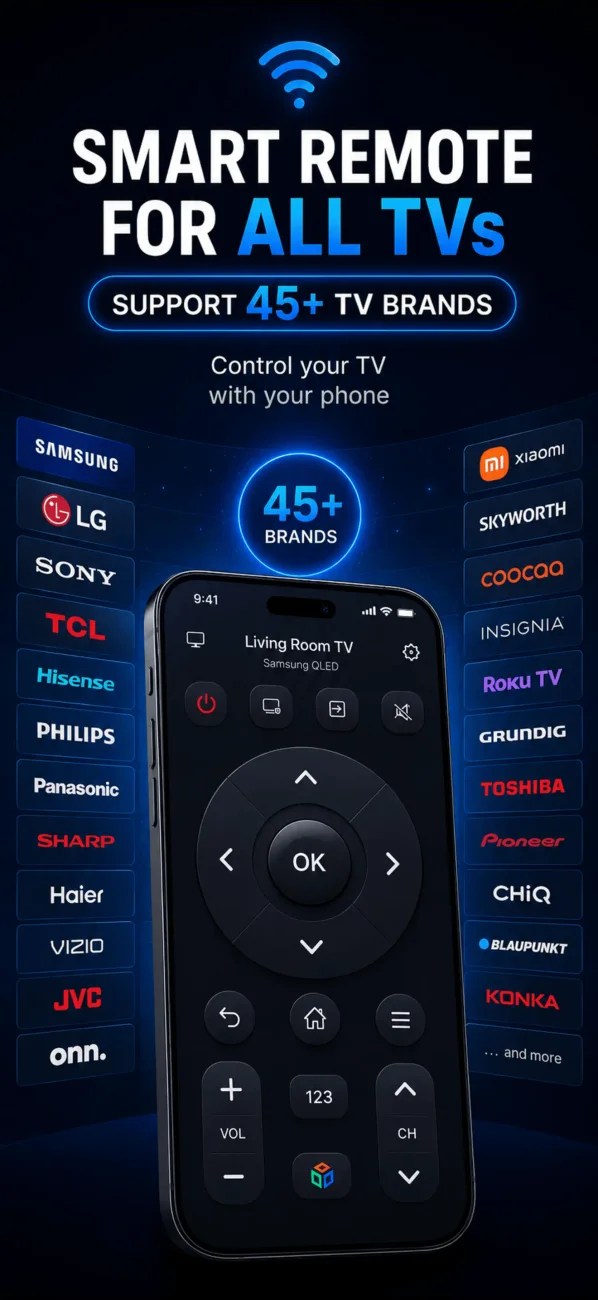
Smart TV Remote for All Brands
Designed for iPhone, iPad
Free · In-app purchases
- Age rating4+
- CategoryUtilities
- DeveloperPhi Anh
- LanguagesEnglish+ 14 more
- Size23.7 MB
Links to the official App Store page
Download.org hosts no file of Smart Remote Control: Smart TV. The button opens its official App Store page, published by Phi Anh. Listing last checked on Nov 23, 2026.
Screenshots
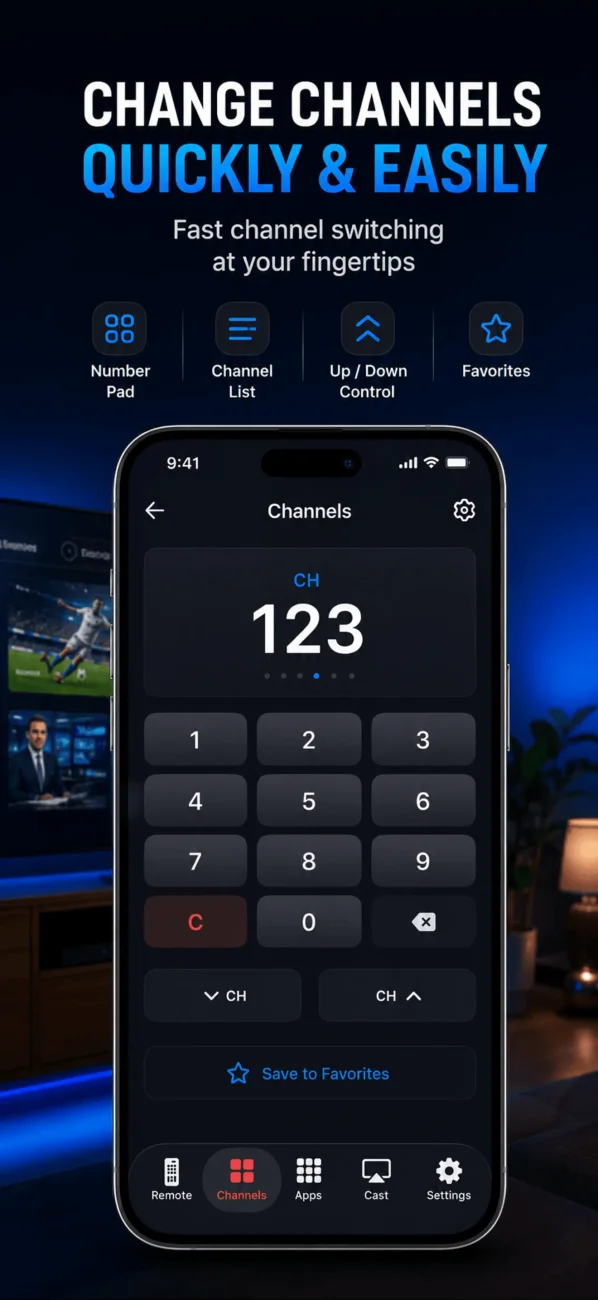
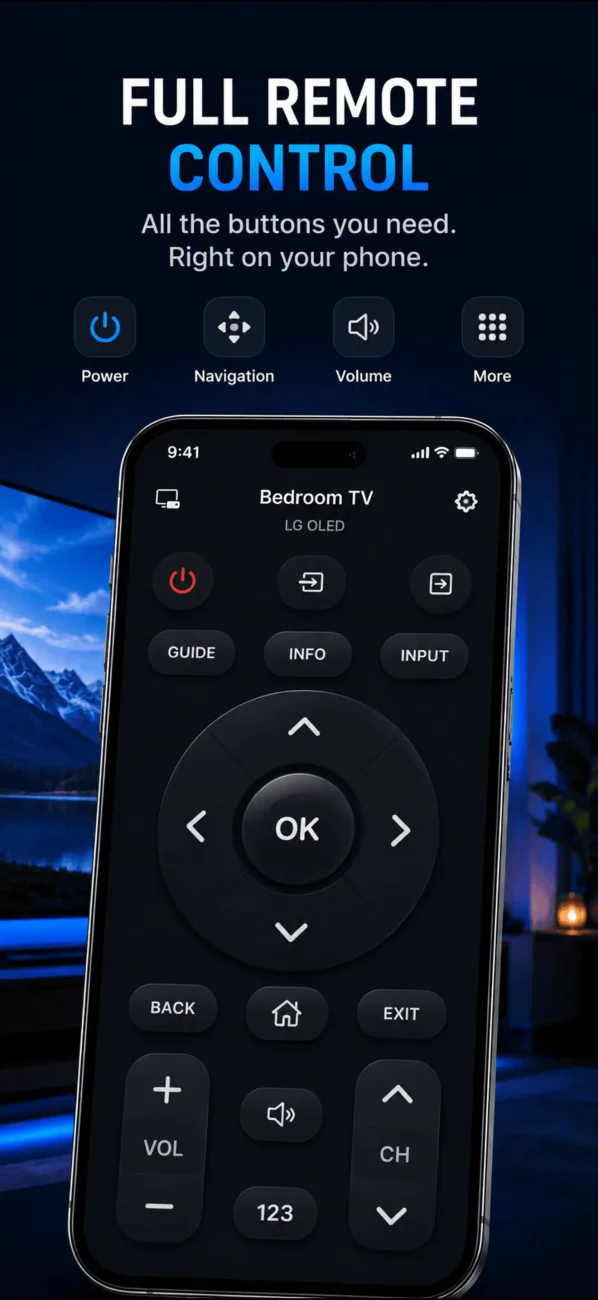

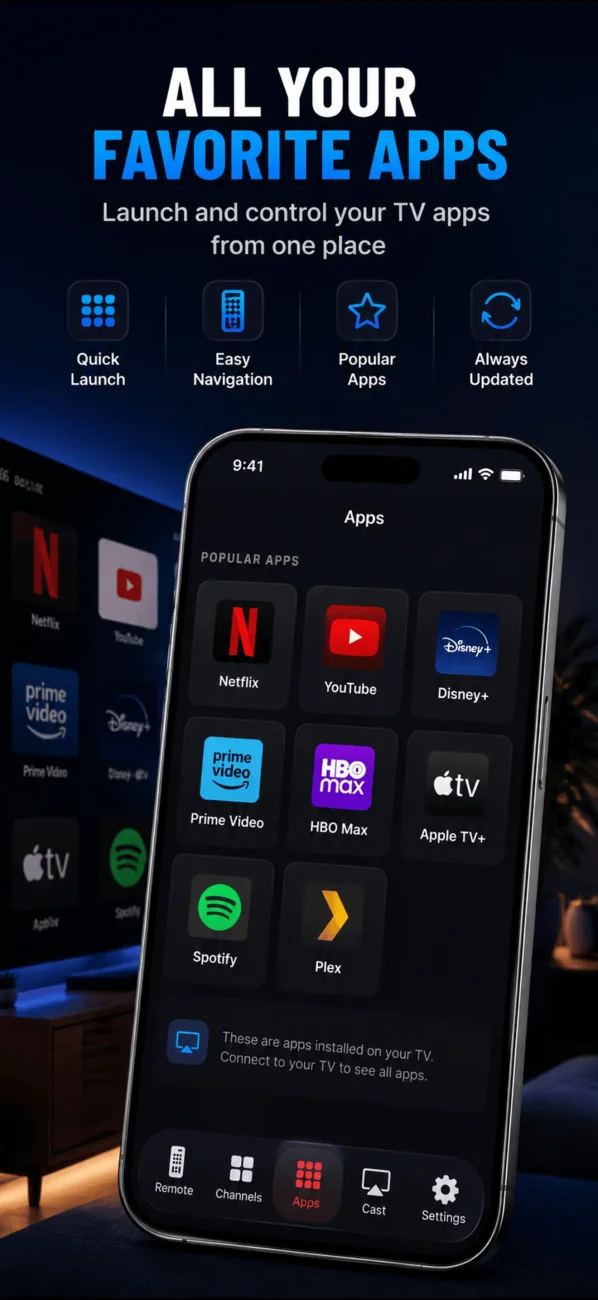
About
Turn your iPhone into a universal remote control for any Smart TV. Remote Control TV replaces all your physical remotes with one beautiful, easy-to-use app.
SUPPORTED TV BRANDS:
- Samsung Smart TV
- LG WebOS TV
- Sony Bravia TV
- TCL & Hisense Smart TVs
- Roku TV & Streaming Devices
- Amazon Fire TV
- NVIDIA SHIELD
KEY FEATURES:
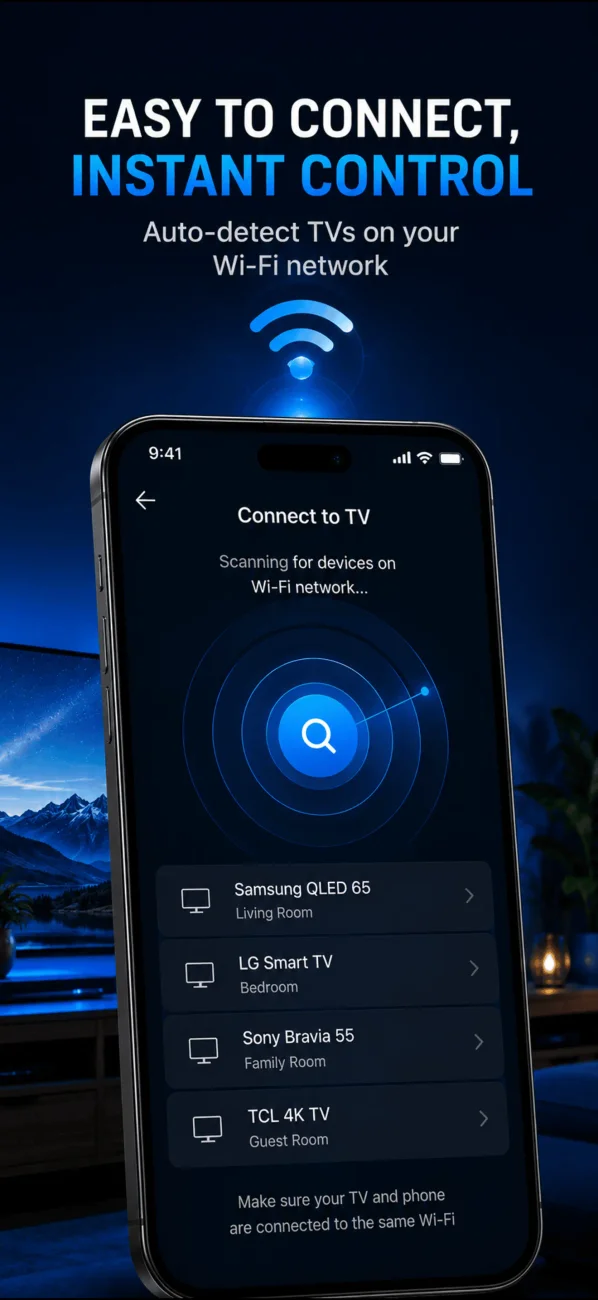
- Auto-Discovery: Automatically finds Smart TVs on your Wi-Fi network
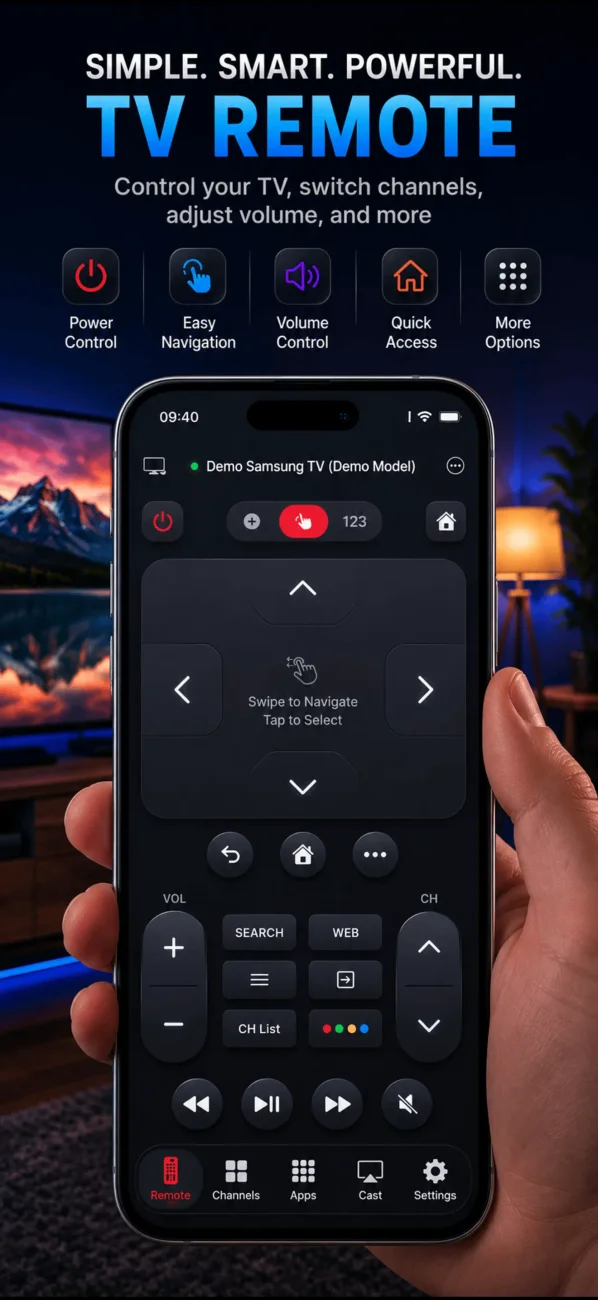
- Full Remote Control: D-pad navigation, volume, channel, power, and more
- Keyboard Input: Type text on your TV for search and login
- Number Pad: Quick channel entry with number keys
- Brand-Specific Controls: Custom buttons for each TV brand (Bixby, Smart Hub, etc.)
- iOS Widget: Control your TV right from your home screen
- Wake-on-LAN: Turn on your TV remotely
PREMIUM FEATURES:
- Touchpad Mode: Navigate like a laptop trackpad
- App Launcher: Launch Netflix, YouTube, and other apps directly
- Macros & Automation: Create one-tap routines (e.g., "Movie Night" = Power On + HDMI 2 + Netflix)
- Custom Layouts: Rearrange buttons to match your workflow
- Ad-Free Experience
- Unlimited TV Connections
HOW IT WORKS:
1. Connect your iPhone and TV to the same Wi-Fi network
2. Open the app — your TV is discovered automatically
3. Pair with one tap (Samsung: Allow on TV, LG: Enter PIN)
4. Start controlling your TV!
No hub, no extra hardware, no account required. Just your iPhone and your TV.
----------------
## Terms of Use
https://cuongproit.github.io/remote-control-tv-docs/terms.html
## Privacy Policy URL
https://cuongproit.github.io/remote-control-tv-docs/privacy-policy.html
What’s new
Version 1.0.25 · Jul 15, 2026
What's new in this version:
• Redesigned onboarding — a smoother, faster setup
• A cleaner, simpler Premium screen
• Performance improvements and bug fixes
App privacy
What Phi Anh declares on the App Store about how this app handles data.
-
Data used to track you
May be used to track you across apps and websites owned by other companies.
- Usage data
-
Data not linked to you
May be collected but is not linked to your identity.
- Identifiers
- Usage data
- Diagnostics
Privacy practices may vary, for example with the features you use or your age.
Information
- Seller
- Phi Anh
- Category
- Utilities
- Version
- 1.0.25
- Updated
- Jul 15, 2026
- Released
- Apr 10, 2026
- Size
- 23.7 MB
- Requires
- iOS 17.0 or later
- Age rating
- 4+
- Price
- Free
- In-app purchases
- Yes
- Languages
- English, Arabic, French, German, Hindi, Italian, Japanese, Korean, Portuguese, Russian, Simplified Chinese, Spanish + 3 more
- Copyright
- © Phi Anh
You might also like
-
 TV Remote Control Universal ‧Smart Live Keyboard + Touchpad
-
 Universal TV Remote: Cast TVSmart Control for Any Smart TV
-
 Beam – Universal TV RemoteRemote for Roku, Samsung & LG
-
 TV Remote - Easy UniversalControl Smart TVs via WiFi
-
 Universal TV Remote TelePadScan, pair & mirror media
-
 TV Remote Control AI UniversalController for All Smart TVs
-
 Remote Control for TV - Play +Smart TV Controller for Any TV
-
 TV Remote Control via WiFiSmart TV Remote & Controller
-
 TV Remote · Universal Control.Smart WiFi Control for All TVs