Smart Remote·TV Control
WiFi TV Remote & Cast
Designed for iPhone, iPod touch
Free · In-app purchases
- Age rating4+
- CategoryUtilities
- DeveloperMassive Technology Services Co., Limited
- LanguagesEnglish
- Size71.4 MB
Links to the official App Store page
Download.org hosts no file of Smart Remote·TV Control. The button opens its official App Store page, published by Massive Technology Services Co., Limited. Listing last checked on Nov 15, 2026.
Screenshots
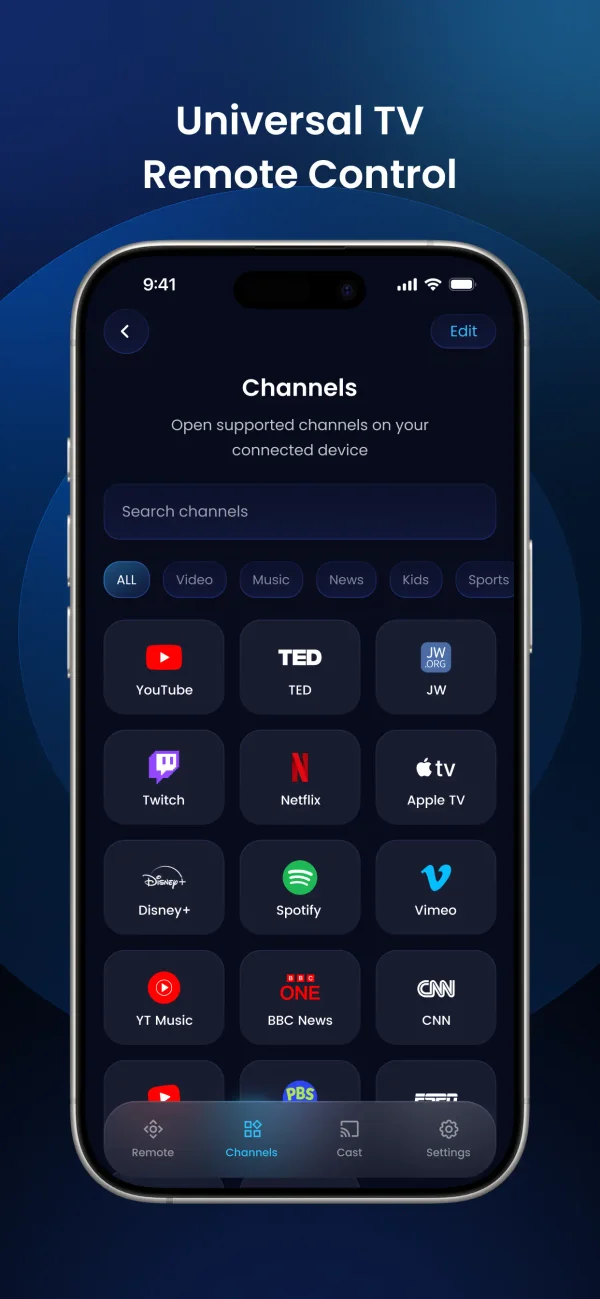

About
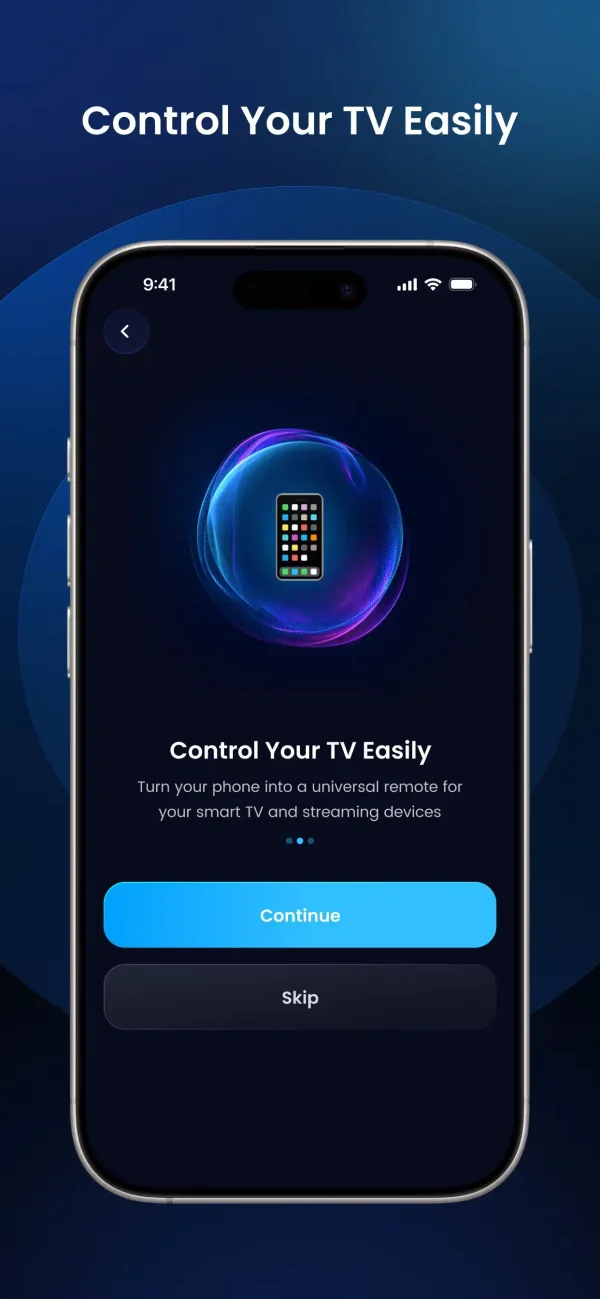
SmartRemote turns your iPhone into a simple, powerful remote for supported smart TVs and streaming devices.
No more searching for a lost remote or replacing batteries. Connect your phone and TV to the same Wi-Fi network, scan for nearby devices, and start controlling your TV in seconds.
Key Features:
- Universal Remote Control
Use essential controls including power, volume, mute, directional buttons, OK, back, home, playback controls, and more.
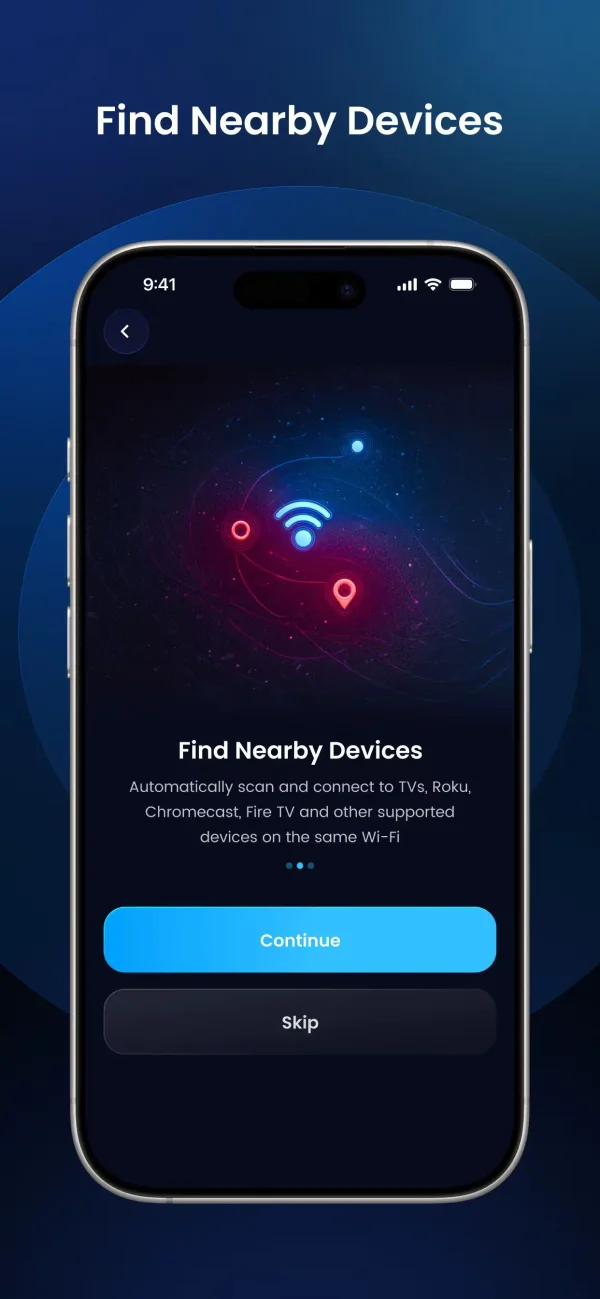
- Fast Device Discovery
Automatically find supported TVs and streaming devices on the same Wi-Fi network. No extra hardware required.
- Touchpad Navigation
Swipe, tap, and navigate TV menus more naturally with a smooth touchpad control mode.
- Keyboard Input
Type search terms, usernames, and text from your iPhone instead of using slow on-screen TV keyboards.
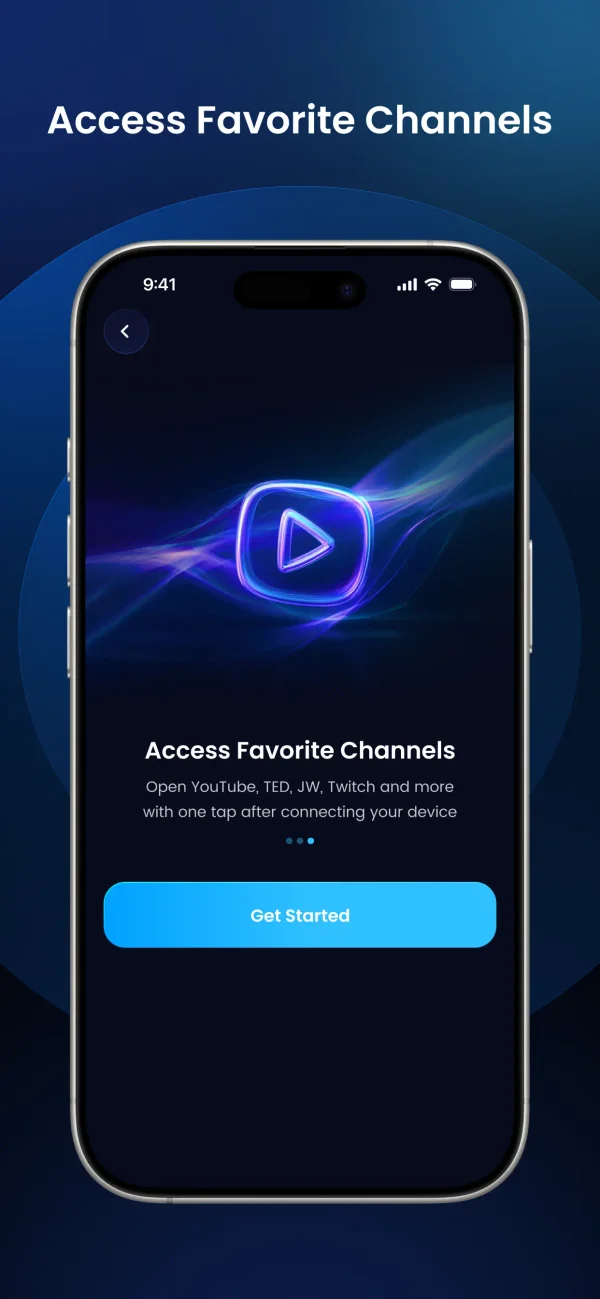
- Favorite Channels
Quickly open popular channels and apps such as YouTube, Netflix, Apple TV, music apps, and more when supported by your device.
- Cast to TV
Cast supported photos, videos, and online media URLs to your connected TV.
- Clean and Easy Interface
Designed for everyday use with a focused remote layout, quick switching, and comfortable controls.
How to Use:
1. Connect your iPhone and TV to the same Wi-Fi network.
2. Open SmartRemote and scan for available devices.
3. Select your TV or streaming device.
4. Start controlling, typing, launching channels, or casting media.
Compatibility may vary depending on your TV model, streaming device, firmware version, network setup, and supported services. Some commands, channel shortcuts, keyboard input, touchpad control, or casting features may not be available on every device.
SmartRemote is not affiliated with or endorsed by any TV brand, streaming platform, or device manufacturer mentioned in the app.
Subscription Information
SmartRemote may offer premium access through auto-renewable subscriptions. Subscription options, prices, trial availability, renewal terms, and included features are shown in the app before purchase.
Payment will be charged to your Apple Account after confirmation. Subscriptions automatically renew unless canceled at least 24 hours before the end of the current period. You can manage or cancel subscriptions in your Apple Account settings.
Privacy Policy: https://www.novabyte.vip/doc/policy.html
EULA: https://www.novabyte.vip/doc/eula.html
Terms of Use: https://www.novabyte.vip/doc/term.html
What’s new
Version 1.6 · Sep 8, 2026
• Improved the app startup experience.
• Enhanced performance and stability for smoother use.
App privacy
What Massive Technology Services Co., Limited declares on the App Store about how this app handles data.
-
Data used to track you
May be used to track you across apps and websites owned by other companies.
- Identifiers
-
Data not linked to you
May be collected but is not linked to your identity.
- Identifiers
Privacy practices may vary, for example with the features you use or your age.
Information
- Seller
- Massive Technology Services Co., Limited
- Category
- Utilities
- Version
- 1.6
- Updated
- Sep 8, 2026
- Released
- Jun 11, 2026
- Size
- 71.4 MB
- Requires
- iOS 13.0 or later
- Age rating
- 4+
- Price
- Free
- In-app purchases
- Yes
- Languages
- English
- Copyright
- © 2026 SmartRemote Inc.
You might also like
-
 Remote Control for All TVUniversal Smart TV Controller
-
 TV Remote Control AI UniversalController for All Smart TVs
-
 Remo: Smart TV RemoteAndroid TV Control & WiFi
-
 Universal TV Remote :ControlController for Smart TV & Cast
-
 Carsole Car WidgetCustom Screen & Audio Widgets
-
 Universal TV Remote & StickControl for Roku, Samsung & LG
-
 TV Remote Universal Control ·Roku, LG, Vizio, Sony & More
-
 Universal Control - TV Remote.Remote Control for Smart TVs
-
 Samsung Smart TV Remote.Free Wireless Control & Apps