Universal TV Remote & Stick
Control for Roku, Samsung & LG
Designed for iPhone
Free · In-app purchases
- Age rating4+
- CategoryUtilities
- DeveloperZentera Pty Ltd
- LanguagesEnglish+ 7 more
- Size79.3 MB
Links to the official App Store page
Download.org hosts no file of Universal TV Remote & Stick. The button opens its official App Store page, published by Zentera Pty Ltd. Listing last checked on Nov 26, 2026.
Screenshots
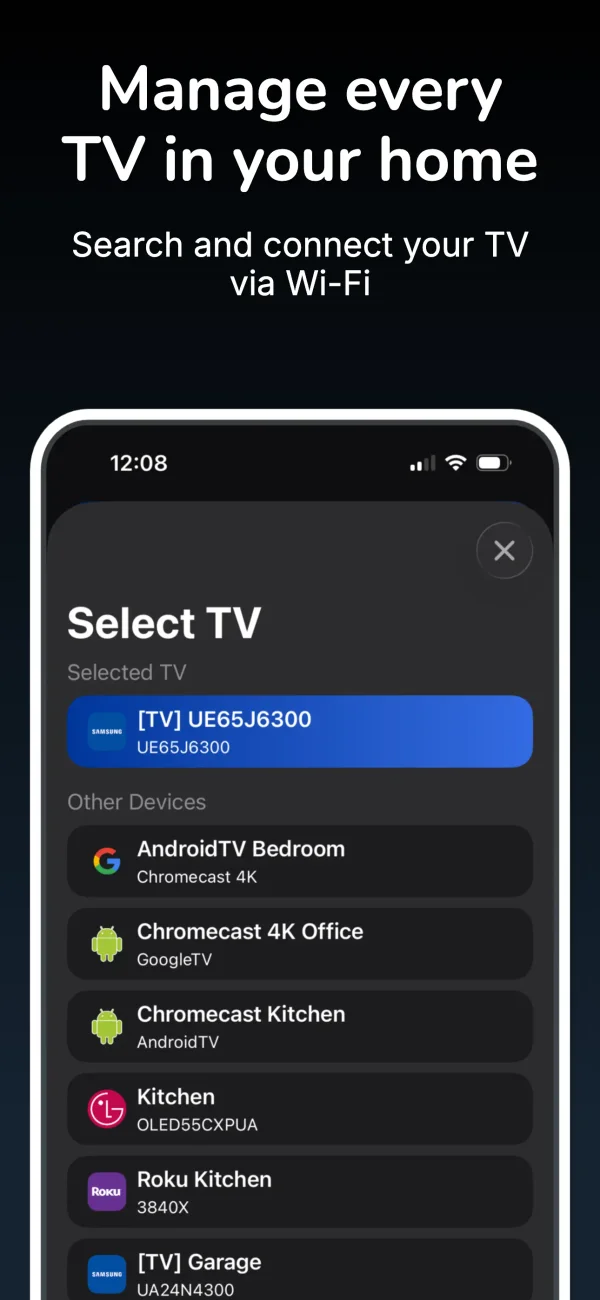
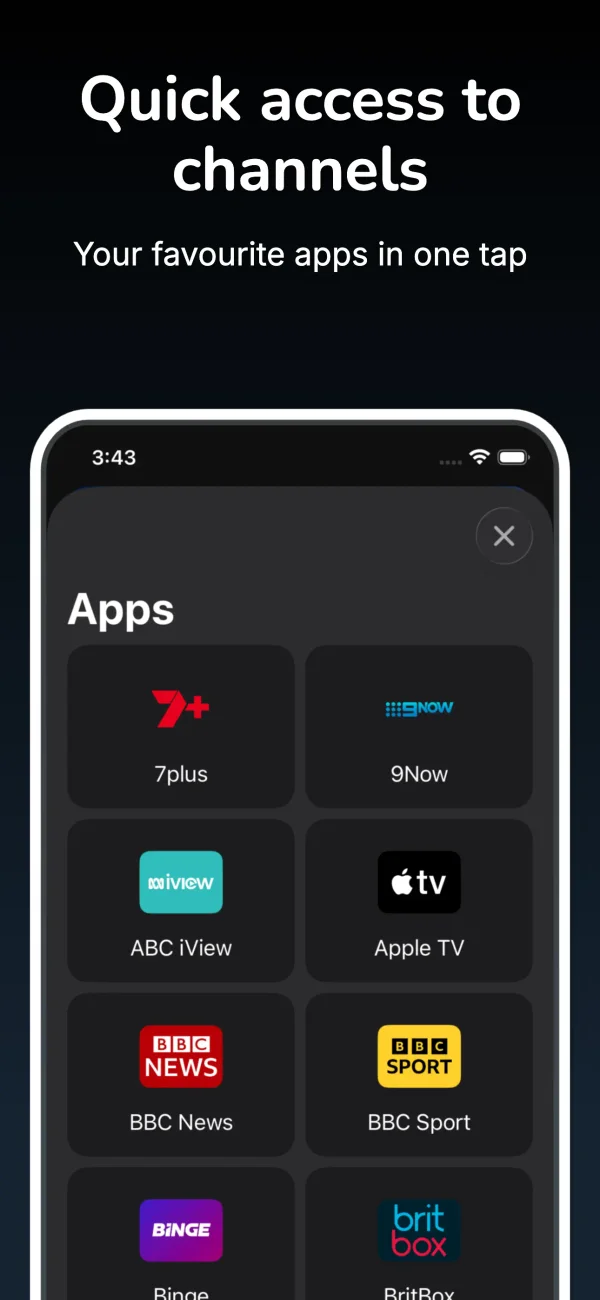

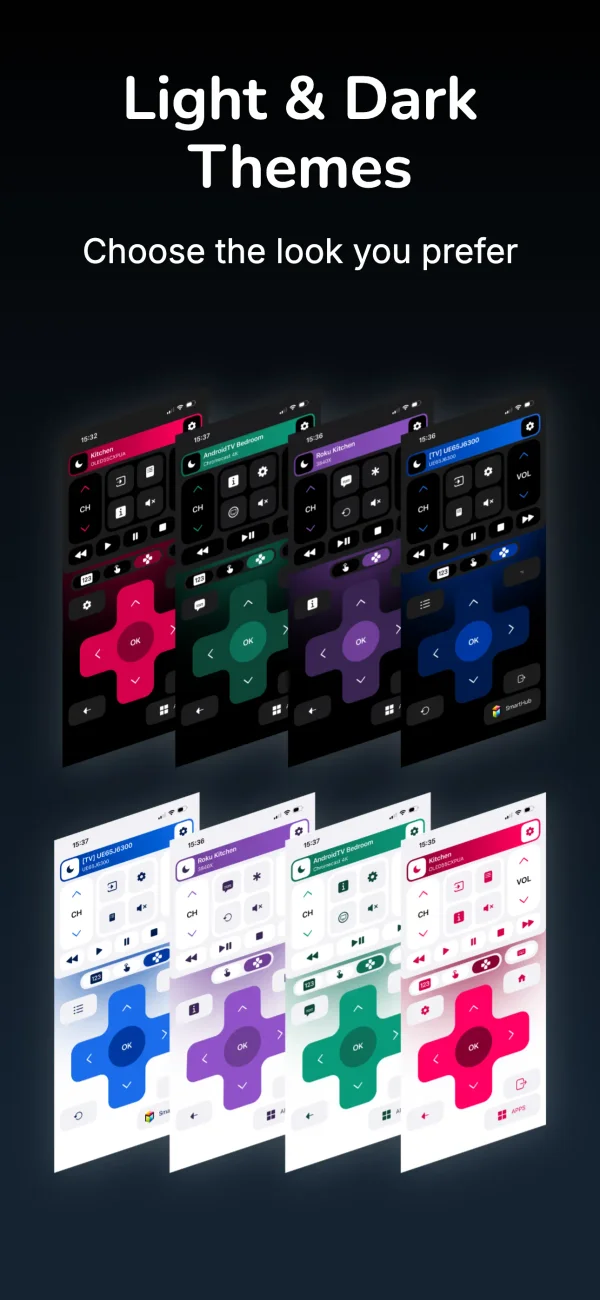
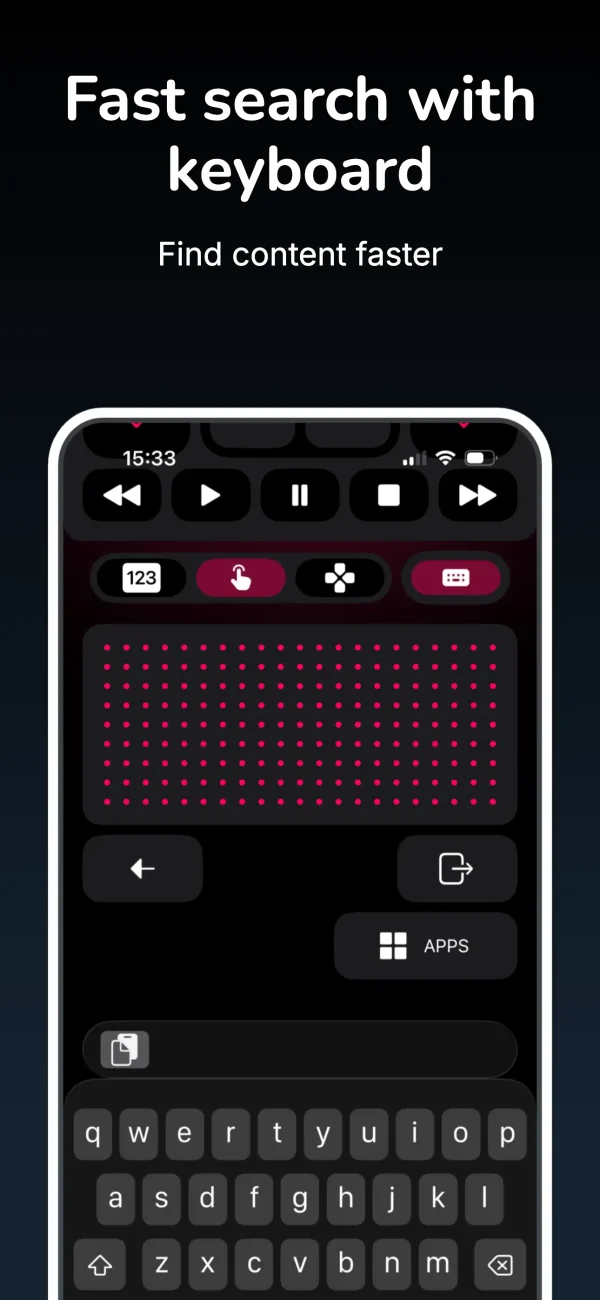
About
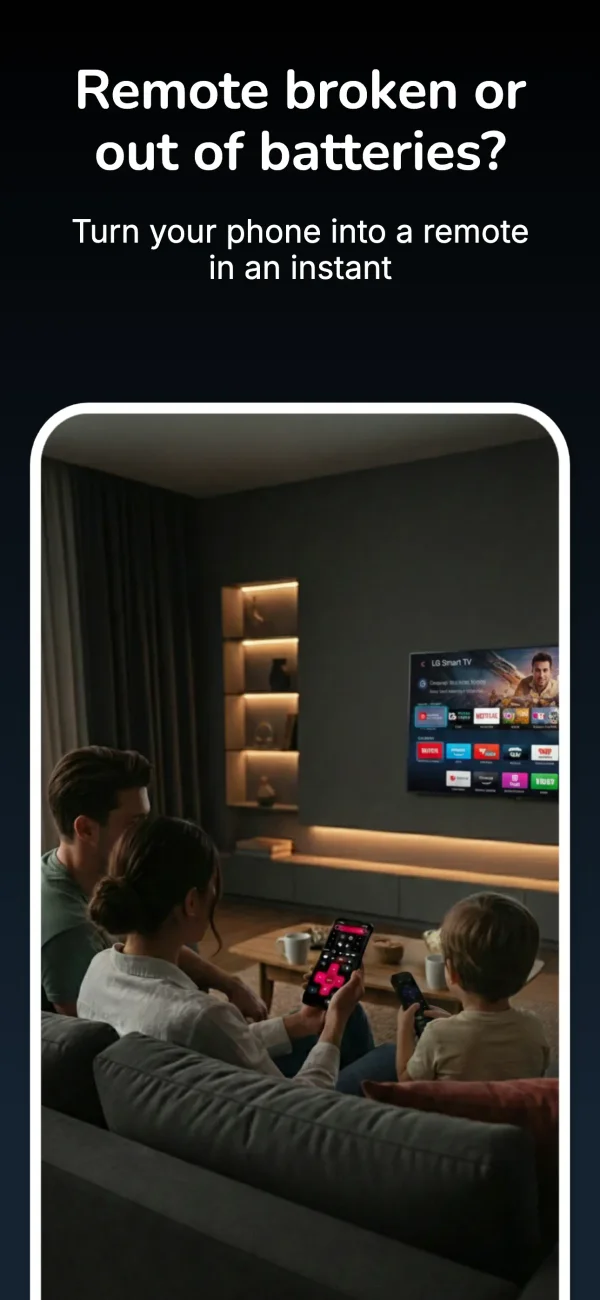
Lost the remote? Use your iPhone instead. Control your smart TV over Wi-Fi with a remote that is always in your pocket, and show your photos and videos on the big screen.
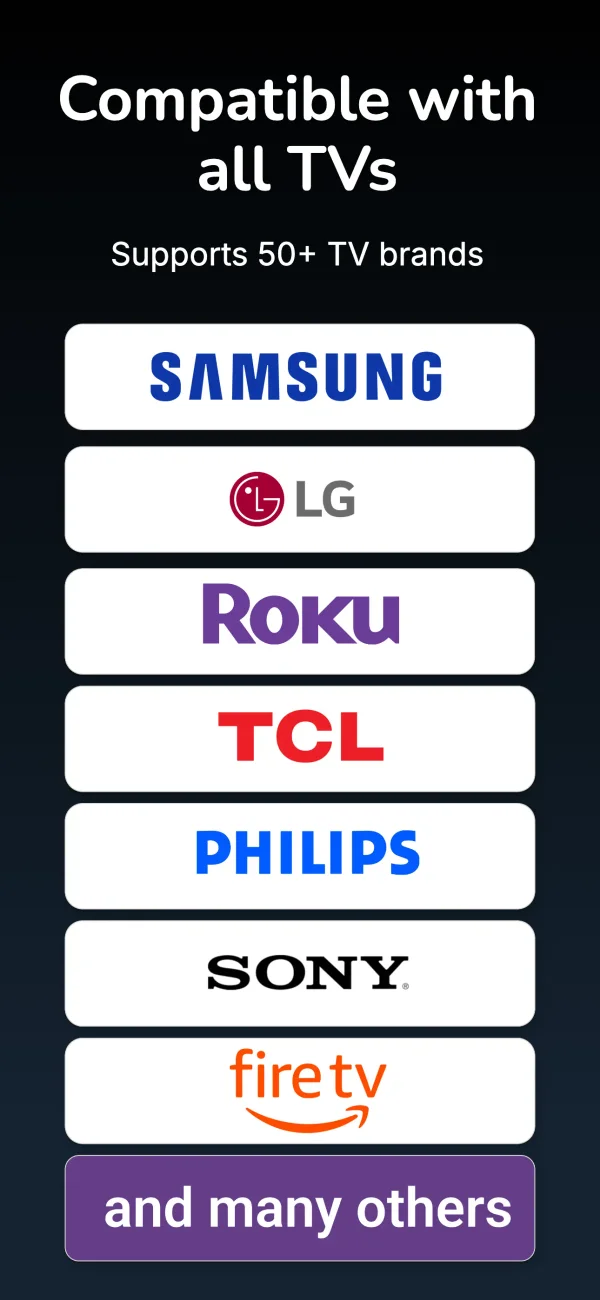
Works with your TV:
• Samsung smart TVs
• LG smart TVs
• Roku TV and Roku players
• Amazon Fire TV and Fire TV Stick
• Google TV models from Sony, TCL, Philips, Xiaomi and others
• Hisense VIDAA TVs
• Vizio smart TVs
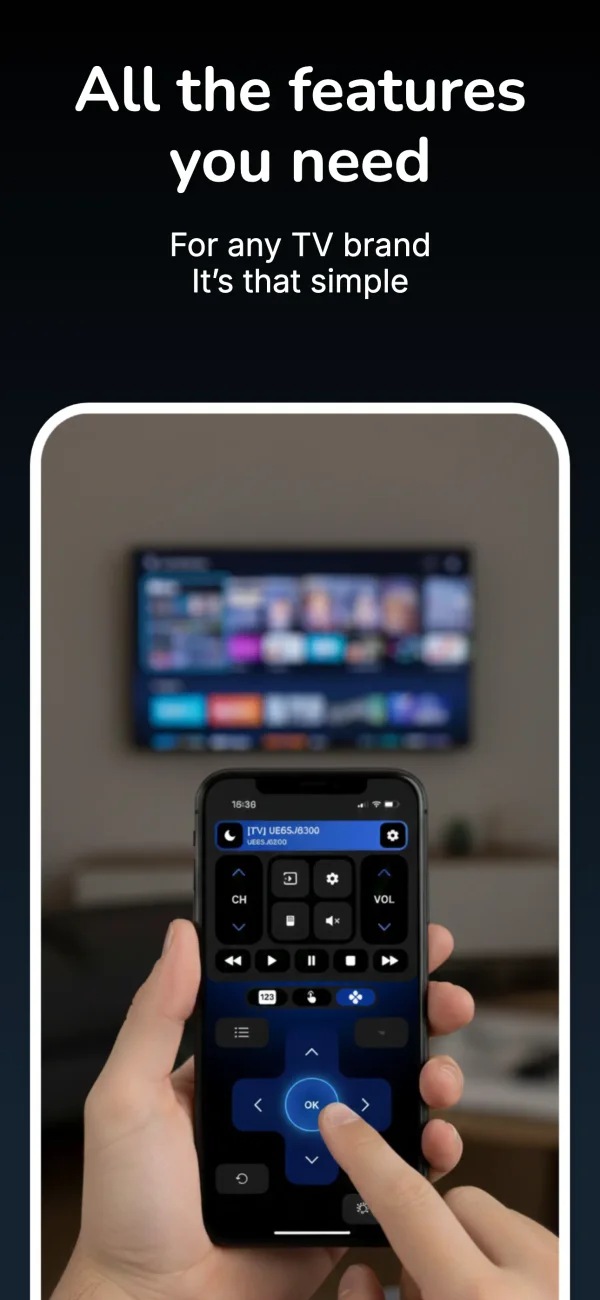
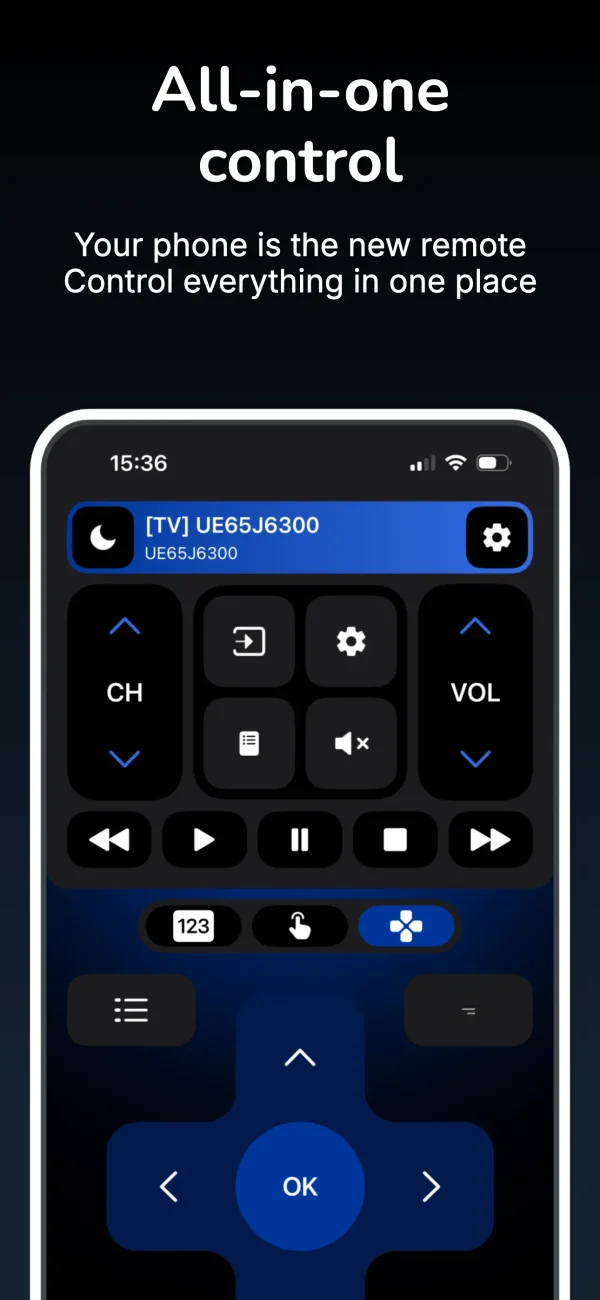
Everything a remote does, and more:
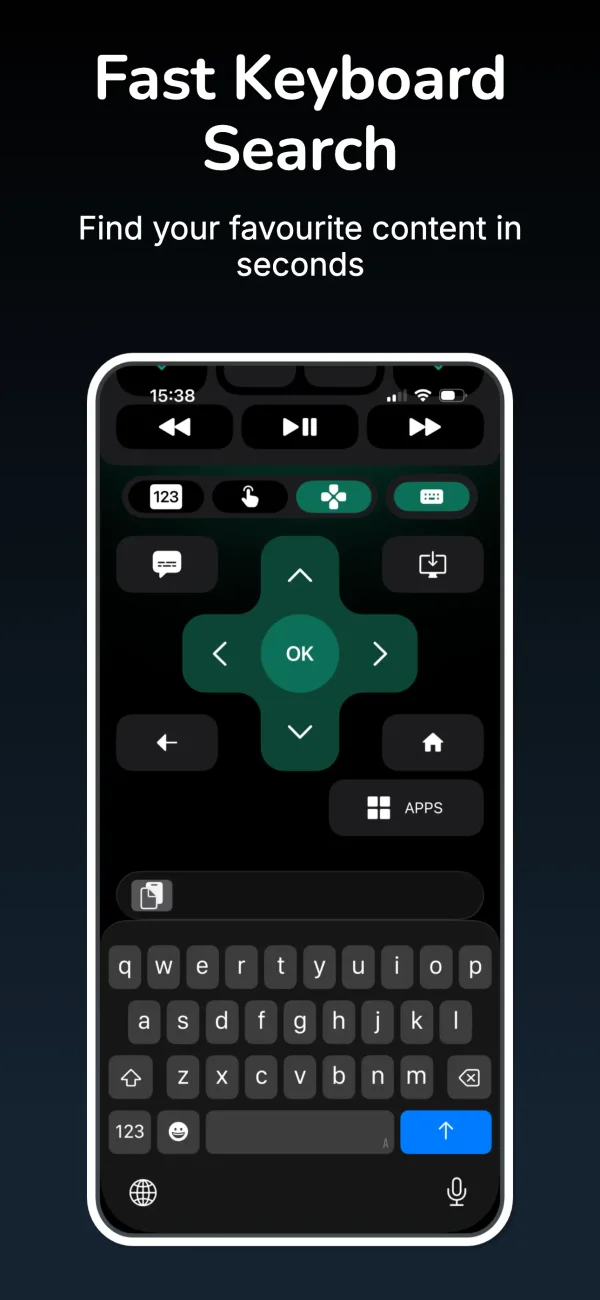
• Power, volume, channels, arrows and OK
• Touchpad for quick menu navigation
• Keyboard on your phone for searches, logins and passwords
• Number pad for channels
• Open your favorite streaming apps in one tap
• Show photos and videos from your iPhone on the TV
Simple to start:
1. Connect your iPhone and TV to the same Wi-Fi.
2. Open the app. It finds your TV by itself.
3. Choose your TV and start controlling it.
You can check that it works with your TV and try the main features before you buy. Premium unlocks every feature: choose a weekly, monthly or yearly subscription, or a one-time lifetime purchase.
Subscription information: payment is charged to your Apple ID when you confirm the purchase, or after the free trial if one is offered. Subscriptions renew automatically unless auto-renew is turned off at least 24 hours before the end of the current period. You can manage subscriptions and turn off auto-renew in your App Store account settings.
This app is an independent product and is not affiliated with, sponsored by or endorsed by Samsung, LG, Roku or any other TV brand mentioned.
Support: support@zentera.io
Privacy Policy: https://zentera.io/privacy-policy.html
Terms of Use: https://zentera.io/terms-of-use.html
What’s new
Version 1.2.0 · Nov 24, 2026
You can now see what's playing in your gallery on the Lock Screen, making it easier to follow along and stay in control while casting. Live Activity updates are now more organized for a smoother experience. On iPad, subscription management now appears in a centered sheet that adapts to any window size.
For Samsung TVs:
- 2014 and 2015 models no longer get stuck reconnecting; pairing is now quicker and more reliable
- Model year alerts appear only when needed, and 2025 Neo QLED TVs are correctly recognized
In general, finding your TV and continuing playback is more reliable, and the app handles reconnects and updates with improved clarity.
Thank you for using the app.
App privacy
What Zentera Pty Ltd declares on the App Store about how this app handles data.
-
Data linked to you
May be collected and linked to your identity.
- Identifiers
-
Data not linked to you
May be collected but is not linked to your identity.
- Purchases
- Usage data
- Diagnostics
Privacy practices may vary, for example with the features you use or your age.
Information
- Seller
- Zentera Pty Ltd
- Category
- Utilities
- Version
- 1.2.0
- Updated
- Nov 24, 2026
- Released
- Feb 6, 2026
- Size
- 79.3 MB
- Requires
- iOS 16.4 or later
- Age rating
- 4+
- Price
- Free
- In-app purchases
- Yes
- Languages
- English, French, German, Japanese, Korean, Portuguese, Russian, Spanish
- Copyright
- © 2026 Zentera Pty Ltd
You might also like
-
 TV Remote — Universal ControlRemote for Smart TVs & TV Box
-
 TV Remote – Smart ControlEasy Remote Control from Phone
-
 Screen Mirroring・View Smart TVMirror Stream・Share Video Cast
-
 TV Remote Control PlusRemote Control for All TVs
-
 SmartRemote: TV ControllerSmart TV, Soundbar & Projector
-
 TV Remote · Universal CastControl Samsung LG Sony Roku
-
 TVRemoteX: Universal TV RemoteNo Ads, Widgets & Apple Watch
-
 Screen Mirroring for MiracastScreen Share & Chromecast TV
-
 TV Remote. Universal Control.Remote Control for TV
-
 TV Remote: Smart WiFi ControlUniversal Controller App