Smart Switch: Transfer My Data
Smart Transfer with Clone App
Designed for iPhone, iPod touch
Free · In-app purchases
- Age rating4+
- CategoryUtilities
- DeveloperCoreBit Solutions
- LanguagesEnglish
- Size43.5 MB
Links to the official App Store page
Download.org hosts no file of Smart Switch: Transfer My Data. The button opens its official App Store page, published by CoreBit Solutions. Listing last checked on Nov 23, 2026.
Screenshots

About
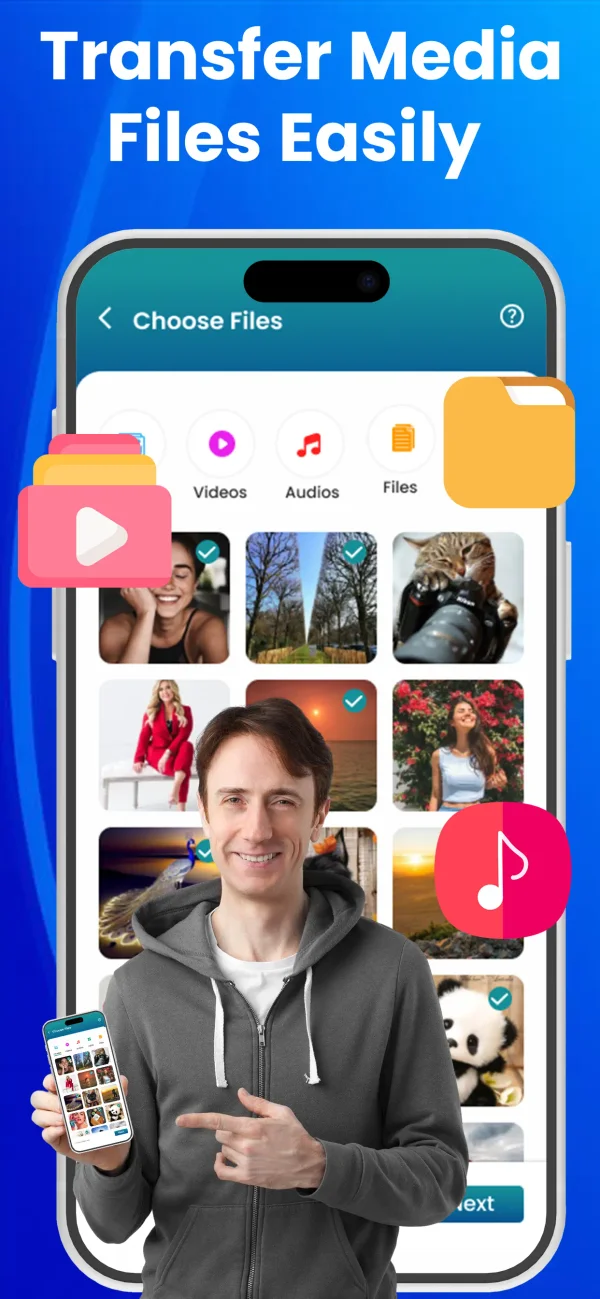
If you want to change your phone or your phone gets damaged, there’s no need to worry about losing your important information. Smart Switch: Transfer My Data is the simplest and most reliable way to move your photos, videos, audios, and files to a new phone. With a few quick taps, securely transfer everything you need with the Copy My Data app.
Phone Clone App is a fast and secure solution for moving to a new device without stress. Transfer photos, videos, and audio in easy steps. Easily send data from your old phone to a new one or receive data from another device with the data transfer app. Whether you’re upgrading your phone, switching between devices, or backing up important files, the Copy My Data app ensures smooth and reliable transfers every time.
Main Features of Smart Switch: Transfer My Data:
High-Speed Data Sharing
Clone Phone
Smart Transfer
Receive Files
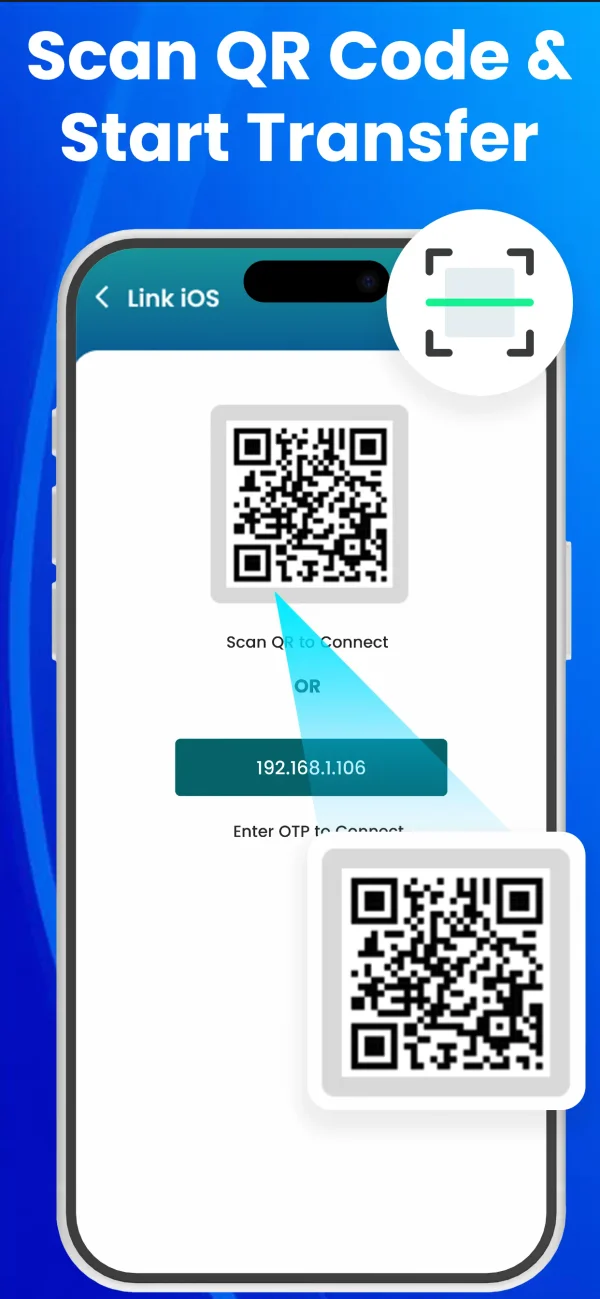
Seamless QR Code Transfer
View Storage History
High-Speed Data Sharing
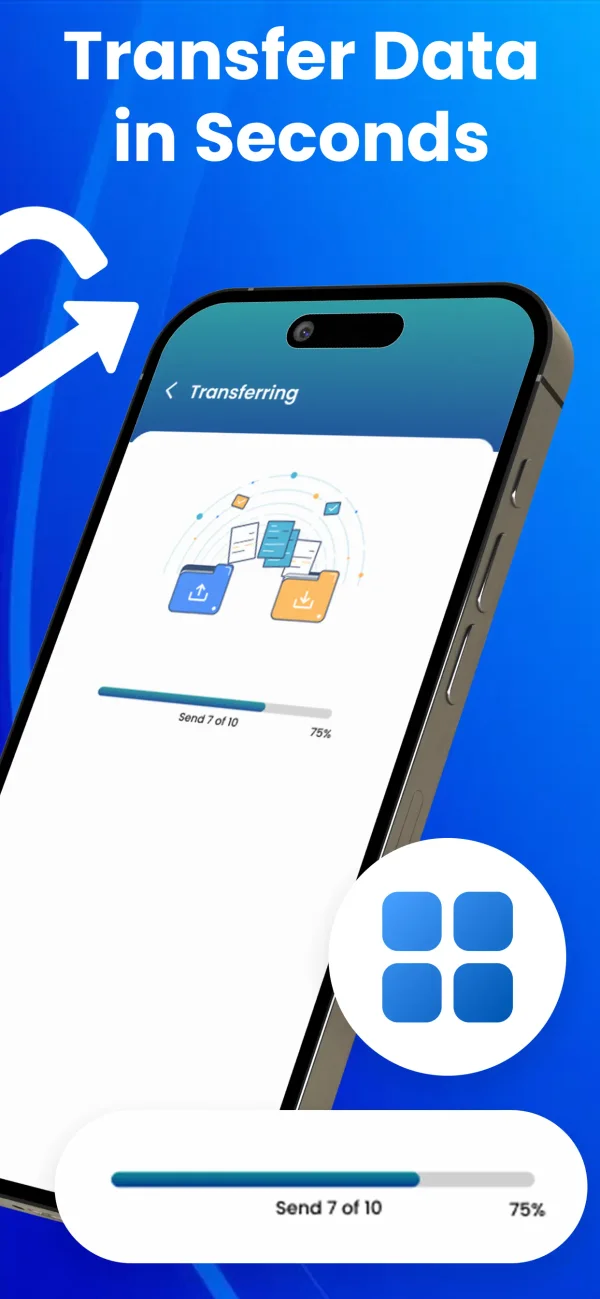
Enjoy high-speed data sharing like never before. With just some taps, transfer your photos and videos in seconds through the phone clone app.
Clone Phone:
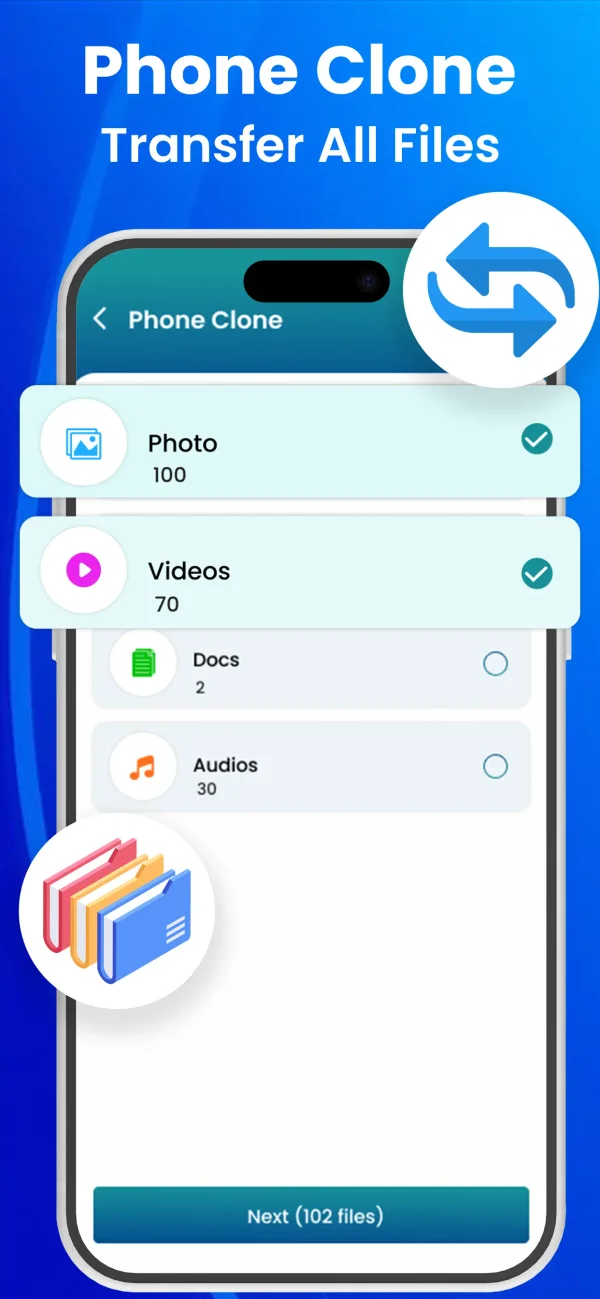
Experience a smarter way to switch phones with quick and secure data transfer. Seamlessly move your photos, music, and more in just a few easy steps with Smart Switch.
Smart Transfer:
With Smart Switch: Transfer My Data, switching devices is no longer a worry. Effortlessly copy your files to any phone, ensuring your important data moves with you securely and instantly.
Receive Files
Smart Transfer makes it easy to collect photos, videos, and documents from any device in seconds. With fast speed and secure transfer, your data arrives safely every time—no cables, just seamless sharing.
Seamless QR Code Transfer
Quickly move your data with just a scan using the Phone Clone app. Generate a QR code on one device and scan it on another to instantly transfer photos, videos, and more. No cables needed, just fast, secure, and seamless sharing.
View Storage History
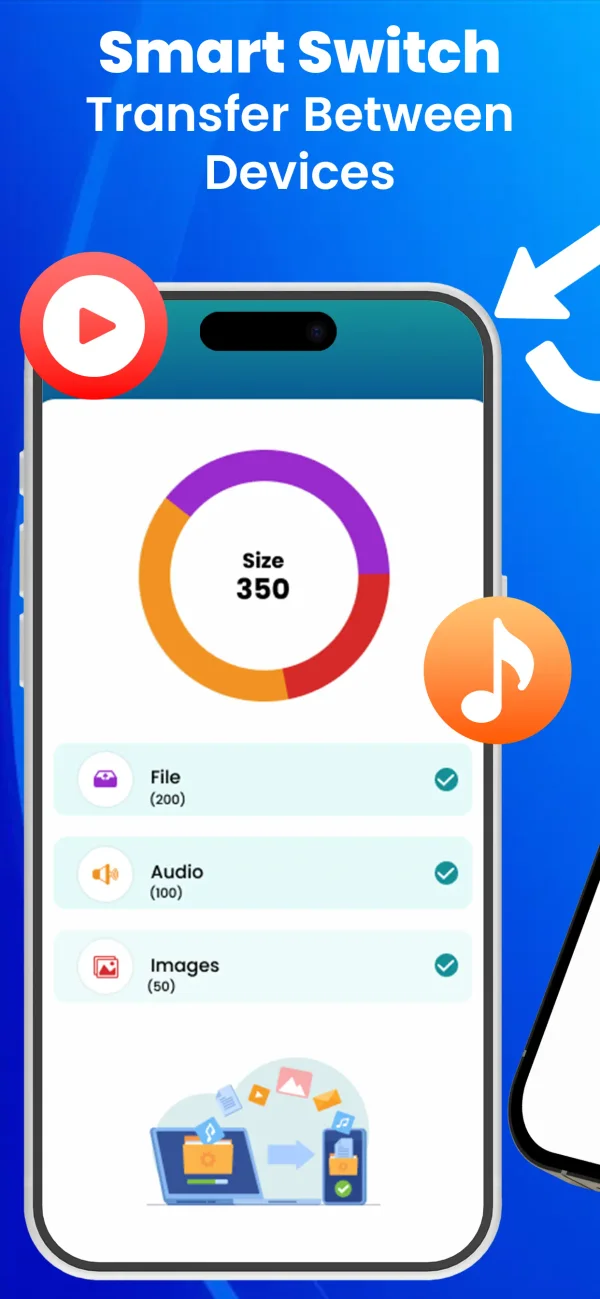
Get a clear view of your phone’s storage with detailed insights. See how much space is used by photos, videos, and documents, and manage your files smarter and more efficiently with the Smart Switch app.
Some Benefits of Smart Switch: Transfer My Data
No Cables Needed: Transfer data wirelessly.
All-in-One Solution: Transfer photos, videos, audio, and documents in one go.
Time Saver: Complete data transfers in just a few simple steps.
Safe & Secure: Your data stays protected during data transfer.
Device Upgrade Made Easy: Smart Switch to a new phone without losing your important files.
Effortless Sharing: Send or receive any file instantly, anytime, anywhere.
Get Smart Switch: Transfer My Data now and move everything you love to your new phone in seconds! By using our app, you accept our Privacy Policy and Terms of Use.
Privacy Policy: https://sites.google.com/view/corebitsolutionsios/smart-switch/privacy-policy
Terms of Use: https://sites.google.com/view/corebitsolutionsios/smart-switch/terms-of-use
What’s new
Version 1.0.5 · Nov 5, 2026
Bug Fixes & Improvements
App privacy
What CoreBit Solutions declares on the App Store about how this app handles data.
-
Data used to track you
May be used to track you across apps and websites owned by other companies.
- Usage data
-
Data not linked to you
May be collected but is not linked to your identity.
- Usage data
- Diagnostics
Privacy practices may vary, for example with the features you use or your age.
Information
- Seller
- Simple Start Technologies
- Category
- Utilities
- Version
- 1.0.5
- Updated
- Nov 5, 2026
- Released
- Sep 30, 2025
- Size
- 43.5 MB
- Requires
- iOS 15.0 or later
- Age rating
- 4+
- Price
- Free
- In-app purchases
- Yes
- Languages
- English
- Copyright
- © 2025 CoreBit Solutions
You might also like
-
 Smart Switch: Copy my dataEffortless Data Transfer App
-
 Smart Switch | Copy My DataMove to iOS, Phone Transfer
-
 QR Code Reader: Code ScannerBarcode Scanner & Scan QR Code
-
 Data Transfer Move to OSMove Data from Phone to Phone
-
 Phone Cleaner - Clean AiCleanup duplicate photo, video
-
 Smart Switch - Phone CloneFast Data, Wifi Transfer
-
 Pics Clean: Free Up StorageSmart Photo Cleaner & Compress
-
 AI Phone Cleaner: CleanupSmart Photo & Video Clean
-
 AI Super Cleaner-Clean Up ProAI Photos Clean
-
 Storage Clean: Free Up SpacePhoto Video Cleaner & Compress