Data Transfer Move to OS
Move Data from Phone to Phone
Designed for iPhone, iPad, iPod touch
Free
- Age rating4+
- CategoryUtilities
- Developer嘉欣 黎
- LanguagesEnglish+ 15 more
- Size33.4 MB
Links to the official App Store page
Download.org hosts no file of Data Transfer Move to OS. The button opens its official App Store page, published by 嘉欣 黎. Listing last checked on Nov 27, 2026.
Screenshots
About
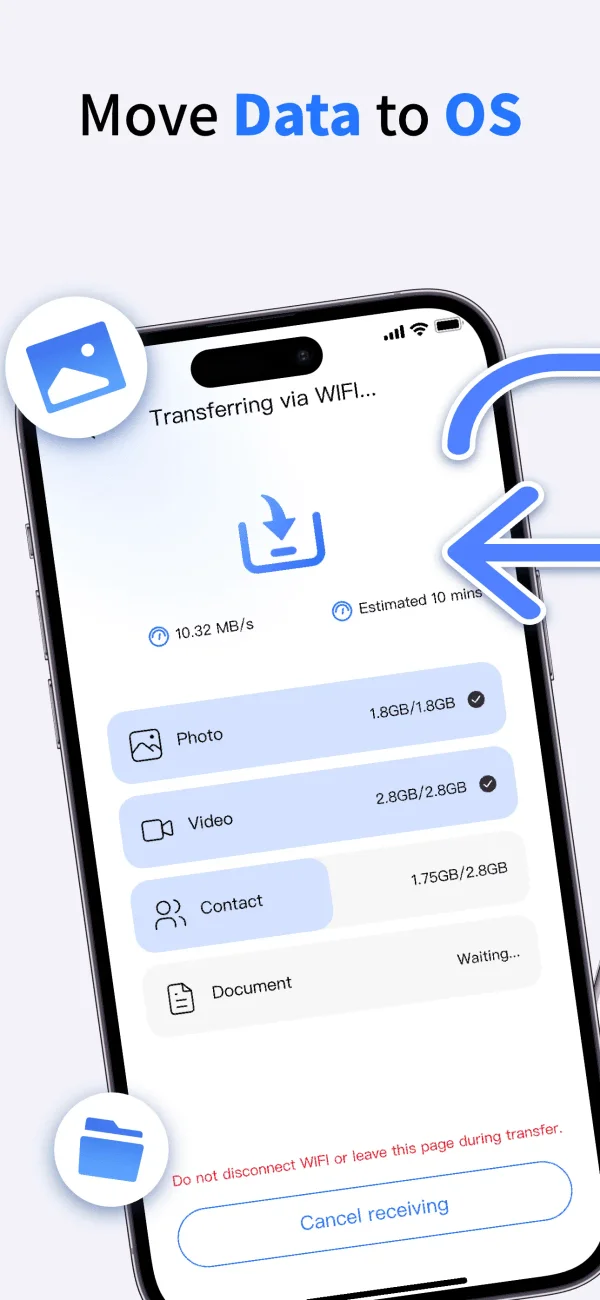
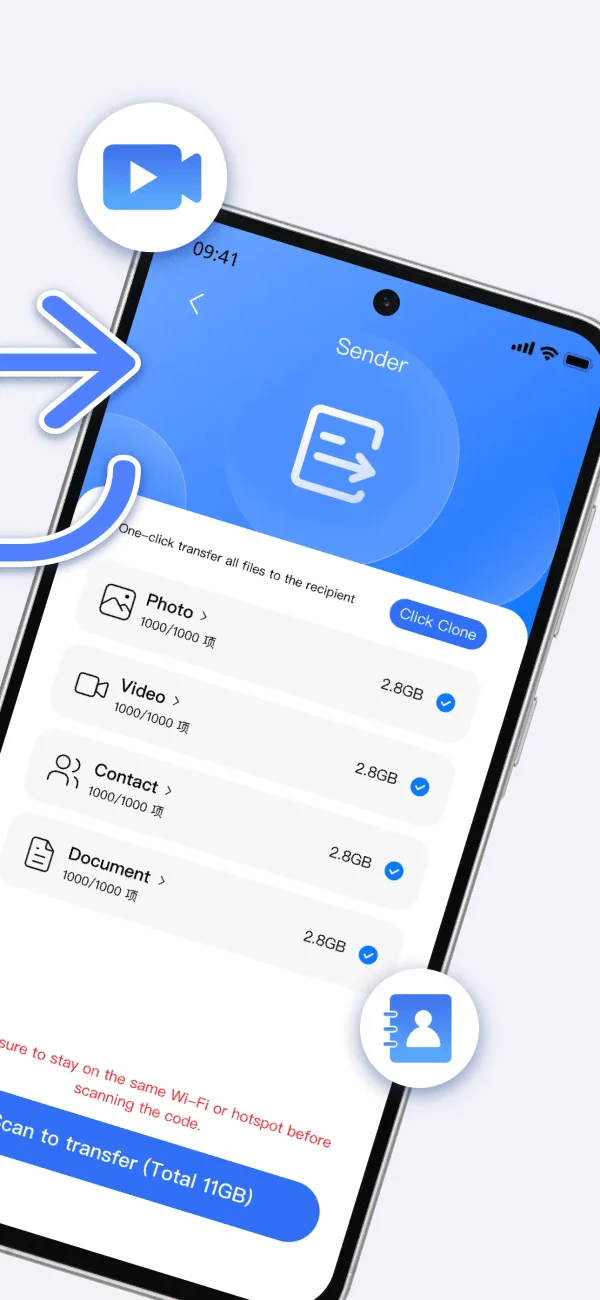
This app is an essential tool for your phone replacement process, allowing you to efficiently and securely transfer data such as contacts, photos, videos, documents, and more from your old phone to your new one. It is easy to use, supports one-click migration, requires no complex setup, and allows for a seamless transfer with just a few simple steps, making the phone switching process more convenient.
FEATURES
One Click Migration
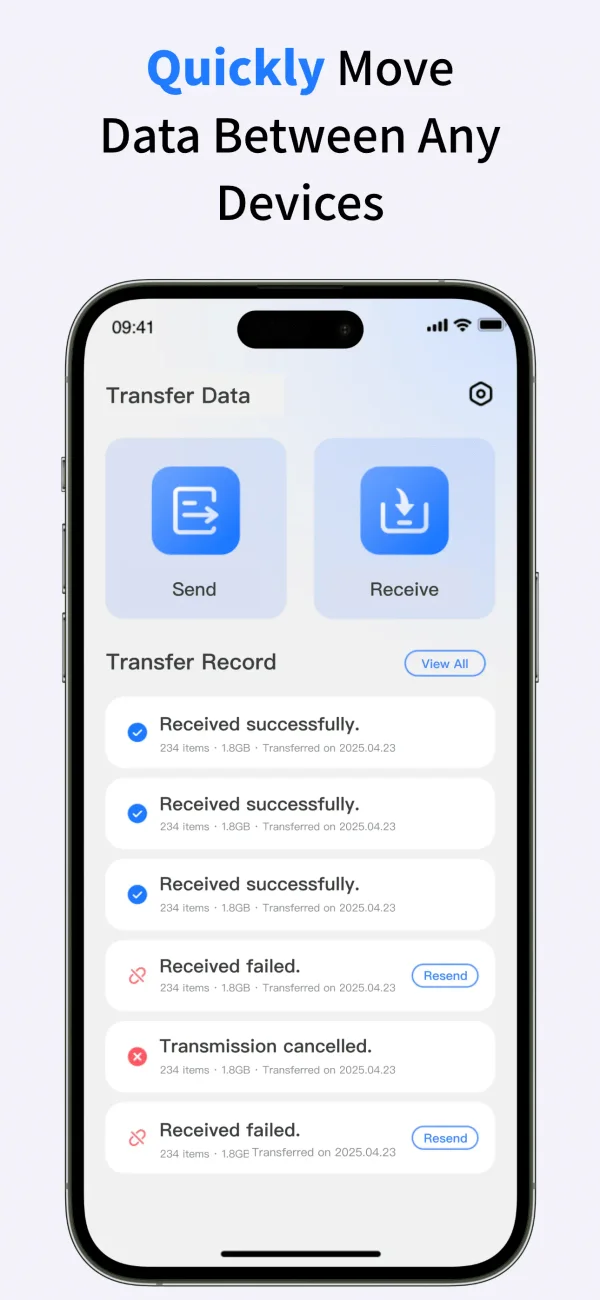
- With just a simple operation, you can transfer contacts, photos, videos, documents, and other data from your old phone to your new one in one click.
Wi-Fi Transfer
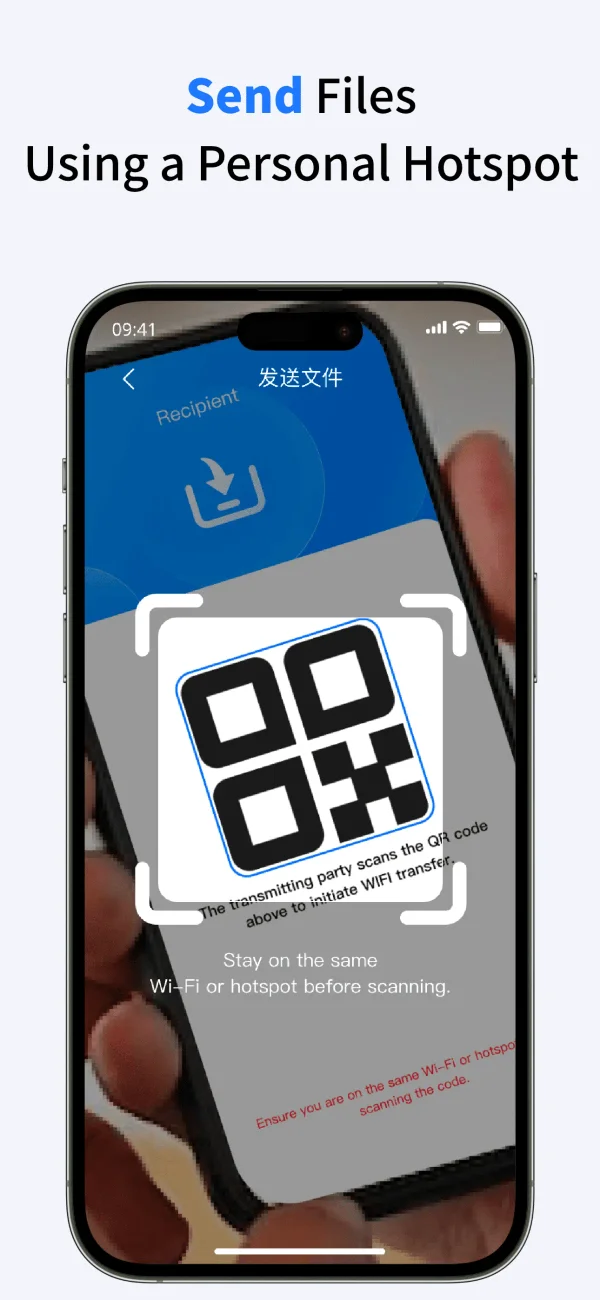
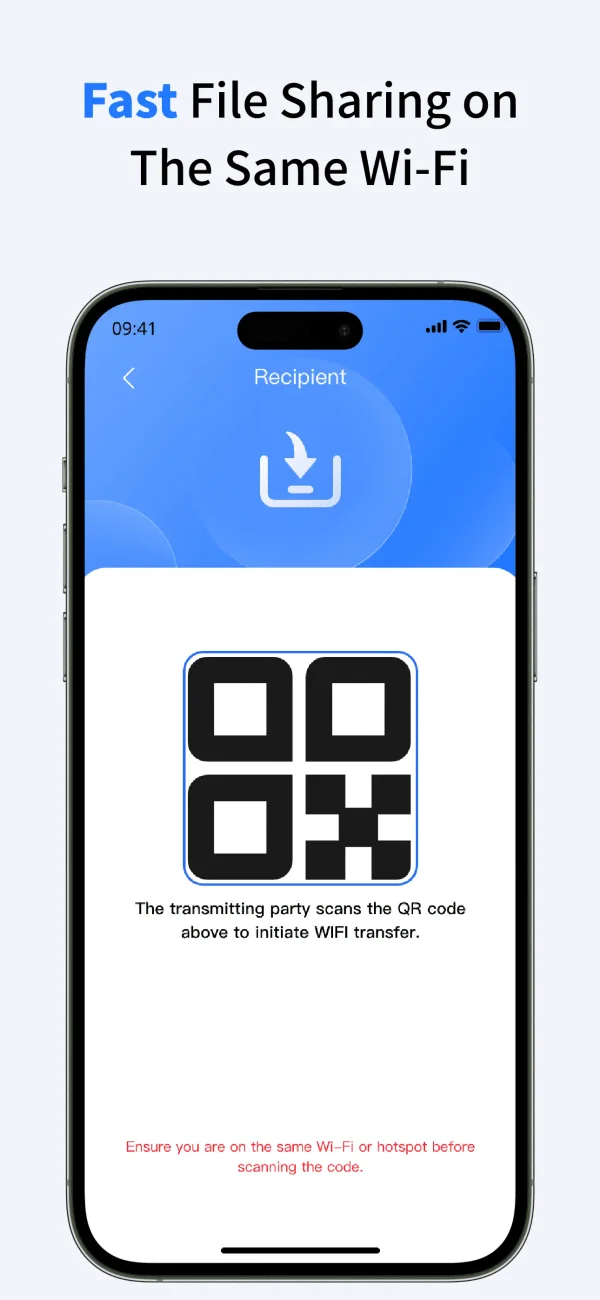
- When both the sending and receiving devices are on the same Wi-Fi network, users can scan a QR code to connect the devices and start the transfer. This method is fast and stable.
Hotspot Transfer
- If Wi-Fi is unavailable, you can create a hotspot to quickly transfer data from your old phone to your new one. Once both phones are connected to the same hotspot, scan the QR code to begin migration.
Comprehensive Support
- Supports the transfer of various data types, including contacts, photos, videos, documents, and other common files, catering to all your needs during phone replacement.
USE CASES
- Easily migrate data when switching phones, with no complicated steps just a few steps to complete the transfer.
- Users who need to quickly transfer large amounts of photos, videos, contacts, and other data.
- No need for a computer transfer data directly from phone to phone.
USAGE SCENARIOS
- When switching phones, quickly transfer data from the old device to the new one to avoid data loss.
- When devices are incompatible, use this app to achieve cross-device data migration.
Download now and experience the most convenient way to transfer data!
What’s new
Version 1.1 · Sep 20, 2026
- Added Quick Transfer.
- Added phone storage cleanup.
- Added the ability to resume transfers after an interruption.
- Fixed known issues and improved app responsiveness.
App privacy
What 嘉欣 黎 declares on the App Store about how this app handles data.
-
Data used to track you
May be used to track you across apps and websites owned by other companies.
- Identifiers
- Usage data
-
Data not linked to you
May be collected but is not linked to your identity.
- Identifiers
- Usage data
Privacy practices may vary, for example with the features you use or your age.
Information
- Seller
- 嘉欣 黎
- Category
- Utilities
- Version
- 1.1
- Updated
- Sep 20, 2026
- Released
- Jan 24, 2025
- Size
- 33.4 MB
- Requires
- iOS 15.6 or later
- Age rating
- 4+
- Price
- Free
- Languages
- English, Arabic, French, German, Indonesian, Italian, Japanese, Korean, Portuguese, Russian, Simplified Chinese, Spanish + 4 more
- Copyright
- © JIAXIN
You might also like
-
 Smart Switch: Copy my dataEffortless Data Transfer App
-
 Data Transfer - MobileTransSmart Transfer: Clone Phone
-
 Copy My Data I Phone transferMove Contacts, Photos & Files
-
 Copy My Data - Mobile TransferSmart content transferring
-
 Smart Switch | Copy My DataMove to iOS, Phone Transfer
-
 Smart Switch: Transfer My DataSmart Transfer with Clone App
-
 Quick Share : File SharingNearby Share, Wireless Sharing
-
 Smart Transfer AppCopy Contacts, Photos & Videos
-
 Smart Switch - Phone CloneFast Data, Wifi Transfer
-
 Samsung Smart Switch MobileUtilities