
- Age rating4+
- CategoryProductivity
- DeveloperMBP Enterprises LTD
- LanguagesEnglish
- Size22.8 MB
Links to the official App Store page
Download.org hosts no file of Smarteaming. The button opens its official App Store page, published by MBP Enterprises LTD. Listing last checked on Nov 18, 2026.
Screenshots


About
No more "Am I working Saturday?"
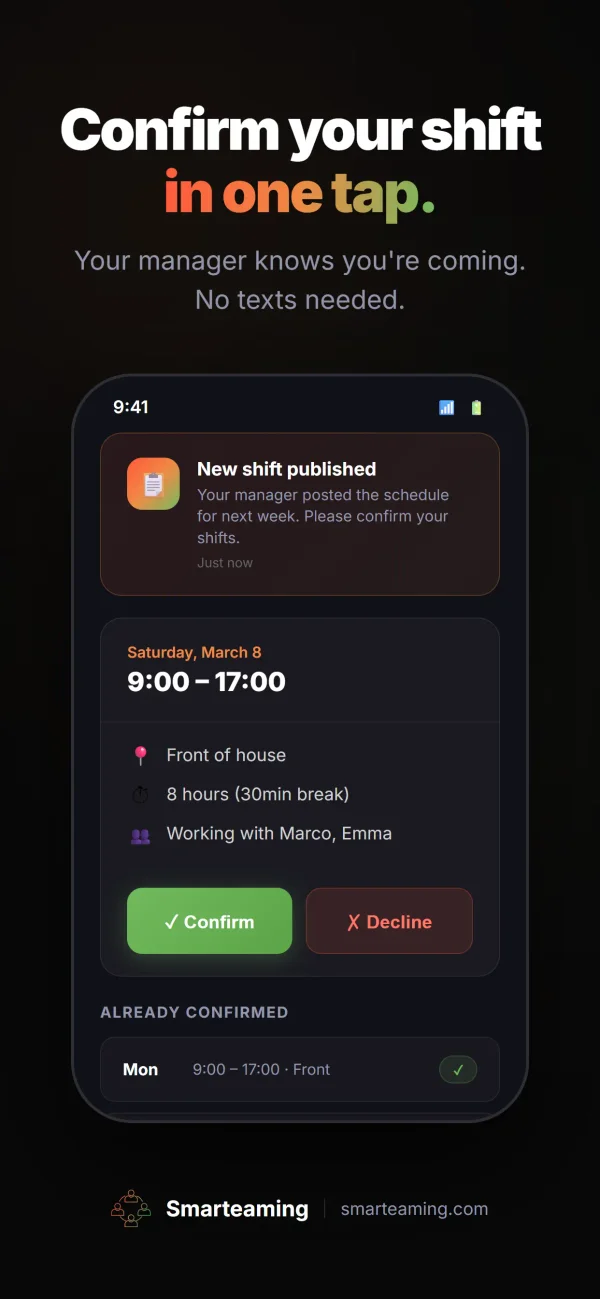
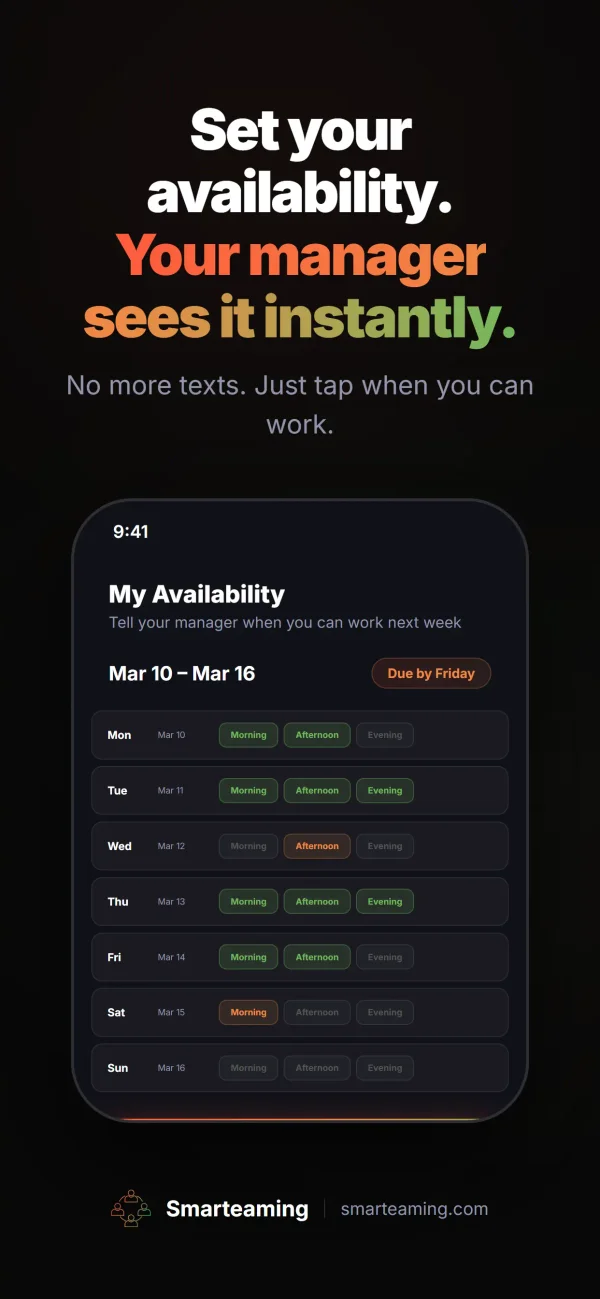
Smarteaming lets your team check their schedule, confirm shifts, and submit availability — without texting the manager.
For employees:
- See your weekly schedule at a glance
- Confirm or decline shifts in one tap
- Submit your availability for next week
- Get notified when the schedule is published or changed
- Know your total hours before payday
For managers:
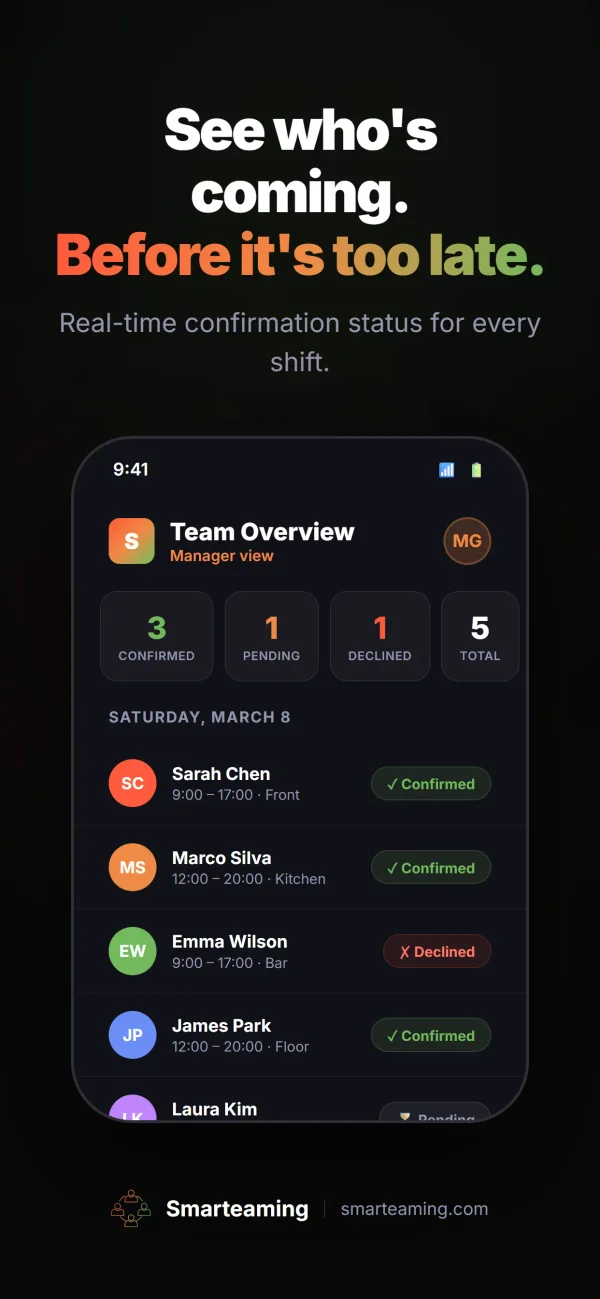
- See who confirmed, who declined, and who hasn't responded yet
- Spot gaps early enough to find cover
- Stop chasing people over WhatsApp
- Build schedules on the web, track confirmations on your phone
How it works:
1. Your manager publishes next week's schedule
2. You get a notification
3. You tap confirm or decline
4. Done. No calls, no texts, no guessing.
Built for restaurants, retail, and any team that runs on shifts.
Free to try. No credit card needed.
What’s new
Version 2.2.3 · Mar 29, 2026
PDF reading and download correction
App privacy
What MBP Enterprises LTD declares on the App Store about how this app handles data.
-
Data not linked to you
May be collected but is not linked to your identity.
- Contact info
- Other data
Privacy practices may vary, for example with the features you use or your age.
Information
- Seller
- MBP Enterprises LTD
- Category
- Productivity
- Version
- 2.2.3
- Updated
- Mar 29, 2026
- Released
- Jul 21, 2024
- Size
- 22.8 MB
- Requires
- iOS 15.1 or later
- Age rating
- 4+
- Languages
- English
- Copyright
- © 2026 Smarteaming
You might also like
-
 Volter Electrical DiagramsFor the Belgian AREI code
-
 Notes Book PROOrganize, create, lock.
-
 RuchéoConnectProductivity
-
 MobminderProductivity
-
 StudeProductivity
-
 LED Text Banner : Scroll LEDScrolling LED Text Display
-
 24 Hours Schedule Management1 Hour 1 Line 1 Day 24 Hours
-
 MonstockGestion des stocks
-
 Sibelius KeyPadfor Apple Mac and PC computers
-
 Lyria: Projects & TasksTeam Planner & Time Tracker