
Sibelius KeyPad
for Apple Mac and PC computers
Designed for iPhone, iPad
Free · In-app purchases
- Age rating4+
- CategoryProductivity
- DeveloperRemote Sunrise LTD
- LanguagesEnglish+ 32 more
- Size52.7 MB
Links to the official App Store page
Download.org hosts no file of Sibelius KeyPad. The button opens its official App Store page, published by Remote Sunrise LTD. Listing last checked on Nov 23, 2026.
Screenshots
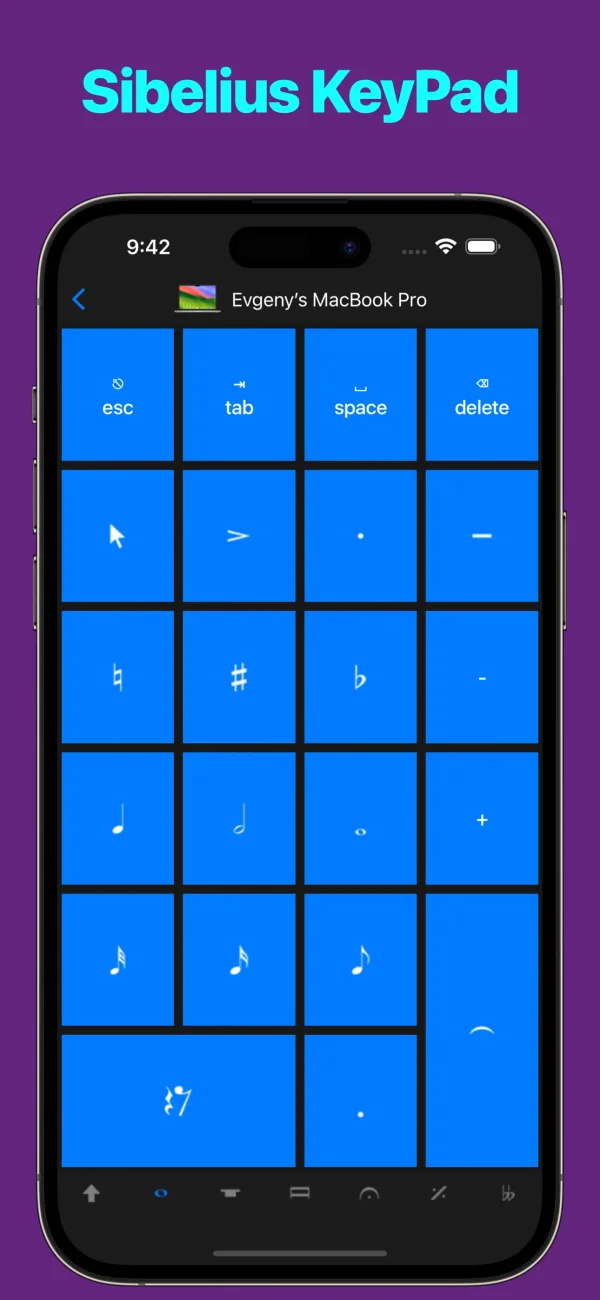
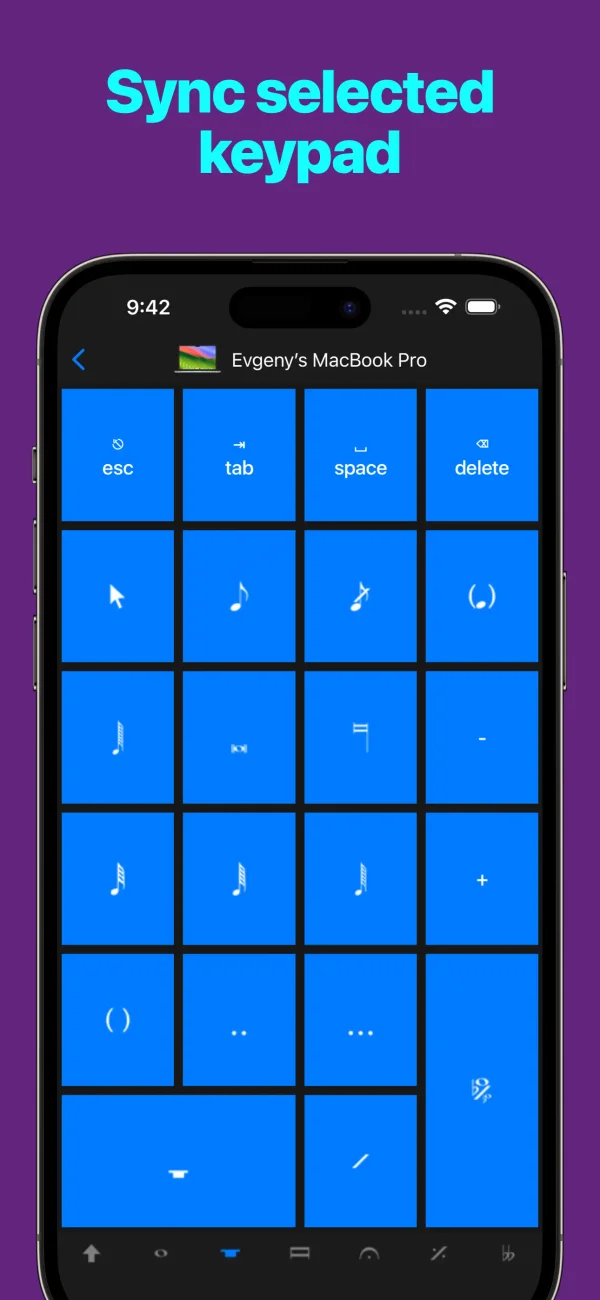
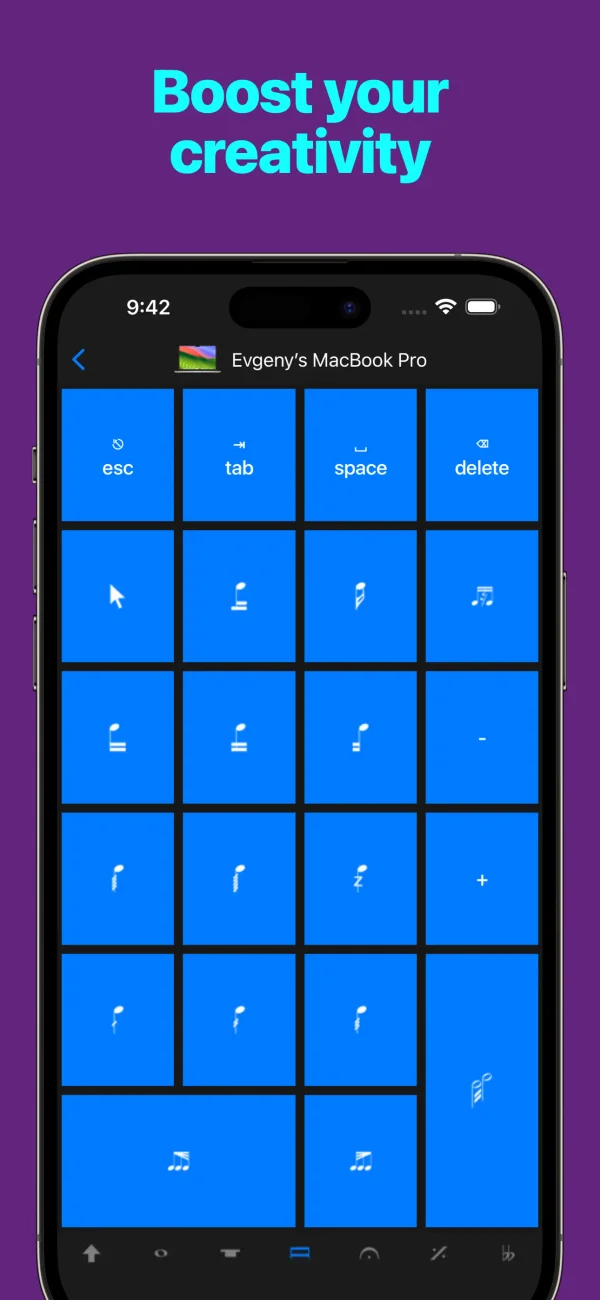

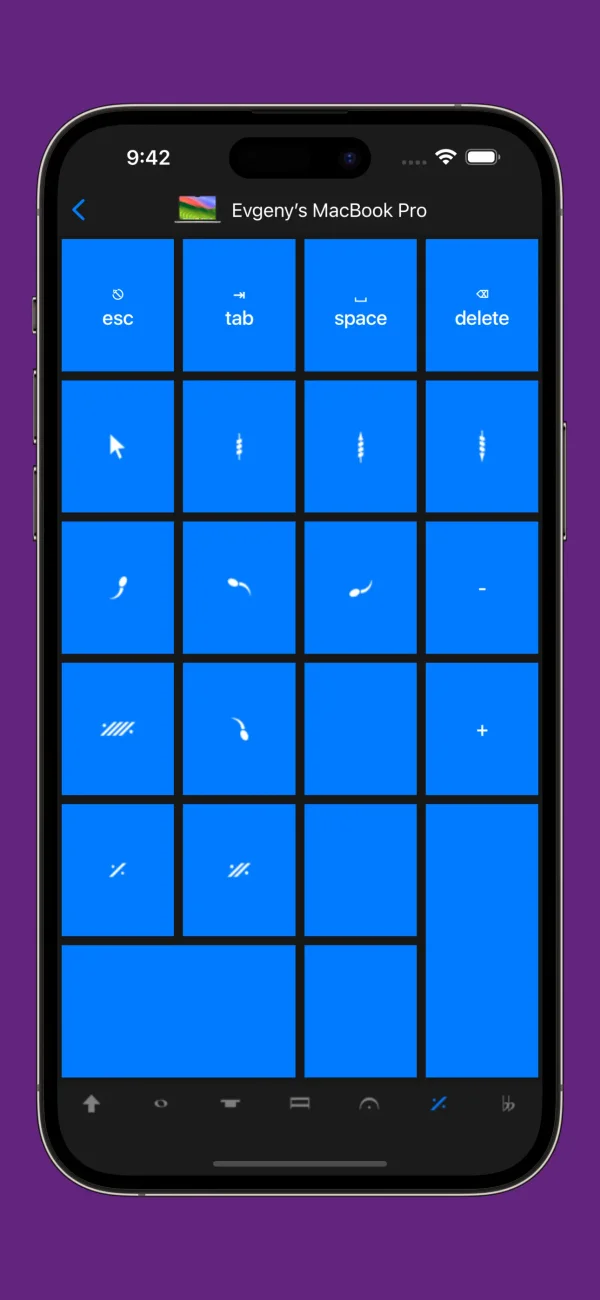
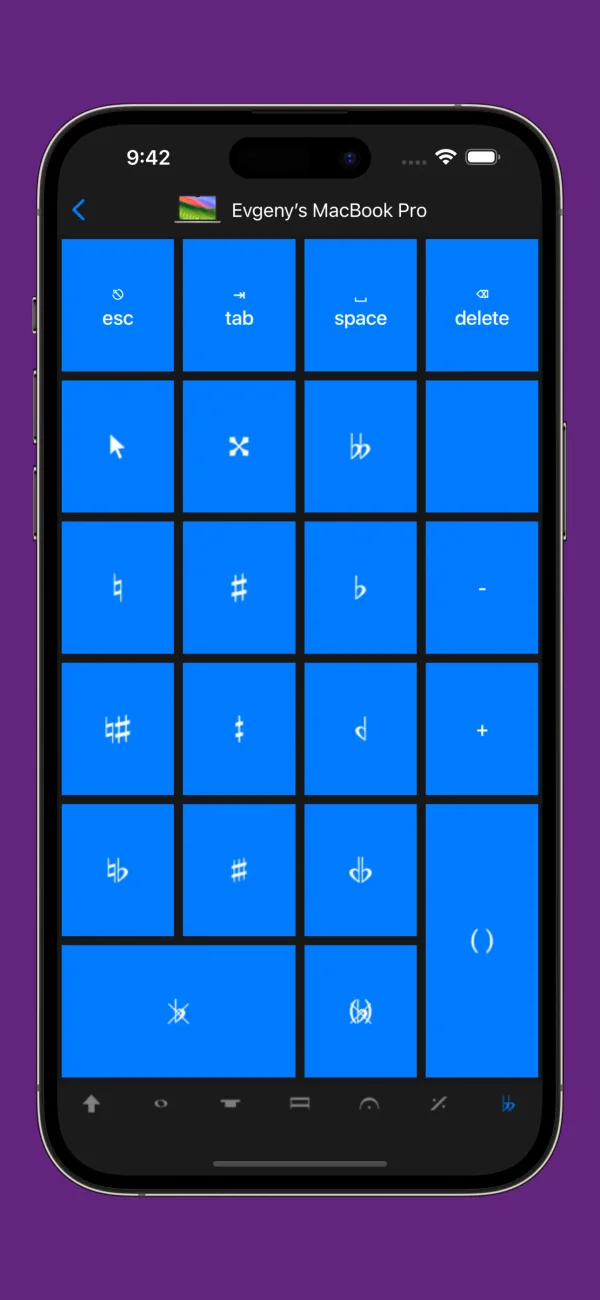
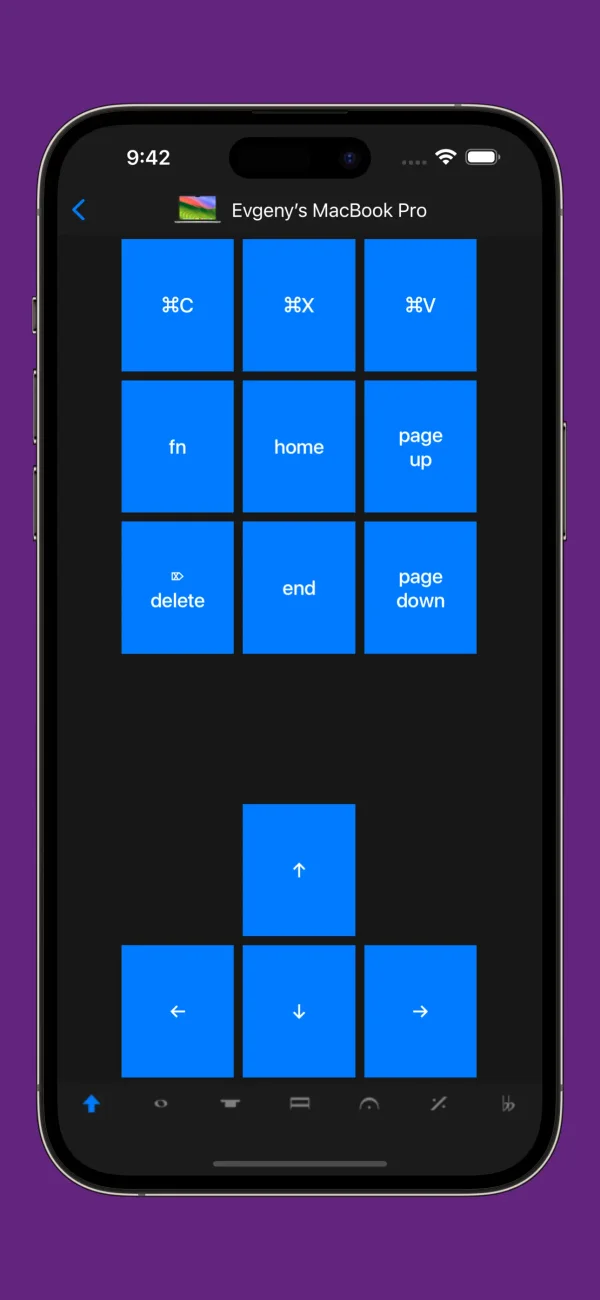
About
Sibelius KeyPad turns your iPhone or iPad into a dedicated notation keypad for Sibelius.
Keep the controls you use most close at hand while you compose, arrange, and edit. Connect over Wi-Fi, choose the keypad you need, and send notation shortcuts to Sibelius on your Mac or Windows PC.
Made for scoring
- Common Notes
- More Notes
- Beams and Tremolos
- Articulations
- Jazz Articulations
- Accidentals
Customize your workflow
- Assign keyboard shortcut actions to keypad buttons
- Choose the shortcut sent when switching each keypad tab
- Reset keypads to factory settings any time
- Automatically switch keypads in Sibelius based on your selection
Simple setup
- Works with Sibelius for Mac and Windows
- Connect over Wi-Fi or Personal Hotspot
- Set up in three quick steps
- No direct line of sight required
System Requirements
- iPhone or iPad
- Sibelius for Mac or Windows
- Mac: macOS 10.13 or later with helper app
- Windows: Windows 7 or later with helper app
- Shared Wi-Fi network or Personal Hotspot
Helper app
Requires the free helper app for Mac or Windows: https://rs.ltd/get
Ratings are like gold for indie developers like me - please give the app a quick rating on the App Store.
• Privacy policy can be found at https://www.cherpake.com/privacy
• Terms and Conditions can be found at https://www.cherpake.com/terms
What’s new
Version 2026.59 · Nov 10, 2026
* [NEW] Customize the shortcut sent when switching to each keypad tab.
* [NEW] Edit MusicPad keypads by assigning keyboard shortcut actions to buttons.
* [FIX] Fixed an issue that could hide a Mac or PC in the device list when another computer was detected.
* [FIX] Fixed importing .rnpad keypad files from Files and other apps.
* [FIX] Kept automatic tab switching behavior while making it configurable.
* [NEW] Reset MusicPad keypads back to factory settings.
* [NEW] Updated onboarding and upgrade copy to explain MusicPad features more clearly.
App privacy
What Remote Sunrise LTD declares on the App Store about how this app handles data.
-
Data not linked to you
May be collected but is not linked to your identity.
- Identifiers
- Usage data
- Diagnostics
Privacy practices may vary, for example with the features you use or your age.
Information
- Seller
- Remote Sunrise LTD
- Category
- Productivity
- Version
- 2026.59
- Updated
- Nov 10, 2026
- Released
- Apr 2, 2018
- Size
- 52.7 MB
- Requires
- iOS 17.0 or later
- Age rating
- 4+
- Price
- Free
- In-app purchases
- Yes
- Languages
- English, Arabic, Catalan, Croatian, Czech, Danish, Dutch, Finnish, French, German, Greek, Hebrew + 21 more
- Copyright
- © 2025 Remote Sunrise LTD
You might also like
-
 MetaGrid ProTouch Control for Desktop Apps
-
 Pure Synth® PlatinumAll-In-One Rompler/Synthesizer
-
 Connect My ComputerDesigned for Mac computers
-
 FileCentral for iPhoneSimple file & cloud management
-
 VMouse - VNC Remote MouseWiFi mouse and keyboard
-
 AirDisk Pro: Photo TransferWireless File Transfer
-
 Phone Drive: File ManagerWi-Fi Transfer to PC & Mac
-
 2027 TMEA Clinic/ConventionProductivity
-
 Duet Air - Remote DesktopThe fastest Remote Desktop
-
 Addons - Scripts & AdblockUserscripts for Safari