
SmartScan AI
OCR, Translate, AI Chat, Scan
Designed for iPhone, iPad, iPod touch
Free · In-app purchases
- Age rating4+
- CategoryProductivity
- DeveloperNaveen Vijay
- LanguagesEnglish+ 6 more
- Size16.9 MB
Links to the official App Store page
Download.org hosts no file of SmartScan AI. The button opens its official App Store page, published by Naveen Vijay. Listing last checked on Nov 18, 2026.
Screenshots



About
SmartScan AI: Scan, Translate, Edit & Export–Powered by AI
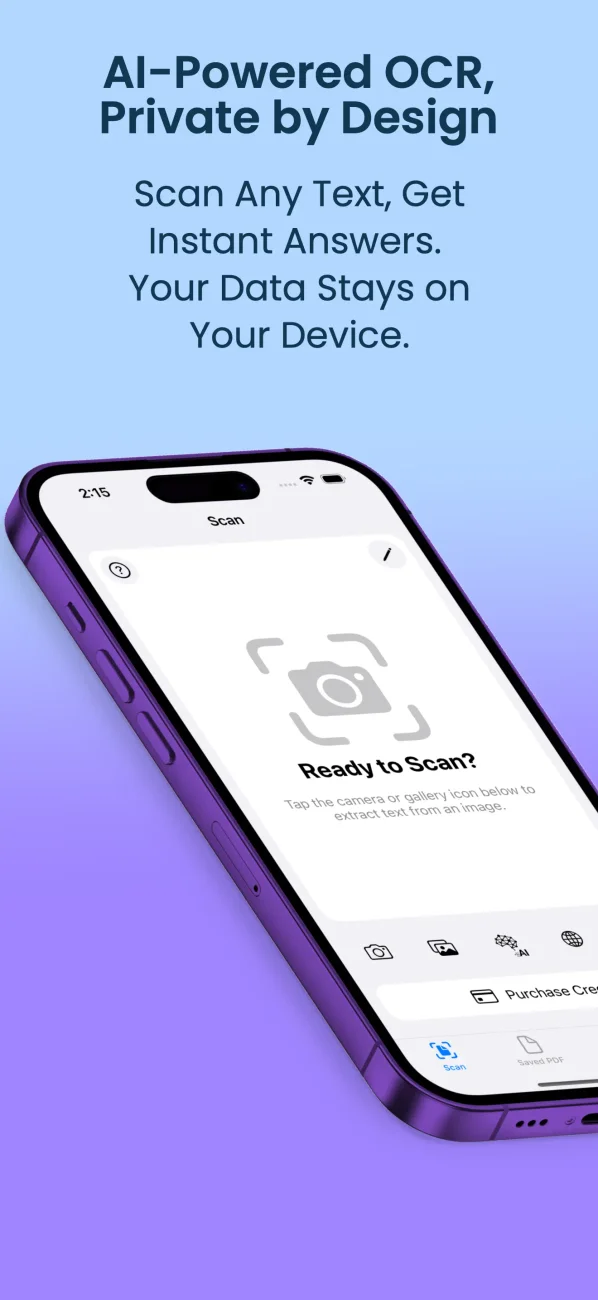
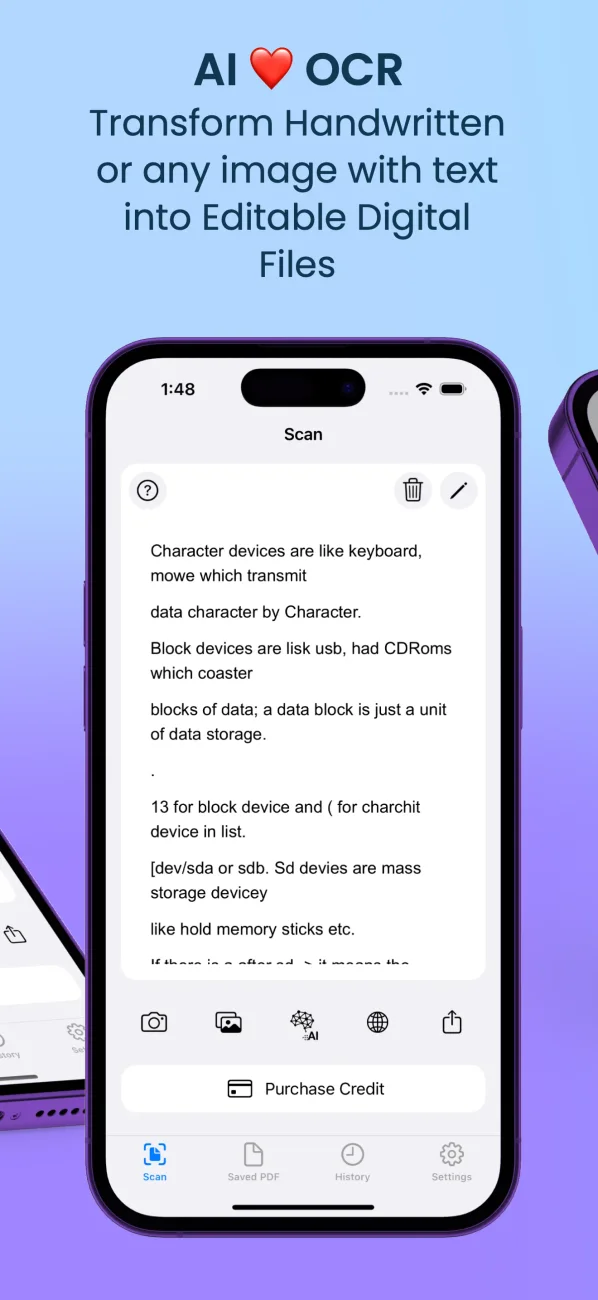
SmartScan AI is your intelligent OCR assistant for effortlessly extracting handwritten and printed text from images. Powered by advanced AI, it helps you translate text into over 150 languages and export it as editable files or professional PDFs.
Whether you’re digitizing notes, translating signs, or are tired of typing, SmartScan AI helps you work faster and smarter.
AI Assistant (New!)
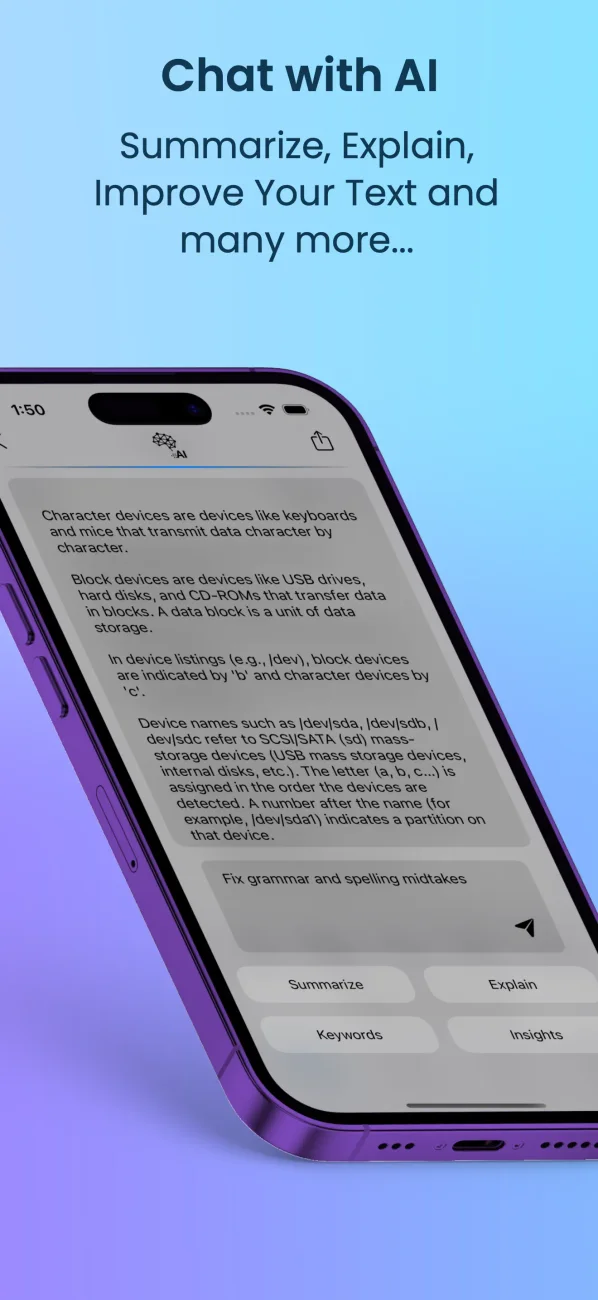
Free Chat Mode: Ask AI anything, not just about scanned text.
Summarize: Get concise summaries of long texts.
Explain: Break down complex text into simple language.
Keywords: Extract the most important terms instantly.
Insights: Discover key takeaways or action points.
Printed Text OCR
Instantly recognize printed text in over 150 languages — perfect for documents, books, labels, or signs. Includes Hindi, Arabic, Russian, Thai, and many more.
Handwritten Text Extraction
Turn notes, letters, forms, and whiteboards into a digital text with a single tap. Works across surfaces like sticky notes, notebooks, and more.
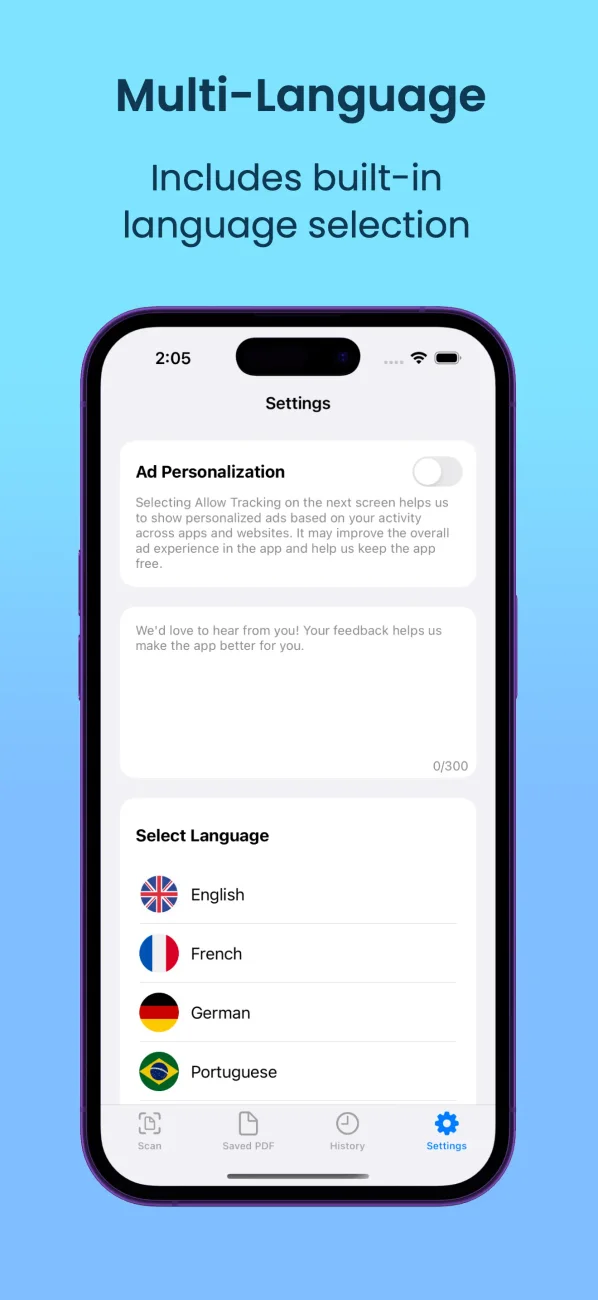
Languages: English, French, German, Spanish, Italian, Japanese, Chinese (Simplified), Korean, Portuguese.
AI-Powered Translation
Translate any scanned text into over 150 languages within seconds — no external apps needed.
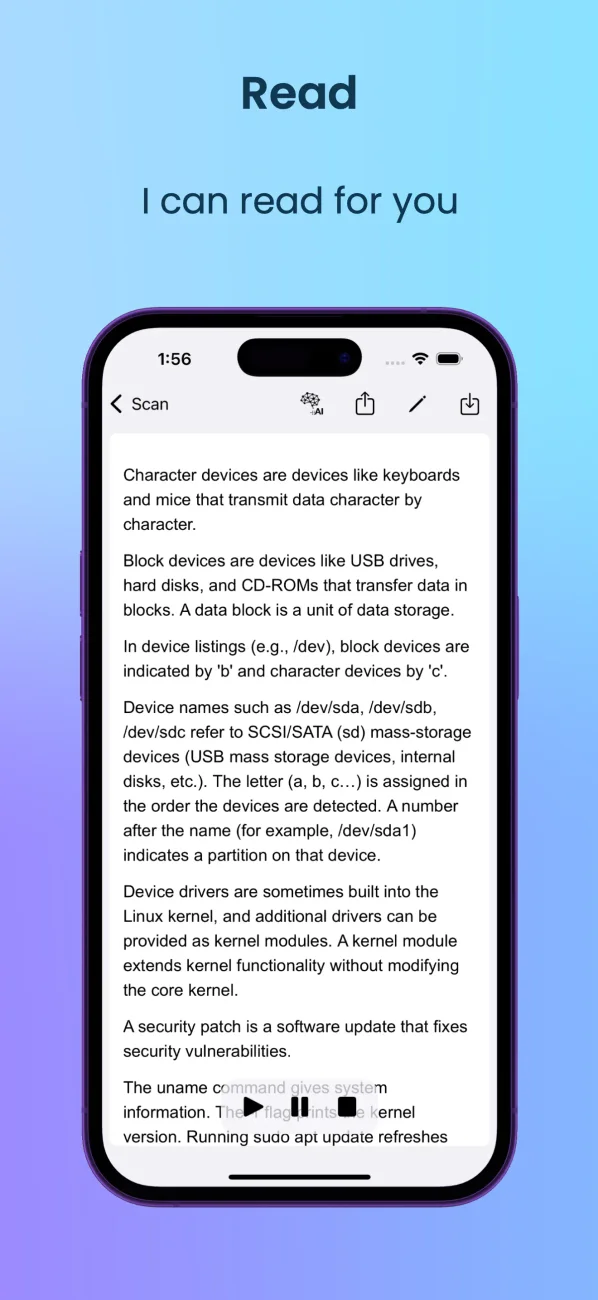
Text-to-Speech
Let the app read the extracted text aloud in 30+ languages. Ideal for studying, accessibility, and multitasking.
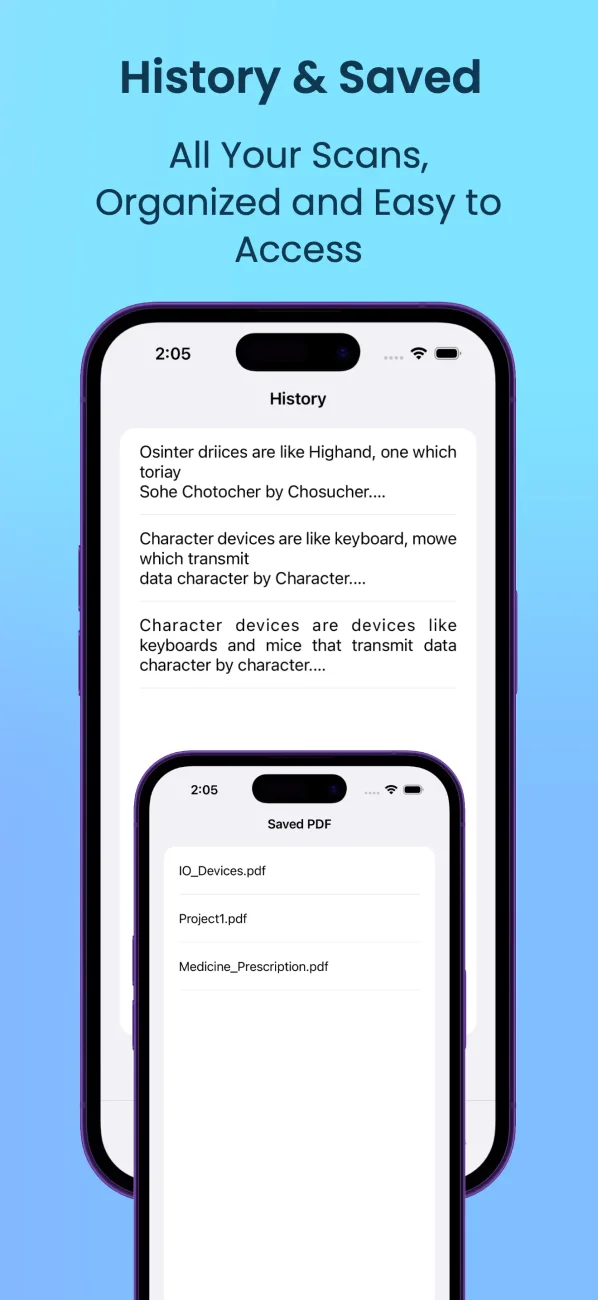
History & Editing Tools
All Ai, image scans are saved on your device. Share, edit text, add notes, preview PDFs, and manage your history with ease.
Export Options
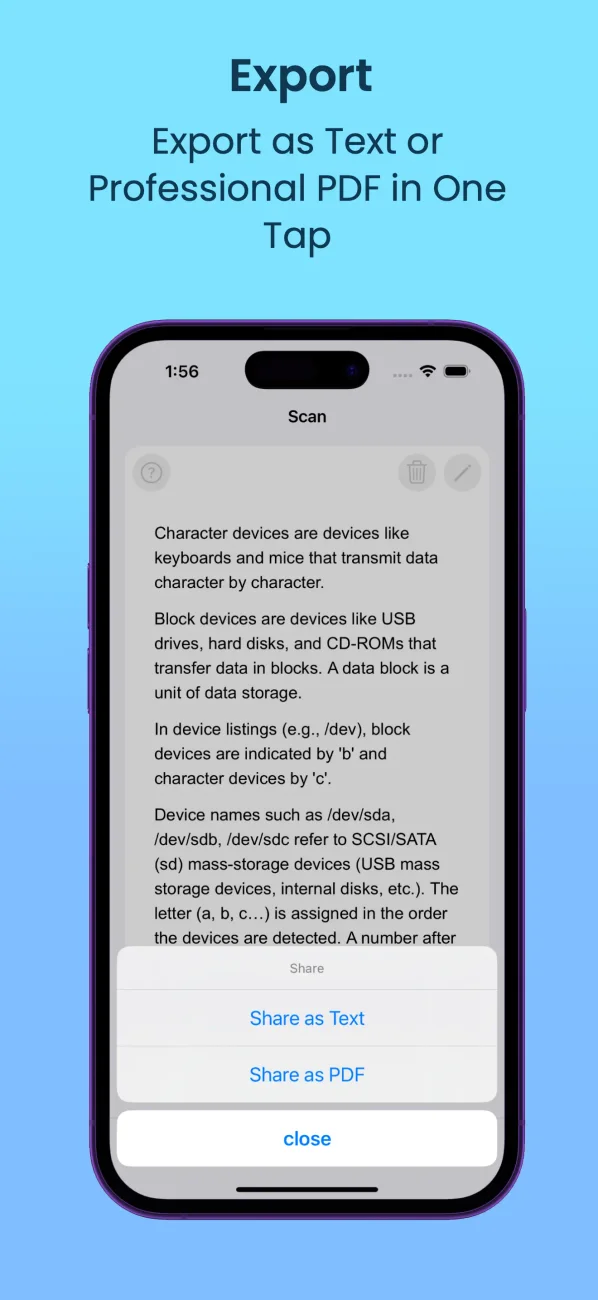
Save as plain text or PDF. Print or share via email, AirDrop, messaging apps, and more.
Private by Design
No sign-up required. Your data stays on your device unless you choose to share it.
Free with Optional Upgrade
Enjoy the full feature set for free, supported by ads. Upgrade with in-app purchases for an ad-free experience.
Made for You
Switch between light/dark mode and choose your preferred app language. Designed with a clean, distraction-free interface.
What’s new
Version 3.0.1 · Feb 2, 2026
Bug fixes and improvements.
App privacy
What Naveen Vijay declares on the App Store about how this app handles data.
-
Data used to track you
May be used to track you across apps and websites owned by other companies.
- Purchases
- Identifiers
- Usage data
-
Data linked to you
May be collected and linked to your identity.
- Purchases
- User content
- Identifiers
- Usage data
- Diagnostics
Privacy practices may vary, for example with the features you use or your age.
Information
- Seller
- Naveen Vijay
- Category
- Productivity
- Version
- 3.0.1
- Updated
- Feb 2, 2026
- Released
- Jul 8, 2018
- Size
- 16.9 MB
- Requires
- iOS 15.0 or later
- Age rating
- 4+
- Price
- Free
- In-app purchases
- Yes
- Languages
- English, French, German, Japanese, Portuguese, Simplified Chinese, Spanish
- Copyright
- © Naveen Vijay
You might also like
-
 Text Extractor OCRCapture Detect Extract
-
 OCR Scanner : Image to TextImage to Text Scanner
-
 Handwriting to Text PenToPrintConvert Image to Word with OCR
-
 Text Extractor: Image to TextExtract text from image
-
 Image To PDF: File ScannerConvert Photos to Documents
-
 Cursive Writing Reader: CameraRecognize handwriting by OCR
-
 Text Scanner OCR App: OCR ScanImage to Text - Word Scan Text
-
 PenToPrint Handwriting to PDFImage to Text Searchable Scan
-
 AI Scanner : Image to TextOCR Text Scanner, PDF Scanner
-
 Text Capture: Image to TextExtract text from photos