SmartType Ai Keyboard
AI Keyboard · Grammar & Voice
Designed for iPhone, iPad
Free · In-app purchases
- Age rating4+
- CategoryUtilities
- DeveloperLohit Tech Solutions
- LanguagesEnglish
- Size3.0 MB
Links to the official App Store page
Download.org hosts no file of SmartType Ai Keyboard. The button opens its official App Store page, published by Lohit Tech Solutions. Listing last checked on Nov 15, 2026.
Screenshots
About
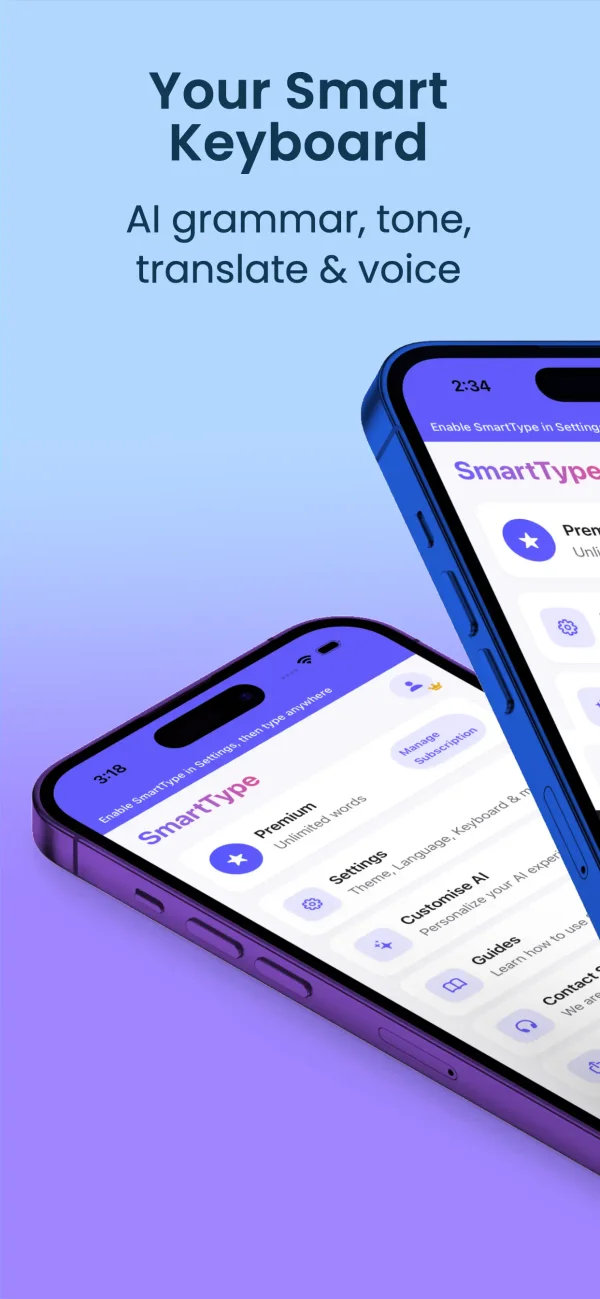
SmartType — the AI keyboard that helps you write better, faster, and in your voice.
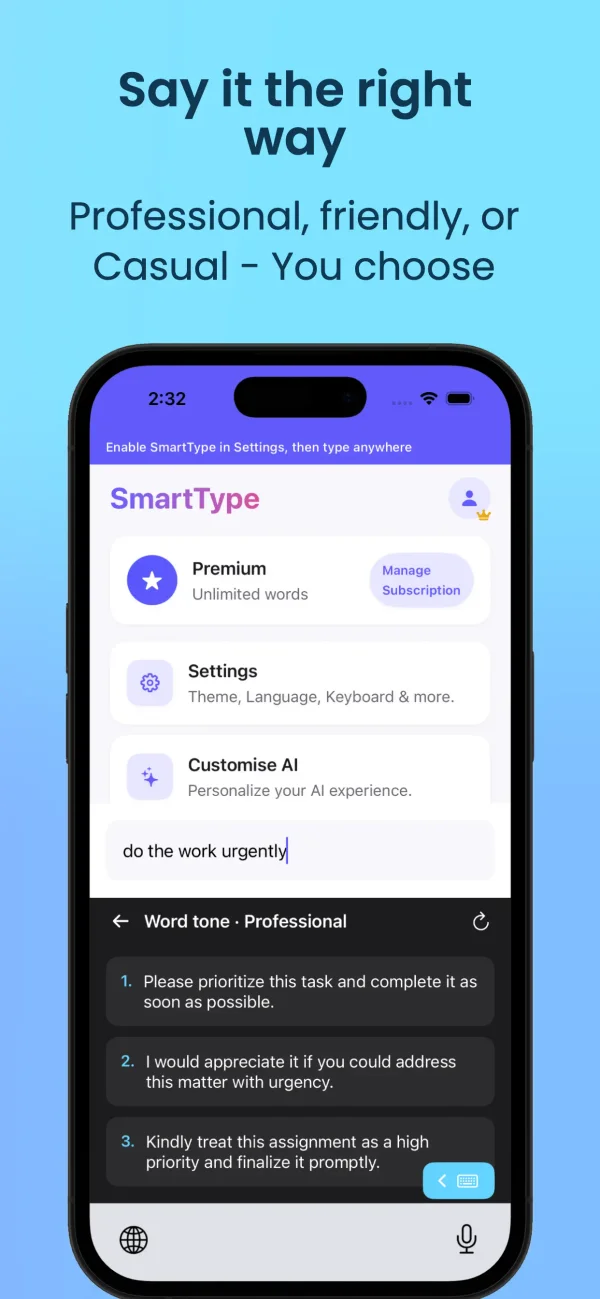
Tired of re-reading messages before you send them? SmartType is a custom iPhone keyboard with built-in AI tools, voice typing, and a clean dark design — so you can fix mistakes, change tone, translate, and dictate without leaving the app you’re in.
WRITE WITH CONFIDENCE
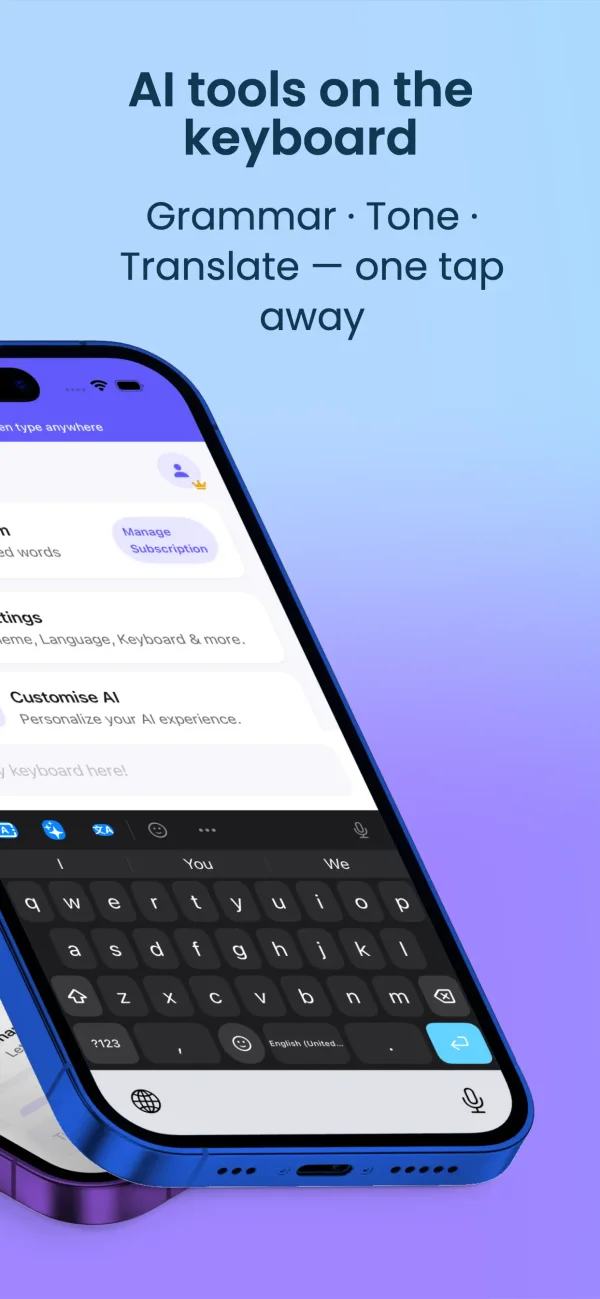
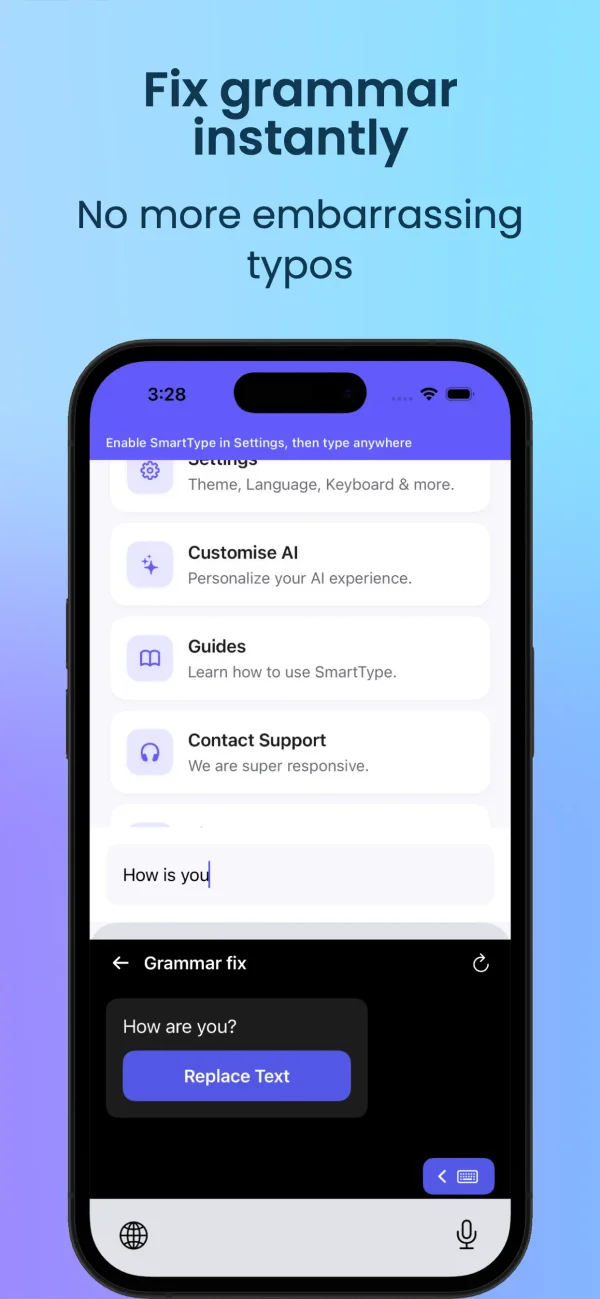
• Grammar fix — polish sentences in one tap
• Word tone — sound professional, friendly, concise, or creative
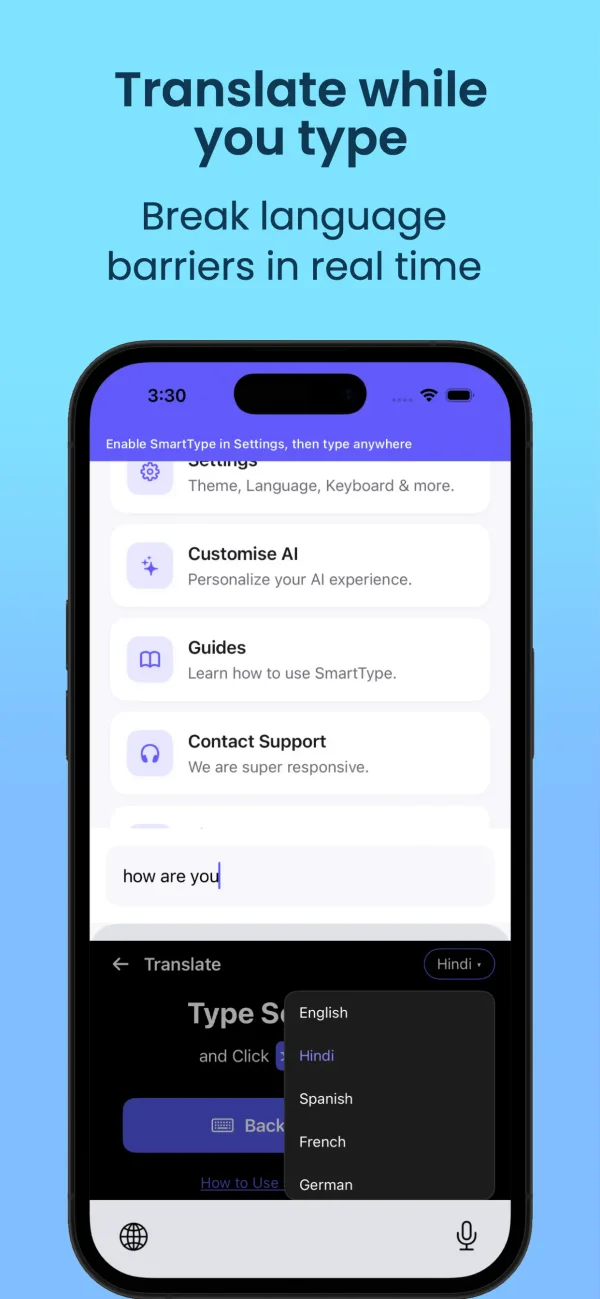
• Translate — turn your text into another language instantly
• Smart suggestions — helpful word predictions as you type
VOICE TYPING BUILT IN
Tap the mic and speak naturally. SmartType converts your speech to text in real time — great for messages, notes, emails, and long replies.
DESIGNED FOR EVERYDAY USE
• Sleek dark keyboard that’s easy on the eyes
• Emoji, clipboard history, themes, and one-handed mode
• Customise AI to match how you write
• Works in Messages, WhatsApp, Mail, Notes, social apps, and more
FREE TO START · PREMIUM FOR POWER USERS
Use AI features with a free word allowance. Upgrade to Premium for unlimited AI grammar, tone, translate, and voice typing.
PRIVACY YOU CAN TRUST
Your text is only sent when you tap an AI action (grammar, tone, or translate). No ads. No third-party analytics trackers. See our privacy policy in the app.
GET STARTED IN 30 SECONDS
Open SmartType
Go to Settings → General → Keyboard → Keyboards
Add SmartType and enable Allow Full Access (required for AI, voice, and clipboard features)
Perfect for: students, professionals, creators, multilingual users, and anyone who wants cleaner, clearer writing on iPhone.
Questions or support? Contact us from the app — we’re happy to help.
Terms of Use (EULA): https://www.apple.com/legal/internet-services/itunes/dev/stdeula/
What’s new
Version 1.0.3 · Nov 4, 2026
Key press are now working faster and more improved.
App privacy
What Lohit Tech Solutions declares on the App Store about how this app handles data.
-
Data linked to you
May be collected and linked to your identity.
- User content
-
Data not linked to you
May be collected but is not linked to your identity.
- Purchases
- Contact info
- User content
- Identifiers
- Usage data
Privacy practices may vary, for example with the features you use or your age.
Information
- Seller
- Lohit Tech Solutions
- Category
- Utilities
- Version
- 1.0.3
- Updated
- Nov 4, 2026
- Released
- Sep 17, 2026
- Size
- 3.0 MB
- Requires
- iOS 16.0 or later
- Age rating
- 4+
- Price
- Free
- In-app purchases
- Yes
- Languages
- English
- Copyright
- ©Lohit Tech Solutions
You might also like
-
 TypesFastMake AI clean up your slop!
-
 Masarak KeyboardType in Masarak Easily
-
 Alpha AI Keyboard30 languages & AI writing
-
 Prefix Dialer ProUtilities
-
 Noetic: AI Writing KeyboardPrecise & Perfect Texts
-
 Font Keyboard: Stylish FontsCustom Fonts & Keyboard Themes
-
 Smart Keyboard:Chat AssistantAI help you reply
-
 AI Keyboard & Email WriterTranslate, Grammar Spell Check
-
 Smart Keyboard: AI WriterAI keyboard: write, translate
-
 iCham KeyboardThe standard Cham keyboard