
- Age rating4+
- CategoryGraphics & Design
- DeveloperGargant
- LanguagesKorean+ 9 more
- Size5.3 MB
Links to the official App Store page
Download.org hosts no file of Smudjo. The button opens its official App Store page, published by Gargant. Listing last checked on Nov 13, 2026.
Screenshots
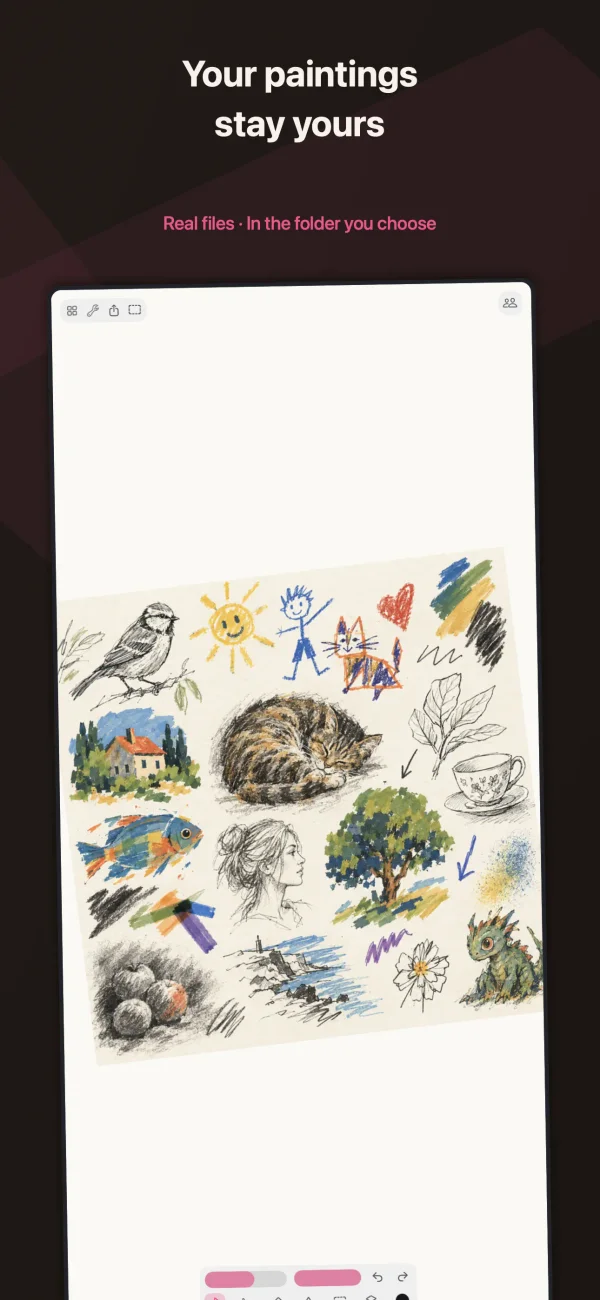
About
Smudjo is a painting app for people who like making a mess.
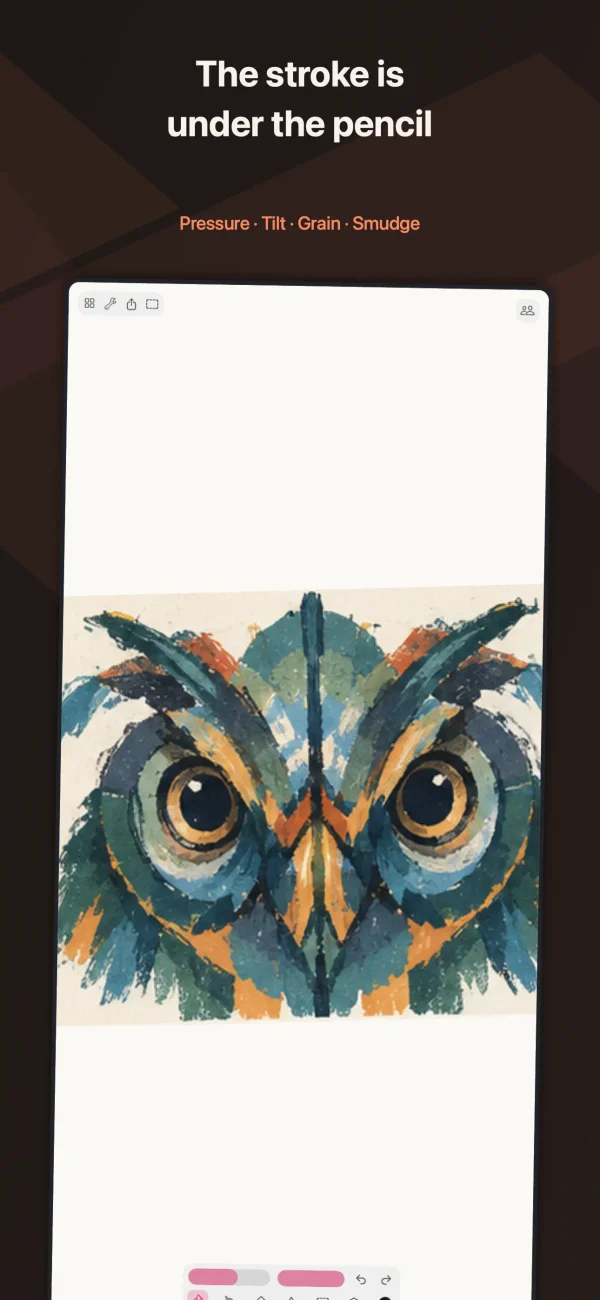
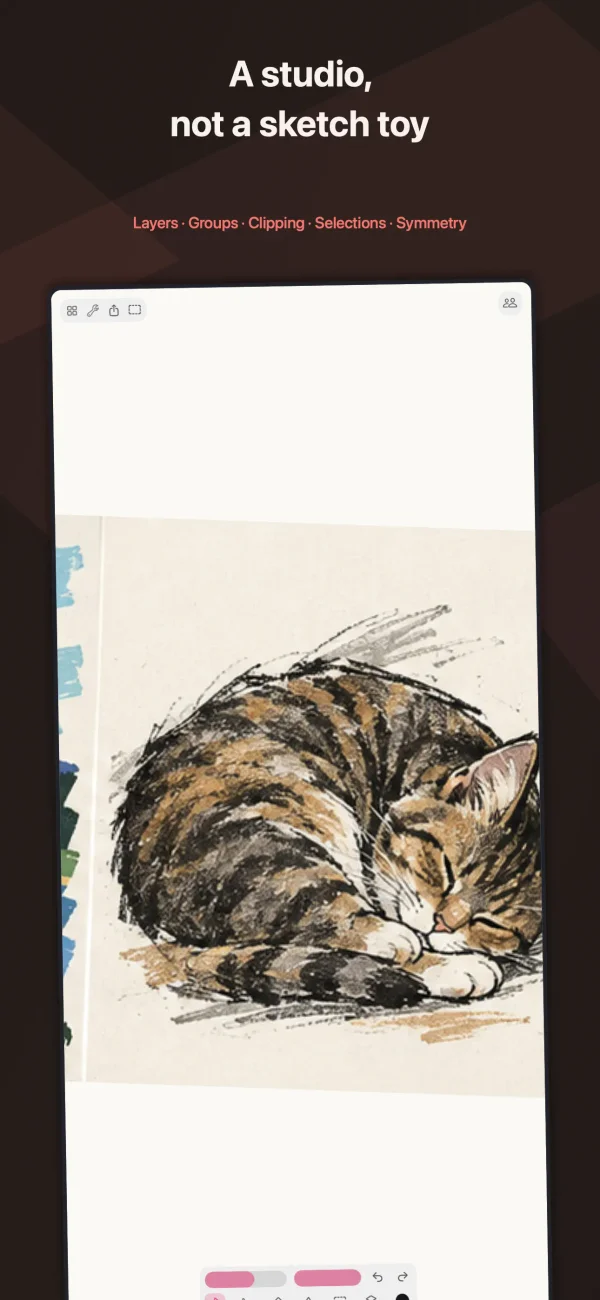
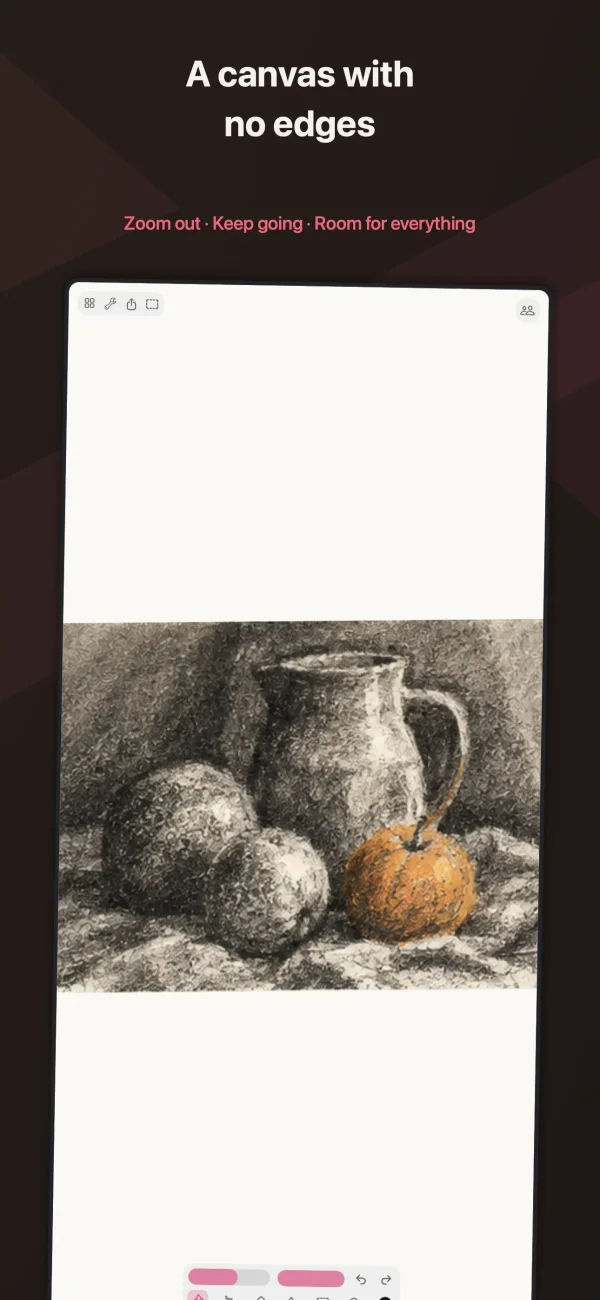
Twelve brushes that answer the way real ones do — pencil, technical pen, fineliner, brush pen, marker, gouache, charcoal, chalk, spray, airbrush and two rounds — all of them pressure-, tilt- and speed-sensitive, on a canvas with no edges. Smudge, fill, selections and symmetry. Layers, groups, clipping, blend modes. Undo as far back as you like, and a time-lapse of the whole thing at the end.
PAINT TOGETHER
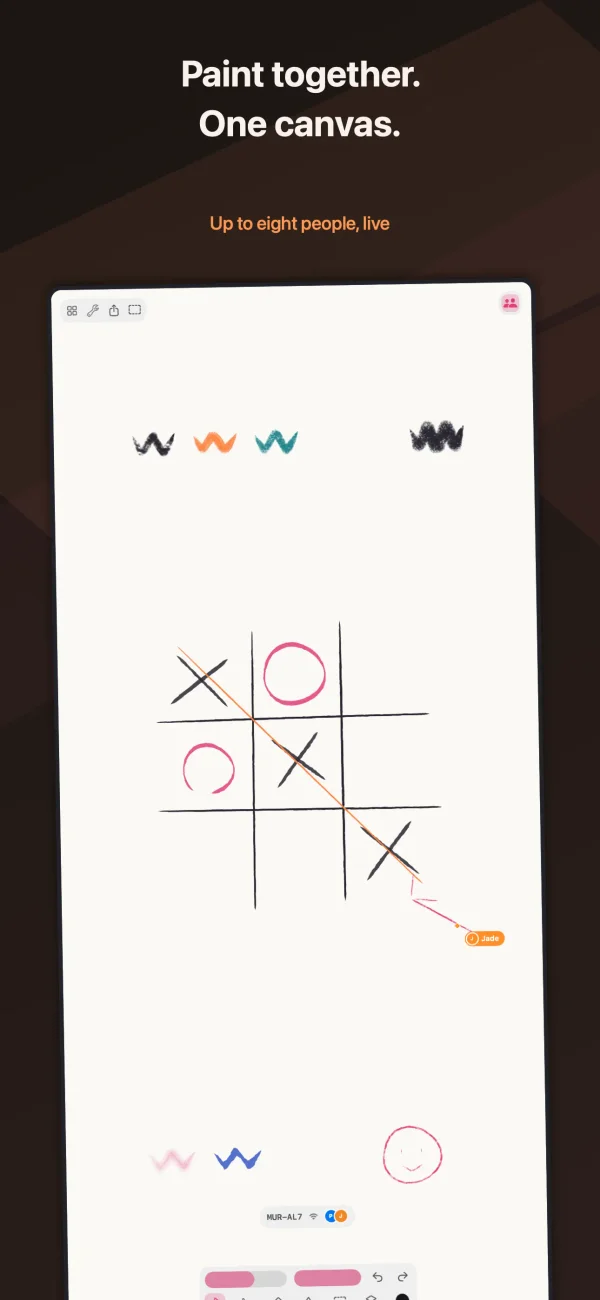
The part no other painting app does. Share a six-character code and up to eight people paint on one canvas, live, watching each other's strokes land as they're drawn. Everyone gets their own layer so nobody paints over anybody by accident, and you can follow someone's view or jump to where they're working.
On the same Wi-Fi it connects directly, device to device. Anywhere else it goes through a relay that passes along messages it cannot read: sessions are end-to-end encrypted from the code itself, and the relay only ever sees a room number.
REAL FILES
Your paintings are files in a folder you choose, on your device or in your own cloud storage. Open them, move them, back them up, or stop using Smudjo entirely — they are yours either way. No account, nothing to sign up for.
WHAT'S FREE
Every brush and every tool, from the first launch. Five paintings, five layers each, exports up to 1080 pixels across, and joining anyone's session with no limits at all.
One purchase unlocks unlimited paintings and layers, full-resolution export, hosting a full room, and keeping the paintings you make in someone else's session. It covers every device you own, and it is not a subscription.
Terms of use: https://www.apple.com/legal/internet-services/itunes/dev/stdeula/ · Privacy: https://smudjo.com/privacy
What’s new
Version 1.2 · Nov 9, 2026
Paint Together keeps you better informed, and holds on when the connection doesn't.
- Who joins, leaves or drops out now shows above the session bar, and you see when you're reconnecting
- Strokes painted while the connection was down are sent as soon as it's back
- Detailed paintings now open reliably when you join over the internet
- When two versions of Smudjo can't paint together, it says who needs to update
- The pencil's double-tap and squeeze do what you chose in Settings
- The brush list shows a stroke of every brush
- Fill reaches under the soft edge of a stroke
- Layer groups: Duplicate copies the layers inside, and Merge Down says why it can't
- Selections are drawn exactly where your finger goes, and a stroke inside one always finishes
- Fit Painting keeps the painting clear of the toolbars
- A very short time-lapse or a damaged painting no longer closes the app
App privacy
What Gargant declares on the App Store about how this app handles data.
-
Data not collected
The developer does not collect any data from this app.
Privacy practices may vary, for example with the features you use or your age.
Information
- Seller
- Gargant
- Category
- Graphics & Design
- Version
- 1.2
- Updated
- Nov 9, 2026
- Released
- Sep 30, 2026
- Size
- 5.3 MB
- Requires
- iOS 17.0 or later
- Age rating
- 4+
- In-app purchases
- Yes
- Languages
- Korean, German, Russian, Spanish, English, Italian, Japanese, Simplified Chinese, Portuguese, French
- Copyright
- © Gargant
You might also like
-
 BrushWorks: Hand-Paint PhotosRub to turn pictures into art
-
 ZPixit3D Voxel Modeling & Pixel Art
-
 FormWright 3DModel, paint and animate in 3D
-
 CoSketch - Drawing TogetherSketch on FaceTime or offline
-
 Artivate — Draw with FriendsCollaborative Drawing
-
 Drawing & Art: Infinite CanvasSketch Pad, Paint & Deep Zoom
-
 Clay Shaper: 3D SculptingSculpt, paint and print in 3D
-
 Paintrix: Digital PaintingDrawing, Sketch, Manga, Art
-
 StarSeed - Perler Bead PatternBead Pattern & Pixel Art Maker
-
 Color Hour: Cozy Coloring BookGames for Adults & Friends