Snail Scan - PDF Scanner
Document Scan & Edit with OCR
Designed for iPhone, iPad, iPod touch
Free · In-app purchases
- Age rating4+
- CategoryBusiness
- Developer琳曼 张
- LanguagesEnglish+ 21 more
- Size6.1 MB
Links to the official App Store page
Download.org hosts no file of Snail Scan - PDF Scanner. The button opens its official App Store page, published by 琳曼 张. Listing last checked on Nov 21, 2026.
Screenshots
About
Snail Scan will turn your device into a powerful portable scanner. It integrates the functions of document scanning, image and text extraction and recognition, PDF content editing, electronic signature and so on. Download this scanner app for free to instantly scan, save, and share any document in PDF, JPEG or TXT formats.
Snail Scan will become an essential tool for your daily work or life. It can scan any content required, support a variety of image optimization modes, and manually adjust image parameters to quickly turn paper documents into clear scanned documents. Get this simple and practical scanner app now.
== KEY FEATURES ==
DOCUMENT SCANNER
– Scan documents and photos to PDF, JPEG, or TXT
– Filters (black & white, whiteboard, photo)
– Easily scan multiple pages into one document
– Distortion correction, shadow removal and defect cleanup
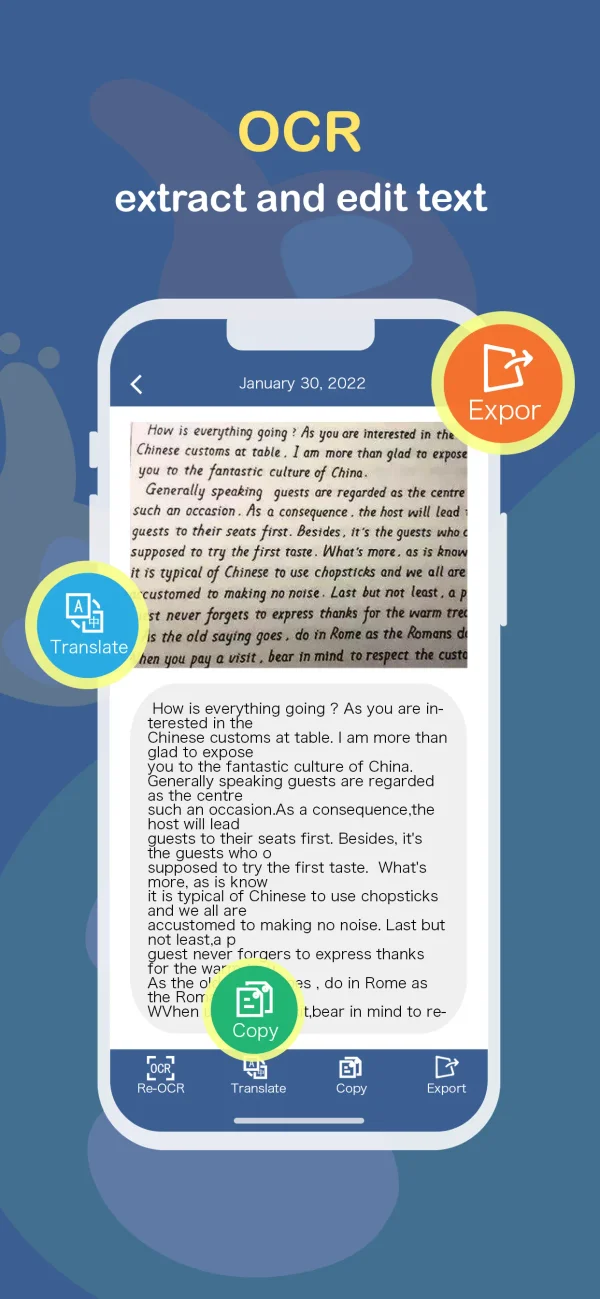
OCR (Text Recognition)
– Recognize text from any scannable object with OCR
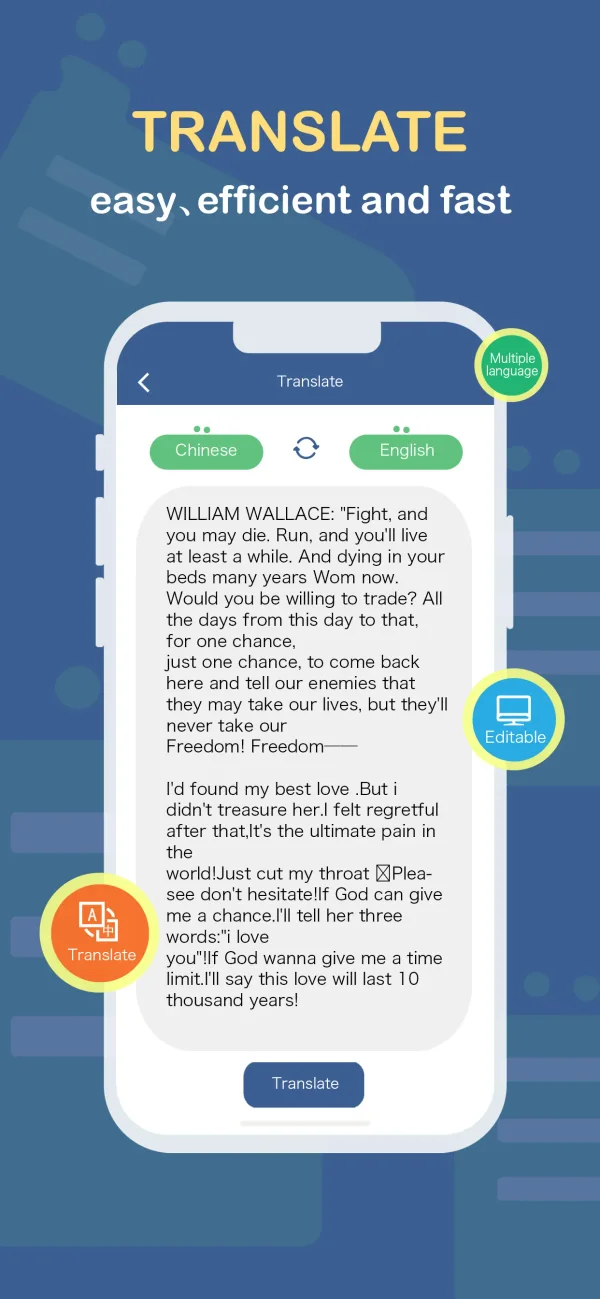
– Text recognition and translation into multiple languages
PDF CREATION & EDITING
– Freely combine PDF documents, and perform page deletion, sequence adjustment, insertion support, page merging and other operations on multiple files
– It supports one click smearing and adding comments to easily edit documents
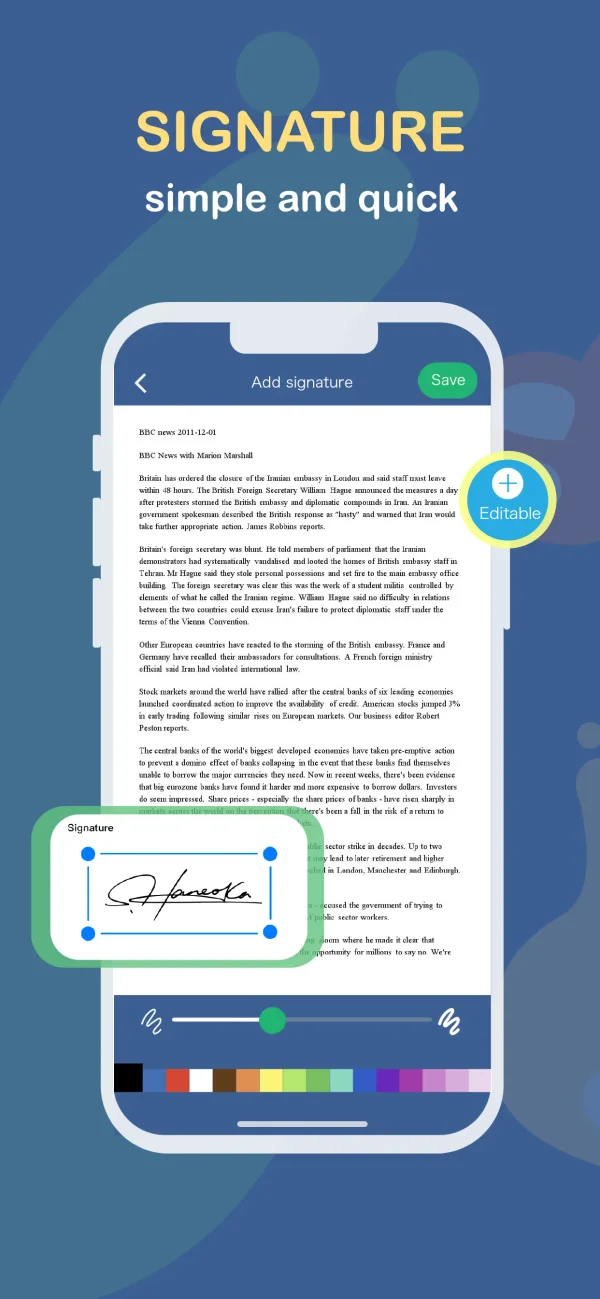
– Put your electronic signature on documents
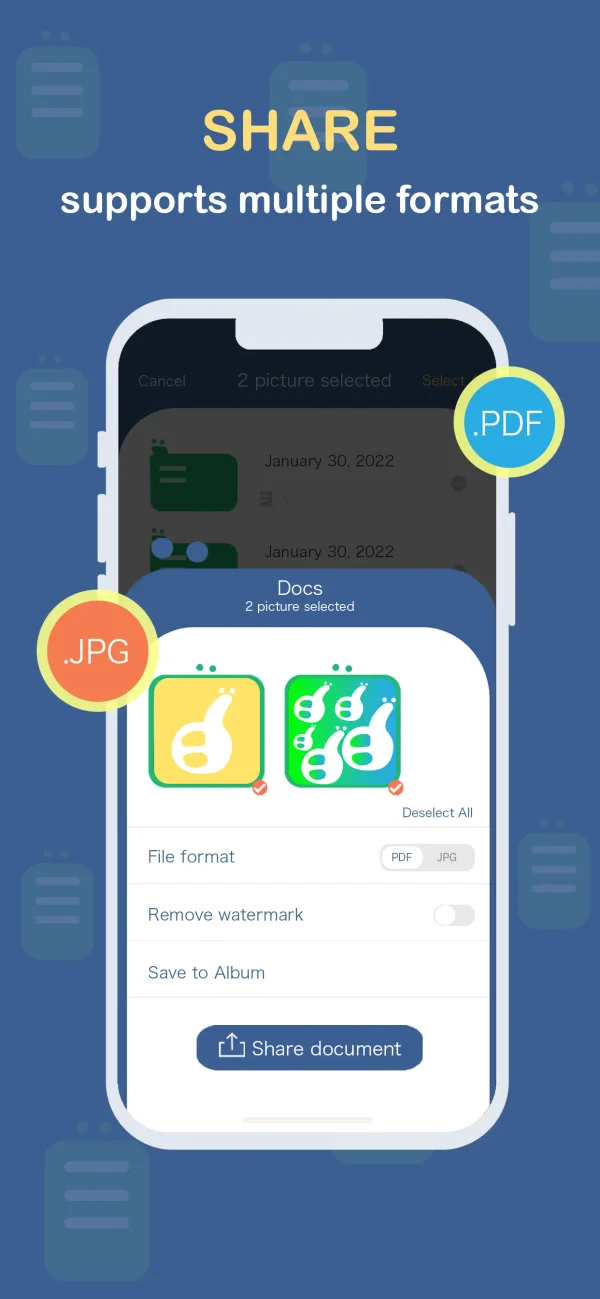
EASY DOCUMENT SHARING
– Scan documents and share them in just a few taps
– Save or share scanned files in PDF or JPG format
– Save directly to photos
DOCUMENT EDITOR & FILE MANAGER
– Use file manager with folders, drag & drop, and document editing features
– Sign your scans manually or add a signature from an image
– Mark up documents, cover or blur text you don’t need to be seen
– Sort files by time, date, or name
– Optional table or set view mode
Snail Scan is free to use for as long as you want.
Terms of Use : https://sites.google.com/view/snailscan-eula-us
Privacy Policy : https://sites.google.com/view/snailscan-privacy-us
What’s new
Version 2.1.9 · Jun 3, 2026
Fixed some bugs.
App privacy
What 琳曼 张 declares on the App Store about how this app handles data.
-
Data linked to you
May be collected and linked to your identity.
- Location
- Identifiers
- Usage data
- Diagnostics
Privacy practices may vary, for example with the features you use or your age.
Information
- Seller
- 琳曼 张
- Category
- Business
- Version
- 2.1.9
- Updated
- Jun 3, 2026
- Released
- Feb 25, 2022
- Size
- 6.1 MB
- Requires
- iOS 13.0 or later
- Age rating
- 4+
- Price
- Free
- In-app purchases
- Yes
- Languages
- English, Arabic, Czech, Danish, Dutch, Finnish, French, German, Hebrew, Indonesian, Italian, Japanese + 10 more
- Copyright
- © Linman Zhang
You might also like
-
 PDF Scanner & PDF ConverterConvert & Document Signer
-
 PDF Scanner| Document ScanningScan Documents & Photo
-
 Converter to PDF - Any2PDFConvert any doc from/to PDF
-
 Scanner to PDF - PixelScanTurn Paper into Pixels!
-
 Remote for Samsung Smart TV*TV Smart Controller
-
 Edit & Sign DocumentsConvert Photo, Compress Docs
-
 Sign Documents: Hand SignerDigital Signature Maker. PDF
-
 PDF Editor. Files Converter.Convert & Compress Documents
-
 To/From PDF Converter: ZonvertConvert in Seconds
-
 Resume Maker & CV Builder ProCurriculum Vitae, Quick Job