Snap Print: Scan, Edit & Print
Smart Scanner & Printer
Designed for iPhone
Free · In-app purchases
- Age rating4+
- CategoryUtilities
- DeveloperHa Nguyen
- LanguagesEnglish+ 16 more
- Size132.4 MB
Links to the official App Store page
Download.org hosts no file of Snap Print: Scan, Edit & Print. The button opens its official App Store page, published by Ha Nguyen. Listing last checked on Nov 27, 2026.
Screenshots
About
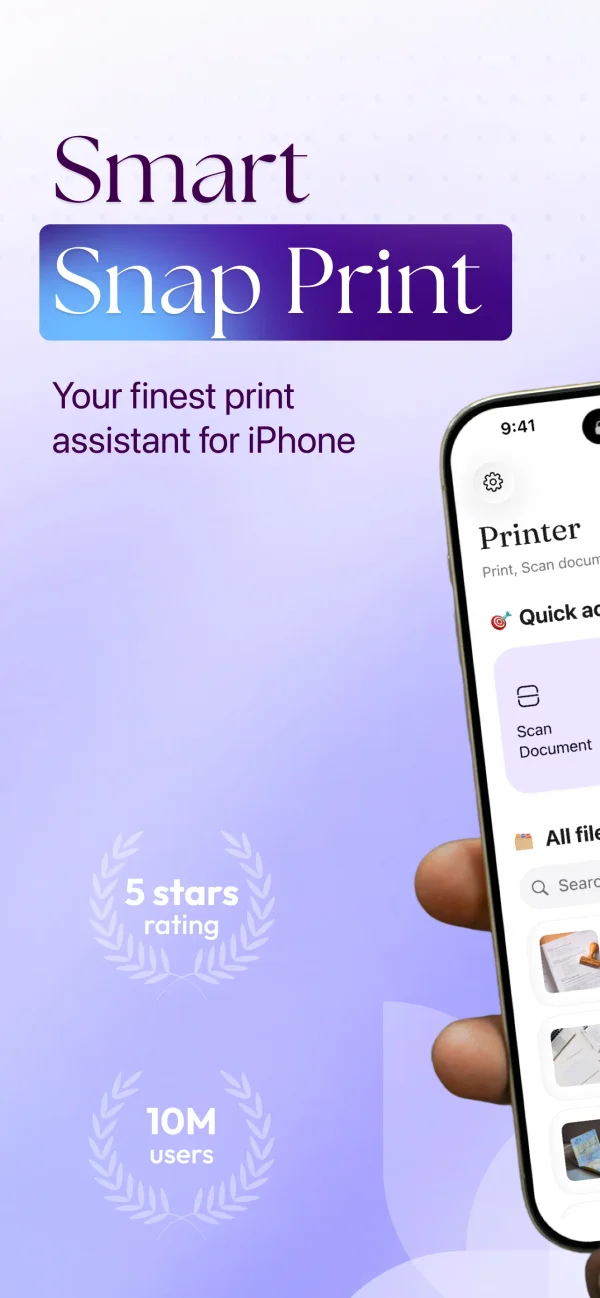
Stay productive and handle your documents with ease. SnapPrint helps you scan, edit, and print documents or photos anytime, anywhere using one simple and powerful app.
Whether you are scanning contracts, capturing ID cards or passports, or printing files on the go, SnapPrint makes everything fast, clear, and effortless.
With a focus on simplicity, speed, and smart technology, SnapPrint combines advanced scanning, powerful editing tools, and seamless wireless printing into one clean experience.
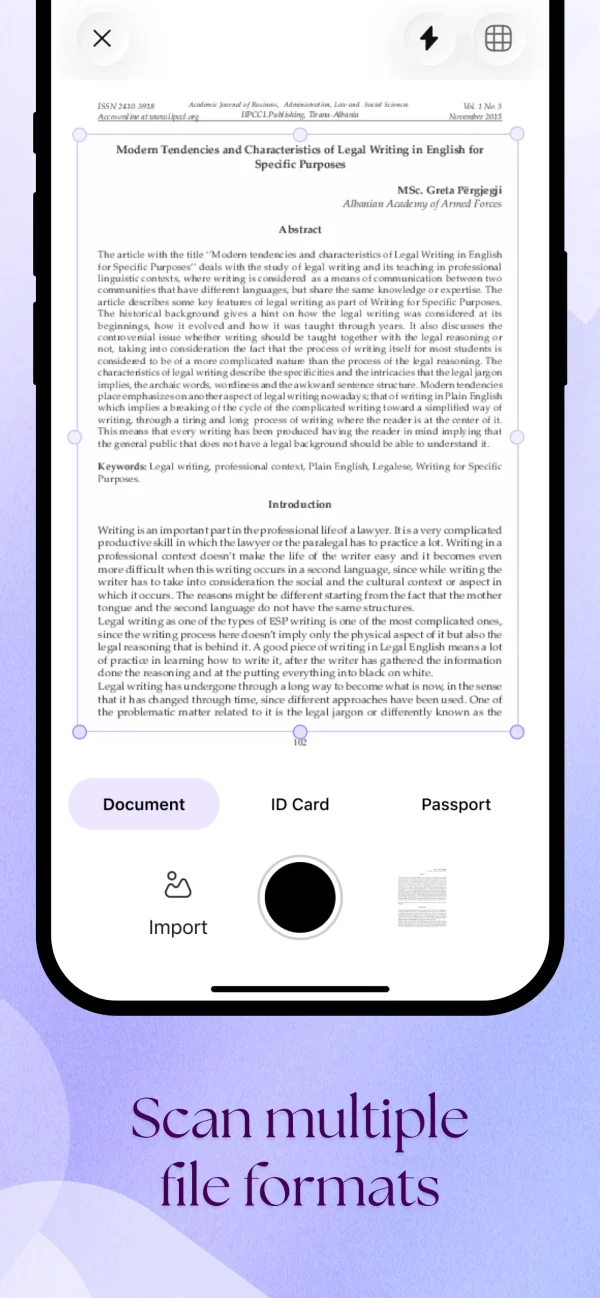
Smart scanning for every need
- Scan documents, receipts, notes, and papers with high accuracy
- Capture ID cards and passports with optimized edge detection
- Auto-detect borders and crop documents instantly
- Enhance scan quality for clear, sharp, and readable results
- Works perfectly in different lighting conditions
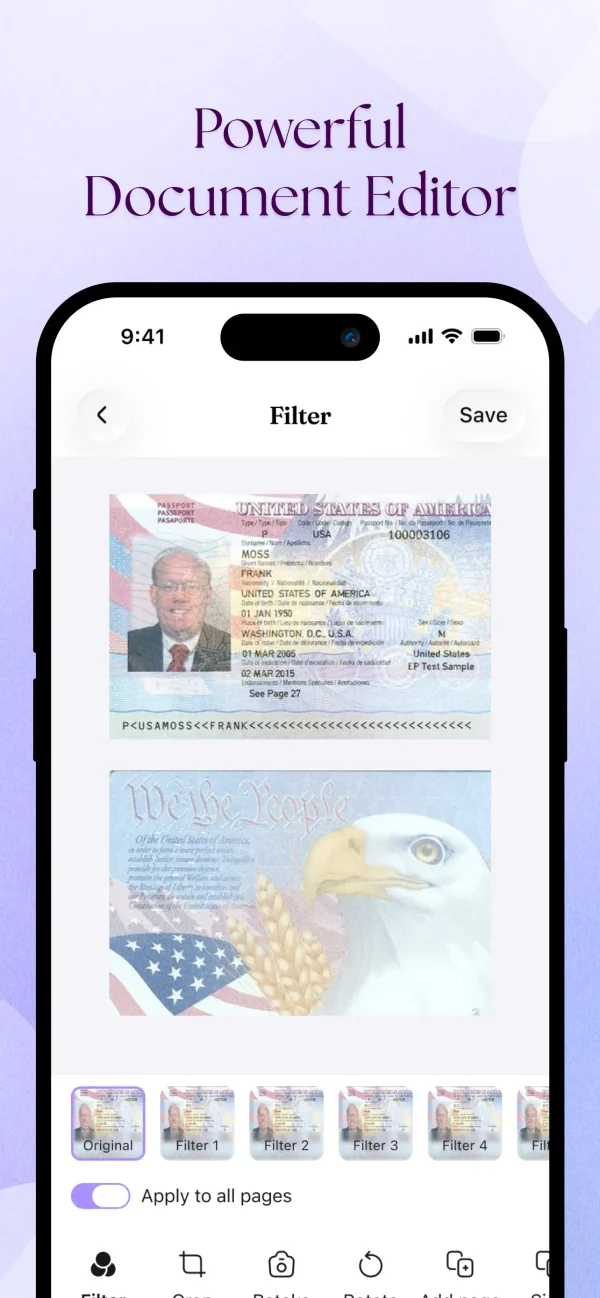
Powerful editing tools
- Crop, rotate, and adjust your documents easily
- Apply smart filters to improve readability and contrast
- Fine-tune brightness, shadows, and colors
- Clean up backgrounds for a professional look
- Prepare documents before printing or sharing
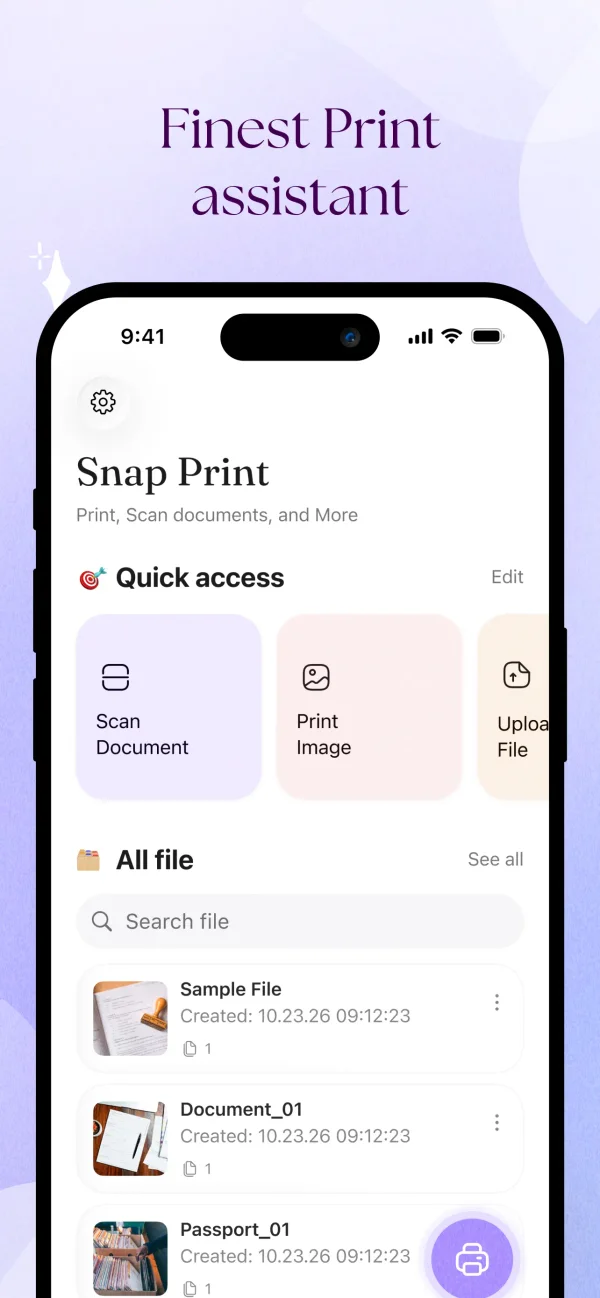
Smart wireless printing
- Connect to printers easily and print from anywhere
- Support wireless and remote printing
- Print documents, PDFs, and images instantly
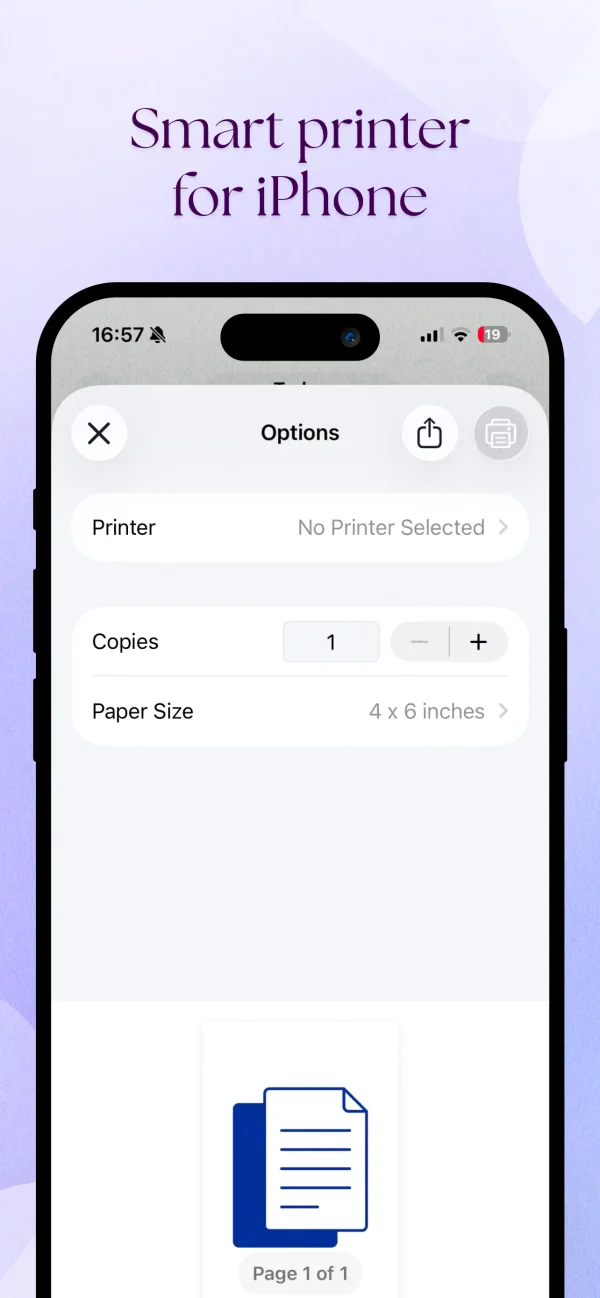
- Customize layout, size, and orientation before printing
- Fast, stable, and reliable printing experience
PDF & file support
- Convert scans and images into high-quality PDF files
- Print PDFs, documents, and image files effortlessly
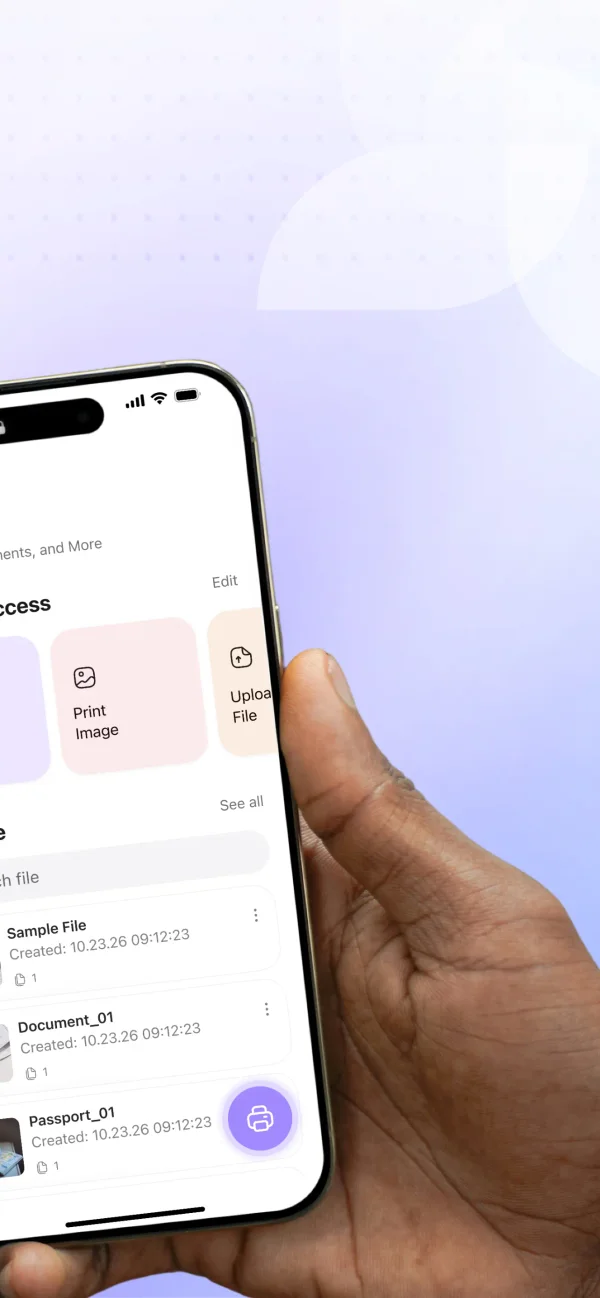
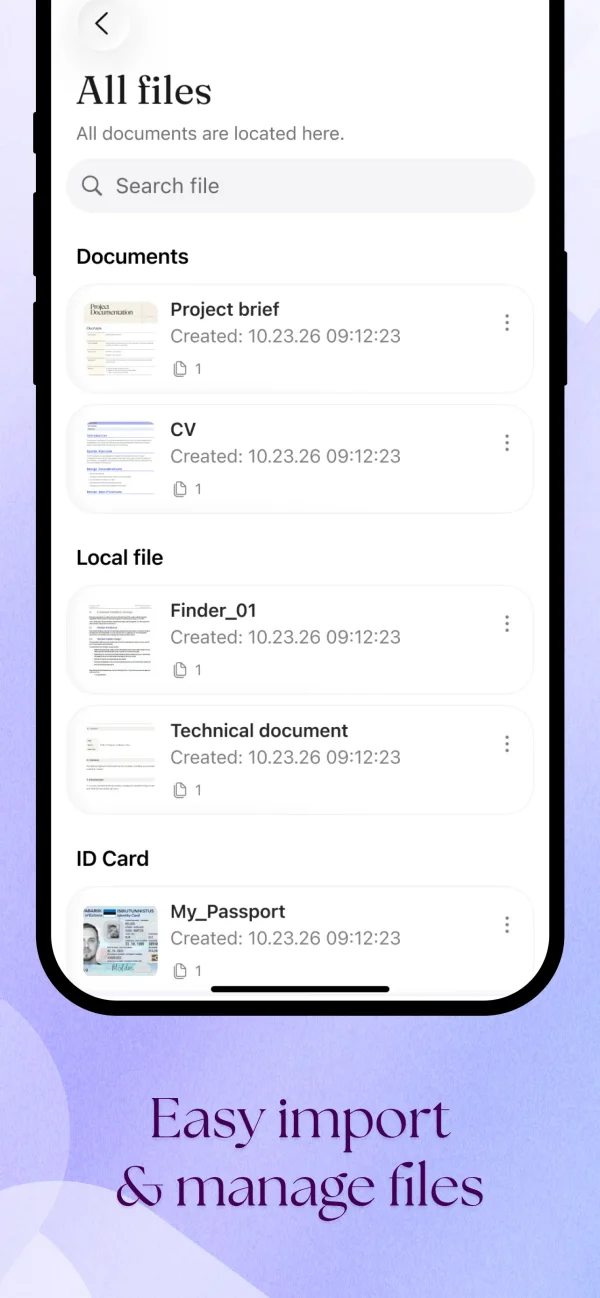
- Manage and organize your files in one place
- Share documents quickly via your favorite apps
Fast, simple, and efficient
- Clean and intuitive interface for easy use
- Scan → Edit → Print in just a few taps
- Designed for both personal and professional use
- Save time and reduce the need for physical scanners
Why choose SnapPrint
- All-in-one scanner, editor, and printer app
- Smart detection for documents, ID cards, and passports
- Powerful editing and filter tools
- Seamless connection to wireless printers
- Reliable performance with high-quality results
Perfect for
- Students scanning notes and assignments
- Professionals handling contracts and documents
- Travelers scanning passports and ID cards
- Anyone who needs quick and easy printing
- Everyday document and photo management
SnapPrint is built to simplify the way you handle documents — from scanning to editing to printing — all in one smooth workflow.
Download SnapPrint today and experience a smarter, faster way to scan, edit, and print.
Terms of Use: https://sites.google.com/view/ios-hero-terms-of-use
Privacy Policy: https://sites.google.com/view/ios-hero-privacy-policy
What’s new
Version 1.0.8 · Nov 8, 2026
Fix bugs
App privacy
What Ha Nguyen declares on the App Store about how this app handles data.
-
Data used to track you
May be used to track you across apps and websites owned by other companies.
- Purchases
- Diagnostics
-
Data not linked to you
May be collected but is not linked to your identity.
- Purchases
- User content
- Usage data
- Diagnostics
Privacy practices may vary, for example with the features you use or your age.
Information
- Seller
- Ha Nguyen
- Category
- Utilities
- Version
- 1.0.8
- Updated
- Nov 8, 2026
- Released
- Apr 7, 2026
- Size
- 132.4 MB
- Requires
- iOS 16.0 or later
- Age rating
- 4+
- Price
- Free
- In-app purchases
- Yes
- Languages
- English, Arabic, Dutch, French, German, Hindi, Italian, Japanese, Korean, Portuguese, Russian, Simplified Chinese + 5 more
- Copyright
- © @2026 Ha Nguyen
You might also like
-
 Lens AI: Scan & Identify AllAI Scanner for Coins & More
-
 QR Whiz - Barcode ReaderScan, Create & Save QR Codes
-
 PDF AI ScannerPDF - Photo & Docs
-
 Remote TV - Remote ControlTouchpad, Keyboard & TV Apps
-
 Phone Cleaner: Clean Up PhoneFree Up Space, Delete Photos
-
 Superpdf:smartpdfUtilities
-
 Daily Record: AI HealthBlood Sugar, BP & AI Tracking
-
 Rally File Explorer & ManagerUtilities
-
 Universal TV Remote & ControlSmart Control for All TV
-
 ScanWallet: QR Code ReaderBarcode scanner & generator