
SnapBG: Remove Background AI
Change background photo & edit
Designed for iPhone, iPod touch
In-app purchases
- Age rating4+
- CategoryGraphics & Design
- DeveloperSilverAI Joint Stock Company
- LanguagesEnglish+ 6 more
- Size91.5 MB
Links to the official App Store page
Download.org hosts no file of SnapBG: Remove Background AI. The button opens its official App Store page, published by SilverAI Joint Stock Company. Listing last checked on Nov 28, 2026.
Screenshots



About
SnapBG - 1 touch to remove anything! No watermark!
SnapBG captures your attention with its innovative and time-saving features. SnapBG offers an efficient solution for removing backgrounds from your images, empowering you to create captivating visuals effortlessly.
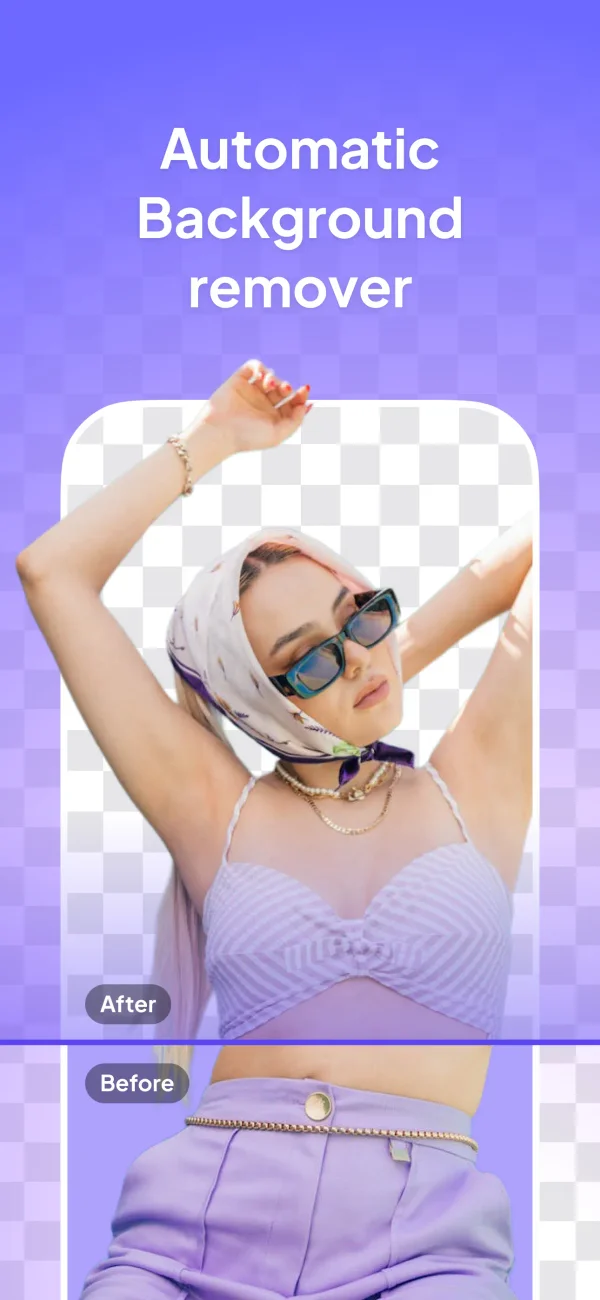
With its advanced features and intuitive interface, SnapBG offers precise and seamless background removal, allowing you to create stunning visuals with ease. Just touch the area you want to erase and the auto eraser tool will do the rest of the work for you.
▶ The main features in SnapBG:
Automatic Background Removal:
- SnapBG utilizes powerful algorithms and machine learning technology to automatically detect and remove backgrounds from your images. This saves you time and effort, as manual selection is not required.
- Simply upload your image, and SnapBG will intelligently isolate the subject or object from its background.
- 1 touch get white background for photo
Manual Refinement:
- SnapBG also provides manual refinement tools for fine-tuning the selection. You can erase or restore specific areas, ensuring that the subject is precisely isolated.
- SnapBG allows you to maintain intricate details and achieve a flawless result.
- Remove background selection area
Template Wonderland:
- SnapBG offers a variety of templates with diverse designs and many attractive themes to suit every mood and occasion, makes your creative work easier than ever.
Full Editing Kit:
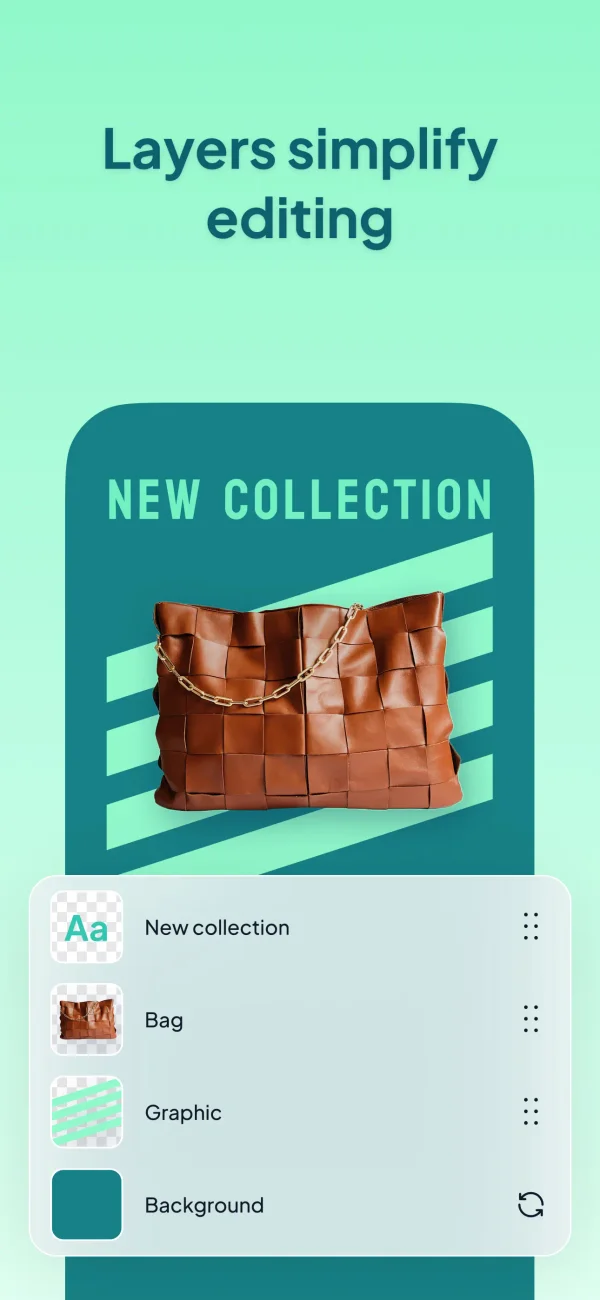
- You can easily crop picture, add text and icon, resize, add shadows. A full set of tools are ready to aid you to create the perfect image.
Object Removal:
- Select the object you want to delete. Tap to remove it with magic touch
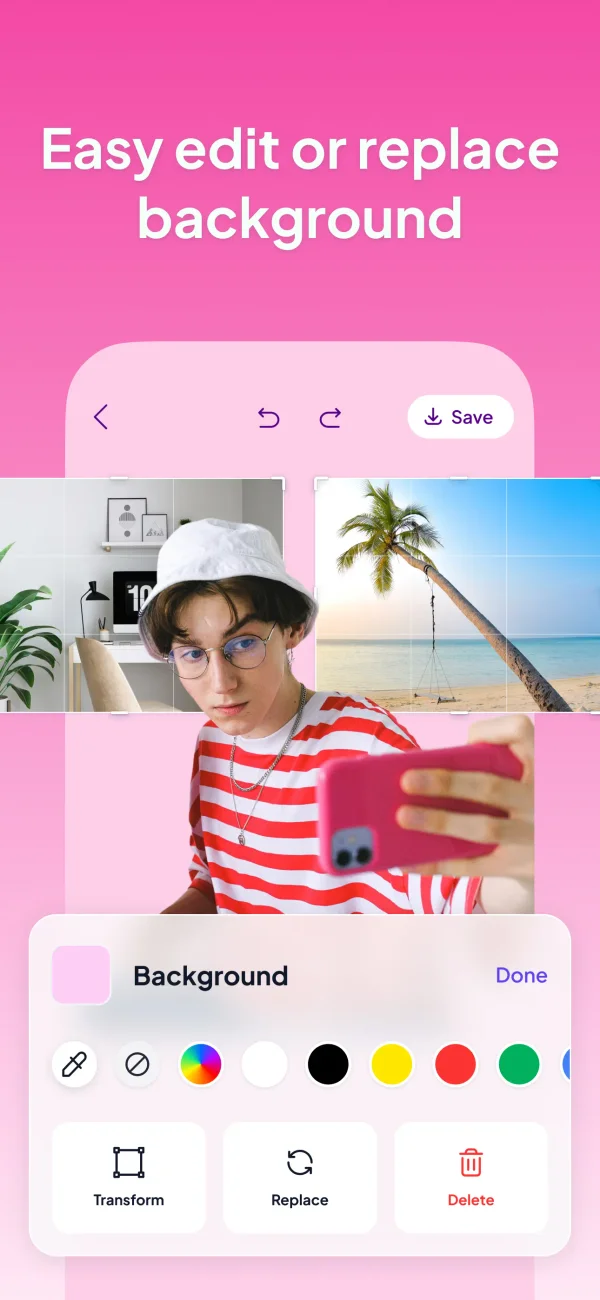
With SnapBG, you can unleash your creativity by easily replacing the removed background with a variety of options. Choose from a library of preloaded backgrounds or upload your own custom backgrounds, transforming the atmosphere and context of your images. The desire to create stunning compositions and visually captivating visuals becomes within your reach.
▶ Why should you choose SnapBG?
- Erase background quickly with just 1 touch
- Photo editor professionally
- Save & share
- Export at higher resolutions
- User-friendly interface
- Real-time preview: see the changes as you make them
- No watermark
Your subscription will be charged to your iTunes account at confirmation of purchase and will automatically renew (at the duration selected) unless auto - renew is turned off at least 24 hours before the end of the current period.
Current subscription may not be canceled during the active subscription period; however, you can manage your subscription and/or turn off auto - renewal by visiting your iTunes Account Settings after purchase.
In summary, SnapBG provides a powerful and efficient solution for isolating subjects and objects from their original backgrounds. With its automatic background detection, intuitive editing features, and diverse background replacement options, SnapBG empowers users to create captivating visuals, elevating the quality and professionalism of their photos and graphics.
Let's join the Background Eraser community of millions of creators around the world.
If you have any requests or questions about SnapBG, please let us know. Thank you!
Terms of use: https://www.apple.com/legal/internet-services/itunes/dev/stdeula/
What’s new
Version 2.3.3 · Apr 17, 2026
Bug fixes and improvements
App privacy
What SilverAI Joint Stock Company declares on the App Store about how this app handles data.
-
Data used to track you
May be used to track you across apps and websites owned by other companies.
- Identifiers
-
Data not linked to you
May be collected but is not linked to your identity.
- Identifiers
- Diagnostics
Privacy practices may vary, for example with the features you use or your age.
Information
- Seller
- SilverAI Joint Stock Company
- Category
- Graphics & Design
- Version
- 2.3.3
- Updated
- Apr 17, 2026
- Released
- Jul 12, 2023
- Size
- 91.5 MB
- Requires
- iOS 15.0 or later
- Age rating
- 4+
- In-app purchases
- Yes
- Languages
- English, French, Indonesian, Portuguese, Spanish, Thai, Vietnamese
- Copyright
- © 2024 SilverAI
You might also like
-
 PixelLab: AI Background EraserChange Photo BG,Object Remover
-
 Remove Background - Snip BGAI Background Eraser & Remover
-
 Background Remover - Erase BGRemove Objects & Erase People
-
 Remove Objects From Photo・Background Removal, Erase Text
-
 Remove Objects, Photo EraserRetouch, Background & Enhance
-
 Background Eraser • Remove BGErase Photo: Transparent Maker
-
 LogoX - AI Logo MakerAI-Powered Logo Generator
-
 Background Remover - PNG MakerPhoto background changer
-
 PhotoCut - AI Photo EditorObjects & Background Eraser
-
 Photo Cut: Cutout pro & pasteCrop Editor,Background changer