
智剪SnapCut
AI Photo & Video Studio
Designed for iPhone, iPad
Free · In-app purchases
- Age rating4+
- CategoryPhoto & Video
- DeveloperChengdu Zhihui World Technology Co., Ltd.
- LanguagesEnglish+ 1 more
- Size188.5 MB
Links to the official App Store page
Download.org hosts no file of 智剪SnapCut. The button opens its official App Store page, published by Chengdu Zhihui World Technology Co., Ltd. Listing last checked on Nov 21, 2026.
Screenshots


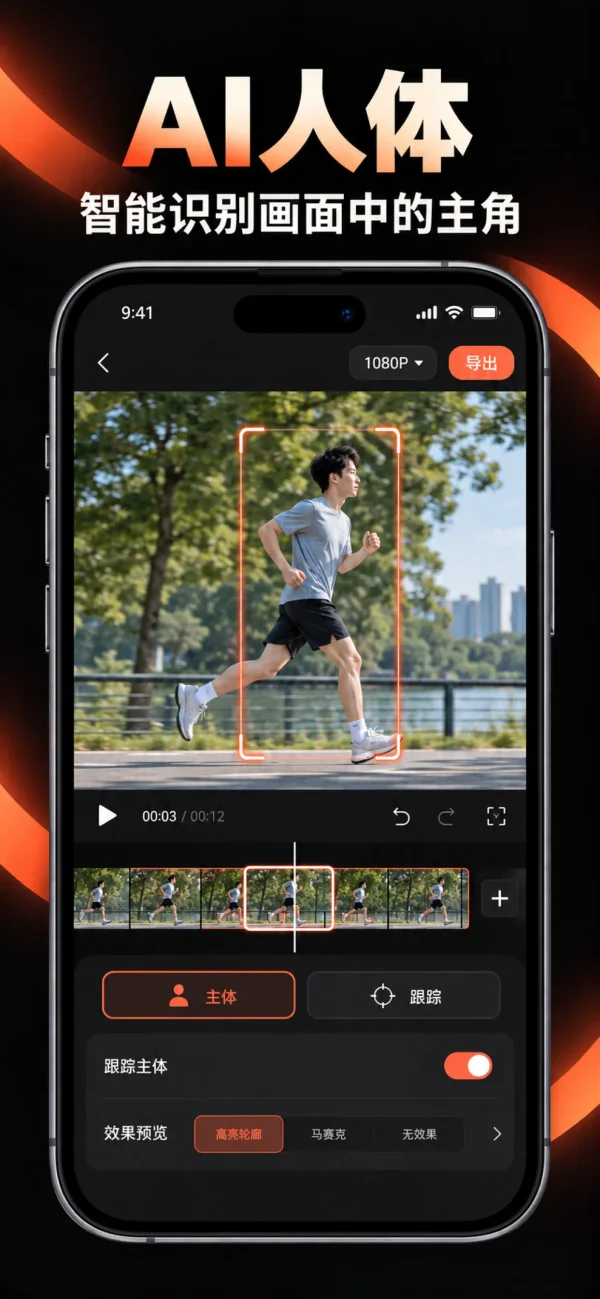
About
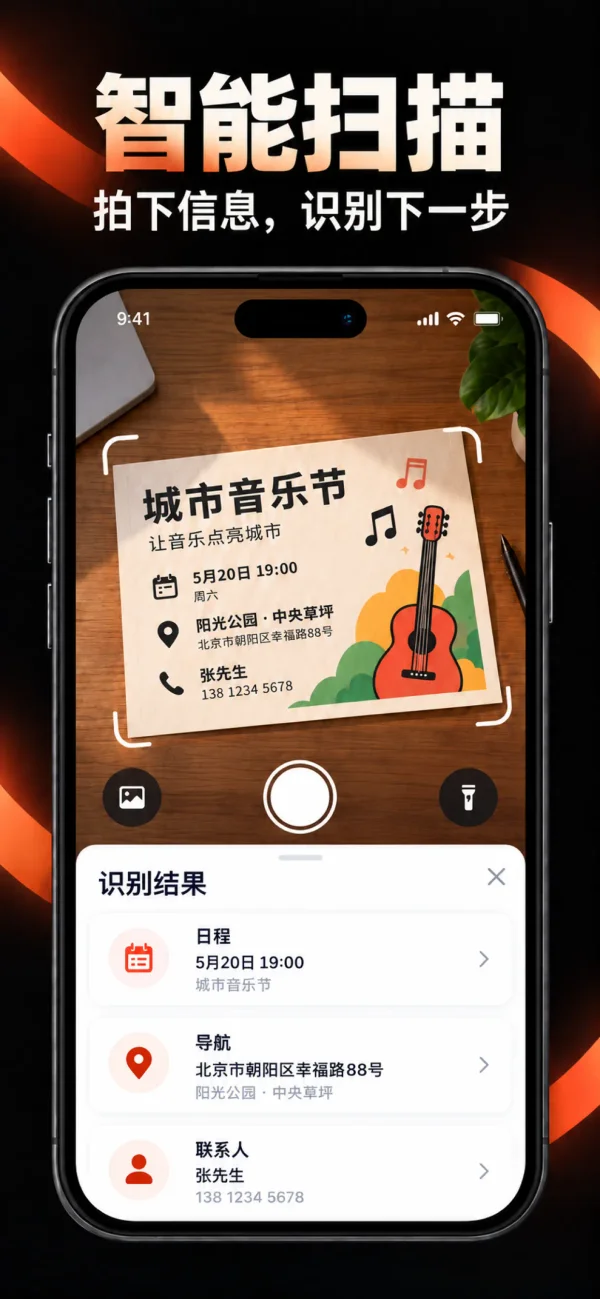
Zhijian: Scan important documents well, and keep your favorite lines. One phone that balances efficient organization and effortless creation.
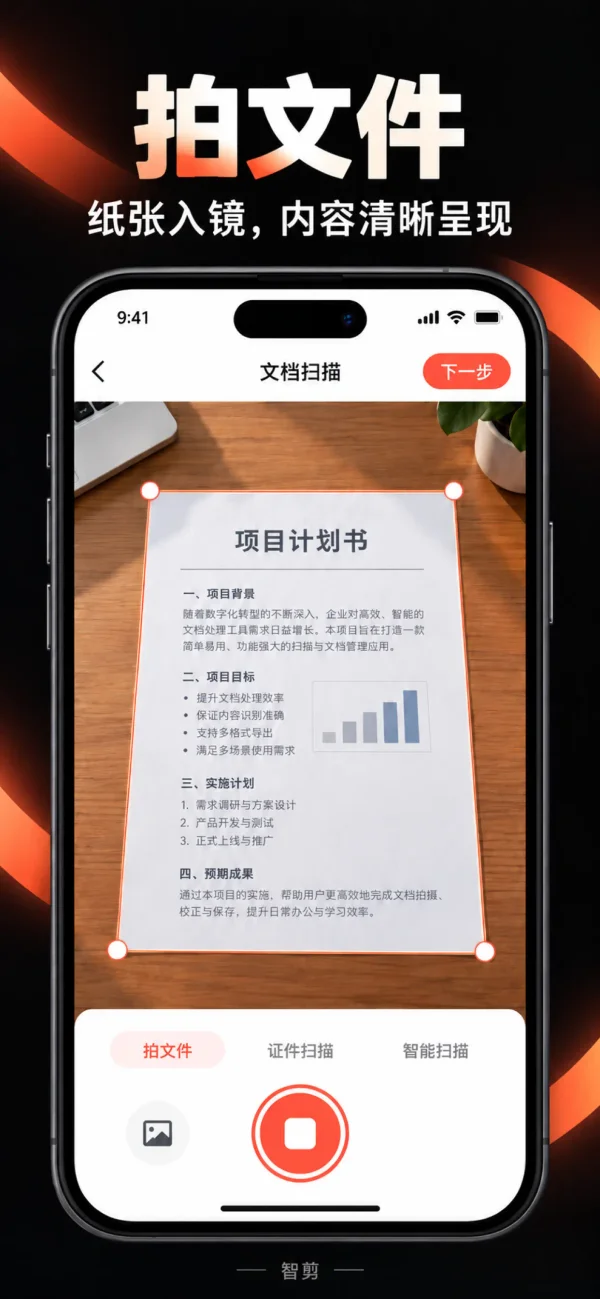
[Document Scanning | Capture Clearly, Organize Neatly]
Scan documents, receipts, and ID cards; detect edges and correct the image, turning paper into digital copies that are easy to save and share. Supports multi-page scanning, importing from the photo album, page adjustment and enhancement, and export to PDF or PNG. ID cards and similar documents can be organized by front and back; when layout is needed, you can also combine multiple pages in custom editing.
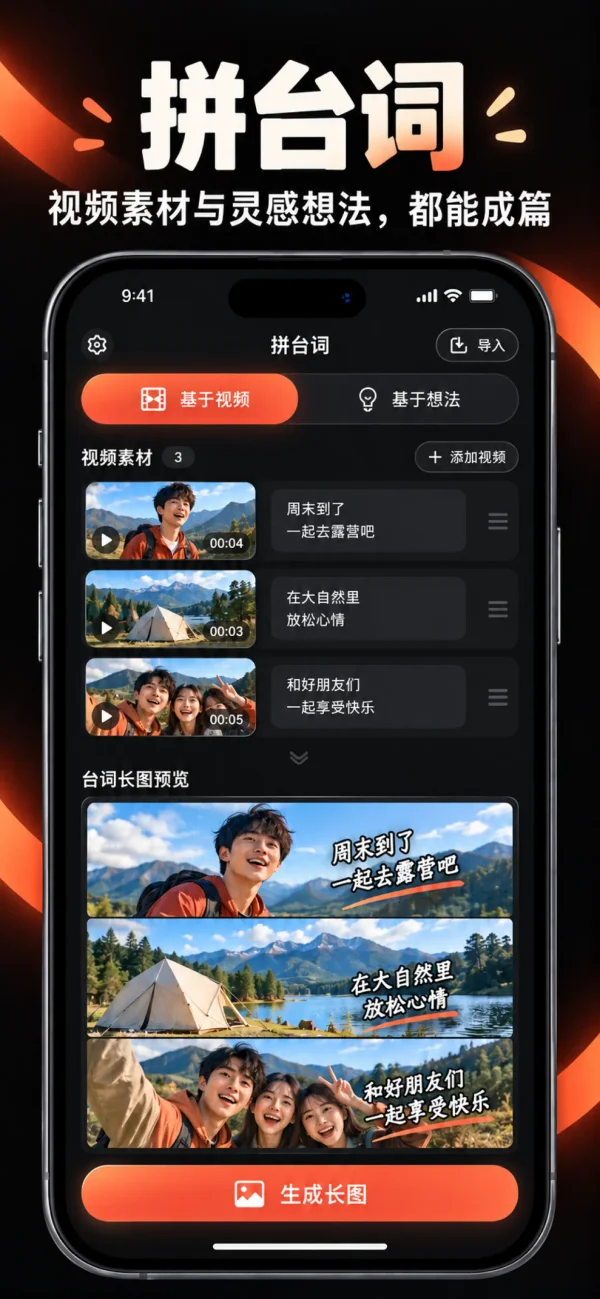
[Dialogue Collage | Turn Great Dialogue into a Work]
Import videos or images, recognize the dialogue in the visuals, and stitch it into an image; subtitle position and spacing can be adjusted to your preference. Whether you want to record movie dialogue, create images for content, or share a line that moved you, you can get it done faster.
Got a new inspiration? Say or type your idea, and you can also generate dialogue and pair it with visuals to create your own expression.
[More Practical Tools]
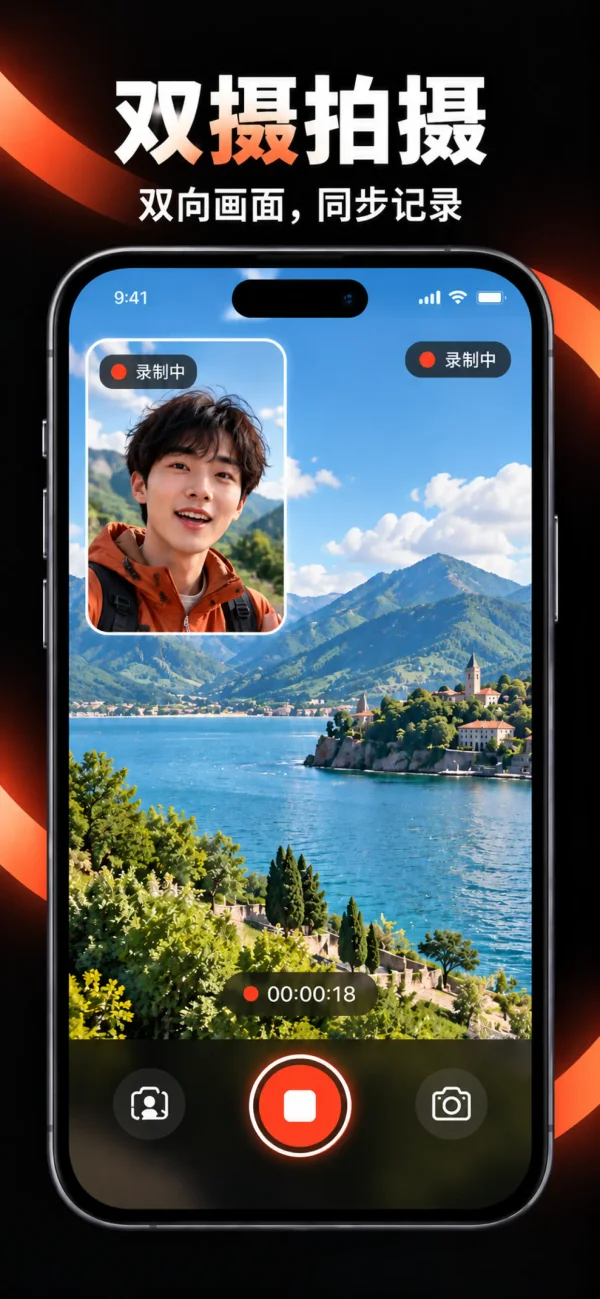
Smart photo editing, smart segmentation, photo and video collages, dual-direction camera, and AI body processing meet needs such as everyday photo editing, content creation, and privacy masking.
[Subscription Details]
Zhijian offers auto-renewing memberships. Plans, prices, and benefits are as displayed on the in-app purchase page. Subscriptions can be managed or canceled in device settings.
Privacy Policy: https://xdrawvision.com/privacy_policy.html
Terms of Service: https://www.apple.com/legal/internet-services/itunes/dev/stdeula
What’s new
Version 2.2.1 · Oct 4, 2026
1. Fixed known issues.
2. This update focuses on two things: scanning documents better and assembling dialogue better.
[Document Scanning]
• Smoother framing, shooting guidance, and cropping for scanning documents and IDs.
• Stronger and faster correction and enhancement for document scans.
• Multiple pages can now be brought into custom editing together.
• Improved PDF/PNG export and sharing, with A4 layout that better matches actual paper size.
[Dialogue Collage]
• Improved the dialogue collage experience for videos and images, making subtitle position and spacing easier to adjust.
• New "Generate Dialogue from Ideas": speak or type an idea to generate dialogue and pair it with visuals.
App privacy
What Chengdu Zhihui World Technology Co., Ltd. declares on the App Store about how this app handles data.
-
Data not linked to you
May be collected but is not linked to your identity.
- Contact info
- User content
Privacy practices may vary, for example with the features you use or your age.
Information
- Seller
- Chengdu Zhihui World Technology Co., Ltd.
- Category
- Photo & Video
- Version
- 2.2.1
- Updated
- Oct 4, 2026
- Released
- Jul 31, 2026
- Size
- 188.5 MB
- Requires
- iOS 18.0 or later
- Age rating
- 4+
- Price
- Free
- In-app purchases
- Yes
- Languages
- English, Simplified Chinese
- Copyright
- © 2025 Zhihui World Technology Co., Ltd.
You might also like
-
 VSplit - Video SplitterSplit large videos for sharing
-
 Video Screenshot ProFrame Grab & HD Export
-
 精准剪辑-短剧影视解说二创混剪与文案配音Photo & Video
-
 2Capturedual camera
-
 BiCamera - Dual Video Recorderront and Back Cam Recording
-
 OnLensPhoto & Video
-
 Trimly - Memories within ReachMake Clips from Long Videos
-
 Auto Video SlicerAI Scene Detection & Split
-
 Captionry: Auto Video CaptionsSubtitle Maker & Translator
-
 ClipReady: Talking Head VideoAI Teleprompter & Captions