
智剪SnapCut
AI Photo & Video Studio
Conçue pour iPhone, iPad
Gratuit · Achats intégrés
- Classification d’âge4+
- CatégoriePhoto et vidéo
- DéveloppeurChengdu Zhihui World Technology Co., Ltd.
- LanguesAnglais+ 1 de plus
- Taille188,5 Mo
Renvoie vers la page App Store officielle
Download.org n’héberge aucun fichier de 智剪SnapCut. Le bouton ouvre la page de l’application sur App Store, où Chengdu Zhihui World Technology Co., Ltd. la publie. Fiche vérifiée pour la dernière fois le 21/11/2026.
Captures d’écran



À propos
Le développeur n’a pas fourni ce texte dans votre langue.
Zhijian: Scan important documents well, and keep your favorite lines. One phone that balances efficient organization and effortless creation.
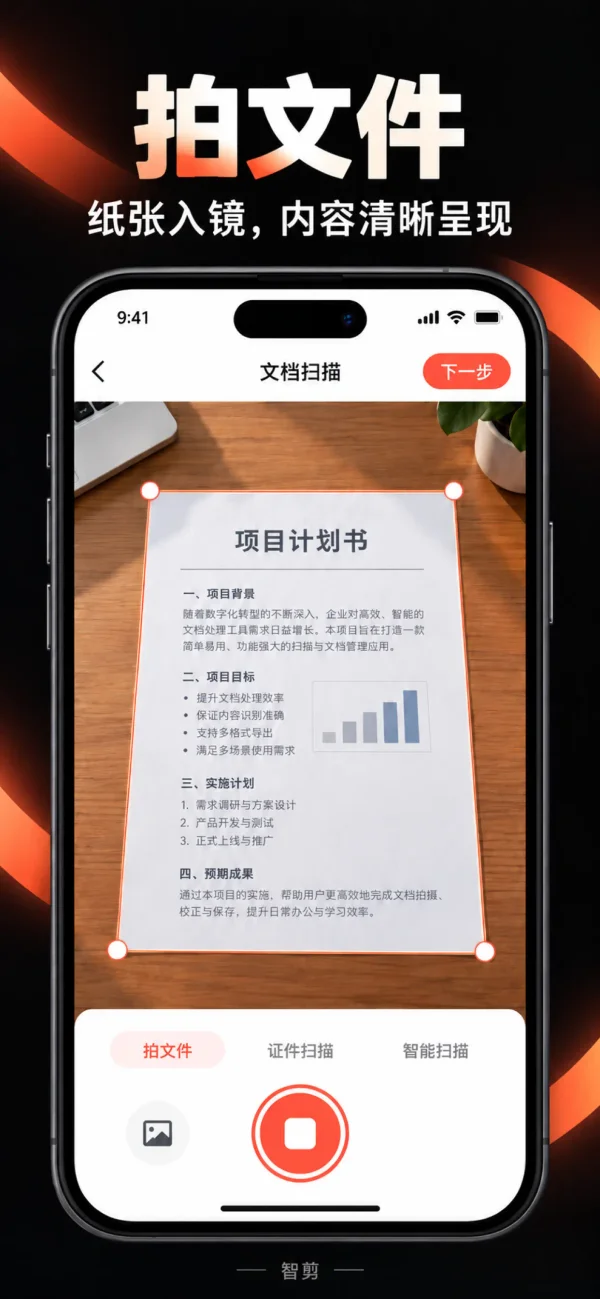
[Document Scanning | Capture Clearly, Organize Neatly]
Scan documents, receipts, and ID cards; detect edges and correct the image, turning paper into digital copies that are easy to save and share. Supports multi-page scanning, importing from the photo album, page adjustment and enhancement, and export to PDF or PNG. ID cards and similar documents can be organized by front and back; when layout is needed, you can also combine multiple pages in custom editing.
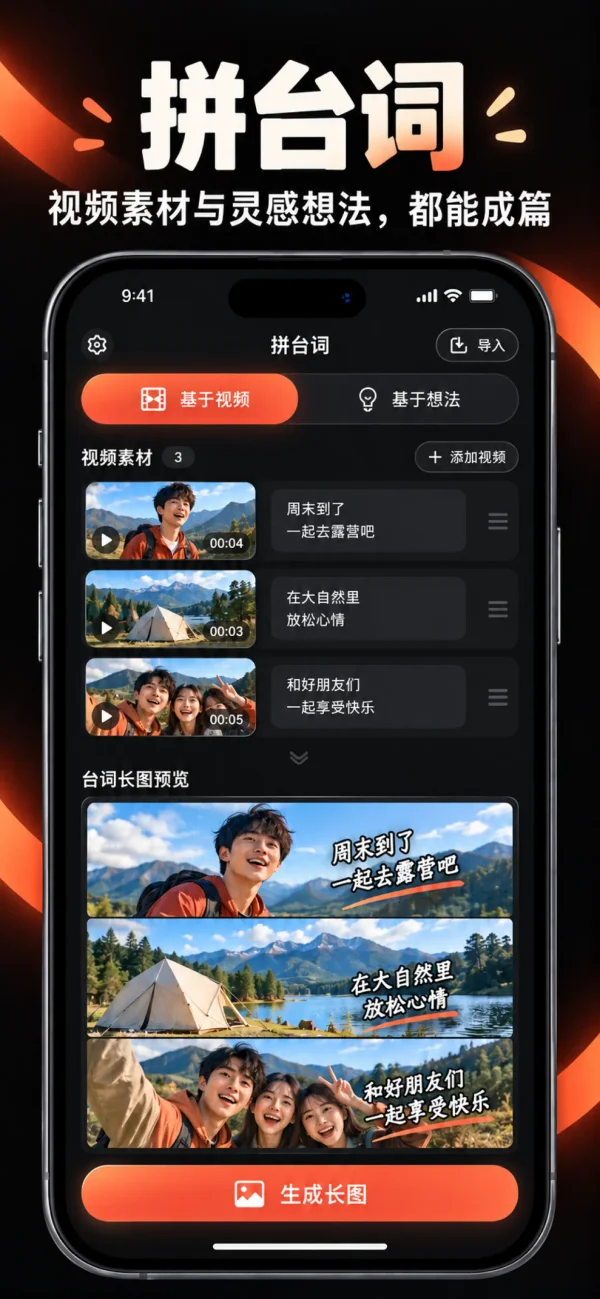
[Dialogue Collage | Turn Great Dialogue into a Work]
Import videos or images, recognize the dialogue in the visuals, and stitch it into an image; subtitle position and spacing can be adjusted to your preference. Whether you want to record movie dialogue, create images for content, or share a line that moved you, you can get it done faster.
Got a new inspiration? Say or type your idea, and you can also generate dialogue and pair it with visuals to create your own expression.
[More Practical Tools]
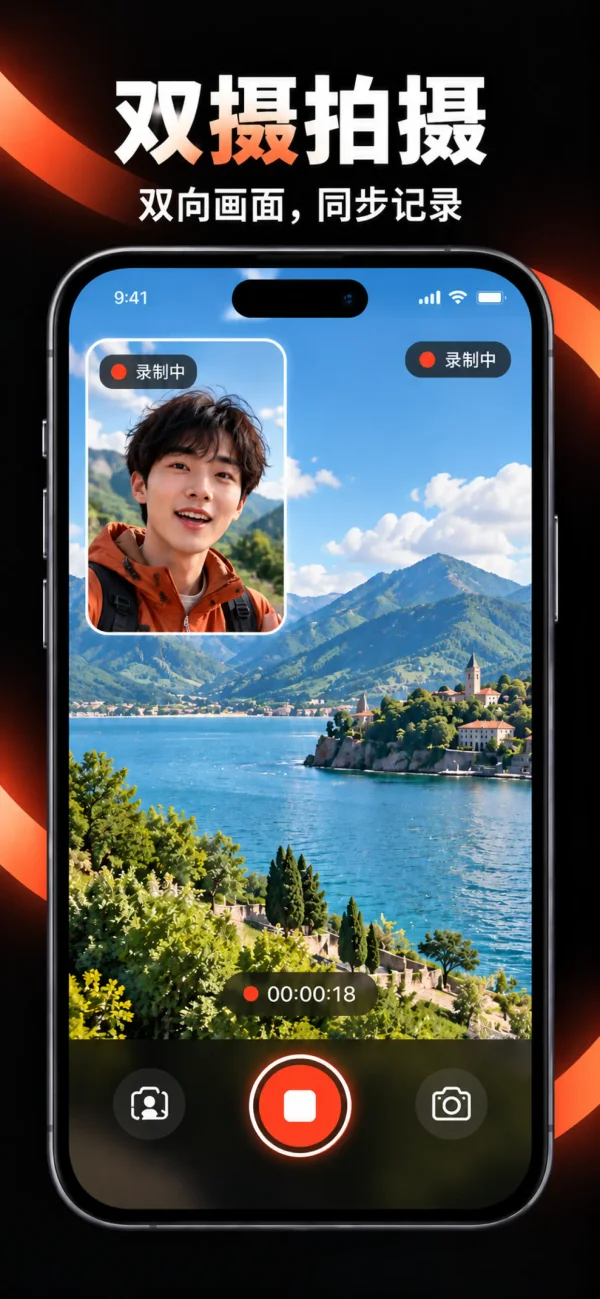
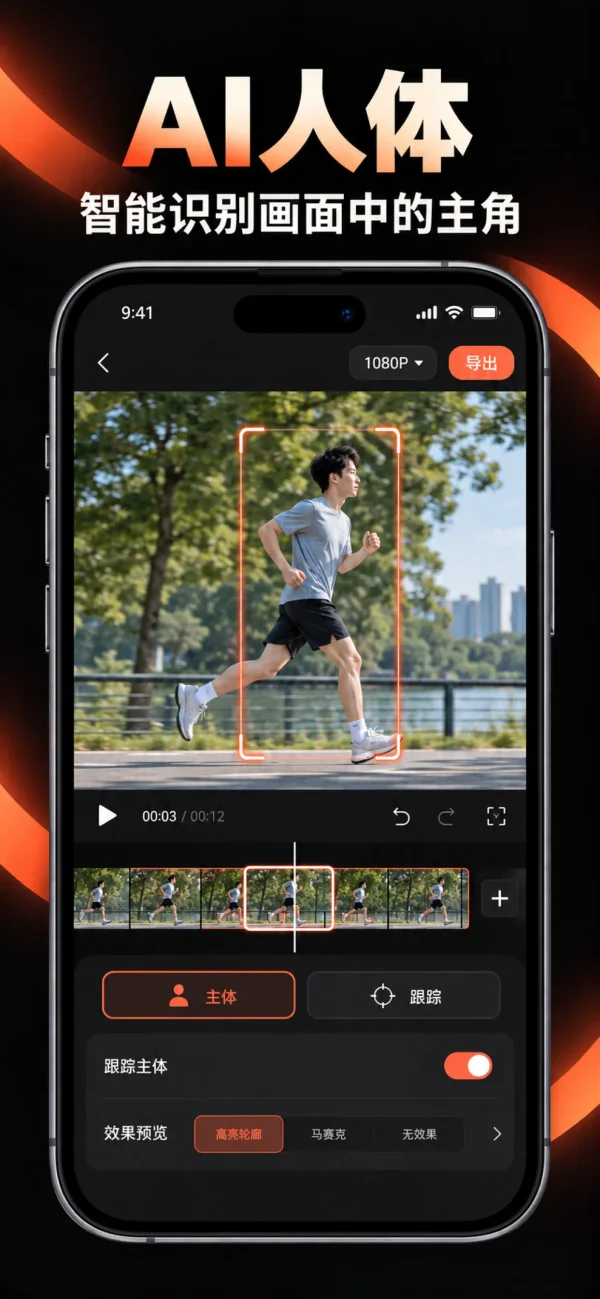
Smart photo editing, smart segmentation, photo and video collages, dual-direction camera, and AI body processing meet needs such as everyday photo editing, content creation, and privacy masking.
[Subscription Details]
Zhijian offers auto-renewing memberships. Plans, prices, and benefits are as displayed on the in-app purchase page. Subscriptions can be managed or canceled in device settings.
Privacy Policy: https://xdrawvision.com/privacy_policy.html
Terms of Service: https://www.apple.com/legal/internet-services/itunes/dev/stdeula
Nouveautés
Version 2.2.1 · 04/10/2026
1. Fixed known issues.
2. This update focuses on two things: scanning documents better and assembling dialogue better.
[Document Scanning]
• Smoother framing, shooting guidance, and cropping for scanning documents and IDs.
• Stronger and faster correction and enhancement for document scans.
• Multiple pages can now be brought into custom editing together.
• Improved PDF/PNG export and sharing, with A4 layout that better matches actual paper size.
[Dialogue Collage]
• Improved the dialogue collage experience for videos and images, making subtitle position and spacing easier to adjust.
• New "Generate Dialogue from Ideas": speak or type an idea to generate dialogue and pair it with visuals.
Confidentialité de l’application
Ce que Chengdu Zhihui World Technology Co., Ltd. déclare sur l’App Store au sujet du traitement des données par cette application.
-
Données n’établissant aucun lien avec vous
Peuvent être collectées, mais ne sont pas liées à votre identité.
- Coordonnées
- Contenu utilisateur
Les pratiques en matière de confidentialité peuvent varier, notamment en fonction des fonctionnalités que vous utilisez ou de votre âge.
Informations
- Vendeur
- Chengdu Zhihui World Technology Co., Ltd.
- Catégorie
- Photo et vidéo
- Version
- 2.2.1
- Mis à jour
- 04/10/2026
- Publié
- 31/07/2026
- Taille
- 188,5 Mo
- Nécessite
- iOS 18.0 ou version ultérieure
- Classification d’âge
- 4+
- Prix
- Gratuit
- Achats intégrés
- Oui
- Langues
- Anglais, Chinois simplifié
- Copyright
- © 2025 Zhihui World Technology Co., Ltd.
Vous aimerez peut-être aussi
-
 VSplit - Video SplitterPhoto et vidéo
-
 Video Screenshot ProPhoto et vidéo
-
 精准剪辑-短剧影视解说二创混剪与文案配音Photo et vidéo
-
 2CapturePhoto et vidéo
-
 BiCamera - Dual Video RecorderPhoto et vidéo
-
 OnLensPhoto et vidéo
-
 Trimly - Memories within ReachPhoto et vidéo
-
 Auto Video SlicerPhoto et vidéo
-
 Captionry: Auto Video CaptionsPhoto et vidéo
-
 ClipReady: Talking Head VideoPhoto et vidéo