SnapFrame: App Mockup Maker
App Store Screenshots & Video
Designed for iPhone, Mac
Free · In-app purchases
- Age rating4+
- CategoryPhoto & Video
- DeveloperAymen Nurhussien
- LanguagesEnglish
- Size69.8 MB
Links to the official App Store page
Download.org hosts no file of SnapFrame: App Mockup Maker. The button opens its official App Store page, published by Aymen Nurhussien. Listing last checked on Nov 12, 2026.
Screenshots
About
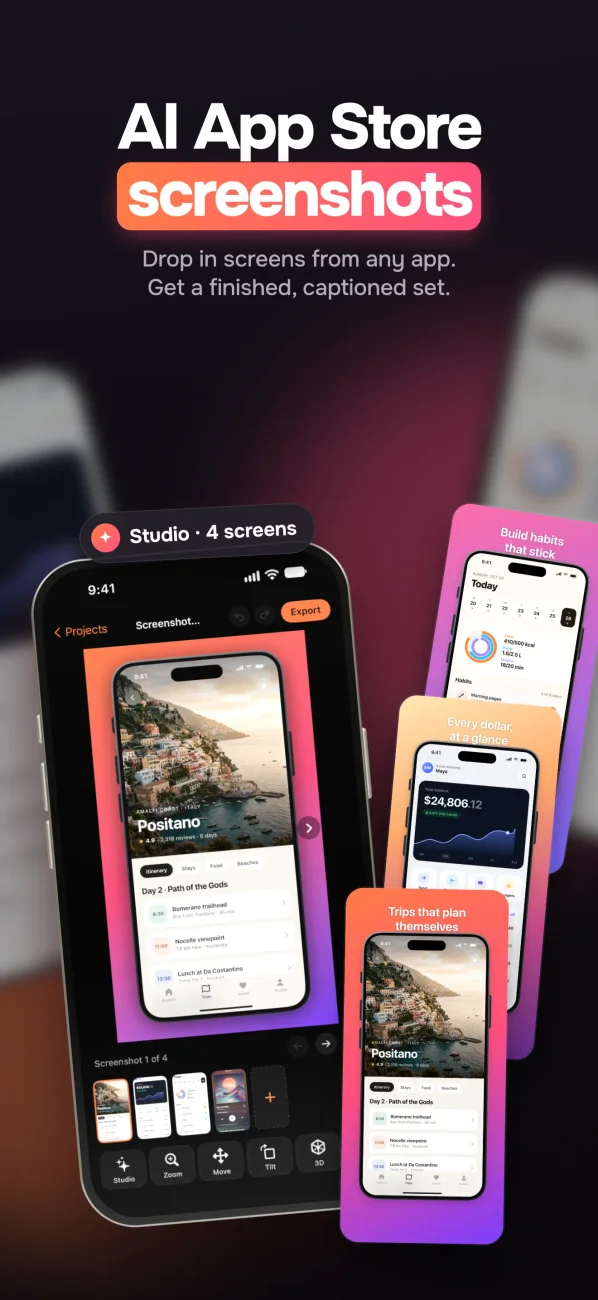
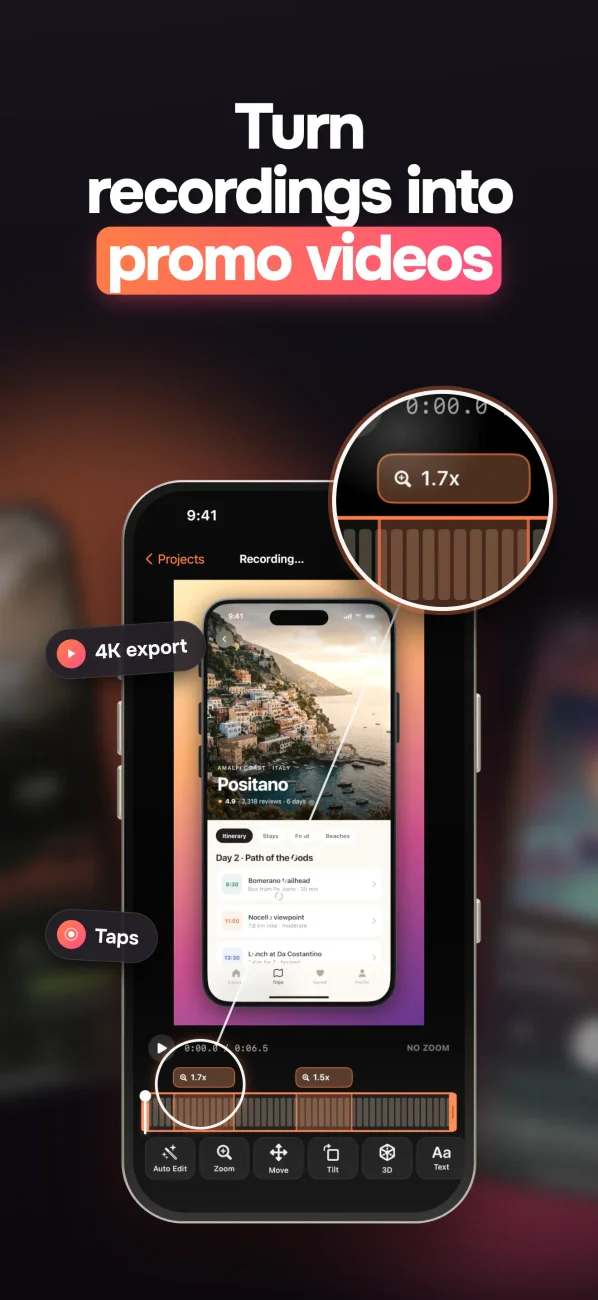
Turn raw iPhone screen recordings and screenshots into polished, scroll-stopping videos and images — right on your phone, in seconds. No desktop editor required.
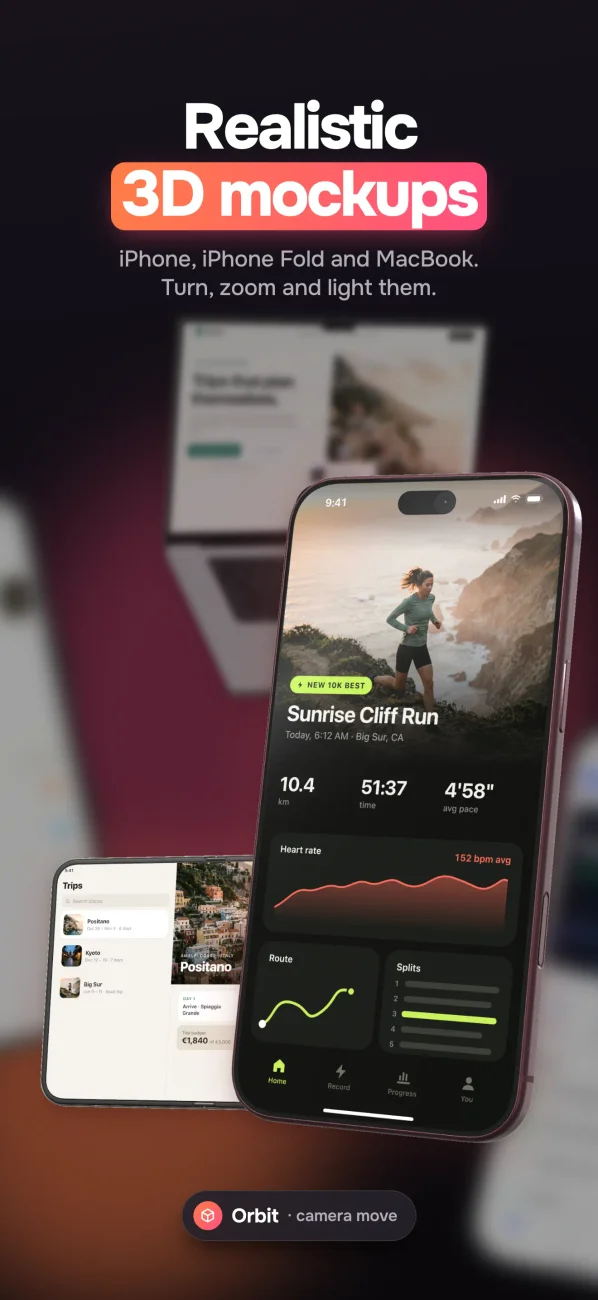
SnapFrame wraps your capture in a crisp device frame on a vibrant backdrop, then lets you add cinematic camera moves, captions, and taps — and export in up to 4K for the App Store, TikTok, Reels, Product Hunt, and your landing page.
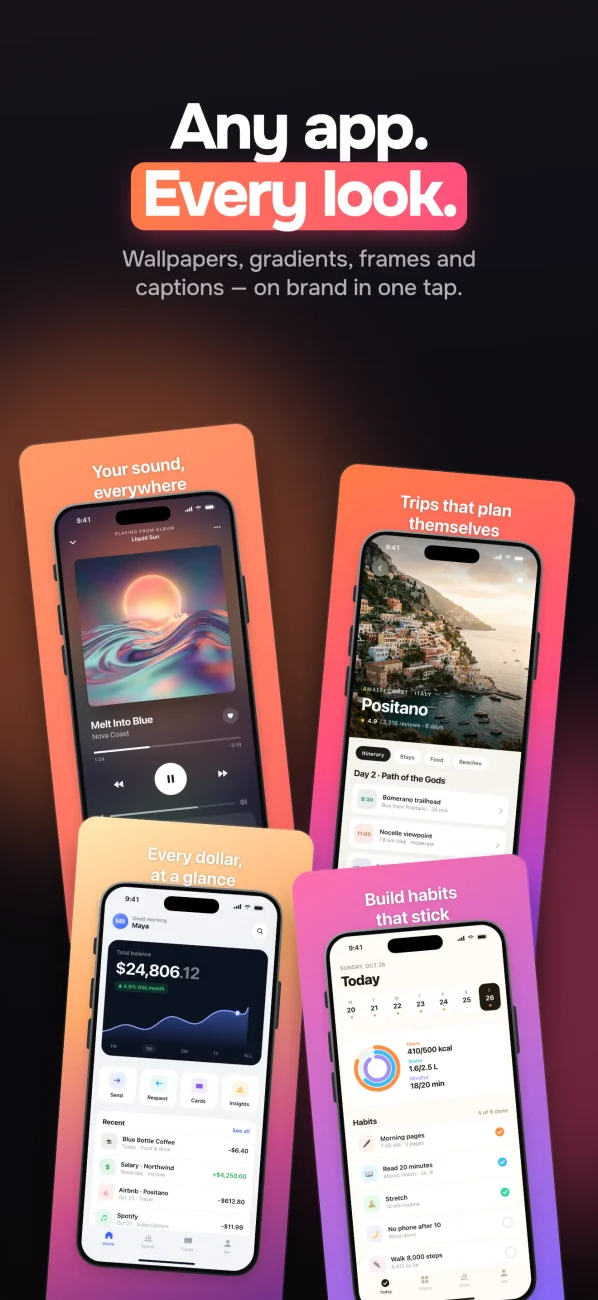
FRAME IT BEAUTIFULLY
• Realistic iPhone, iPad, and Apple Watch frames
• Gradient backdrops and premium wallpapers, or your own color
• Any aspect ratio — 9:16, square, 16:9, or App Store sizes
DIRECT THE CAMERA
• Zoom: push in on exactly what matters
• Move and Tilt: glide and angle the device for energy
• Smooth, keyframed motion that reads like a pro edit
POLISH EVERY DETAIL
• Captions and text overlays, placed exactly where you want
• Tap indicators that highlight every interaction
• Clean status bar that hides the red recording dot
• Trim dead air and speed up the slow parts
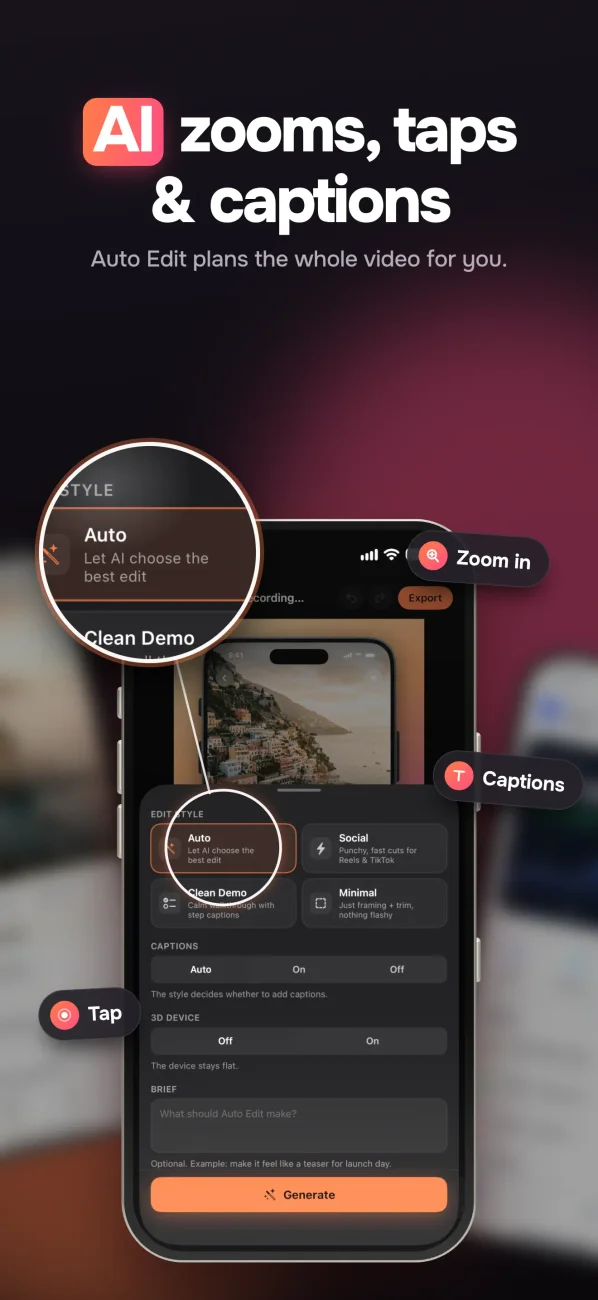
AI AUTO EDIT
Not sure where to start? Tap Auto Edit and let AI build the whole thing — zooms, cuts, captions, and motion — from your raw clip. A finished, framed video in one tap.
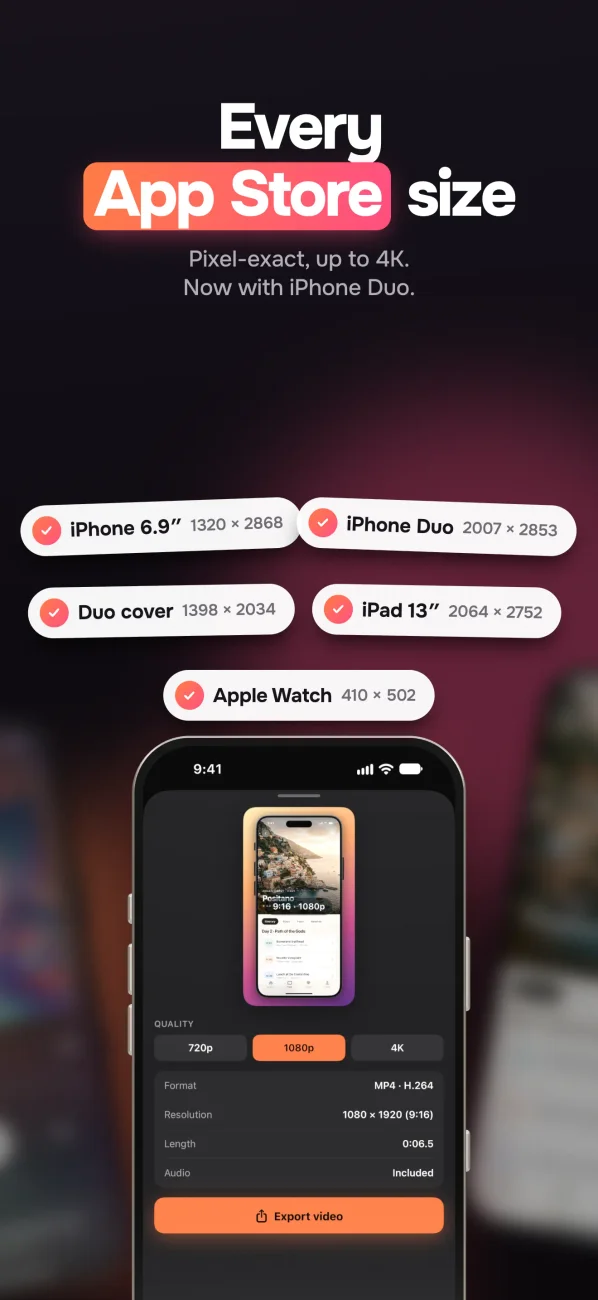
EXPORT ANYWHERE
• Crisp video up to 4K, or high-resolution images
• Save to Photos or share straight out
• Bring screenshots in through the iOS Share Sheet
SNAPFRAME PRO
Every editing tool is free, forever. Upgrade to Pro for more AI Auto Edits each day, 4K export, and premium wallpaper packs.
Built for indie developers, founders, and creators who want their app to look as good as it works.
TERMS & PRIVACY
Terms of Use (EULA): https://www.apple.com/legal/internet-services/itunes/dev/stdeula/
Privacy Policy: https://getsnapframe.vercel.app/privacy
What’s new
Version 1.0.7 · Oct 26, 2026
• Optimized for iPhone Duo — SnapFrame now fills both the cover and the inner display, and adapts as you fold and unfold.
• New App Store sizes: iPhone Duo (2007 × 2853) and iPhone Duo cover (1398 × 2034), ready for your own listing.
• Backgrounds: "Darken edges" is now a switch, solid colours stay perfectly flat, photo backgrounds can be sharp instead of blurred, and you can type an exact hex colour.
• After an export, a quick shortcut into the AI Screenshot Studio.
• Fixes and polish.
App privacy
What Aymen Nurhussien declares on the App Store about how this app handles data.
-
Data linked to you
May be collected and linked to your identity.
- Usage data
-
Data not linked to you
May be collected but is not linked to your identity.
- Purchases
- User content
- Identifiers
Privacy practices may vary, for example with the features you use or your age.
Information
- Seller
- Aymen Nurhussien
- Category
- Photo & Video
- Version
- 1.0.7
- Updated
- Oct 26, 2026
- Released
- Jun 25, 2026
- Size
- 69.8 MB
- Requires
- iOS 17.0 or later
- Age rating
- 4+
- Price
- Free
- In-app purchases
- Yes
- Languages
- English
- Copyright
- © 2026 Aymen Nurhussen
You might also like
-
 DummoDevice mockup video studio
-
 Kitte: Snap stampsCollect Beautiful Stamps
-
 RetinlyTurn recordings into app demos
-
 FrametifyMake beautiful mockup
-
 ShotEdit: Screenshot Frame ProScreenshot Editor & Tools
-
 Screeny: Screenshot EditorBeautiful Screenshot Frames
-
 GridFix: Perspective FixPerspective & Lines Correction
-
 Mockify App Photo Video MockupRealistic app & video mockups
-
 Kliptra: Screen RecorderProduct App Demo Video Editor
-
 ZRframeColor, Frames & Photo Editing