
Snapnote: Fast Idea Notes
Capture, Organize, Rediscover
Designed for iPhone, iPad
Free · In-app purchases
- Age rating4+
- CategoryProductivity
- DeveloperYongjun Lee
- LanguagesEnglish+ 10 more
- Size88.0 MB
Links to the official App Store page
Download.org hosts no file of Snapnote: Fast Idea Notes. The button opens its official App Store page, published by Yongjun Lee. Listing last checked on Nov 24, 2026.
Screenshots

About
Write it down. Find it again.
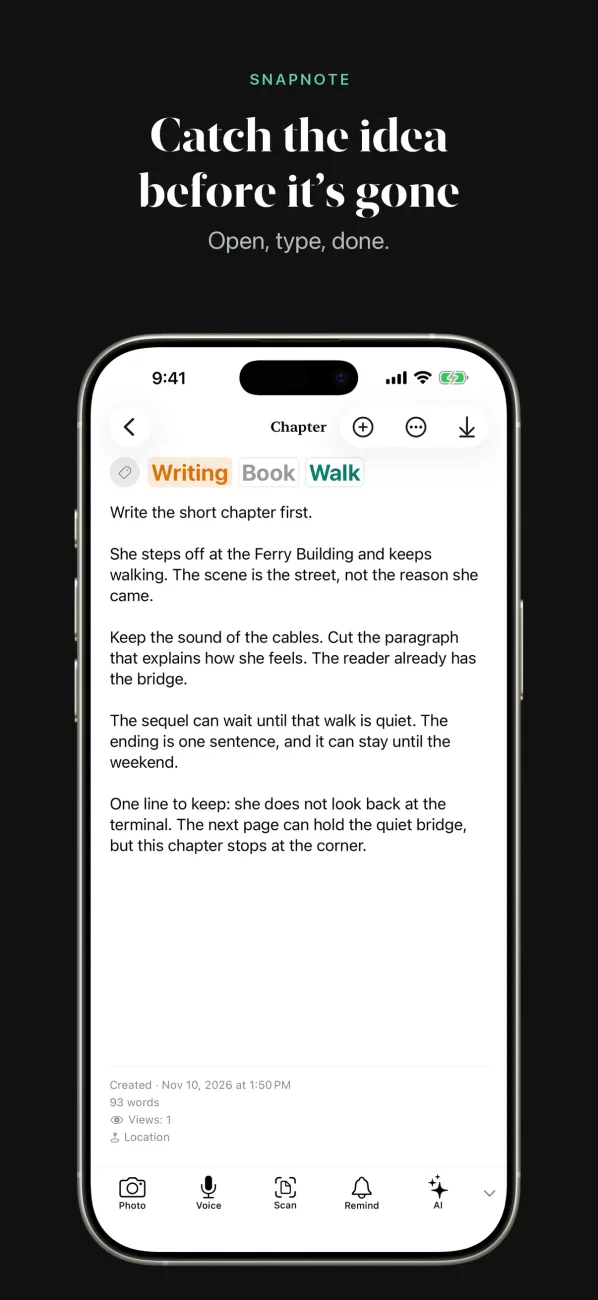
Snapnote is a notebook for short ideas. Capture a thought, keep it in a list, and return to it when you remember a word, a tag, or the day you wrote it.
FIND IT YOUR WAY
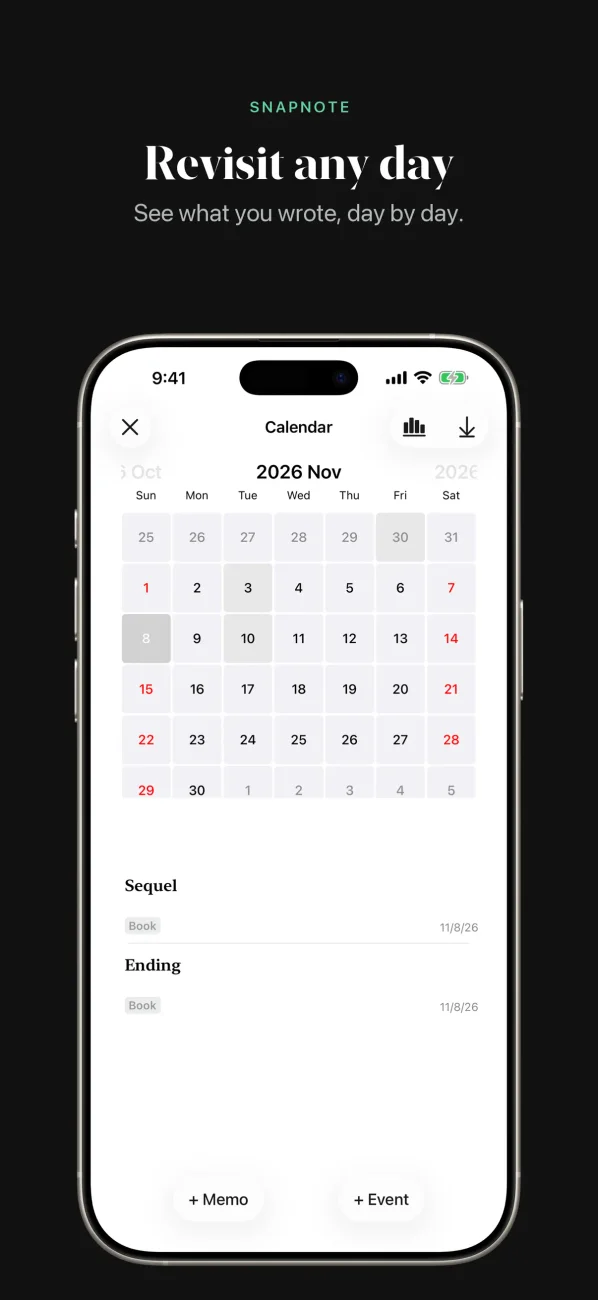
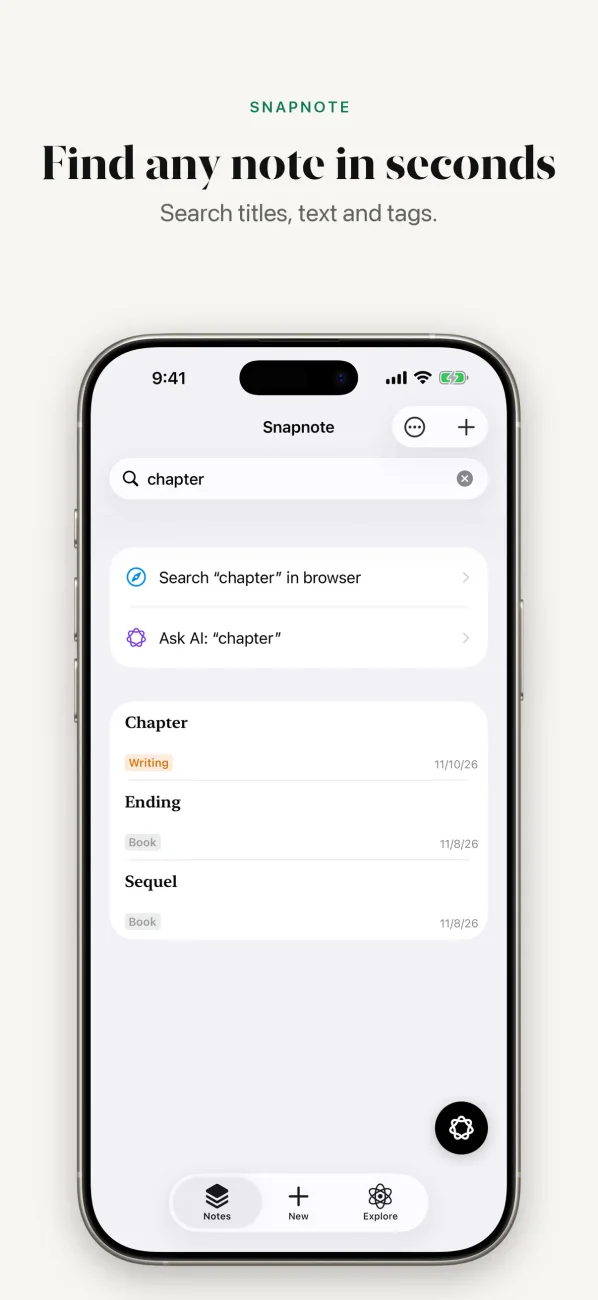
Search your notes. Filter them with tags. Open the calendar and read what you wrote on a given day. The calendar uses the day the note was written, so a later edit stays on that day.
A PLACE, WHEN YOU SAVED ONE
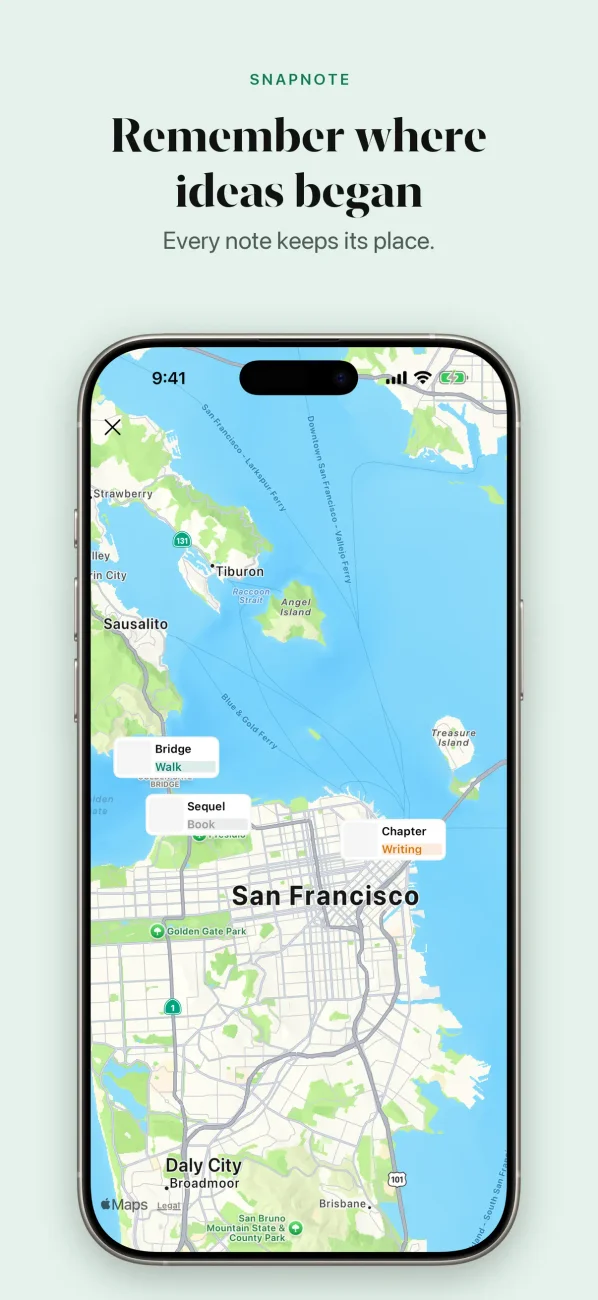
A new note can keep your location if you allow it. Those notes appear on a map. Notes without a location stay in the list.
MORE WAYS TO START
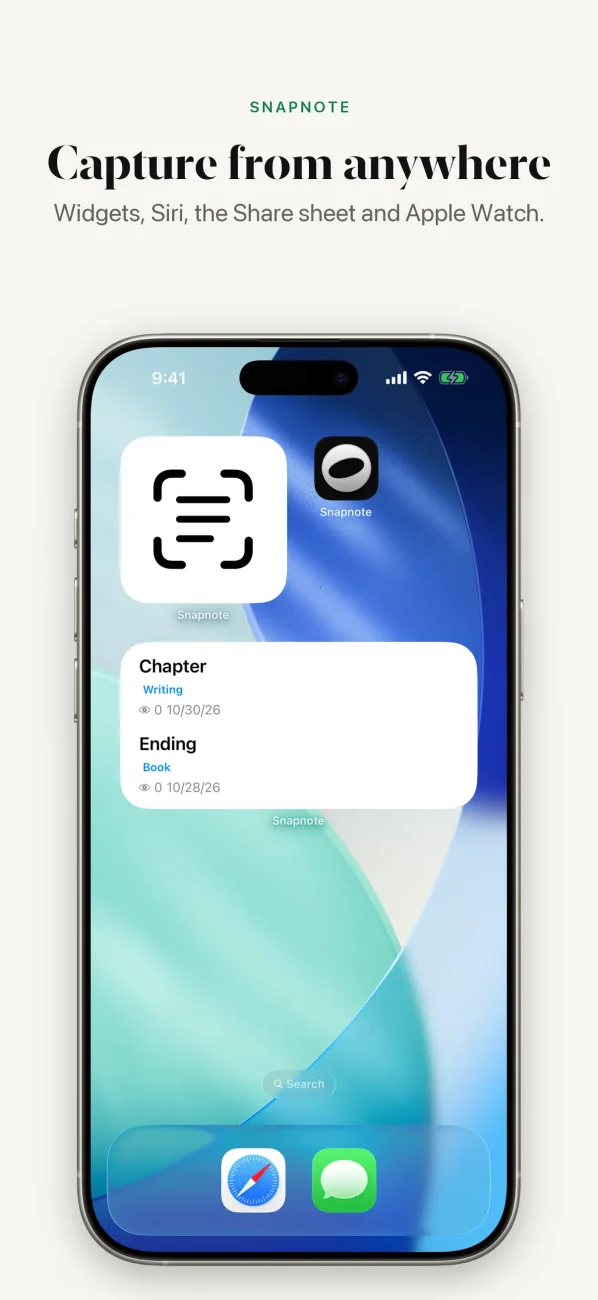
Save text, links, and pictures from the share sheet. Add a widget or a Siri Shortcut when you want the note closer at hand.
IN THE EDITOR
You can attach photos and format a note. Dictation and camera text are available with Pro or Ultra. Optional cloud AI can help develop a note. It needs a connection and sends that content to an external service. You can decline it and keep writing.
Snapnote is free to download. The list, search, tags, calendar, and note map do not require a purchase. Pro is a one-time purchase for extra tools. Ultra is a monthly or yearly subscription for cloud AI and those tools. Prices are on the purchase screen. Subscriptions renew until you cancel them in your App Store account settings.
Terms of Use (EULA): https://www.apple.com/legal/internet-services/itunes/dev/stdeula/
What’s new
Version 8.12.1 · Nov 23, 2026
• Improve with AI — tap AI in a note to polish, flesh out, brainstorm or validate your idea. Apply the answer with one tap, and undo it if you change your mind.
• Use your own AI key — connect OpenAI, Claude or Gemini in Settings → Your API keys and pick the model. Explore shows how much you've used. It works on the free plan too, in the agent, Meeting Notes and Interview Coach.
• One plan: Pro — Pro and Ultra are now one subscription. If you bought Pro before, everything you paid for stays yours.
• Dictation keeps going — switch apps and keep talking, with a timer on the Lock Screen and in the Dynamic Island.
• Notes you can skim — every note shows two lines of what you wrote, with its date and tags on one line.
• Fixes — clearer errors with Retry when AI can't answer, and note dates say "Yesterday" correctly.
App privacy
What Yongjun Lee declares on the App Store about how this app handles data.
-
Data used to track you
May be used to track you across apps and websites owned by other companies.
- Usage data
-
Data not linked to you
May be collected but is not linked to your identity.
- Usage data
Privacy practices may vary, for example with the features you use or your age.
Information
- Seller
- Yongjun Lee
- Category
- Productivity
- Version
- 8.12.1
- Updated
- Nov 23, 2026
- Released
- Feb 11, 2022
- Size
- 88.0 MB
- Requires
- iOS 17.0 or later
- Age rating
- 4+
- Price
- Free
- In-app purchases
- Yes
- Languages
- English, Arabic, Dutch, French, Japanese, Korean, Portuguese, Russian, Simplified Chinese, Spanish, Traditional Chinese
- Copyright
- © WAI Corp
You might also like
-
 SnapNote - 极简记录灵感智能分类,想到的,已记下。
-
 Mandal-Act : goal managementpersonal growth
-
 Time Limit: Focus TimeFocus, breaks & shared rooms
-
 Blurt - Voice to TasksBlurt it out, We sort it out.
-
 Readglide: Speech RehearsalPresentation timer & prompter
-
 Live MemoLock Screen Memo
-
 IdeaMark – Instant Idea NotesCapture ideas instantly
-
 Startup ScratchTurn daily pains into ideas
-
 Suprize!Productivity
-
 NiafluxProductivity