SnapScan: Document Scanner PDF
Doc, photo scan to PDF creator
Designed for iPhone, iPad
Free · In-app purchases
- Age rating4+
- CategoryProductivity
- DeveloperIhsan Ullah
- LanguagesEnglish
- Size19.3 MB
Links to the official App Store page
Download.org hosts no file of SnapScan: Document Scanner PDF. The button opens its official App Store page, published by Ihsan Ullah. Listing last checked on Nov 12, 2026.
Screenshots
About
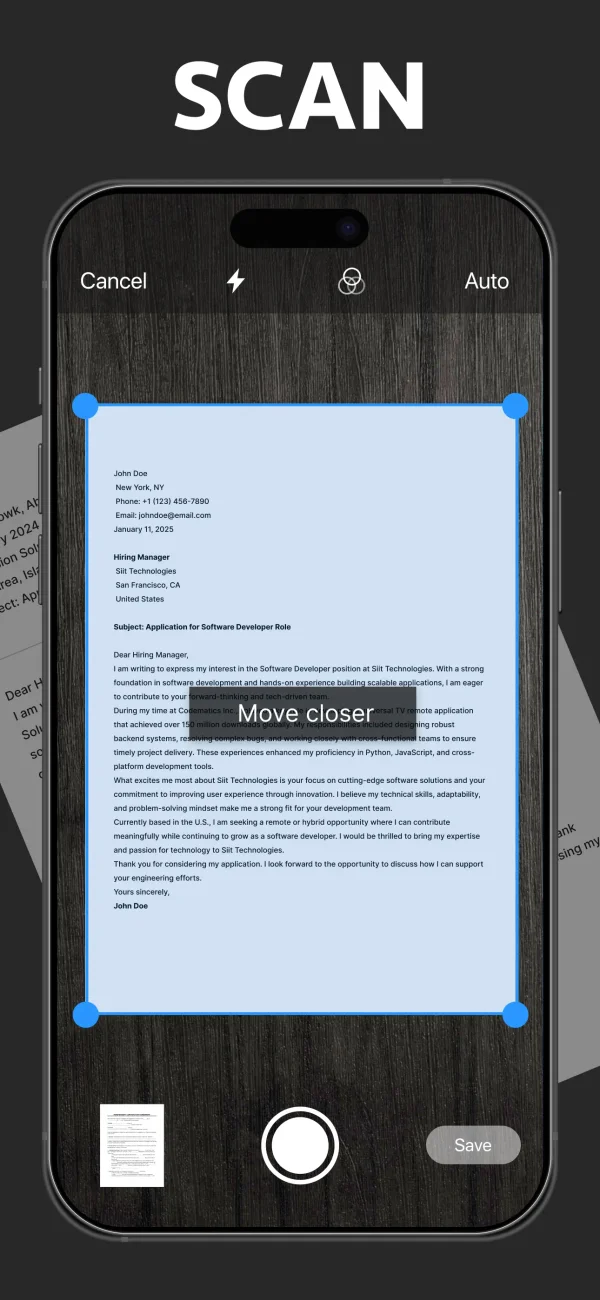
Scan Snap is a US-based free imobile scanning tool that offers high-quality photo scans in just 3 steps. If you lack access to a machine for scanning or printing, there's no need to worry. This iPhone scanner app fits the entire work documents in your pocket and improves productivity by 3x.
3 Easy Scanning Steps to Follow
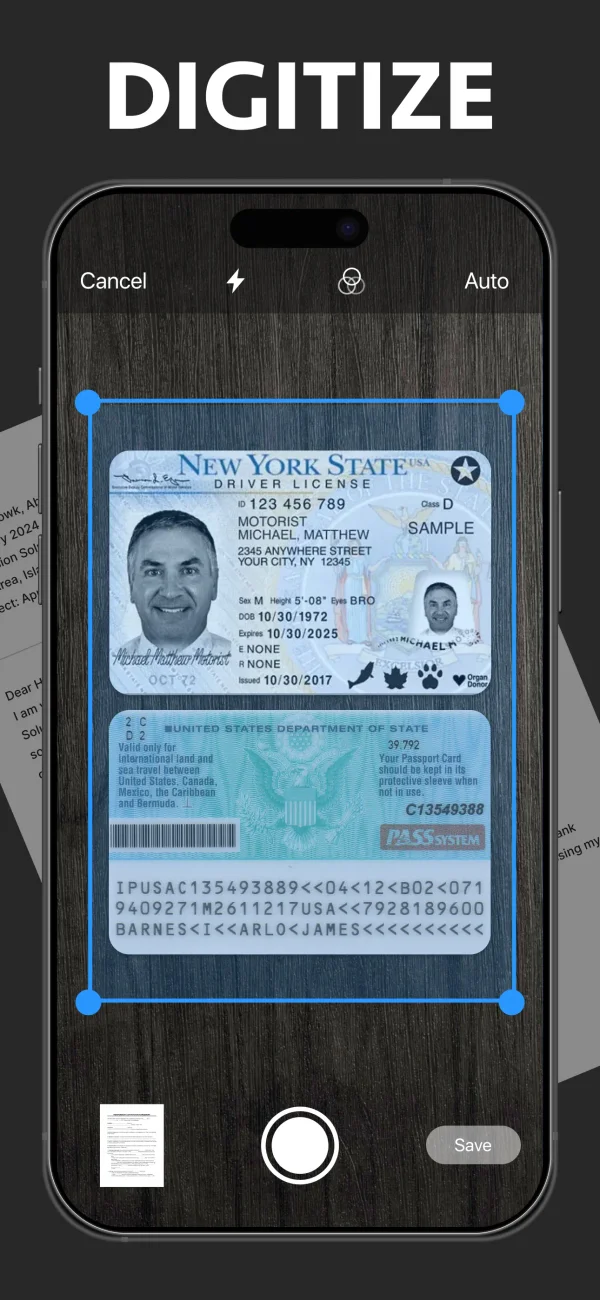
- San documents or digitalize ID cards/passports
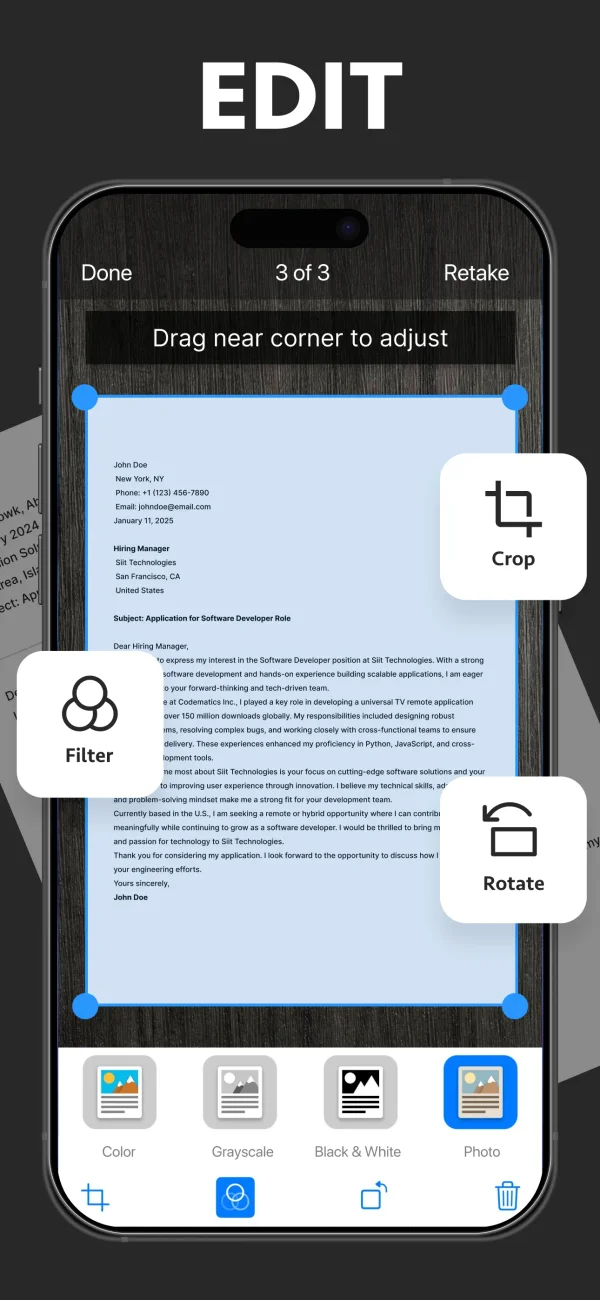
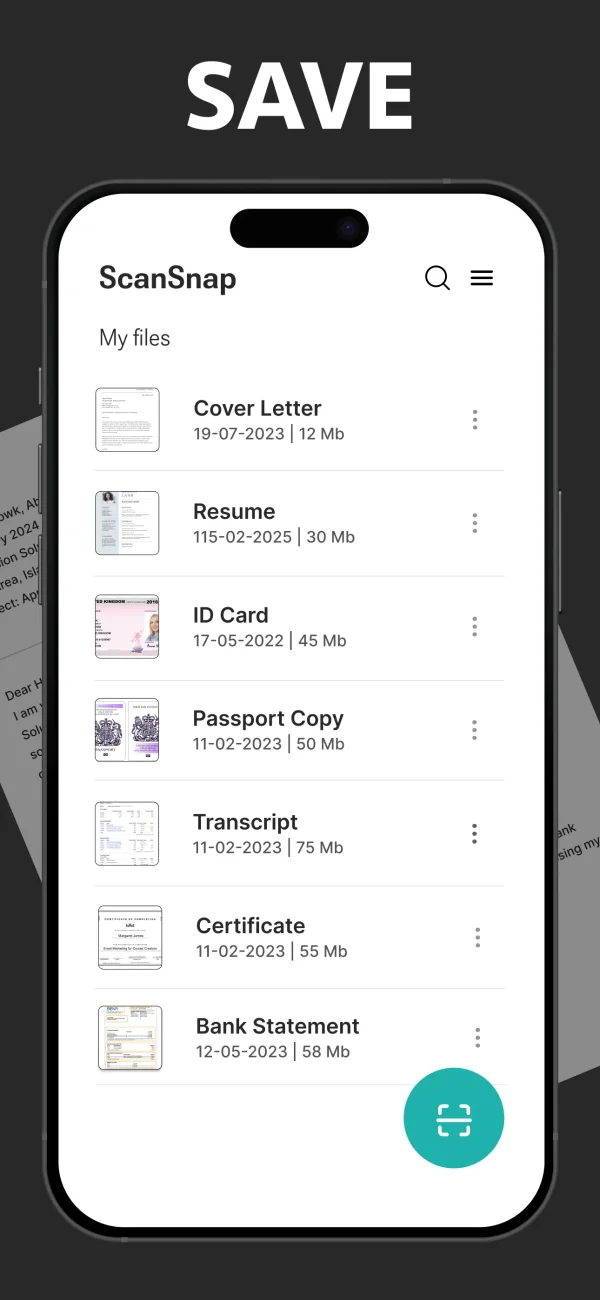
- Edit and Save your scanned files
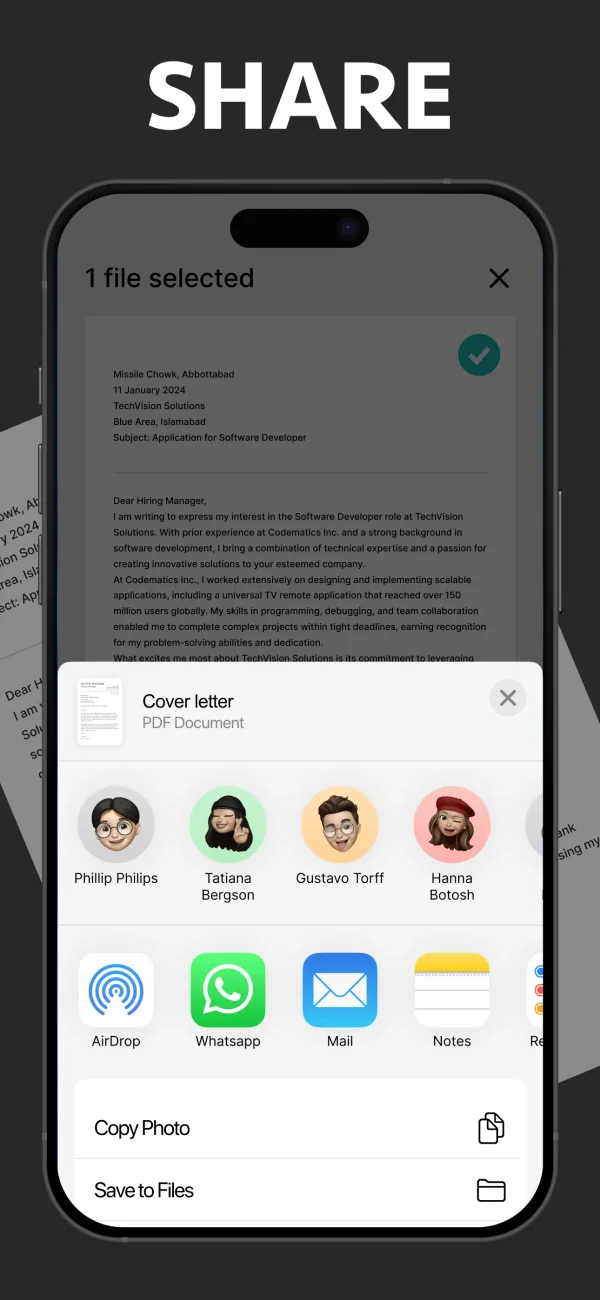
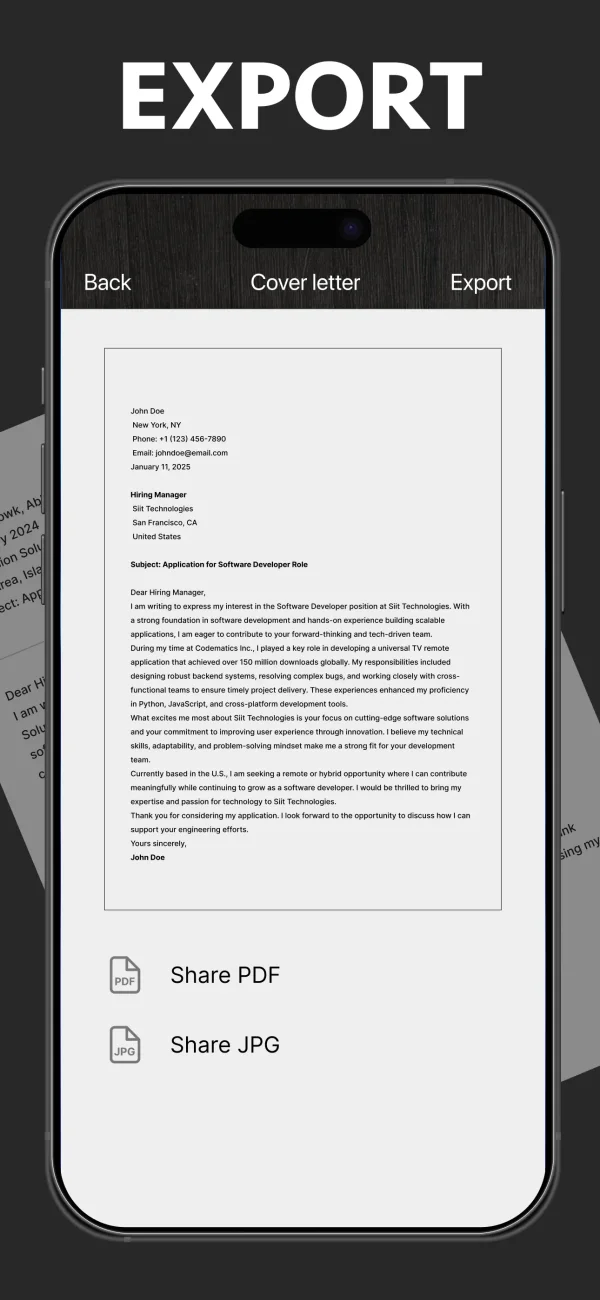
- Share as PDF, JPG or Word Document
Unlimited Doc Scanner
* A must-have PDF scanner to snap high-quality scans of documents, receipts, contracts, photos, invoices, assignments, and more using your iPhone.
Free PDF Editor and File Manager
* Edit your scanned images effortlessly.
* Apply filters and color to enhance readability.
* Crop and rotate your images to get the perfect scan.
* Remove paper skews and curves.
* Sign PDF files and other documents.
* Access and manage documents anytime.
Convert Scan to PDF/JPG/Word
* Share your scanned files via email, messaging apps, or cloud storage with just a tap.
Sign PDF Files
* Sign your scan manually or insert a signature from an image. Quickly and professionally sign official documents in few taps.
User-Friendly Experience
* This PDF scanner features a smooth, easy-to-use interface, making it simple to scan and organize your documents and photos with just a few taps.
Why Choose Scan-Snap App?
* Free Scanner App for iPhone: Access powerful scanning features at no cost.
* Doc Scanner – Image to PDF: Smoothly convert images to PDF format.
* Scanner App PDF Tool: All-in-one tool for all your scanning requirements.
* Sign PDF - Sign documents and PDF files for Free.
* Camera Scanner - A multi-page Camera Scanner to run fast.
Free & Pro Options
* Enjoy the basic features for free.
* Unlock advanced features with in-app purchases for a premium experience.
Download the SnapScan PDF Scanner App now and experience the convenience of having a portable scanner in your pocket. Perfect for students, professionals, and anyone who needs a reliable document scanner on the go.
Subscription Plan
Go premium today with an annual or monthly subscription to enjoy ads free, unlimited scans. Your payment will be charged to your iTunes Account at confirmation of purchase. Secondly, your subscription will renew automatically, but you can turn off auto-renewal by accessing your Account Settings 24 hours before the end of the current period.
For suggestions regarding a Document Scanner app, Contact us at codebuster2021@gmail.com
Terms of Use: https://www.apple.com/legal/internet-services/itunes/dev/stdeula/
What’s new
Version 1.0.19 · Jul 7, 2026
* Sign PDF with ease
* Support for more file formats
* Reduced document size
* Improved UI
App privacy
What Ihsan Ullah declares on the App Store about how this app handles data.
-
Data not collected
The developer does not collect any data from this app.
Privacy practices may vary, for example with the features you use or your age.
Information
- Seller
- Ihsan Ullah
- Category
- Productivity
- Version
- 1.0.19
- Updated
- Jul 7, 2026
- Released
- Aug 30, 2024
- Size
- 19.3 MB
- Requires
- iOS 16.0 or later
- Age rating
- 4+
- Price
- Free
- In-app purchases
- Yes
- Languages
- English
- Copyright
- © Code Buster - 2024
You might also like
-
 ScanSnap -Document Scanner PDFProductivity
-
 PDF Scanner App: Docs ScanConvert to PDF, Sign Documents
-
 Astari: AI Note TakerTranscribe & Record Meetings
-
 TextEdit - Text EditorTXT, RTF, Markdown, LaTeX & AI
-
 Araby.Ai | ذكاء اصطناعي عربيProductivity
-
 Nitro PDF Pro: Read & EditFill, Sign & Secure
-
 Epson DocumentScanProductivity
-
 Scan It: Cam Document ScannerPDF Maker, OCR & Photo Scan
-
 Handwriting to Text PenToPrintConvert Image to Word with OCR
-
 Pocket - AI Personal AssistantYour AI Personal Assistant