
Nitro PDF Pro: Read & Edit
Fill, Sign & Secure
Designed for iPhone, iPad
Free · In-app purchases
- Age rating4+
- CategoryProductivity
- DeveloperNitro Software, Inc.
- LanguagesEnglish+ 4 more
- Size63.4 MB
Links to the official App Store page
Download.org hosts no file of Nitro PDF Pro: Read & Edit. The button opens its official App Store page, published by Nitro Software, Inc. Listing last checked on Nov 21, 2026.
Screenshots

About
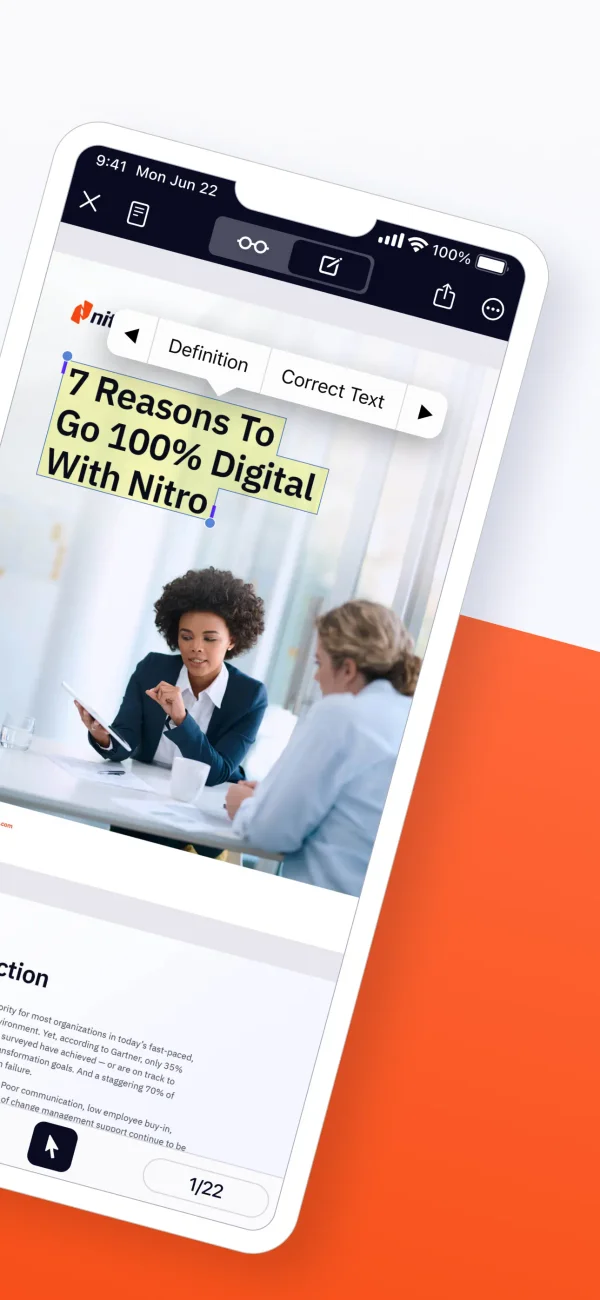
Nitro PDF Pro is the modern PDF solution with everything you need to edit, annotate, manage, and secure documents on the go. Built for professionals who need powerful PDF tools anywhere, anytime.
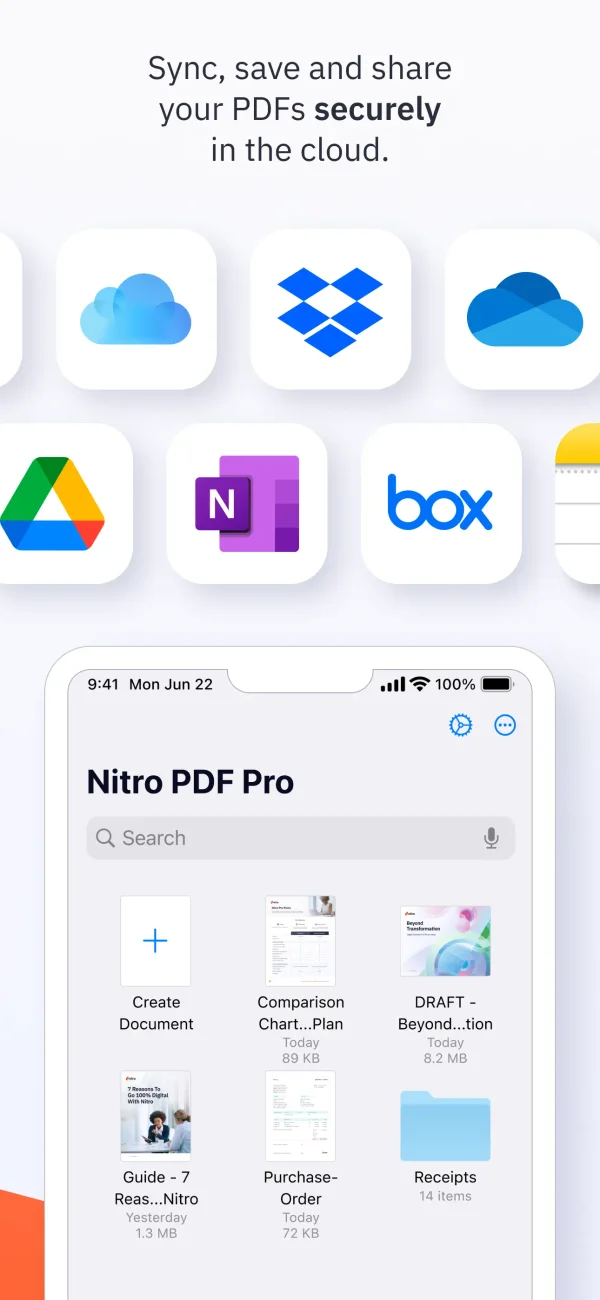
Create, edit, and manage PDFs seamlessly across iPhone and iPad. Nitro PDF Pro integrates with Apple's Files app and your favorite cloud services—iCloud Drive, OneDrive, Box, Dropbox, Google Drive and more—so your documents are always within reach. Work with Apple Pencil or Bluetooth styluses for freehand drawing, writing, and annotating, and use mobile scanning to turn receipts and documents into PDFs.
GET MORE DONE WITH NITRO'S POWERFUL PDF FEATURES
EDIT AND ANNOTATE
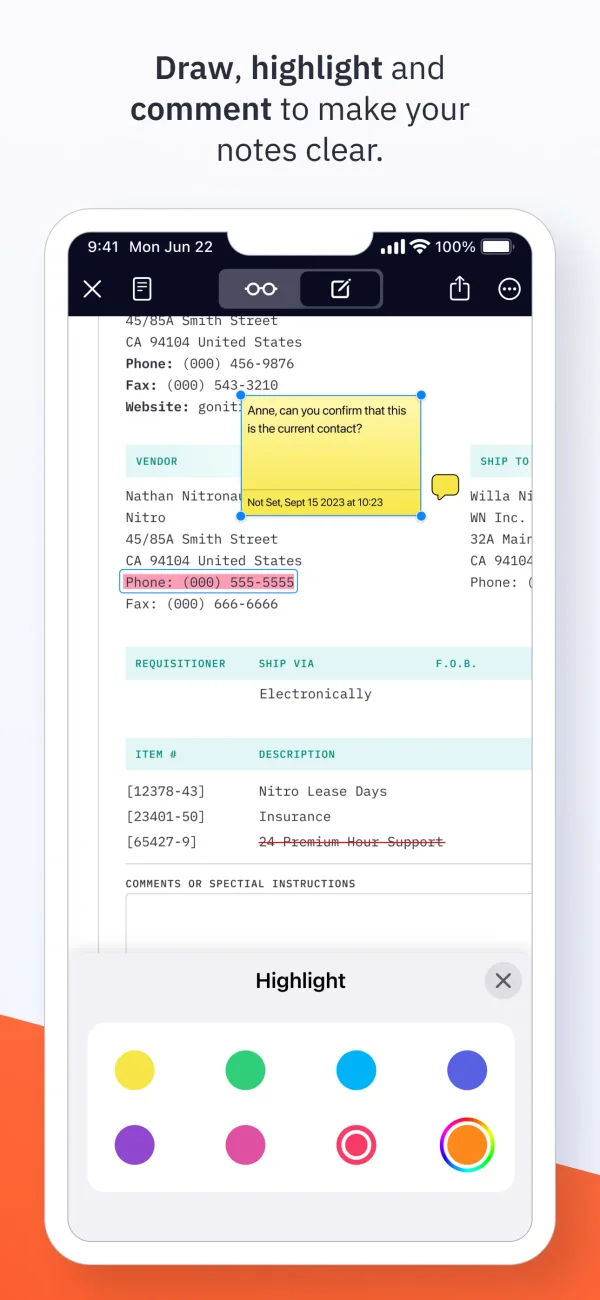
Highlight, underline, draw, add text, and leave comments on any PDF with precision tools designed for touch and Apple Pencil.
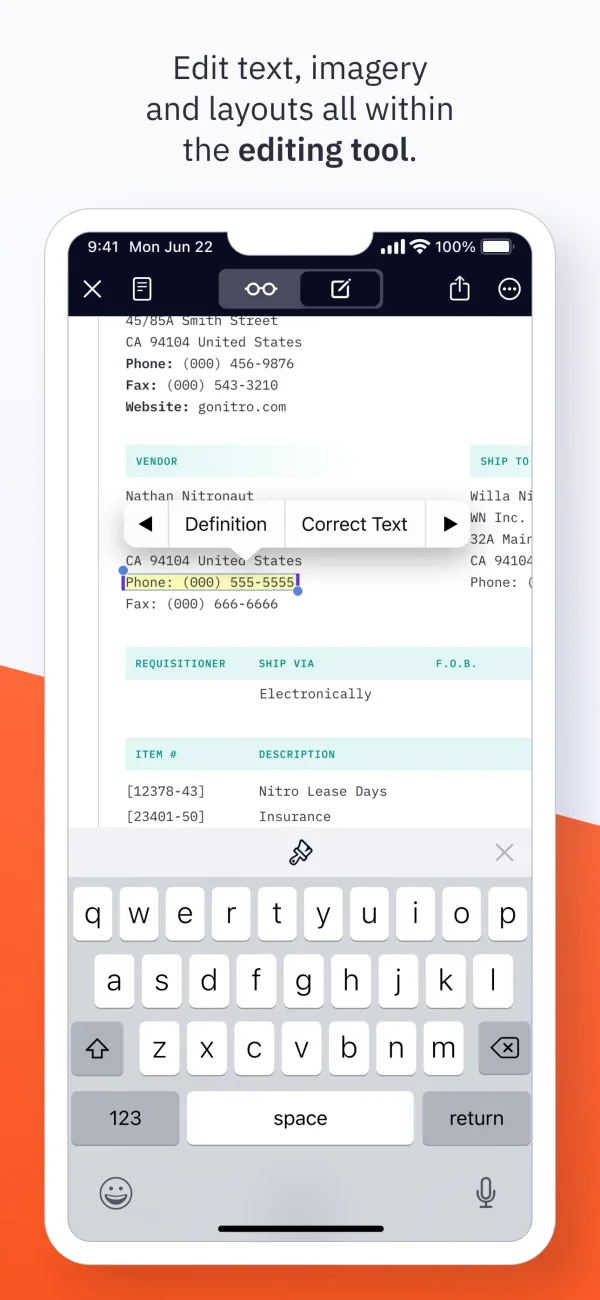
• Edit text and images with full-page paragraph reflow
• Add sticky notes, text edits, and freehand drawings
• Highlight and underline key passages
• Mark documents with stamps such as Approved or Draft
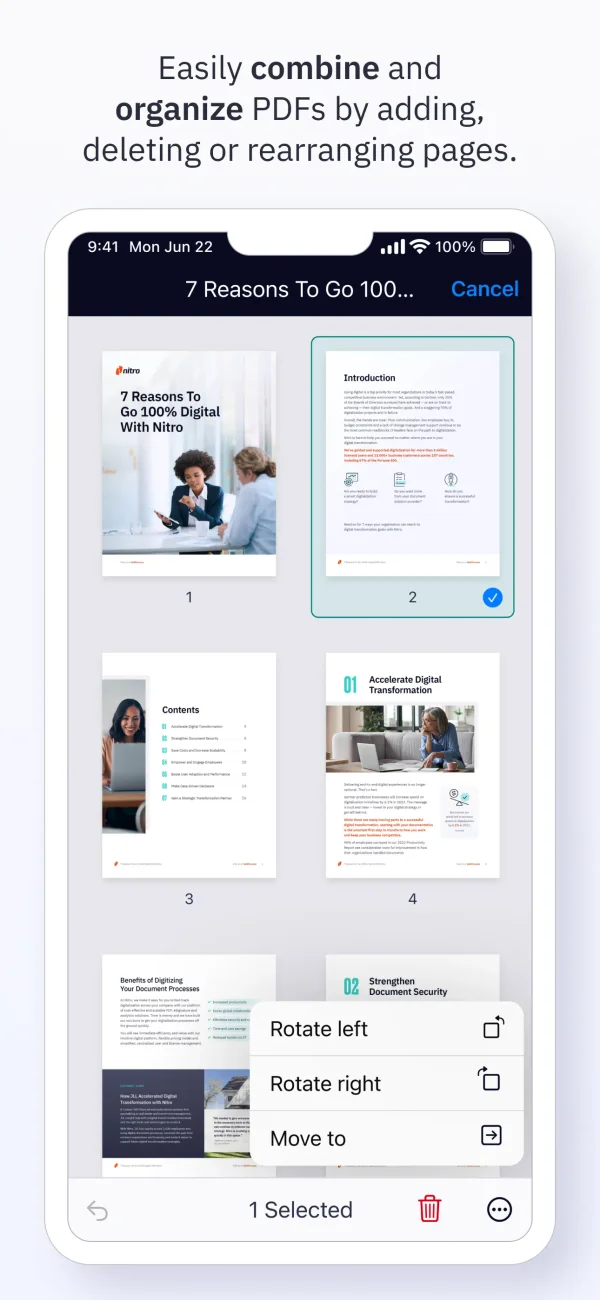
PAGE MANAGEMENT
Organize your documents your way.
• Add, delete, reorder, and rotate pages
• Extract specific pages into a new document
• Merge multiple PDFs and documents into a single file
MOBILE SCANNING
Turn paper into searchable PDFs instantly.
• Scan documents, receipts, and business cards directly on your device
• Automatic edge detection and perspective correction
• Turn scanned documents into searchable, editable PDFs with OCR
• Batch scan multiple pages in one session
SECURE AND PROTECT
Keep every document, and everything inside it, safe with password protection, encryption, and permission controls.
• Password-protect files and restrict copying or editing
• Permanently redact sensitive information
AI-POWERED PRODUCTIVITY
Get AI tools built for privacy and control, so you can boost productivity without compromising security.
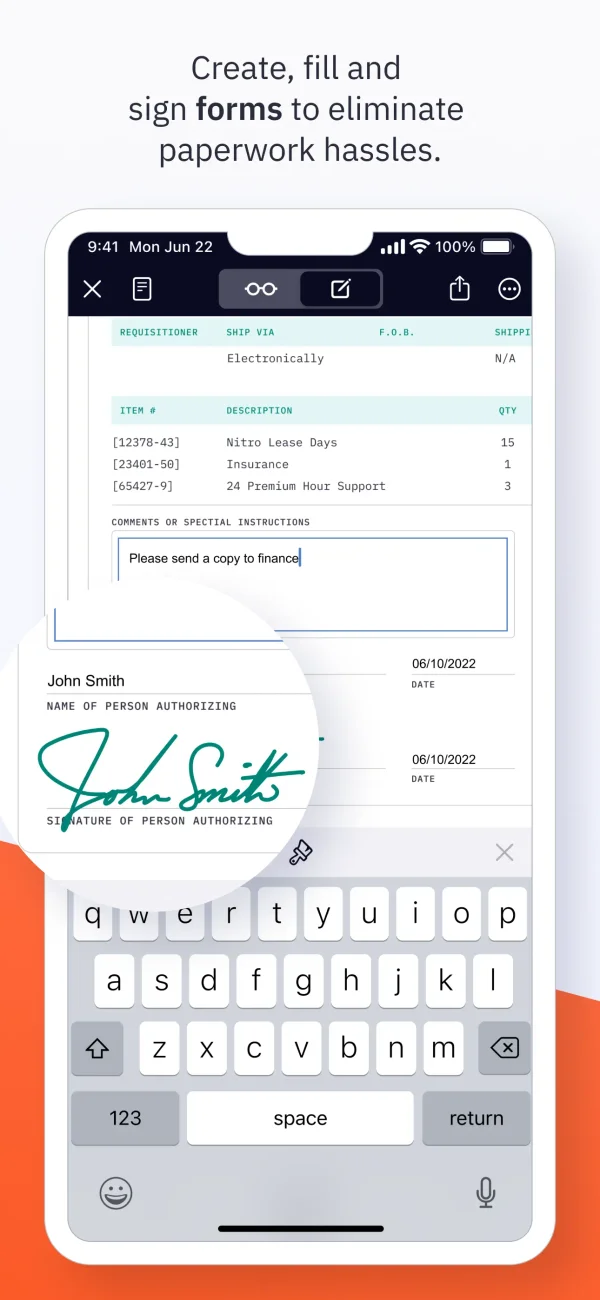
• Automatically extract structured data from tables and forms
SEAMLESS INTEGRATION
Work where you work, with the tools you trust.
• Open PDFs directly from the Files app, OneDrive, and SharePoint
• Share via AirDrop, Mail, or third-party apps
• Access your documents across iPad and iPhone with iCloud sync
Try Nitro PDF Pro for free with a 14-day trial and see why it's the PDF editor for professionals who need to create, edit, and collaborate on PDFs with confidence—from the office to anywhere.
Questions about Nitro PDF Pro? User Guides give you step-by-step instructions for editing, annotating, scanning, securing, and managing documents. Get instant support via our in-app Knowledge Assistant or connect directly with our expert team.
What’s new
Version 26.3 · Oct 28, 2026
What's New
• Updated Design for iOS and iPadOS 26 and later: Nitro PDF Pro now adopts Apple's Liquid Glass design on iPhone and iPad, with a refreshed home screen, editor, and page manager in Nitro brand colors.
• Improved Reliability When Reordering Pages in Manage Pages: Page numbers remain accurate, pages stay visible, changes to page order are saved correctly, and the app no longer closes unexpectedly after editing pages.
• Automatic Crash Reporting: If the app closes unexpectedly, a crash report is sent to Nitro automatically. You can turn this off at any time in iOS Settings.
App privacy
What Nitro Software, Inc. declares on the App Store about how this app handles data.
-
Data linked to you
May be collected and linked to your identity.
- Contact info
- Identifiers
- Usage data
- Diagnostics
-
Data not linked to you
May be collected but is not linked to your identity.
- Purchases
- Diagnostics
Privacy practices may vary, for example with the features you use or your age.
Information
- Seller
- Nitro Software, Inc.
- Category
- Productivity
- Version
- 26.3
- Updated
- Oct 28, 2026
- Released
- Mar 15, 2022
- Size
- 63.4 MB
- Requires
- iOS 26.0 or later
- Age rating
- 4+
- Price
- Free
- In-app purchases
- Yes
- Languages
- English, Dutch, French, German, Spanish
- Copyright
- © 2026 Nitro Software, Inc.
You might also like
-
 Prizmo › Document Scanner, OCRAccurate OCR scan. PDF & DOCX
-
 Elephas: Secure AI for FilesChat documents, PDFs & notes
-
 Paste – Limitless ClipboardCopy, Search, Manage, Share
-
 PDF Search: AI Chat & ReaderDocument Summarizer, OCR, Scan
-
 NotePlan - To-Do List & NotesMarkdown, Planner, Calendar
-
 Foxit PDF EditorView, Edit, Convert, and Sign
-
 Soulver 4Notepad, meet calculator.
-
 PDF Reader – PDFelementPDF Editor & Viewer, PDF Maker
-
 Rocket TypistText Expander
-
 UPDF - AI-Powered PDF EditorAI Chat, Convert & Sign PDF