SnapStamp: Timestamp Camera
Timestamp, GPS & Watermark
Designed for iPhone, iPod touch
Free · In-app purchases
- Age rating4+
- CategoryPhoto & Video
- DeveloperHydra Quality Solutions
- LanguagesEnglish
- Size61.2 MB
Links to the official App Store page
Download.org hosts no file of SnapStamp: Timestamp Camera. The button opens its official App Store page, published by Hydra Quality Solutions. Listing last checked on Nov 15, 2026.
Screenshots

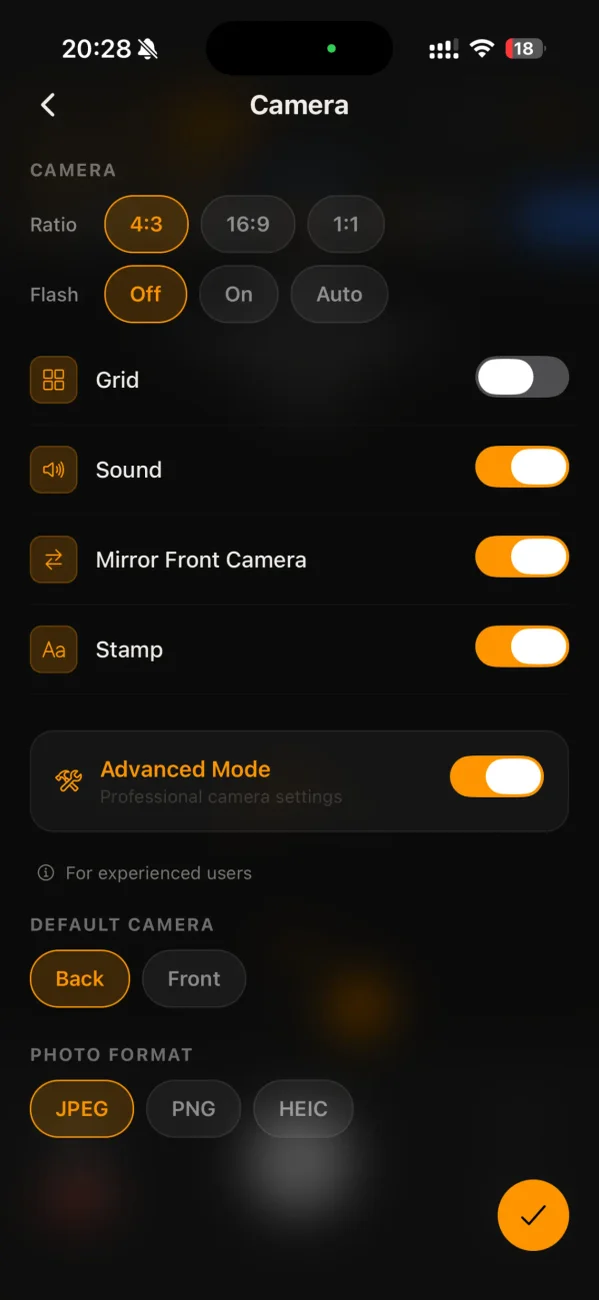
About
SnapStamp — professional timestamp camera for construction, field work, and documentation.
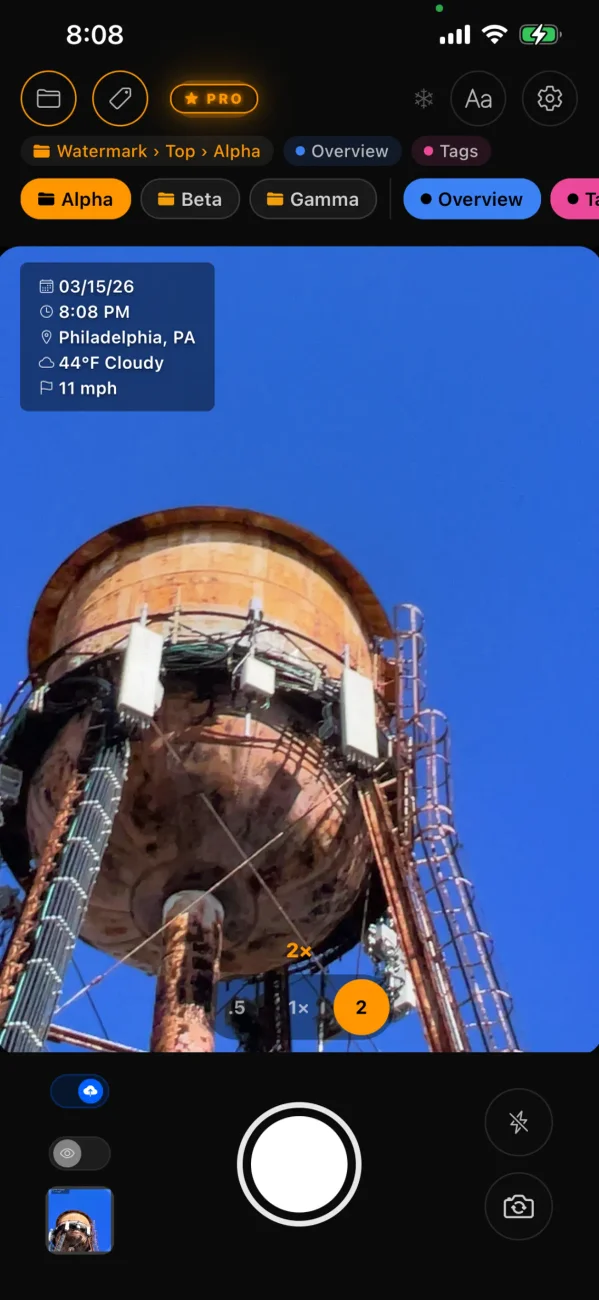
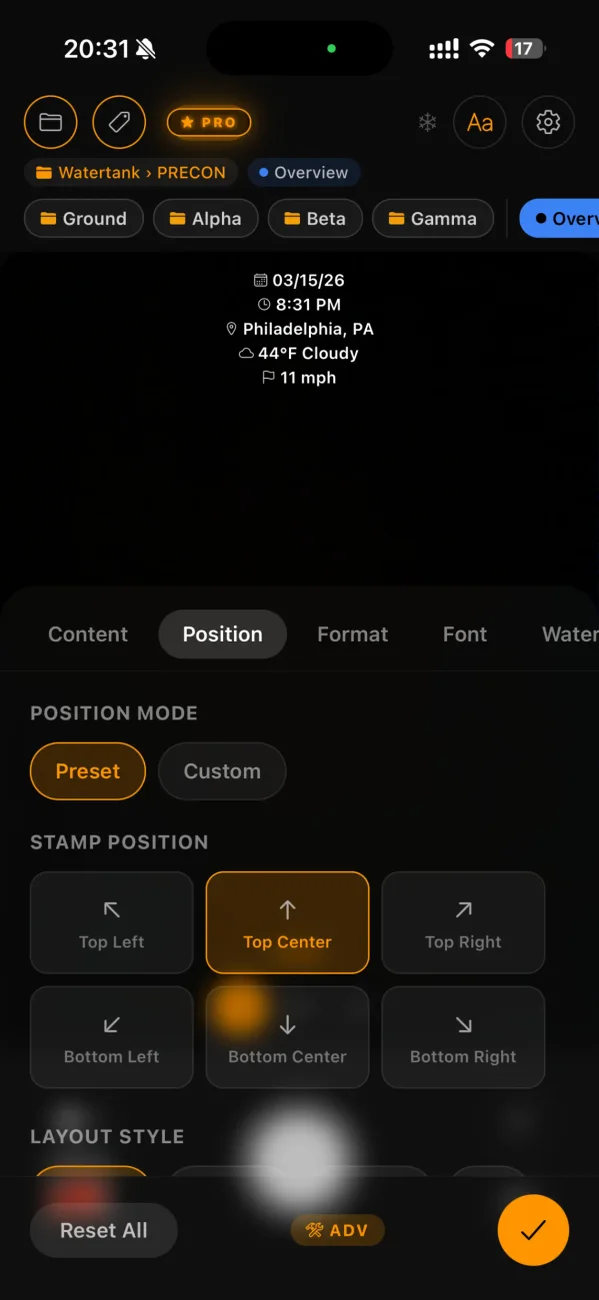
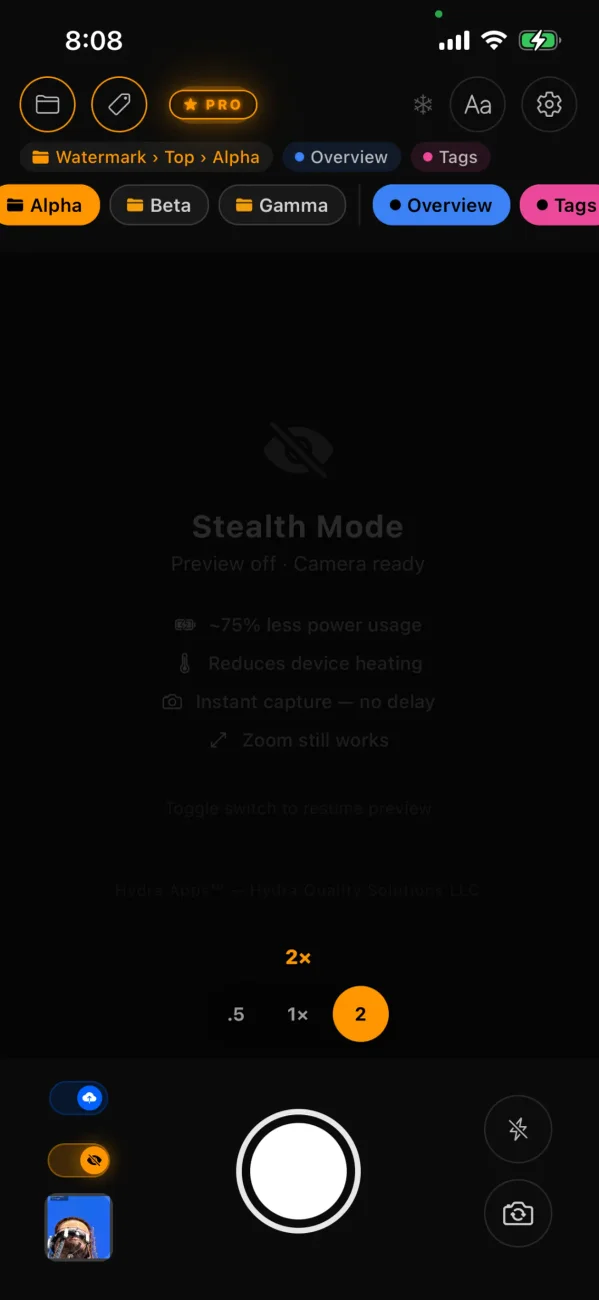
Capture photos with real-time date, time, GPS coordinates, address, and weather overlay. Choose from 4 stamp styles: Classic, Modern, Minimal, and Pro.
FREE FEATURES:
• Real-time timestamp overlay on camera
• 4 professional stamp styles
• Date, time, GPS, address, weather
• Custom text overlays
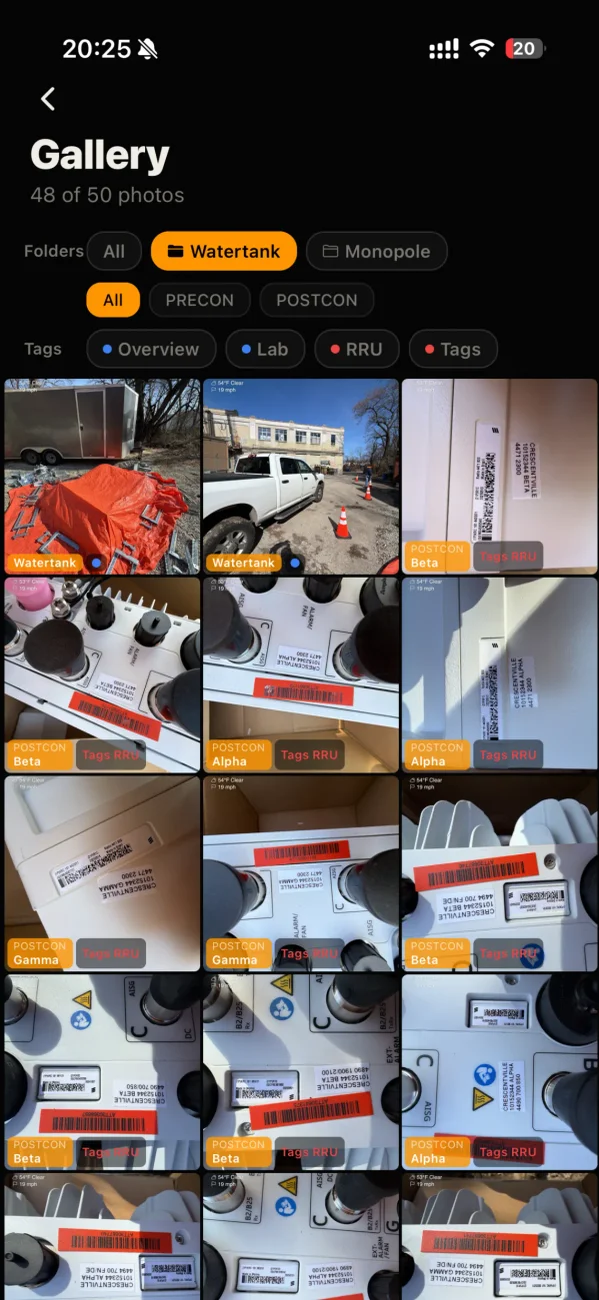
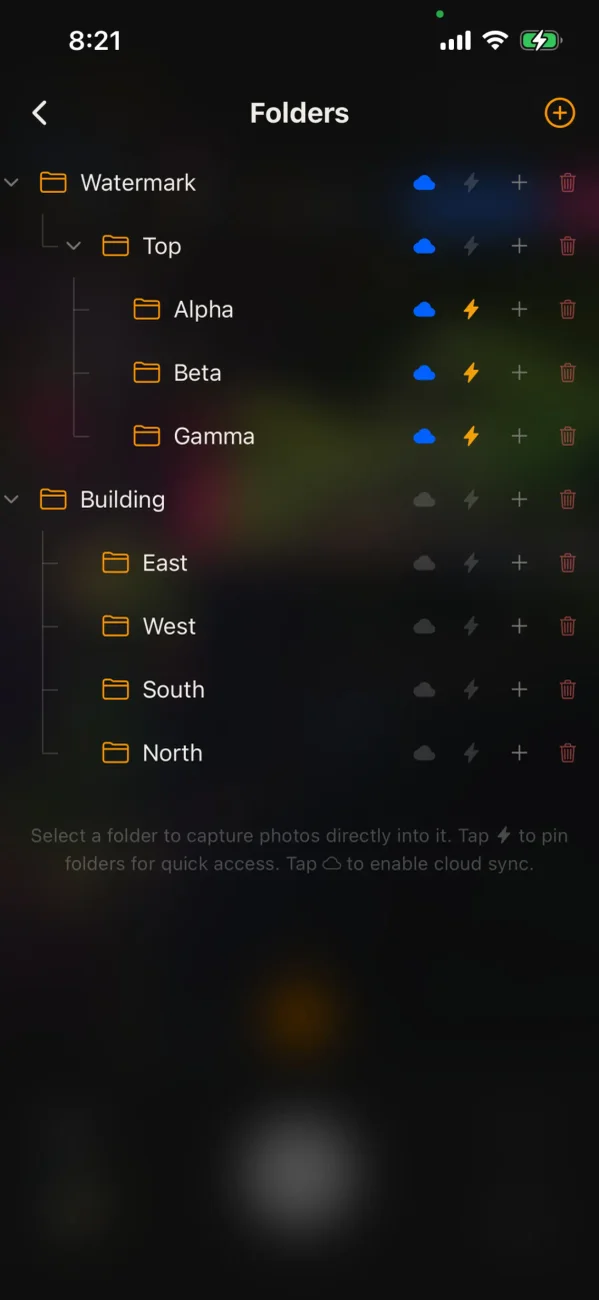
• Folder & tag organization
• Photo gallery with search
PRO FEATURES:
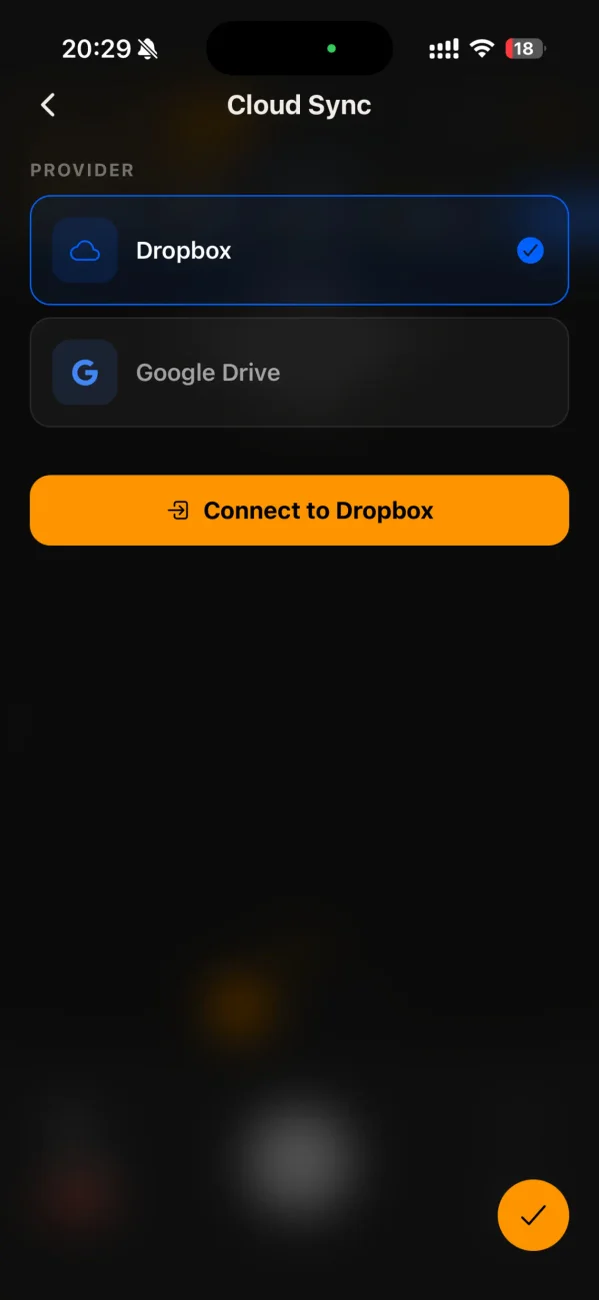
• Cloud backup to Dropbox & Google Drive
• Unlimited folders, tags & hot buttons
• No watermark on photos
• Batch stamping
• Priority support
Perfect for construction crews, inspectors, field engineers, and anyone who needs verified photo documentation.
Privacy-first: no ads, no trackers. All photos stored on your device.
Terms of Use: https://snapstamp.app/terms
Privacy Policy: https://snapstamp.app/privacy
What’s new
Version 1.2.0 · Aug 25, 2026
Camera — opens to a live preview about twice as fast, and captures
at full photo resolution on more devices.
Photos — the stamp in the preview now matches the stamp on the
saved photo: alignment, size, placement, weather and manual
location.
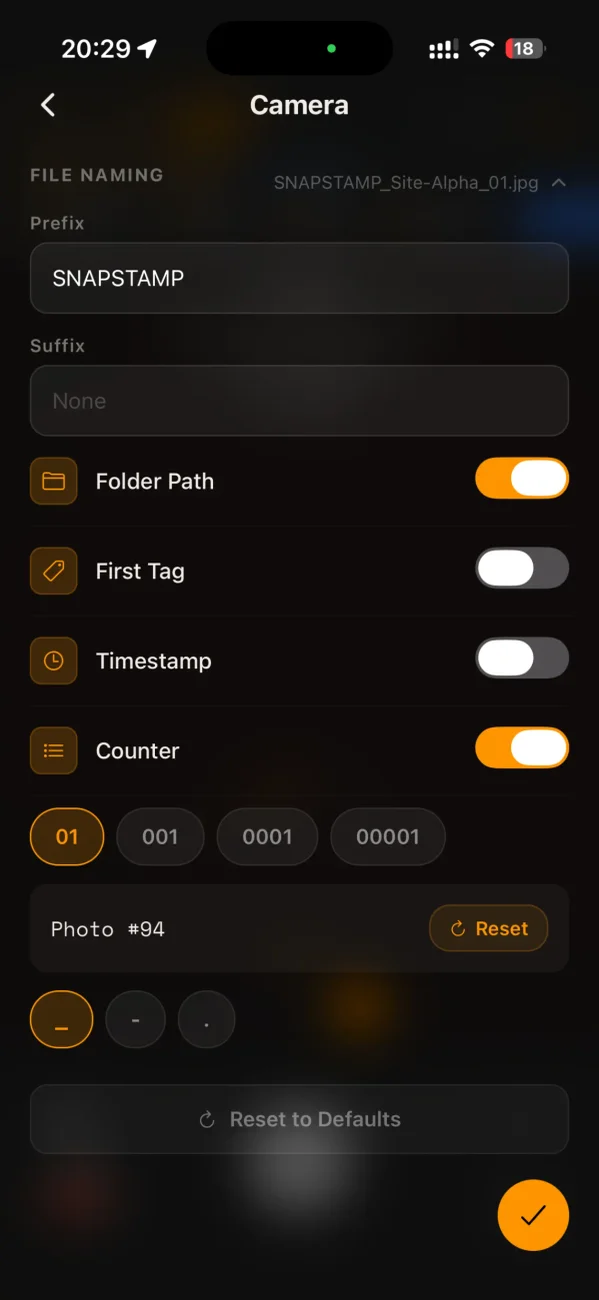
Files — photo numbering no longer skips a number, and filename
tags come from the tags you selected.
Sharing — a selected batch now goes through one share sheet
instead of one per photo.
Cloud — faster uploads, a progress bar that tracks real progress,
and a fix for a Google Drive upload that could report success
without saving.
Gallery — Select All now covers every photo in the album.
Help — a new section with video guides and articles.
Workspaces — connect with an invite code or QR scan and see photo
requests on your device.
Plus fixes to flash, burst capture, subscription restore and
Google Drive sign-in.
App privacy
What Hydra Quality Solutions declares on the App Store about how this app handles data.
-
Data not linked to you
May be collected but is not linked to your identity.
- Purchases
- Location
- Identifiers
- Diagnostics
Privacy practices may vary, for example with the features you use or your age.
Information
- Seller
- Hydra Quality Solutions, LLC
- Category
- Photo & Video
- Version
- 1.2.0
- Updated
- Aug 25, 2026
- Released
- Mar 30, 2026
- Size
- 61.2 MB
- Requires
- iOS 15.1 or later
- Age rating
- 4+
- Price
- Free
- In-app purchases
- Yes
- Languages
- English
- Copyright
- © 2026 Hydra Quality Solutions LLC
You might also like
-
 Timestamp Camera: GPS TagWork Photos, Date & Location
-
 Live TimeStamp CameraDate & time stamp video proof
-
 PhotoNumbers: Number StampAuto-number every photo
-
 Snap Stamp - Timestamp CameraGPX Running & Photo Watermarks
-
 Klick: Disposable Event CameraWedding Guest Photos & Album
-
 Numbered CameraEvery shot, auto-numbered
-
 Snapper: Interval CameraHands-free photos, on repeat
-
 Timestamp Camera Gps TimemarkTime Geo Map Tagging Camera
-
 TuttiCam - Multi-Camera SyncInterval Shots & Camera Remote
-
 FL Media SolutionsDownload your photos and media